
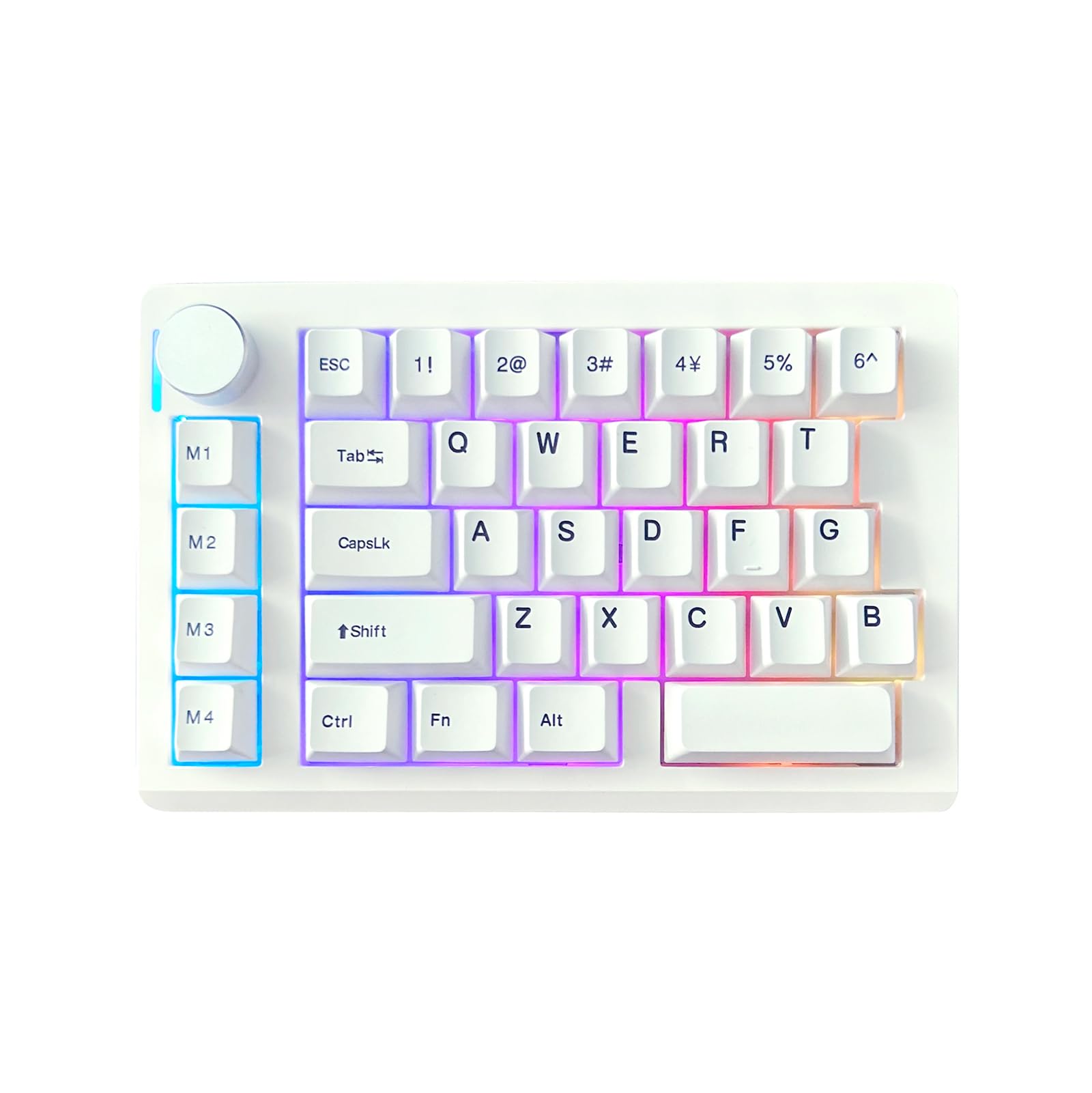
Figure 1.1: ZUOYA HE33 Rapid Trigger Magnetic Switch Gaming Keyboard.
1. Introduzione
The ZUOYA HE33 is a compact, one-handed gaming keypad featuring advanced Hall Effect magnetic switches. Designed for competitive gaming, it offers rapid trigger functionality, adjustable actuation points, and a high polling rate for precise and responsive input. This manual provides instructions for setup, operation, customization, and maintenance of your HE33 keyboard.
2. Contenuto della confezione
Verificare che tutti gli articoli siano presenti nel pacco:
- Tastiera con interruttore magnetico HE33
- Cavo di tipo C
- Estrattore per tasti
- Manuale dell'utente (questo documento)
3. Prodotto finitoview
The HE33 keyboard is engineered for high-performance gaming with several key features:
- Interruttori magnetici ad effetto Hall: Provides adjustable actuation from 0.1mm to 4.0mm with 0.1mm accuracy, ensuring precise and customizable key response. These switches are non-contact, offering a lifespan of up to 100 million presses and are hot-swappable.
- Tecnologia di attivazione rapida: Allows keys to reset instantly upon release, enabling faster repeated inputs.
- 8KHz Polling Rate & 32KHz Scan Rate: Delivers ultra-low latency (0.125ms) for immediate keystroke transmission.
- Dynamic Keystroke (DKS) & Snap Key (SOCD): Advanced features for programming multiple functions per key based on trigger depth or release, and for optimized directional input in games.
- N-Key Rollover (NKRO): Ensures every keypress is registered accurately, even when multiple keys are pressed simultaneously.
- Retroilluminazione RGB: Customizable 16.8 million color RGB backlight with various lighting modes.
- One-Handed Ergonomic Design: A compact 33-key layout designed for efficiency and increased mouse movement space. Includes a multi-function volume knob.

Figure 3.1: ZUOYA HE33 keyboard highlighting magnetic switch technology and faster response speed.

Figura 3.2: Oltreview of key features such as magnetic axis, adjustable sensitivity, DKS, SOCD, and RGB lighting.
4. Impostazione
- Collegare la tastiera: Use the provided Type-C cable to connect the HE33 keyboard to an available USB port on your computer (PC or Mac).
- Riconoscimento del sistema: Il sistema operativo dovrebbe rilevare e installare automaticamente i driver necessari. L'operazione potrebbe richiedere alcuni istanti.
- Test iniziale: Open a text editor or any application and test the keys to ensure proper functionality.
5. Istruzioni per l'uso
5.1 Funzioni base dei tasti
The HE33 features a standard QWERTY layout for its primary keys. The 'Fn' key can be used in combination with other keys for secondary functions, if programmed.
5.2 Manopola multifunzione
The knob located on the top left of the keyboard typically controls volume by default. Rotate clockwise to increase volume, counter-clockwise to decrease. Pressing the knob usually mutes/unmutes audio. Its function can be customized via the online driver.
5.3 One-Handed Ergonomics
The compact 33-key design is optimized for one-handed use, providing essential gaming keys within easy reach. The layout can be switched between left-handed and right-handed modes via the customization software.
6 Personalizzazione
The ZUOYA HE33 keyboard is highly customizable through its dedicated online driver. This web-based tool allows you to:
- Regola i punti di attuazione: Fine-tune the trigger travel for each key from 0.1mm to 4.0mm.
- Configure Rapid Trigger: Enable and adjust the rapid trigger sensitivity.
- Program DKS/SOCD/MT/TGL: Set up advanced key functions for dynamic keystrokes, snap key inputs, and other gaming optimizations.
- Customize RGB Backlighting: Choose from over 20 lighting modes and 16.8 million colors.
- Record Macros: Create and assign complex macro sequences to keys.
- Switch Handedness: Adjust the keyboard layout for left or right-handed use.
Access the online driver by visiting the official ZUOYA webluogo. Il web interface provides real-time visual feedback for your adjustments.
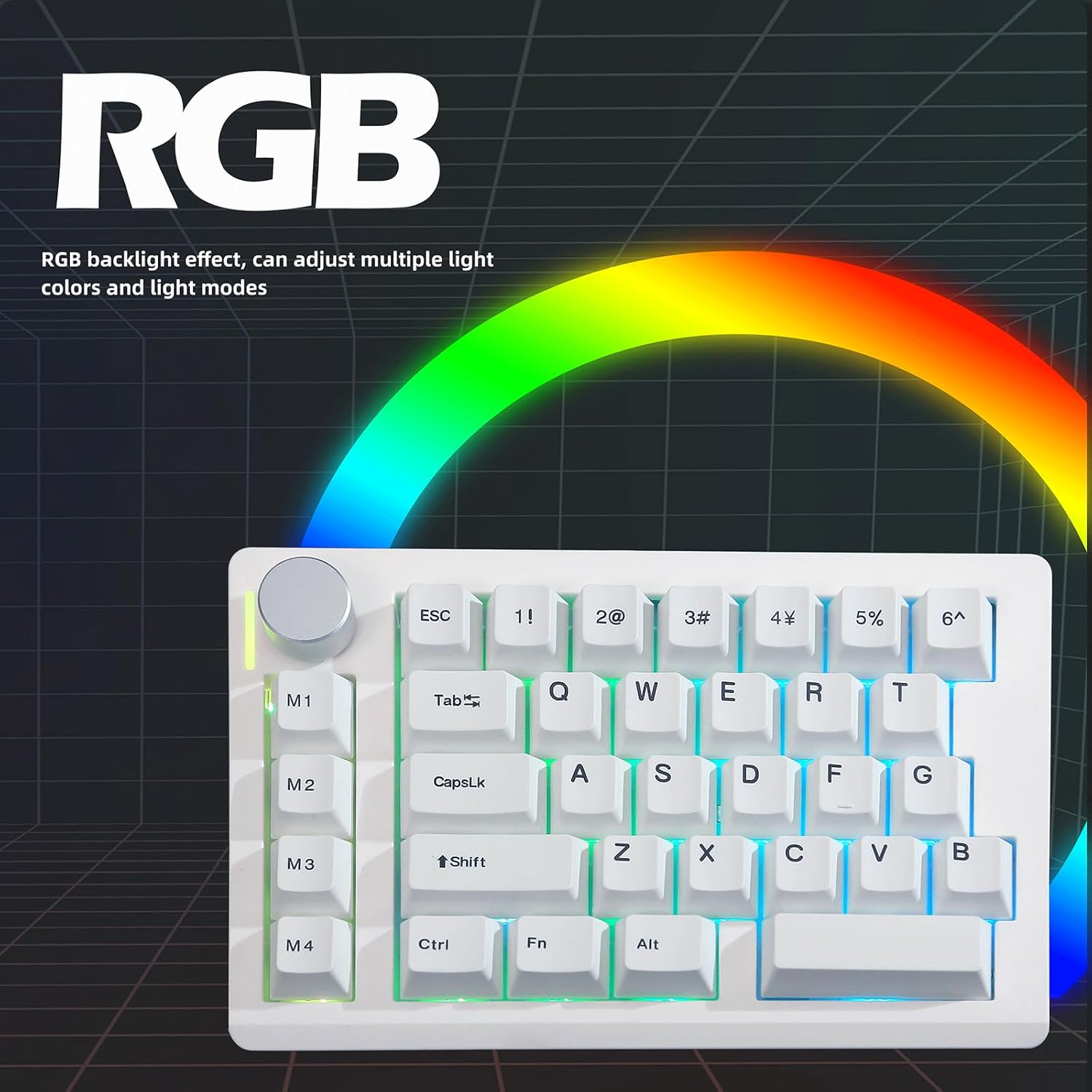
Figure 6.1: The HE33 keyboard features customizable RGB backlighting with multiple effects and colors.
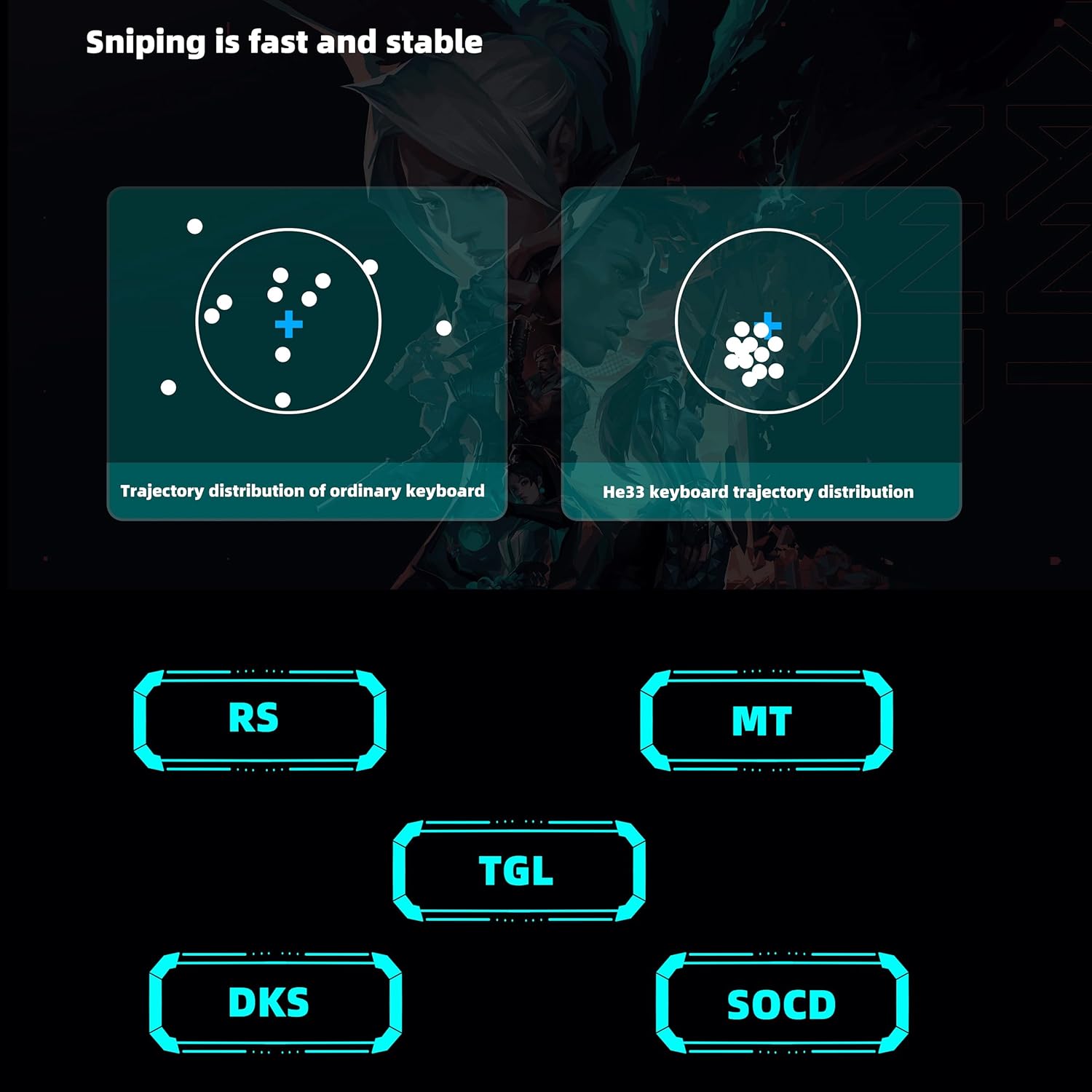
Figure 6.2: Illustration of advanced features like DKS and SOCD for enhanced gaming precision.
7. Manutenzione
7.1 Pulizia
- Scollegare la tastiera dal computer prima di pulirla.
- Utilizzare un panno morbido e privo di lanugine leggermente dampcon acqua o una soluzione detergente delicata per pulire la superficie.
- Per rimuovere polvere e detriti tra i tasti, utilizzare aria compressa.
- L'estrattore per tasti incluso può essere utilizzato per rimuovere con cautela i tasti per una pulizia più approfondita o per sostituire gli interruttori.
7.2 Sostituzione dell'interruttore (sostituibile a caldo)
The HE33 features hot-swappable magnetic switches. To replace a switch:
- Rimuovere con cautela il tasto utilizzando l'apposito estrattore.
- Gently pull the switch straight up from the PCB using a switch puller (not included, but compatible with standard mechanical switch pullers).
- Align the pins of the new switch with the holes on the PCB and press it firmly until it clicks into place.
- Riposizionare il tasto.
8. Risoluzione Dei Problemi
- La tastiera non risponde:
- Assicurarsi che il cavo Type-C sia collegato saldamente sia alla tastiera sia al computer.
- Prova a connetterti a una porta USB diversa.
- Prova la tastiera su un altro computer per escludere problemi specifici del sistema.
- Chiavi non registrate correttamente:
- Controllare che non ci siano detriti sotto il tasto.
- If a specific key is problematic, consider replacing the magnetic switch (refer to Section 7.2).
- Ensure no software conflicts are present; try disabling other keyboard-related software.
- Illuminazione RGB non funzionante:
- Verify that the RGB settings are correctly configured in the online ZUOYA driver.
- Assicurarsi che la tastiera riceva sufficiente alimentazione dalla porta USB.
- Problemi con il software di personalizzazione:
- Assicurati che web il browser è aggiornato.
- Clear browser cache and cookies if experiencing loading issues.
- Confirm you are using the official ZUOYA online driver.
9. Specifiche

Figure 9.1: Physical dimensions of the ZUOYA HE33 keyboard.
| Caratteristica | Dettaglio |
|---|---|
| Modello | HE33 Rapid Trigger Keyboard |
| Chiavi | 33 Chiavi |
| Tipo di interruttore | Interruttori magnetici ad effetto Hall |
| Corsa di attuazione | Adjustable 0.1-4.0 mm (0.1mm accuracy) |
| Tasso di sondaggio | Frequenza 8000 Hz |
| Frequenza di scansione | 32000 Hz (32KHz single key scanning rate) |
| Latenza | 0.125 millisecondi |
| Rollover N-chiave (NKRO) | Supportato |
| DKS Technology | Supportato |
| Connettività | Cablato (tipo C) |
| Supporto di sistema | Windows, macOS, Linux |
| Retroilluminazione | RGB (16.8 milioni di colori, oltre 20 modalità) |
| Materiale | Plastic (ABS keycaps) |
| Dimensioni (circa) | 18.7 cm (L) x 11.7 cm (L) x 3.5 cm (A) |
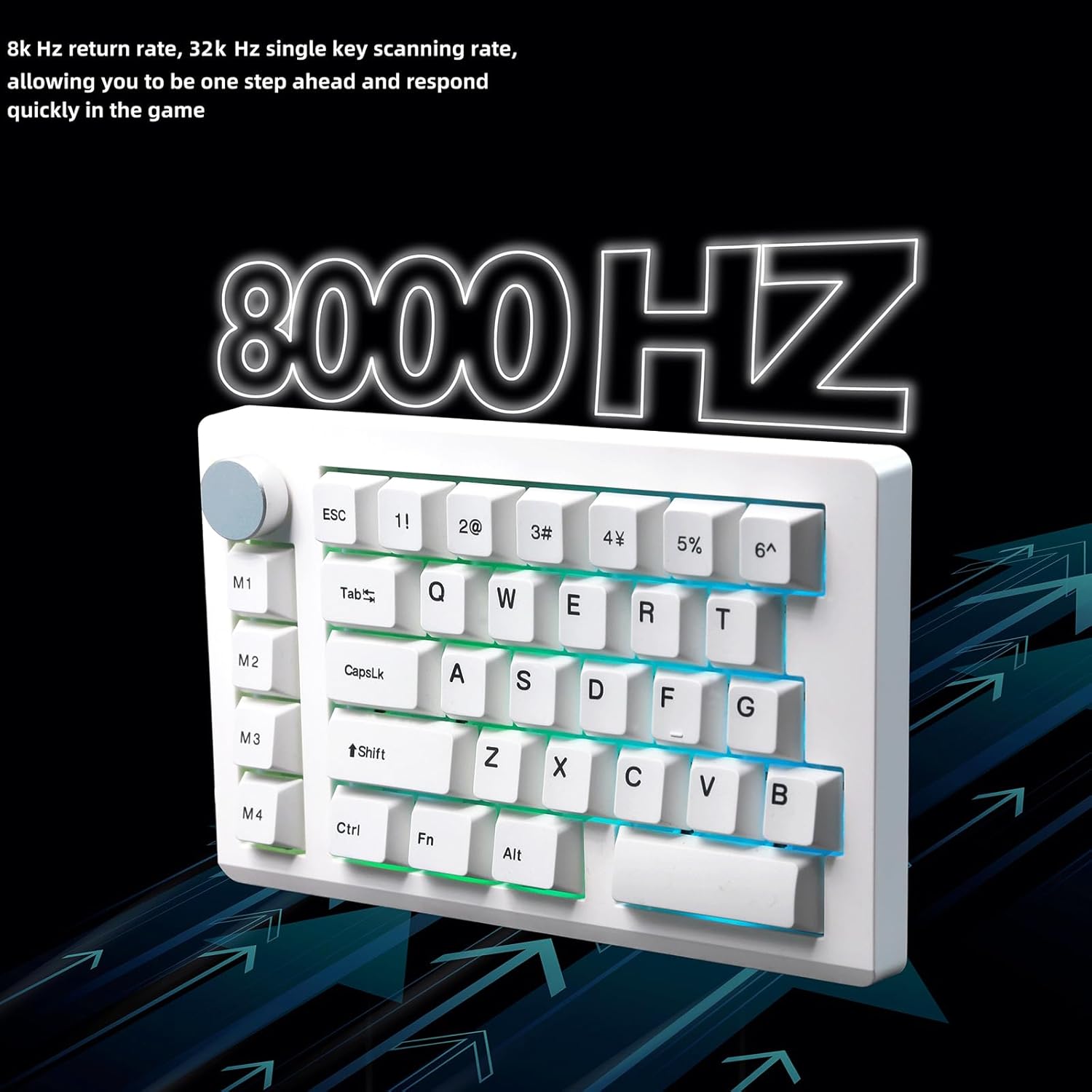
Figure 9.2: Visual representation of the 8KHz return rate and 32KHz scan rate for quick response.
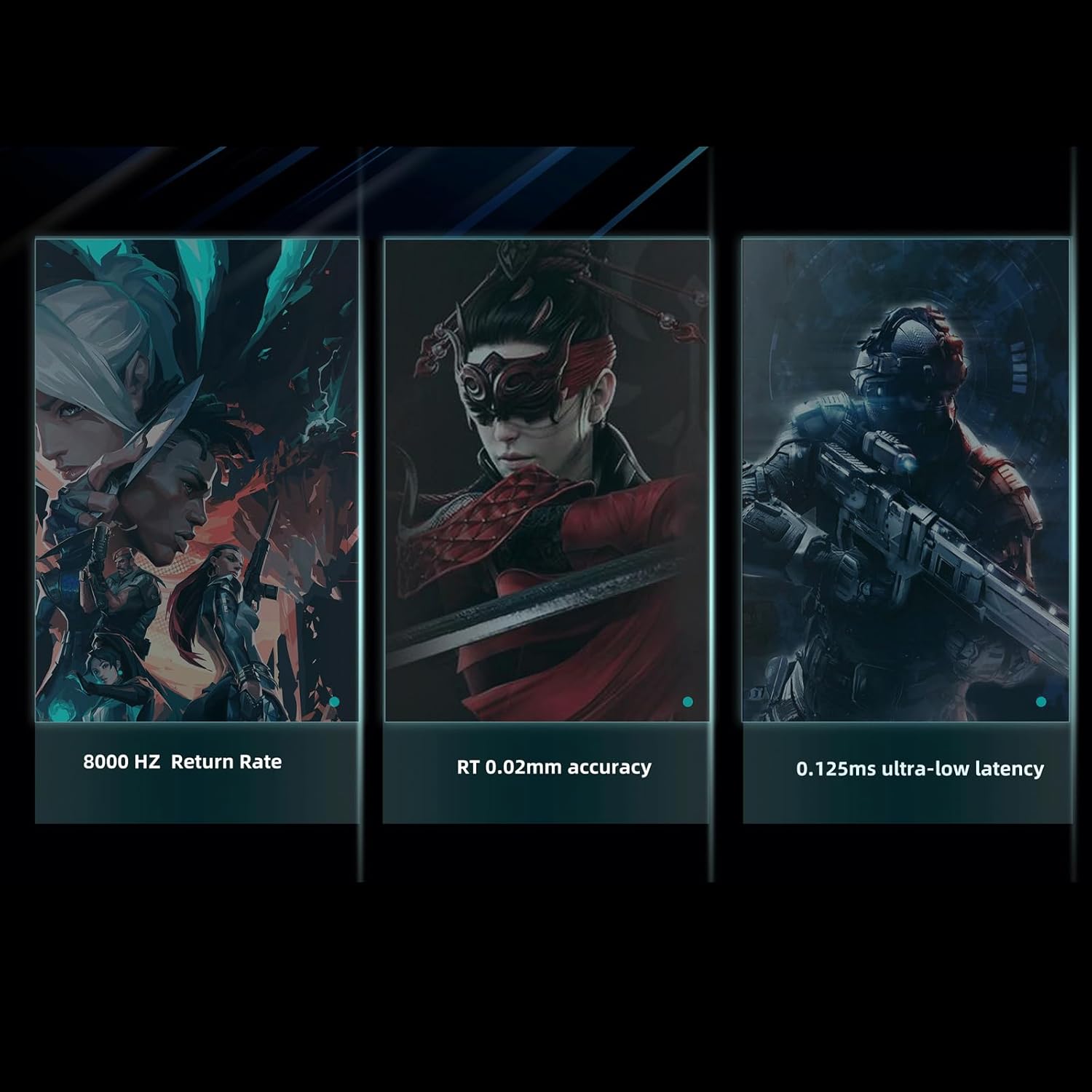
Figure 9.3: Key performance indicators including return rate, actuation accuracy, and latency.

Figure 9.4: Latency comparison demonstrating the HE33's superior response time.
10. Garanzia e supporto
Per informazioni sulla garanzia, supporto tecnico o ulteriore assistenza, fare riferimento al sito ufficiale ZUOYA websito o contattare direttamente il servizio clienti. Conservare la ricevuta d'acquisto per eventuali reclami in garanzia.
Produttore: ZUOYA
Data prima disponibilità: 21 giugno 2025