
1. Introduzione
Thank you for choosing the GEEKOM Mini PC IT8 SE. This compact and powerful mini computer is designed for various tasks, from daily browsing and office work to 4K video streaming and light multitasking. This manual provides essential information for setting up, operating, maintaining, and troubleshooting your device to ensure optimal performance and longevity.
2. Informazioni sulla sicurezza
- Utilizzare sempre l'adattatore di alimentazione fornito per evitare danni al dispositivo.
- Non esporre il Mini PC ad acqua, umidità o temperature estreme.
- Evitare di posizionare il dispositivo alla luce diretta del sole o vicino a fonti di calore.
- Ensure proper ventilation; do not block the cooling vents.
- Non tentare di aprire o riparare il dispositivo autonomamente. Rivolgersi a personale qualificato.
- Tenere il dispositivo lontano da forti campi magnetici.
3. Contenuto della confezione
Si prega di controllare la confezione per verificare la presenza dei seguenti elementi:
- GEEKOM Mini PC IT8 SE
- Adattatore di alimentazione
- Cavo HDMI
- Supporto VESA con viti
- Manuale dell'utente (questo documento)
4. Prodotto finitoview
The GEEKOM Mini PC IT8 SE features a compact design with various ports for connectivity and expansion. Understanding the layout of your device will assist in proper setup and usage.
Front and Rear Ports

Immagine: anteriore e posteriore view of the GEEKOM Mini PC IT8 SE, highlighting its diverse port selection for connectivity.
The front panel typically includes USB ports (including USB-C), an audio jack, and the power button. The rear panel provides additional USB ports, HDMI, Mini DisplayPort, and an Ethernet port for comprehensive connectivity.
Componenti interni

Immagine: Un esploso view illustrating the internal architecture of the GEEKOM Mini PC IT8 SE, including the CPU, cooling system, RAM, and SSD.
The internal design includes an Intel Core i3-8109U processor, DDR4 RAM, an M.2 SSD, and an efficient cooling system, all housed within a durable metal frame.
5. Impostazione
5.1 Collegamento delle periferiche
- Connetti Display: Use an HDMI or Mini DisplayPort cable to connect your monitor(s) to the corresponding ports on the Mini PC. The device supports multiple 4K displays.
- Collegare tastiera e mouse: Plug your USB keyboard and mouse into any available USB 3.2 ports.
- Connetti rete (facoltativo): For a wired connection, connect an Ethernet cable from your router to the Gigabit Ethernet port on the Mini PC.
- Connetti alimentazione: Collegare l'adattatore di alimentazione alla porta DC-in del Mini PC, quindi collegare l'adattatore a una presa di corrente.
5.2 Accensione
Premere il pulsante di accensione situato sul pannello frontale del Mini PC. La spia di alimentazione si accenderà e il sistema inizierà l'avvio.
5.3 Installazione iniziale di Windows
Upon first boot, you will be guided through the Windows 11 Pro setup process. Follow the on-screen instructions to configure your region, language, network, and user account settings.
5.4 Installazione con montaggio VESA (opzionale)
The GEEKOM Mini PC IT8 SE includes a VESA mount, allowing you to attach it to the back of a compatible monitor or to a wall mount. Secure the VESA bracket to your monitor or wall using the provided screws, then slide the Mini PC into the bracket until it clicks into place.
6. Istruzioni per l'uso
6.1 Accensione/spegnimento e riavvio
- Accensione: Premere il pulsante di accensione.
- Fermare: Fare clic sul pulsante Start in Windows, quindi selezionare Arresta il sistema > Arresta il sistema.
- Ricomincia: Fare clic sul pulsante Start in Windows, quindi selezionare Arresta > Riavvia.
6.2 Connettività di rete
- Wifi: The Mini PC supports dual-band Wi-Fi. To connect, click the network icon in the Windows taskbar, select your desired Wi-Fi network, enter the password, and click Connect.
- Collegamento Ethernet: If you connected an Ethernet cable during setup, your Mini PC should automatically connect to the wired network.
6.3 Collegamento di display esterni

Image: The GEEKOM Mini PC IT8 SE supporting multiple 4K displays, illustrating its capability for extended workspaces.
The Mini PC supports up to two 4K displays via its HDMI and Mini DisplayPort outputs. To configure display settings, right-click on the desktop, select 'Display settings', and adjust resolution, orientation, and multiple display modes (extend, duplicate, second screen only).
6.4 Multitasking e produttività
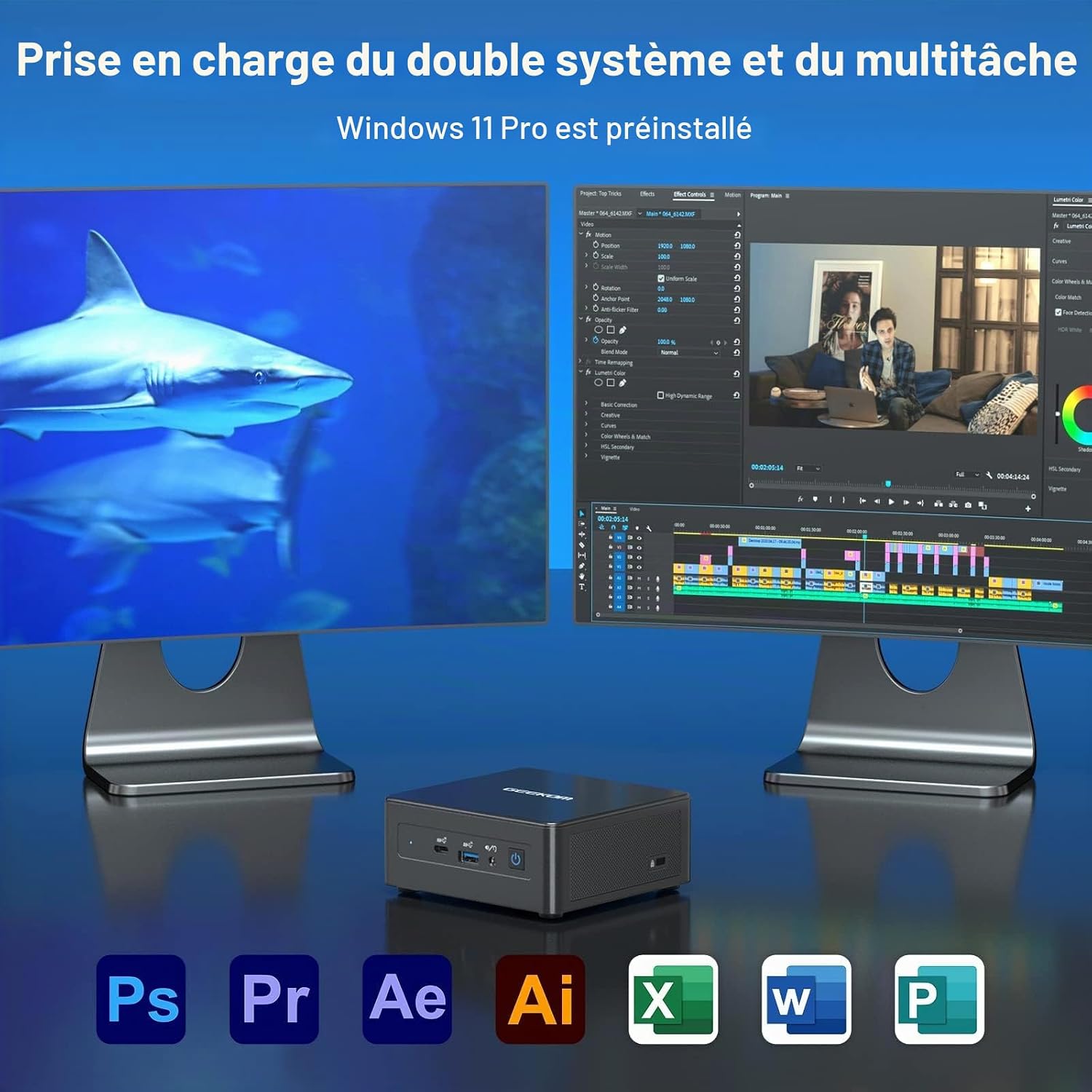
Image: The GEEKOM Mini PC IT8 SE demonstrating dual system and multitasking support, suitable for various applications.
With its Intel Core i3-8109U processor and 8GB DDR4 RAM, the Mini PC is capable of handling multiple applications simultaneously, making it suitable for office tasks, content consumption, and light creative work.
6.5 Connettività Bluetooth
The Mini PC features Bluetooth 4.2 for connecting wireless peripherals such as headphones, speakers, or input devices. To pair a device, go to Windows Settings > Bluetooth & devices, turn on Bluetooth, and select 'Add device'.
7. Manutenzione
7.1 Pulizia del dispositivo
Use a soft, dry cloth to clean the exterior of the Mini PC. For stubborn dirt, slightly dampen the cloth with water. Do not use harsh chemicals or abrasive cleaners. Regularly clean the ventilation openings to prevent dust buildup, which can affect cooling performance.
7.2 Aggiornamenti software
Ensure your Windows 11 Pro operating system and drivers are kept up to date. Go to Windows Settings > Windows Update to check for and install available updates. Regular updates improve system stability, security, and performance.
7.3 Gestione dell'archiviazione
Periodically check your 256GB M.2 SSD storage usage. Delete unnecessary files, disinstallare le applicazioni non utilizzate e prendere in considerazione l'utilizzo dell'archiviazione cloud per grandi fileper mantenere la velocità ottimale del sistema.
8. Risoluzione Dei Problemi
- Nessun potere: Assicurarsi che l'adattatore di alimentazione sia collegato saldamente sia al Mini PC sia a una presa di corrente funzionante. Se necessario, provare una presa diversa.
- Nessuna visualizzazione: Check that the HDMI or Mini DisplayPort cable is firmly connected to both the Mini PC and the monitor. Ensure the monitor is powered on and set to the correct input source.
- Nessuna connessione internet: For Wi-Fi, verify your network password and ensure the Wi-Fi adapter is enabled. For Ethernet, check the cable connection and your router status.
- Prestazioni lente: Close unnecessary applications, check for background processes, and ensure sufficient free storage space. Consider running a system diagnostic or antivirus scan.
- Periferica non rilevata: Prova a collegare la periferica a una porta USB diversa. Assicurati che i driver siano installati, se necessario.
If issues persist, refer to the GEEKOM support resources or contact customer service.
9. Specifiche
Below are the technical specifications for the GEEKOM Mini PC IT8 SE:
| Caratteristica | Dettaglio |
|---|---|
| Marca | GEEKOM |
| Nome del modello | GEEKOM Mini PC IT8 SE |
| Modello CPU | Processore Intel Core i3-8109U |
| Velocità della CPU | 3.6 GHz (frequenza turbo massima) |
| CPU Cores / Threads | 2 core / 4 thread |
| Dimensione della cache | 4 MB |
| Sistema operativo | Windows 11 Pro |
| Dimensione RAM installata | 8 GB di memoria DDR4 SDRAM |
| Capacità di archiviazione | 256 GB M.2 SSD (PCIE x 4) |
| Coprocessore grafico | Grafica Intel UHD 620 (integrata) |
| Interfaccia di uscita video | HDMI, Mini DisplayPort |
| Risoluzione massima dello schermo | Risoluzione: 3840 x 2160 (4K) |
| Tecnologia di connettività | Ethernet, HDMI, Mini DisplayPort, USB, Wi-Fi, Bluetooth |
| Porte USB | USB 3.2 Gen 1, USB-C |
| Bluetooth | 4.2 |
| Supporto VESA | SÌ |
| GTIN / UPC | 810190721292 |
10. Garanzia e supporto
GEEKOM provides comprehensive support for your Mini PC IT8 SE.
10.1 Politica di restituzione
The product is eligible for a refund or replacement within 14 days of purchase, subject to the seller's return policy.
10.2 Assistenza clienti

Image: GEEKOM's warranty and support details, outlining methods for contacting customer service.
Per qualsiasi richiesta o assistenza tecnica, utilizzare i seguenti metodi:
- Contatta il venditore su Amazon: Log in to your Amazon account, find your order, and click 'Get Help' to contact the seller directly.
- Supporto via e-mail: Invia un'e-mail al team post-vendita GEEKOM all'indirizzo pan.he@geekom.tw.
GEEKOM offers 3 years of support for this product.