1. Introduzione
This manual provides essential information for setting up, operating, maintaining, and troubleshooting your HP Omen 45L GT22 Gaming Desktop. Please read this manual thoroughly before using your new system to ensure proper functionality and longevity.
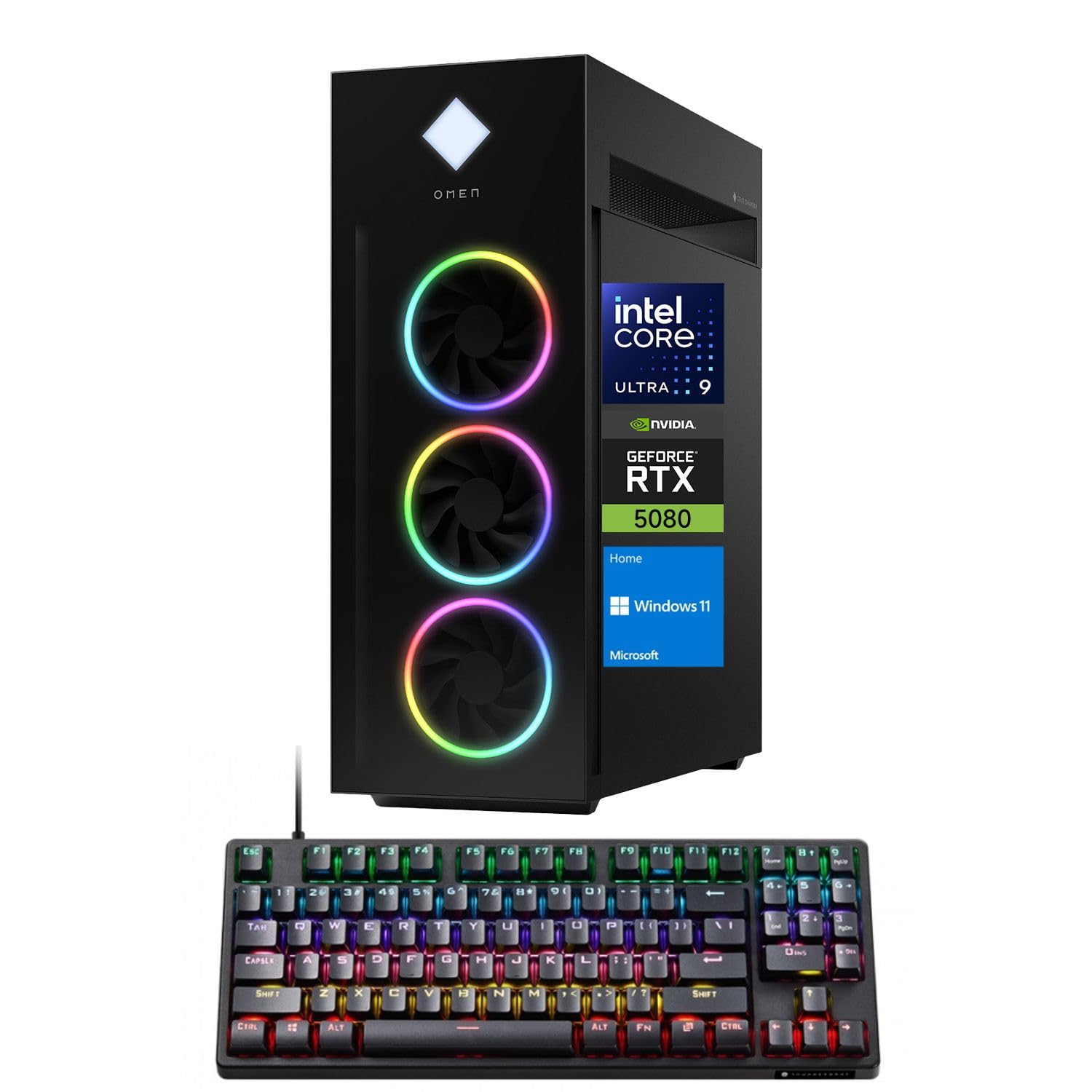
Figure 1: HP Omen 45L GT22 Gaming Desktop. This image displays the front and side of the desktop tower, highlighting its design and RGB lighting elements.
2. Cosa c'è nella scatola
Verificare che tutti i componenti siano presenti nella confezione:
- HP Gaming Tower Desktop
- Tastiera da gioco Thunderobot KG3089R
- Cavo di alimentazione
- Documentazione (questo manuale, informazioni sulla garanzia)
3. Guida all'installazione
3.1 Disimballaggio e posizionamento
- Estrarre con cautela il desktop e tutti gli accessori dalla confezione.
- Place the desktop on a stable, flat surface with adequate ventilation around all sides. Avoid placing it in enclosed spaces or near heat sources.
3.2 Collegamento delle periferiche
Connect your monitor, keyboard, mouse, and other devices to the appropriate ports on the desktop.

Figure 2: Rear Ports of the HP Omen 45L GT22. This image illustrates the various input/output ports available on the back of the desktop, including USB, HDMI, DisplayPort, and Ethernet.
- Monitorare: Connect your monitor using an HDMI or DisplayPort cable to the dedicated graphics card ports.
- Tastiera e mouse: Connect the Thunderobot KG3089R Gaming Keyboard and your mouse to any available USB Type-A ports.
- Rete: For a wired connection, connect an Ethernet cable to the RJ-45 port. For wireless, ensure Wi-Fi antennas are connected (if external) or that the internal Wi-Fi is enabled during software setup.
- Energia: Connect the power cable to the desktop's power supply port and then to a power outlet.
3.3 Accensione iniziale e configurazione del sistema operativo
- Premere il pulsante di accensione sulla parte anteriore del desktop.
- Follow the on-screen instructions to complete the Windows 11 Home operating system setup. This includes setting up your user account, network connection, and privacy settings.
- Once Windows is set up, ensure all drivers are installed and updated. You can typically find driver updates through Windows Update or the HP support websito.
4. Istruzioni per l'uso
4.1 Gestione dell'alimentazione
- Accensione: Premere il pulsante di accensione sulla parte anteriore del desktop.
- Fermare: Fare clic sul pulsante Start in Windows, quindi su Arresta il sistema > Arresta il sistema.
- Ricomincia: Fare clic sul pulsante Start in Windows, quindi su Arresta > Riavvia.
- Sonno: Fare clic sul pulsante Start in Windows, quindi su Arresta > Sospensione.
4.2 Understanding Your System Components
Your HP Omen 45L GT22 is equipped with high-performance components for demanding tasks and gaming.

Figure 3: Intel Core Ultra 9 285K Processor. This image highlights the specifications of the Intel Core Ultra 9 285K CPU, including its cache, cores, and threads.
- Processore: Intel Core Ultra 9 285K (24 Cores, 24 Threads, 36MB L3 Cache, up to 5.70GHz). This powerful CPU handles complex computations and multitasking.
- Scheda grafica: NVIDIA GeForce RTX 5080 (16GB GDDR7). This dedicated GPU is responsible for rendering high-fidelity graphics for gaming and creative applications.
- Memoria: 32GB DDR5 RAM. High-speed memory ensures smooth operation when running multiple applications simultaneously.
- Magazzinaggio: 2TB PCIe NVMe M.2 SSD. Provides fast boot times and rapid data access for your operating system and applications.
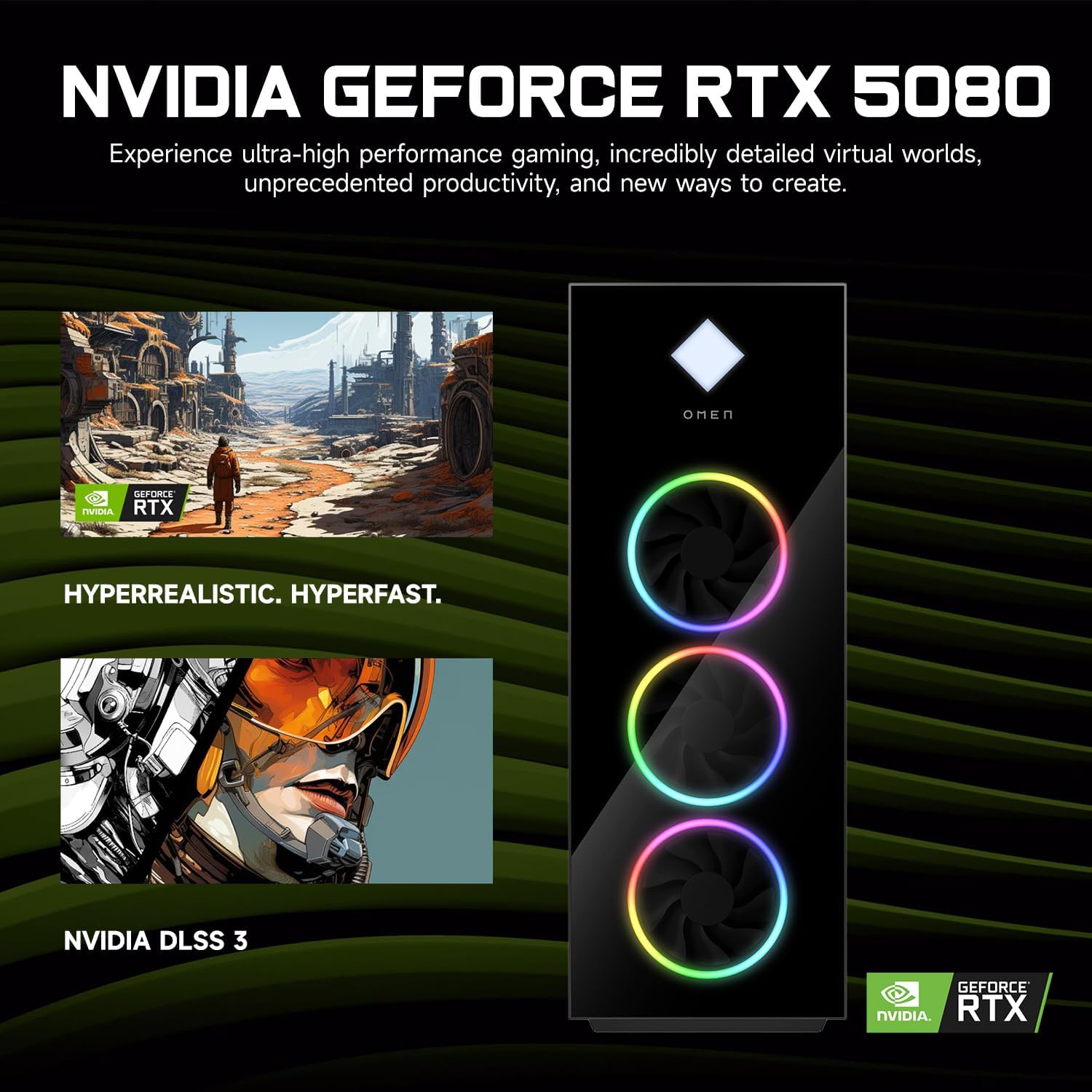
Figure 4: NVIDIA GeForce RTX 5080 Graphics. This image details the capabilities of the NVIDIA GeForce RTX 5080, emphasizing its performance for gaming and content creation.
4.3 RGB Light Studio
The HP Omen 45L GT22 features customizable RGB lighting. Use the pre-installed Omen Gaming Hub software to personalize the lighting effects on your desktop's fans and chassis. Refer to the Omen Gaming Hub's in-app help for detailed instructions on customization options.

Figure 5: Gaming Setup with HP Omen 45L GT22. This image shows the desktop integrated into a complete gaming station, including a monitor, keyboard, and mouse, demonstrating its aesthetic appeal.
5. Manutenzione
5.1 Pulizia del desktop
- Esterno: Use a soft, lint-free cloth to wipe down the exterior surfaces. For stubborn marks, slightly dampLavare il panno con acqua. Evitare prodotti chimici aggressivi.
- Ventilazione: Regularly check and clean the ventilation grilles and fan openings to prevent dust buildup, which can impede airflow and cause overheating. Use compressed air to gently clear dust from vents. Ensure the system is powered off and unplugged before cleaning.
5.2 Aggiornamenti software
Mantieni aggiornati il sistema operativo e i driver per garantire prestazioni e sicurezza ottimali.
- Aggiornamenti di Windows: Controlla regolarmente la presenza di aggiornamenti e installali tramite Impostazioni di Windows > Aggiornamento e sicurezza > Windows Update.
- Aggiornamenti driver: Update graphics drivers (NVIDIA GeForce Experience) and other system drivers (HP Support Assistant or HP website) periodically.
5.3 Backup dei dati
Esegui regolarmente il backup dei dati importanti su un'unità esterna o su un archivio cloud per evitare la perdita di dati.
6. Risoluzione Dei Problemi
This section addresses common issues you might encounter. For more complex problems, contact HP Support.
- Nessun potere:
- Assicurarsi che il cavo di alimentazione sia collegato saldamente sia al desktop sia alla presa di corrente.
- Verificare che la presa di corrente funzioni collegandovi un altro dispositivo.
- Check the power supply unit (PSU) switch on the back of the desktop (if present) is in the 'ON' position.
- Nessuna visualizzazione sul monitor:
- Confirm the monitor is powered on and connected to the graphics card's HDMI or DisplayPort output, not the motherboard's integrated graphics ports (if applicable).
- Se disponibile, provare un cavo o un monitor diverso.
- Assicurati che sul tuo monitor sia selezionata la sorgente di input corretta.
- System is Slow or Unresponsive:
- Chiudere le applicazioni non necessarie in esecuzione in background.
- Controllare Task Manager (Ctrl+Maiusc+Esc) per un utilizzo elevato della CPU, della RAM o del disco.
- Assicurarsi che Windows e i driver siano aggiornati.
- Esegui una scansione antivirus/antimalware.
- Problemi di connettività di rete:
- Per le connessioni cablate, assicurarsi che il cavo Ethernet sia collegato correttamente e che il router/modem funzioni.
- For Wi-Fi, check if Wi-Fi is enabled in Windows settings and ensure you are connected to the correct network with the right password.
- Restart your router/modem and the desktop.
7. Specifiche
| Caratteristica | Dettaglio |
|---|---|
| Numero di modello | La GT22 |
| Processore | Intel Core Ultra 9 285K (24 Cores, 24 Threads, 36MB L3 Cache, 3.20GHz base, up to 5.70GHz max turbo) |
| Grafica | NVIDIA GeForce RTX 5080 (16 GB GDDR7) |
| Memoria RAM | 32 GB DDR5 (4800 MHz) |
| Magazzinaggio | SSD PCIe NVMe M.2 da 2 TB |
| Sistema operativo | Windows 11 Casa |
| Connettività wireless | Wi-Fi 6 (802.11ax), Bluetooth |
| Porte (anteriore) | 2 x USB Type-A 5Gbps (HP Sleep and Charge), 2 x USB 2.0 Type-A, 1 x headphone/microphone combo, 1 x microphone |
| Porte (posteriori) | 1 x USB Type-C 10Gbps, 2 x USB Type-A 5Gbps, 4 x USB 2.0 Type-A, 1 x 3.5 mm audio jack, 1 x RJ-45, 1 x Thunderbolt 4 with USB Type-C 40Gbps, 1 x HDMI, 3 x DisplayPort, 5 x Audio Port |
| Dimensioni (LxWxH) | 21.85 x 18.5 x 8.03 pollici |
| Peso | 49.8 libbre |
| Colore | Nero |
8. Garanzia e supporto
Per informazioni sulla garanzia, fare riferimento alla documentazione fornita con il prodotto o visitare il sito ufficiale dell'assistenza HP website. HP provides various support resources, including drivers, manuals, and troubleshooting guides.
Supporto HP Websito: supporto.hp.com
When contacting support, please have your product model number (GT22) and serial number ready.