
1. Introduzione
Thank you for choosing Crayola Kids Wireless Over-Ear Headphones. These headphones are designed to provide a comfortable and engaging audio experience for children, featuring Bluetooth 5.0 connectivity, a built-in microphone, and FM radio functionality. This manual provides essential information for the safe and effective use of your headphones.
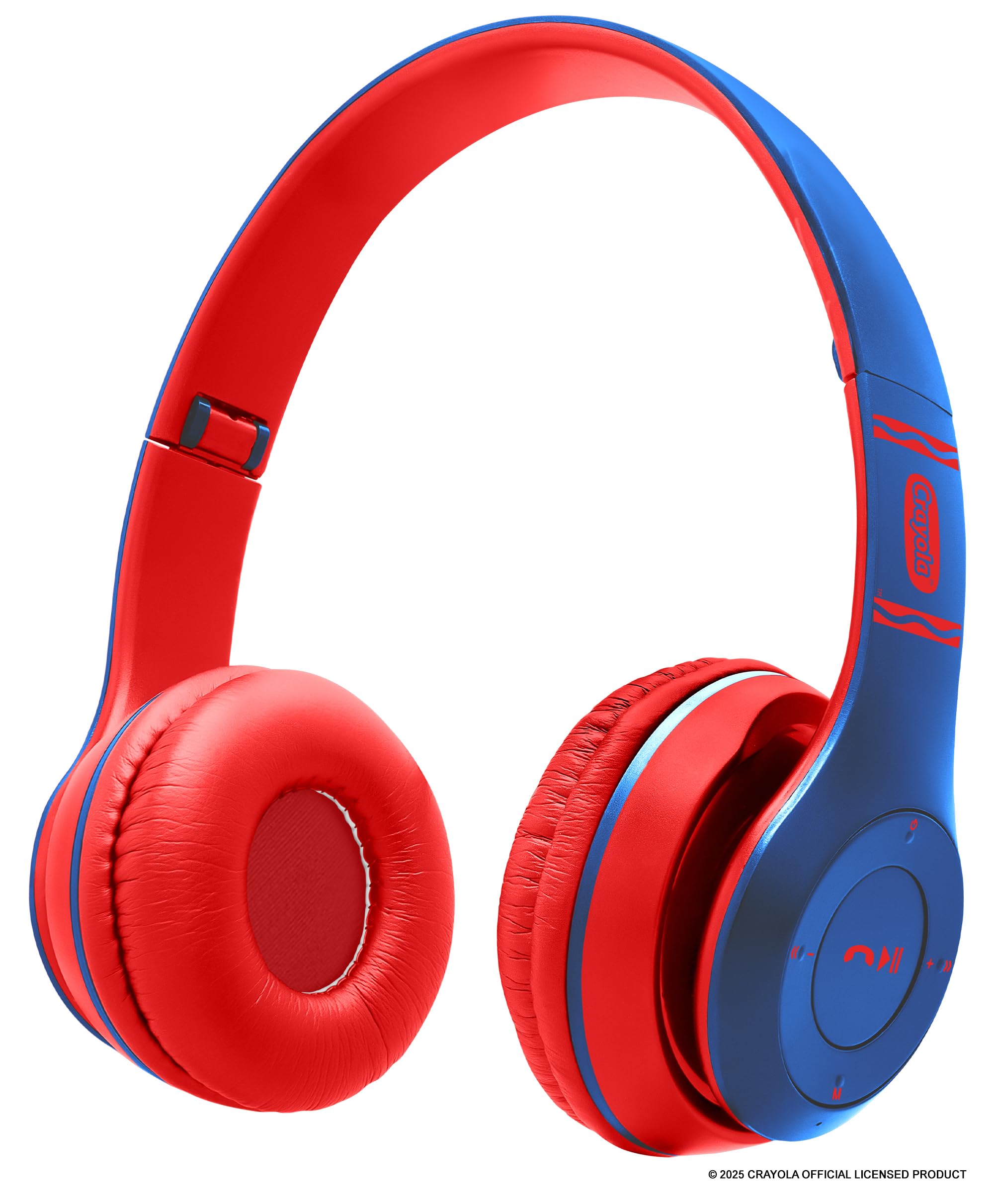
Image: Blue Crayola Kids Wireless Over-Ear Headphones.
2. Contenuto della confezione
Si prega di controllare la confezione per verificare la presenza dei seguenti elementi:
- Crayola Kids Wireless Over-Ear Headphones
- Cavo di ricarica USB-C
- Manuale dell'utente (questo documento)
- Scheda di garanzia
3. Prodotto finitoview
The Crayola Kids Wireless Over-Ear Headphones offer a range of features for versatile use. They are equipped with 40mm drivers for clear sound, a hands-free microphone for calls and online learning, and an adjustable, lightweight design for comfort.

Immagine: Oltreview of headphone features including FM Radio, long-lasting battery, hands-free microphone, on-board buttons, and Bluetooth connectivity.
Le caratteristiche principali includono:
- Bluetooth 5.0: Fornisce una connessione wireless stabile fino a 32.8 piedi.
- Microfono incorporato: Per chiamate in vivavoce e comunicazioni online.
- FM Radio: Integrated radio function for listening to broadcasts.
- Batteria a lunga durata: Fino a 5 ore di riproduzione con una singola carica.
- AUX Wired Option: Allows connection to non-Bluetooth devices using a 3.5mm audio cable (not included).
- Design confortevole: Soft over-ear cushions and an adjustable headband for extended wear.

Image: Headphones demonstrating compatibility with various devices such as phones, MP3 players, iPads, and TVs.
4. Impostazione
4.1 Ricarica delle cuffie
- Individuare la porta di ricarica USB-C sulle cuffie.
- Collegare il cavo di ricarica USB-C in dotazione alle cuffie e l'altra estremità a una fonte di alimentazione USB (ad esempio, una porta USB del computer, un adattatore da parete).
- The LED indicator will illuminate during charging and change color or turn off when fully charged. A full charge takes approximately 2 hours.
A fully charged battery provides approximately 4-5 hours of playback time.
4.2 Accensione/Spegnimento
- Per accendere: Tenere premuto il pulsante di accensione finché l'indicatore LED non si accende e non si sente un segnale acustico.
- Per spegnere: Tenere premuto il pulsante di accensione finché l'indicatore LED non si spegne e non si sente un segnale acustico.
4.3 Associazione Bluetooth
- Assicurati che le cuffie siano spente.
- Tenere premuto il pulsante di accensione per circa 5-7 secondi finché l'indicatore LED non lampeggia alternativamente in blu e rosso, indicando la modalità di associazione.
- Sul tuo dispositivo (smartphone, tablet, laptop), attiva il Bluetooth e cerca i dispositivi disponibili.
- Select "Crayola Headphones" from the list of found devices.
- Una volta effettuato l'accoppiamento, l'indicatore LED lampeggerà lentamente in blu e verrà emesso un tono di conferma.
4.4 Connessione cablata (modalità AUX)
To use the headphones with a non-Bluetooth device or when the battery is depleted:
- Collegare un cavo audio da 3.5 mm (non incluso) alla porta AUX delle cuffie.
- Collegare l'altra estremità del cavo audio alla presa di uscita audio del dispositivo.
- The headphones will automatically switch to wired mode. Note that the on-board controls and microphone may not function in wired mode, and control will be from your connected device.

Image: Blue headphones with a 3.5mm AUX cable plugged into the audio jack.
5. Istruzioni per l'uso
5.1 Controlli di base
Le cuffie sono dotate di pulsanti intuitivi per un facile controllo:
- Pulsante di accensione: Tenere premuto per accendere/spegnere. Premere brevemente per riprodurre/mettere in pausa la musica.
- Volume su (+): Premere brevemente per aumentare il volume. Premere a lungo per passare alla traccia successiva.
- Volume basso (-): Premere brevemente per diminuire il volume. Premere a lungo per tornare alla traccia precedente.
- Multi-function Button (Phone Icon): Press to answer/end calls. Press and hold to reject calls. Double-press to redial the last number.
- Pulsante Modalità (M): Short press to switch between Bluetooth mode and FM Radio mode.
5.2 Chiamate in vivavoce
When connected via Bluetooth to a smartphone, you can manage calls directly from the headphones:
- Rispondi/Termina chiamata: Premere brevemente il pulsante multifunzione.
- Rifiuta chiamata: Tenere premuto il pulsante multifunzione per 2 secondi.
- Ricomponi l'ultimo numero: Premi due volte il pulsante Multifunzione.
5.3 Funzione radio FM
Per utilizzare la radio FM:
- Premere il tasto Modalità (M) pulsante per passare alla modalità Radio FM.
- In modalità FM, premere brevemente il tasto Pulsante di accensione per scansionare e salvare automaticamente le stazioni FM disponibili.
- Utilizzare il Volume su (+) E Volume basso (-) buttons (short press) to navigate through the saved stations.
6. Manutenzione
Una cura adeguata prolungherà la durata delle tue cuffie:
- Pulizia: Pulisci le cuffie con un panno morbido e asciutto. Non utilizzare prodotti chimici aggressivi o detergenti abrasivi.
- Magazzinaggio: Conservare le cuffie in un luogo fresco e asciutto, lontano dalla luce solare diretta e da temperature estreme.
- Esposizione all'acqua: Queste cuffie non sono resistenti all'acqua. Evitare l'esposizione all'acqua o a umidità eccessiva.
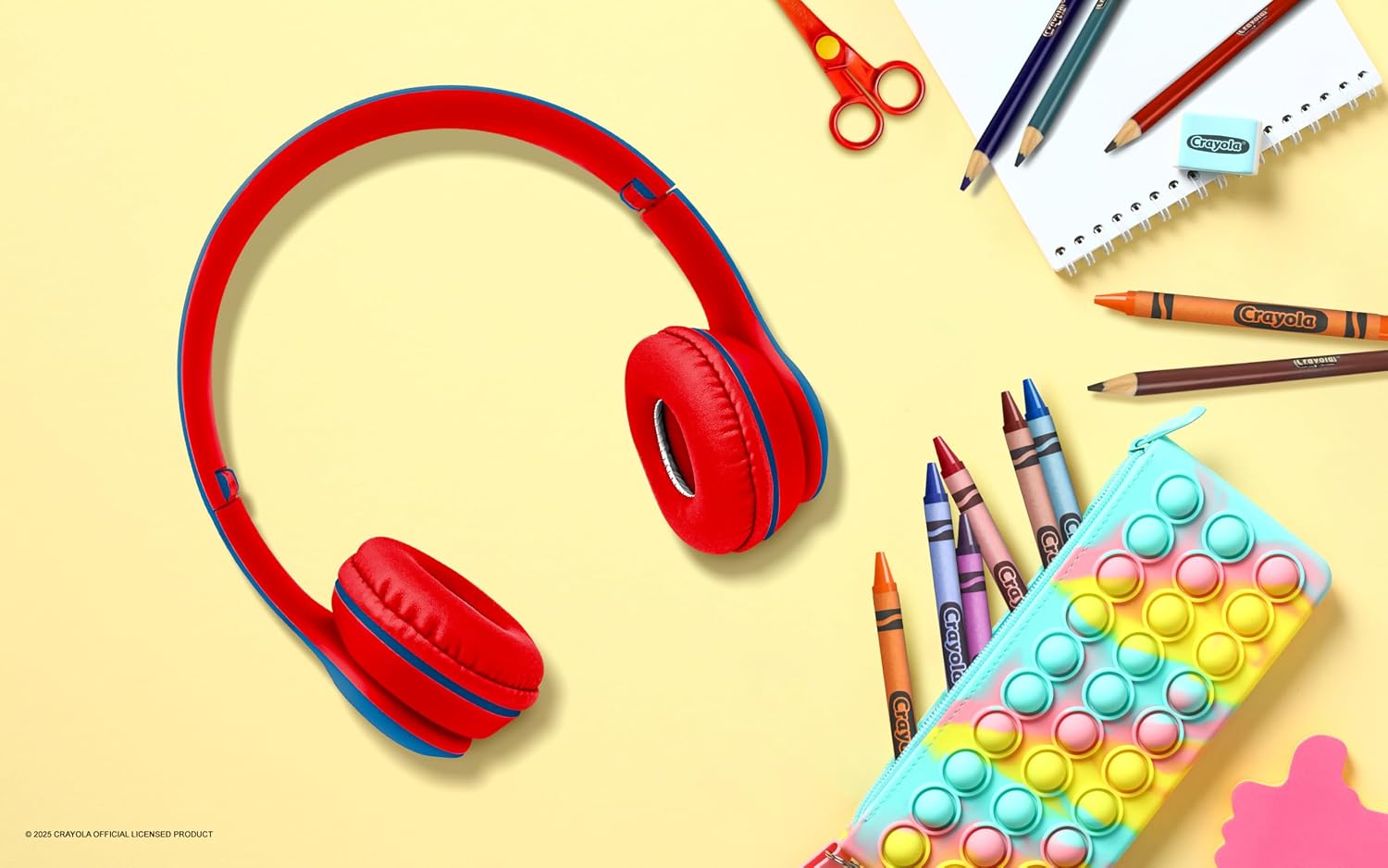
Image: Blue headphones placed on a white desk alongside crayons, pencils, and a notebook, suggesting use in a learning environment.
7. Risoluzione Dei Problemi
Se riscontri problemi con le cuffie, fai riferimento alle seguenti soluzioni comuni:
| Problema | Possibile soluzione |
|---|---|
| Le cuffie non si accendono. | Assicurati che le cuffie siano completamente cariche. Collegale a una fonte di alimentazione tramite il cavo USB-C. |
| Impossibile effettuare l'associazione con un dispositivo Bluetooth. | Make sure the headphones are in pairing mode (flashing blue and red LED). Ensure Bluetooth is enabled on your device and it is within range (32.8 ft). Try restarting both devices. |
| Nessun suono o volume basso. | Controlla il volume delle cuffie e del dispositivo collegato. Assicurati che le cuffie siano correttamente associate o che il cavo AUX sia completamente inserito. |
| Il microfono non funziona. | Ensure the headphones are connected via Bluetooth. The microphone may not function in wired (AUX) mode. Check your device's audio input settings. |
| La radio FM non riceve stazioni. | Ensure you are in FM mode. Perform an auto-scan for stations. Try moving to a location with better signal reception. |
8. Specifiche
- Marca: Pastello
- Numero modello: CHPBT348
- Connettività: Bluetooth 5.0, AUX da 3.5 mm
- Posizionamento dell'orecchio: Sopra l'orecchio
- Driver audio: Driver dinamico da 40 mm
- Risposta in frequenza: 20 Hz - 20,000 Hz
- Sensibilità: 85 dB
- Impedenza: 32 Ohm
- Durata della batteria: Fino a 5 ore (riproduzione)
- Tempo di ricarica: Approximately 2 hours (via USB-C)
- Peso: 0.26 libbre (circa 118 g)
- Materiale: Plastica
- Caratteristiche aggiuntive: Built-in Microphone, FM Radio, Volume Control
9. Garanzia e supporto
These Crayola Kids Wireless Over-Ear Headphones come with a Garanzia limitata di 1 annoPer i termini e le condizioni dettagliate, fare riferimento alla scheda di garanzia allegata.
For technical support or warranty claims, please contact the manufacturer, Migear Intl, LLC, or refer to the contact information provided on your Warranty Card.

Image: A young girl sitting at a desk with the blue Crayola headphones next to her notebook, ready for learning or entertainment.