
Introduzione
Thank you for choosing the Cryfokt 16-Key Programmable Macro Keyboard. This compact and versatile mechanical keyboard is designed to enhance your productivity and gaming experience with customizable keys and knobs. This manual provides detailed instructions for setup, operation, customization, and maintenance to ensure optimal performance.
Contenuto della confezione
- 1 x Cryfokt 16-Key Programmable Macro Keyboard
- 1 cavo USB-C
- 1 x Manuale utente

Image: The Cryfokt 16-Key Programmable Macro Keyboard connected to a laptop via its USB-C cable, illustrating its compact and portable design.
Specifiche
| Marca | Cryfokt |
| Numero di modello | Cryfokt4u1noz62ak-11 |
| Chiavi | 16 tasti programmabili |
| Manopole | 3 Manopole programmabili |
| Tipo di interruttore a chiave | Interruttori meccanici rossi |
| Tipo di connessione | Cablato (USB tipo C) |
| Materiale | ABS, Acrylic (Body), Aluminum Alloy (Knobs) |
| Dimensioni (L x P x A) | 132 x 105 x 34.5 mm (5.2 x 4.13 x 1.36 pollici) |
| Peso | Circa 240 g |
| Durata | Oltre 20 milioni di battute |
| Caratteristiche speciali | Programmable Keys & Knobs, LED Backlighting, Hot-swappable switches |
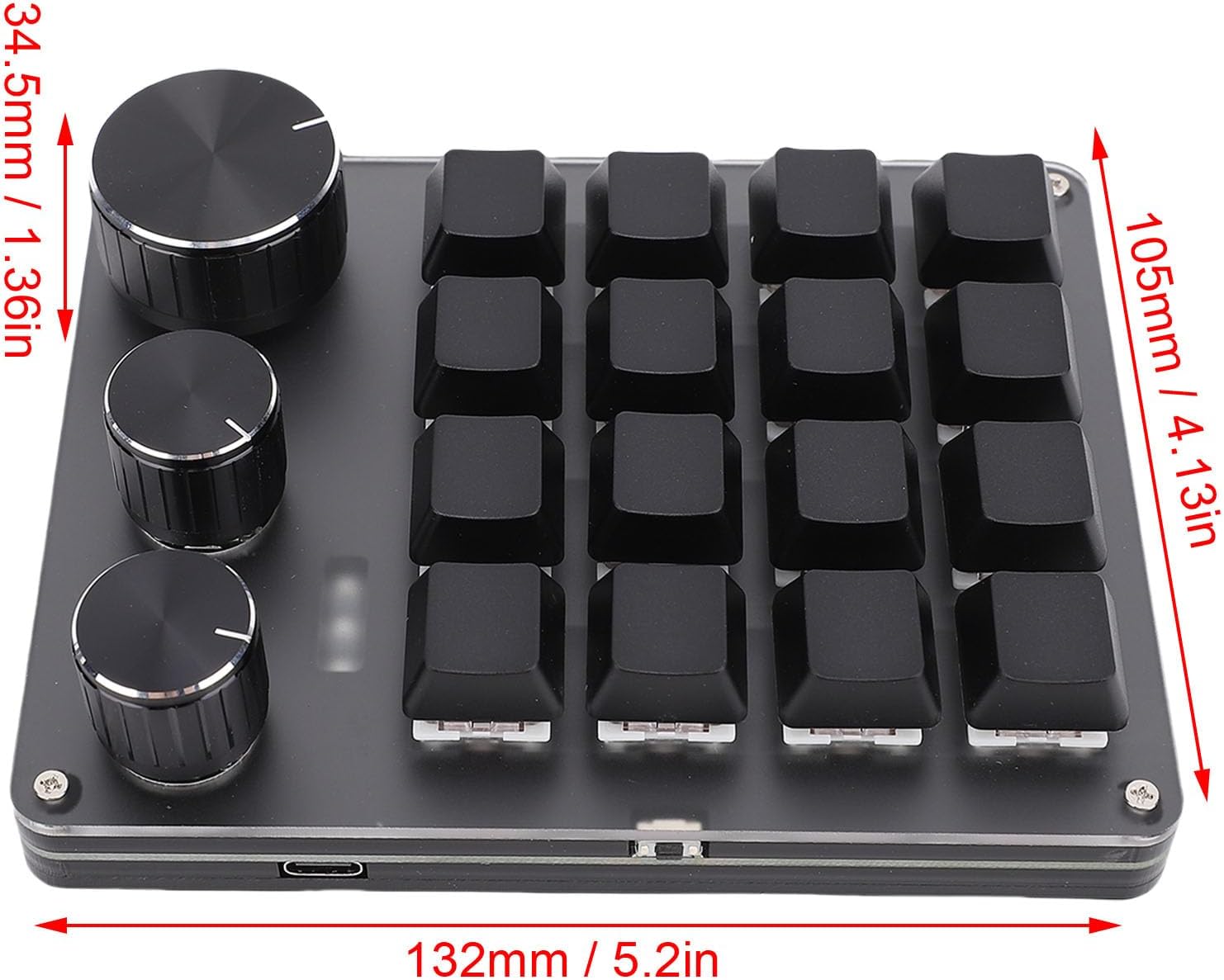
Image: Technical drawing showing the dimensions of the keyboard: 132mm length, 105mm width, and 34.5mm height.
Impostare
- Disimballare la tastiera: Estrarre con cautela la tastiera e il cavo USB-C dalla confezione.
- Connessione al computer: Insert one end of the provided USB-C cable into the Type-C port on the keyboard. Insert the other end of the USB-C cable into an available USB port on your computer (laptop or desktop).
- Installazione del driver: The keyboard is plug-and-play for basic functionality. For advanced customization, download the dedicated software from the manufacturer's official website. The software supports OS X and Windows operating systems.
- Accensione iniziale: Once connected, the keyboard's LED backlighting will illuminate, indicating it is powered on and ready for use.

Immagine: dettagliata view highlighting the mechanical switch, the USB-C port for connection, and the durable metal knob on the keyboard.
Istruzioni per l'uso
The Cryfokt Macro Keyboard is designed for intuitive operation, offering both standard input and advanced programmable functions.
Uso di base
- Input chiave: Press any of the 16 keys to activate its assigned function. By default, keys may have standard numeric or function assignments.
- Funzionamento della manopola: The three knobs can be rotated clockwise or counter-clockwise and pressed. Their functions are programmable (e.g., volume control, zoom, scroll).
- Retroilluminazione a LED: The integrated LED lights provide visual feedback and can be customized for various effects and colors through the software.
Layer Keys
The keyboard supports three layers of key assignments. This allows you to switch between different sets of programmed functions, effectively tripling the number of available macros. The LED light status will indicate which layer is currently active. Refer to the customization software for details on how to switch between and program these layers.
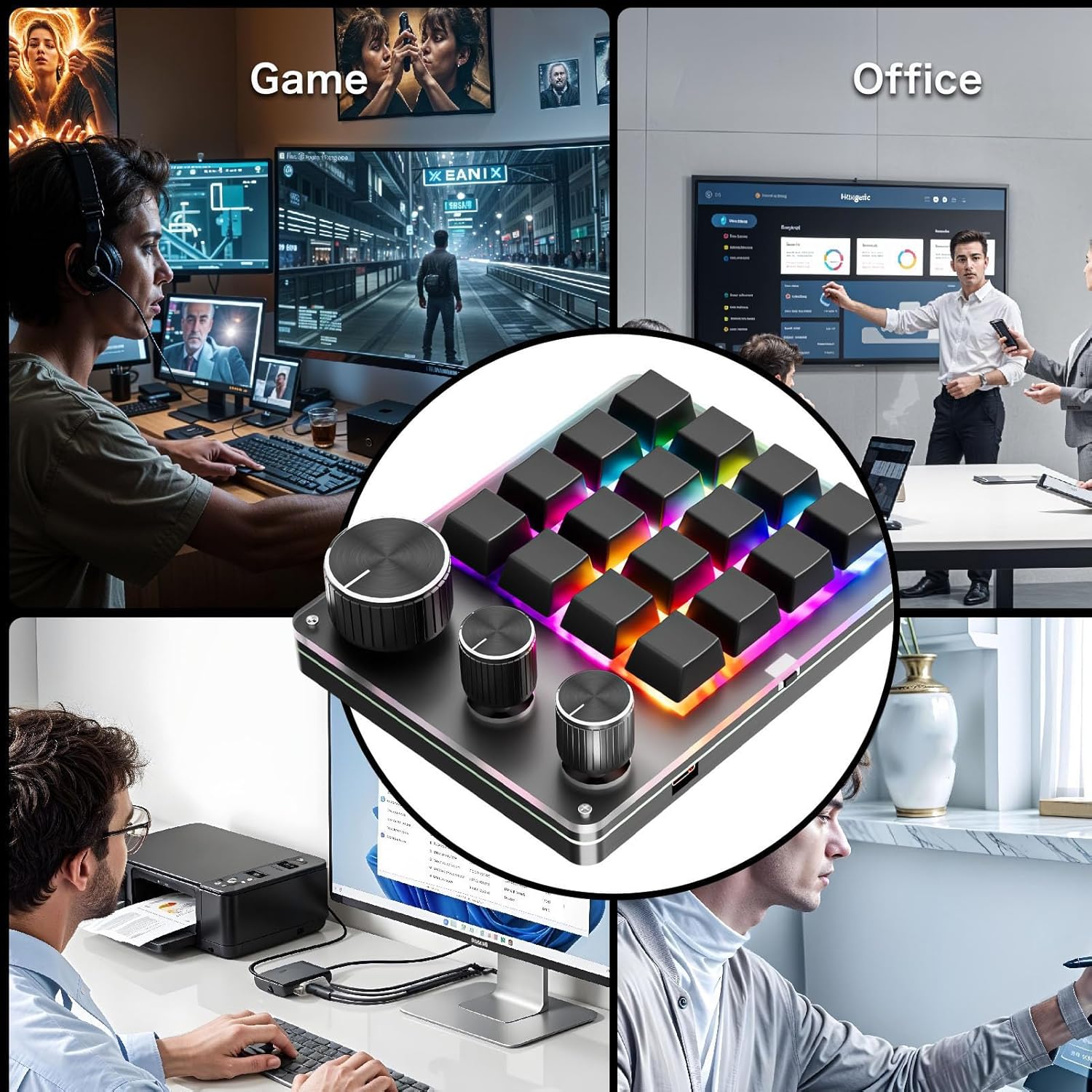
Image: The Cryfokt macro keyboard integrated into different work and leisure environments, demonstrating its versatility for gaming, office, and creative applications.
Personalizzazione
The Cryfokt Macro Keyboard offers extensive customization options for its 16 keys and 3 knobs.
- Download del software: Download the official customization software from the Cryfokt website. Ensure you download the version compatible with your operating system (Windows/OS X).
- Assegnazione chiave: Use the software interface to assign single keys, key combinations, or complex macros to any of the 16 keys.
- Funzioni della manopola: Program the three knobs for various actions such as volume up/down, mute, scrolling, zooming, or other custom commands. Each knob's rotation and press action can be configured independently.
- Gestione dei livelli: Configure different sets of key and knob assignments for each of the three available layers. This allows for quick switching between profileper diverse applicazioni o giochi.
- Personalizzazione LED: Adjust LED lighting effects, colors, and brightness to match your preference or indicate active layers/profiles.
Save your configurations within the software. The keyboard's internal memory will store your settings, allowing you to use your custom layout on different computers without re-programming, once the software has uploaded the profile al dispositivo.
Manutenzione
Proper maintenance ensures the longevity and performance of your Cryfokt Macro Keyboard.
- Pulizia: Utilizzare un panno morbido e asciutto per pulire la superficie della tastiera. Per lo sporco ostinato, leggermente dampen the cloth with water or a mild, non-abrasive cleaner. Avoid spraying liquids directly onto the keyboard.
- Rimozione dei tasti: The keyboard features hot-swappable switches. If you need to clean under the keycaps or replace switches, use a keycap puller and switch puller (not included) to carefully remove them.
- Evitare i liquidi: Tenere la tastiera lontana dai liquidi per evitare danni ai componenti interni.
- Magazzinaggio: Quando non si utilizza la tastiera per lunghi periodi, conservarla in un ambiente pulito e asciutto.
Risoluzione dei problemi
- La tastiera non risponde:
- Assicurarsi che il cavo USB-C sia collegato saldamente sia alla tastiera che al computer.
- Prova a collegare la tastiera a una porta USB diversa del computer.
- Prova la tastiera su un altro computer per escludere un problema specifico del computer.
- Riavvia il computer.
- Luci LED non funzionanti:
- Check the customization software to ensure LED lighting is enabled and configured correctly.
- Assicurarsi che la tastiera riceva sufficiente alimentazione dalla porta USB.
- Custom Functions Not Working:
- Verify that the customization software is installed and the desired profile is loaded onto the keyboard.
- Ensure you are on the correct layer if you have multiple layers configured.
- Check for software updates for the customization tool.
- I tasti risultano duri o non rispondono:
- Clean around and under the keycaps as described in the Maintenance section.
- If a switch is faulty, it can be replaced due to the hot-swappable design.
Garanzia e supporto
For warranty information and technical support, please refer to the documentation included with your purchase or visit the official Cryfokt websito. Conservare la prova d'acquisto per eventuali reclami in garanzia.
If you encounter issues not covered in this manual, please contact Cryfokt customer support for assistance.