
Introduzione
The Talkpod N39plus is an innovative nationwide Push-to-Talk (PTT) radio designed for long-distance communication. Utilizing mobile cellular networks, it offers extended coverage beyond traditional radio signals. This manual provides essential information for setting up, operating, maintaining, and troubleshooting your N39plus radio.

Image: Two Talkpod N39plus radios highlighting key features like no programming required, nationwide coverage, and global usage options.
Cosa c'è nella scatola
Your Talkpod N39plus package includes the following components:
- 2 × N39plus Radios
- 2 × antenne
- 2 × Lithium-ion Batteries
- 2 cavi di ricarica USB-C
- 2 × Belt Clips
- 2 × Lanyards

Image: All components included in the Talkpod N39plus package.
Prodotto finitoview
Familiarize yourself with the various parts of your Talkpod N39plus radio:

Image: Labeled diagram of the Talkpod N39plus radio components.
- Antenna: Per la trasmissione e la ricezione del segnale.
- Turn on/off volume knob: Controls power and audio level.
- Battery removal clip: Secures and releases the battery.
- Headphone/Data Interface: Connects accessories or for data transfer.
- Function shortcut key 1 & 2: Customizable keys for quick access to features.
- Seat charging card slot: For desktop charger connection.
- Porta di ricarica USB: Per la ricarica diretta tramite USB-C.
- Luce LED: Indica lo stato.
- Microfono: Per input vocale.
- PTT launch key: Press to transmit your voice.
- Altoparlante: Per l'uscita audio.
- Schermo: Visualizza informazioni operative.
- Tasti funzione: Navigate menus and control features.
- Numeric key: For direct input and channel selection.
Impostare
1. Installare la batteria
- Assicurarsi che la radio sia spenta.
- Allineare la batteria con il vano sul retro della radio.
- Premere con decisione la batteria finché non scatta in posizione.
2. Install SIM Card (Pre-installed)
The Talkpod N39plus comes with a pre-installed SIM card. No manual installation is typically required. The 1-year SIM data plan (up to 800MB/Month) is suitable for regular voice-only communication. Note that SIM card plans are billed on a natural month basis, with the billing cycle running from the 27th of each month to the 26th of the following month.
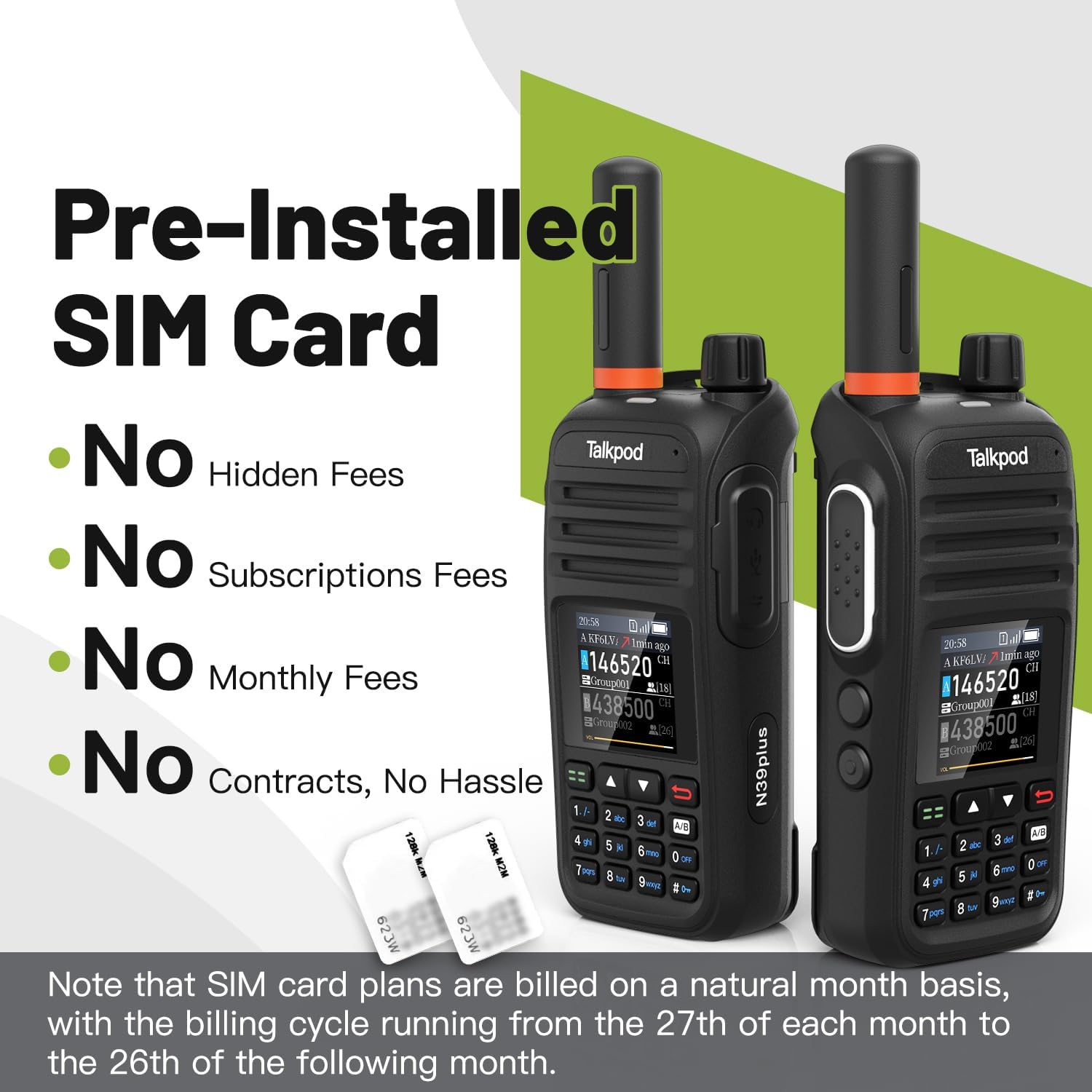
Image: Talkpod N39plus radios and SIM cards, illustrating the pre-installed SIM feature.
3. Collegare l'antenna
- Avvitare l'antenna in senso orario nel connettore sulla parte superiore della radio fino a quando non è ben stretta a mano. Non stringere eccessivamente.
4. Ricarica iniziale
Before first use, fully charge the radio's battery. Connect the USB-C charging cable to the radio's USB-C port and to a compatible USB power adapter. The LED indicator will show charging status.
5. Accensione/spegnimento
Per accendere la radio, ruotare la Turn on/off volume knob clockwise until you hear a click and the screen illuminates. To power off, rotate the knob counter-clockwise until it clicks off.
Istruzioni per l'uso
Comunicazione di base
- Seleziona canale: Use the numeric keypad or function keys to select your desired virtual channel or frequency.
- Trasmettere: Premere e tenere premuto il tasto PTT launch key on the side of the radio. Speak clearly into the microphone. Release the PTT key to listen.
- Regola volume: Ruotare il Turn on/off volume knob per regolare il volume di ascolto.
User Interface and Features
- Dual Virtual Channel Monitoring: The radio's interface allows monitoring of two virtual channels simultaneously.
- Virtual Frequency Display: The screen displays virtual frequencies for easy identification.
- Input da tastiera: Use the numeric keypad for quick channel selection or menu navigation.
- Sistema di menu: Access various settings and features through the user-friendly menu system using the function keys.
- Callsigns and Caller ID: Users can set their own callsigns. The radio displays the caller ID of the last incoming transmission.
- Call History Log: Access a log of past communications.
Linkpoon HAM App and Nationwide Communication
Each N39plus device includes free authorization to use the Linkpoon HAM App for at least 5 years. This app enhances the radio's capabilities, allowing for expanded communication over mobile cellular networks, providing nationwide coverage and breaking free from conventional radio signal limitations.

Image: Various usage scenarios for the Talkpod N39plus radio.
Manutenzione
Ricarica
The Talkpod N39plus supports fast charging via USB-C. Connect the radio to a power source using the provided USB-C cable. A full charge provides up to 24 hours of standby and talk time.
Cura della batteria
- Evitare di scaricare completamente la batteria frequentemente.
- Quando non vengono utilizzate per lunghi periodi, conservare la radio e la batteria in un luogo fresco e asciutto.
- Non esporre la batteria a temperature estreme.
Pulizia
Pulire la radio con un panno morbido, damp panno. Non utilizzare prodotti chimici aggressivi o detergenti abrasivi. Assicurarsi che tutte le porte siano asciutte prima di caricare o utilizzare il dispositivo.
Resistenza all'acqua
The Talkpod N39plus is non resistente all'acquaEvitare di esporre il dispositivo all'acqua o a elevata umidità per evitare danni.
Risoluzione dei problemi
La radio non si accende
- Assicurarsi che la batteria sia installata correttamente e completamente carica.
- Try removing the battery, reseating the SIM card (if accessible), and then reinstalling the battery. Sometimes the SIM card can become dislodged during shipping.
Problemi di connessione
- Verify that you are in an area with cellular network coverage.
- Riavvia la radio.
- Ensure your SIM data plan is active and has available data.
Problemi audio
- Regolare la manopola del volume.
- Check for any obstructions on the loudspeaker or microphone.
Specifiche
| Marca | TalkPod |
| Numero di modello | N39plus |
| Colore | Nero |
| Numero di canali | 2 |
| Caratteristica speciale | Long Range, Rechargeable |
| Livello di resistenza all'acqua | Non resistente all'acqua |
| Numero di batterie | È necessaria 1 batteria agli ioni di litio (inclusa) |
| Durata della batteria (media) | 24 ore |
| Protocollo di connettività | LTE |
| Durata della disponibilità dei pezzi di ricambio UE | 5 anni |
Garanzia e supporto
Authorization and Data Plan
Each Talkpod N39plus device comes with free authorization to use the Linkpoon HAM App for at least 5 years. Additionally, a 1-year SIM data plan (up to 800MB/Month) is included, suitable for regular voice-only communication.
Assistenza clienti
For any product issues, technical assistance, or after-sales service, please contact Talkpod support directly.

Image: Talkpod customer support contact details.
E-mail: Support@talkpod.com
We are committed to providing assistance and ensuring your satisfaction.