
1. Prodotto finitoview
The aMagisn Bluetooth Wireless Remote Control is designed for seamless control of various action cameras and smartphones. It offers extended range, long battery life, and a durable, splash-resistant design, making it suitable for diverse shooting environments.
Contenuto della confezione
- Telecomando x 1
- Cavo di ricarica x 1
- Short Wrist Strap x 1
- Long Wrist Strap x 1
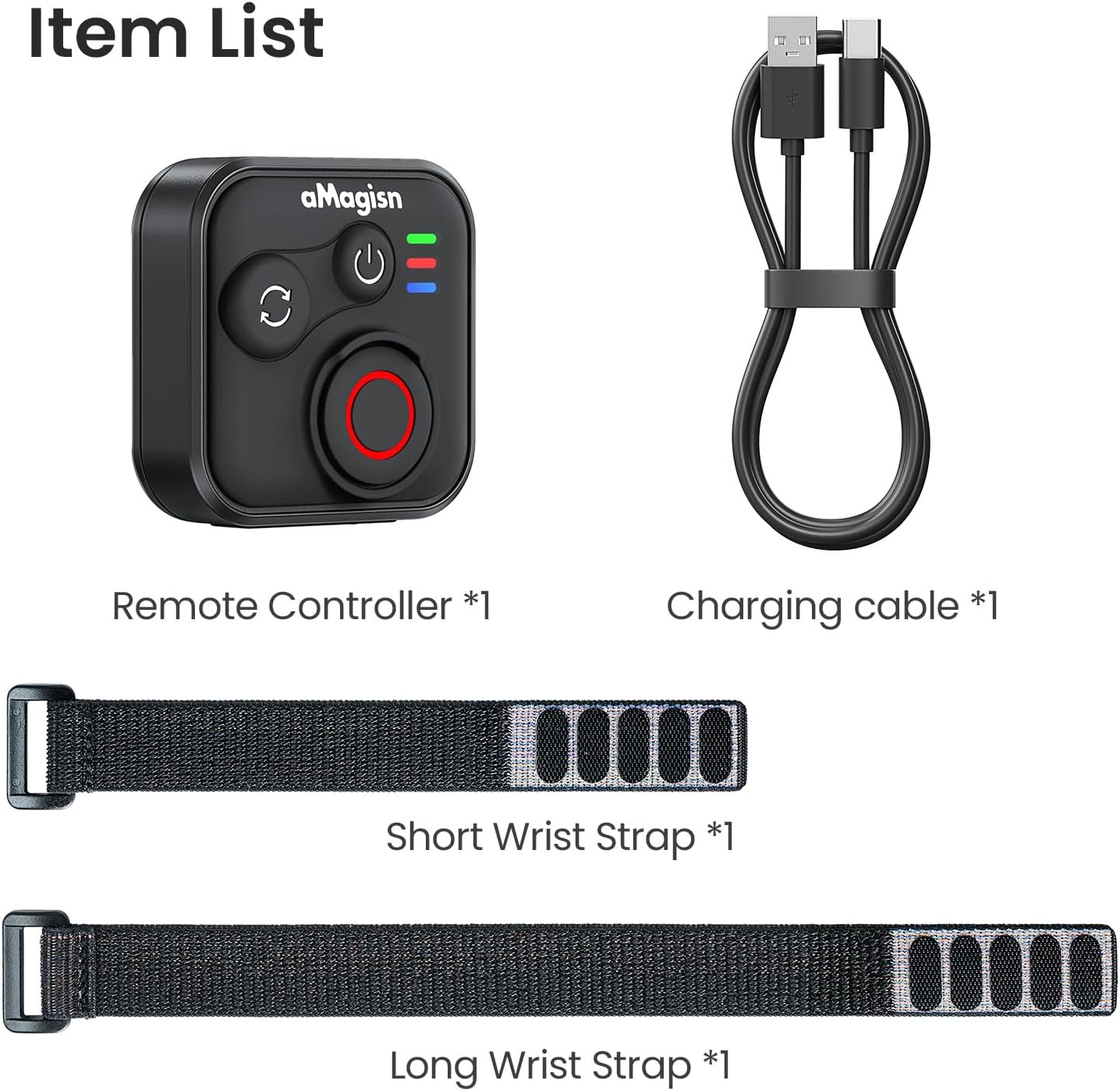
Image: Package contents including the remote, charging cable, and two wrist straps.
2. Specifiche
| Marca | unMagico |
| Nome del prodotto | Sports Camera Bluetooth Remote Control |
| Dispositivi compatibili | Insta360 series cameras, GoPro Hero series cameras, Android smartphones, iOS smartphones |
| Materiale | Silicone ABS |
| Dimensioni | Dimensioni: 37.0 x 37.0 x 18.9 mm |
| Peso | 23g |
| Capacità della batteria | Ioni di litio da 3.7 V / 120 mAh |
| Durata della ricarica | Circa 3 ore |
| Ingresso di ricarica | 5V/100mA |
| Portata massima | Up to 76 meters (device dependent) |

Image: Visual representation of the remote control's dimensions and key specifications.
3. Impostazione
Ricarica del telecomando
Before first use, fully charge the remote control. Connect the provided charging cable to the USB-C port on the remote and to a standard USB power source. The charging indicator light will show the charging status.
Associazione con i dispositivi
The remote control supports pairing with Insta360 cameras, GoPro cameras, and iOS/Android smartphones.
- Accensione: Briefly press the Power Button to turn on the remote.
- Entra in modalità di associazione: If pairing with a new device, perform an Ultra-long press on the Mode Switch Button to force the remote to re-pair. The light indicator will show alternating blue, red, and green flashes.
- Attiva il Bluetooth sul dispositivo: On your camera or smartphone, enable Bluetooth and search for available devices.
- Select Remote: Select the aMagisn remote from the list of found devices to complete the pairing process.
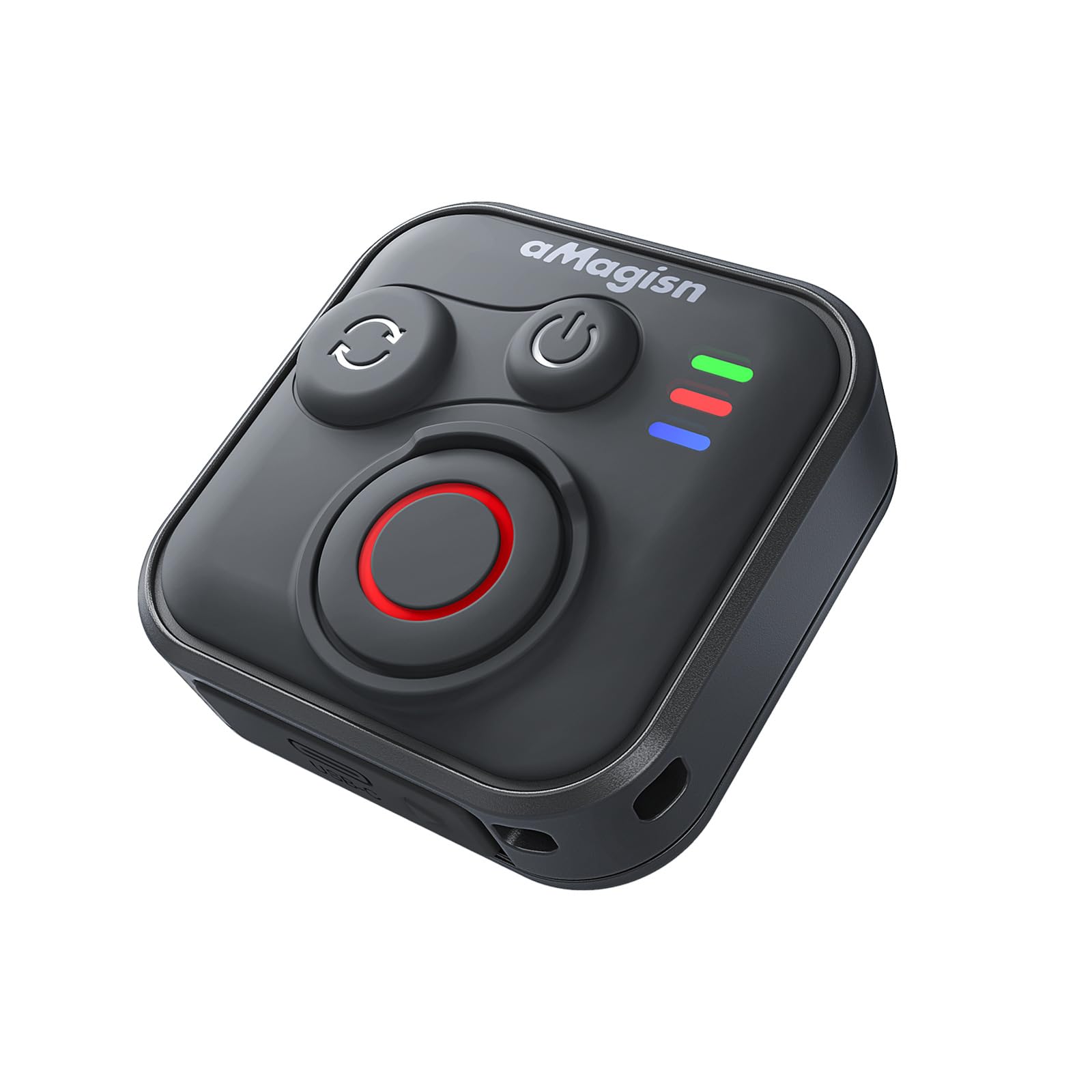
Image: The remote control demonstrating its Bluetooth 5.1 range, compatible with various devices.
4. Istruzioni per l'uso
Funzioni dei pulsanti
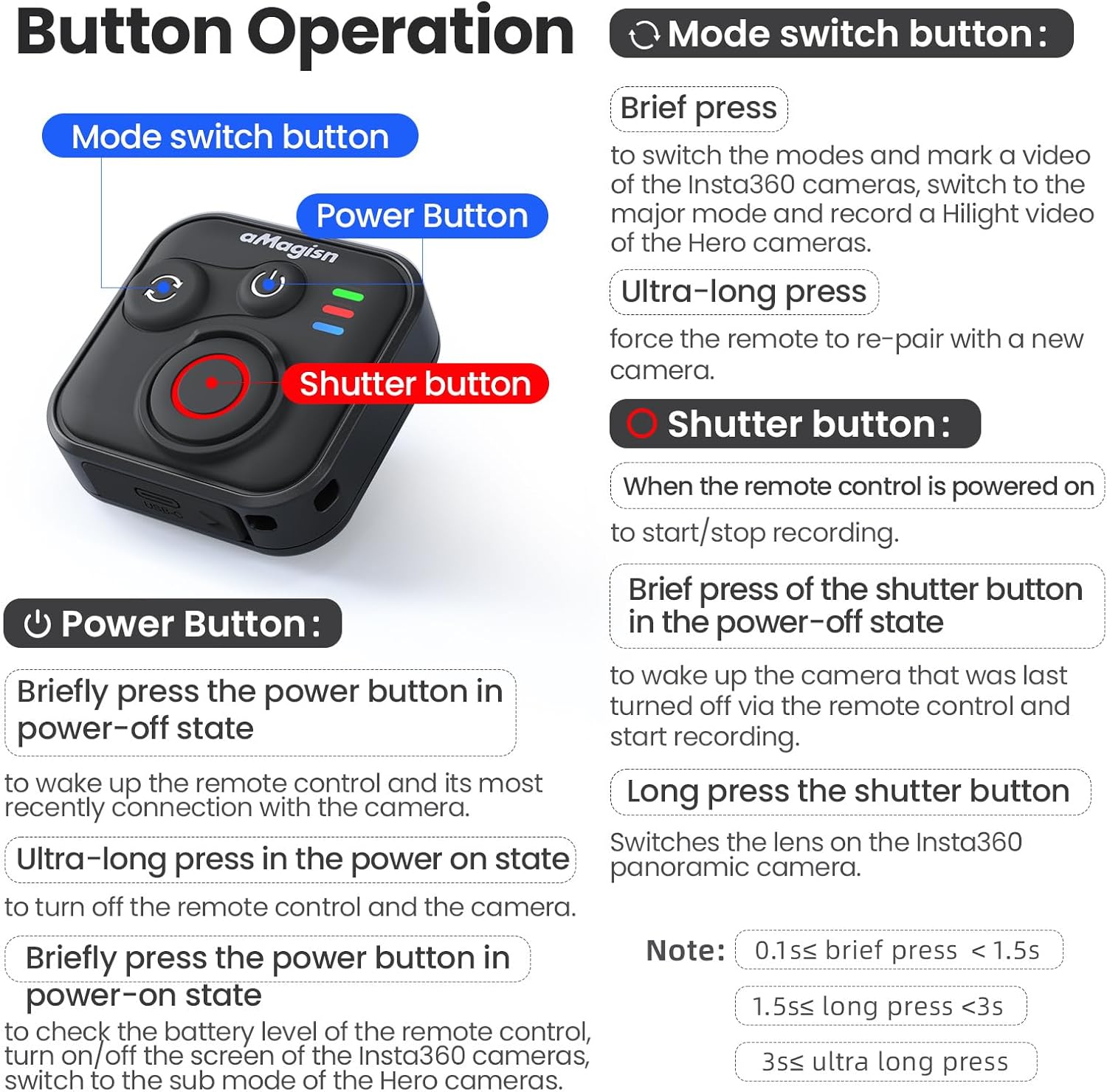
Immagine: dettagliata suview of the remote control's buttons and their respective operations.
Pulsante di accensione
- Brief press (Power-off state): Wakes up the remote control and connects to the most recently paired device.
- Ultra-long press (Power-on state): Spegne il telecomando e la telecamera collegata.
- Brief press (Power-on state): Checks battery level, turns on/off the screen of Insta360 cameras, or switches to the sub-mode of Hero cameras.
Pulsante di commutazione della modalità
- Breve stampa: Switches between modes (e.g., Photo/Video) and marks a video highlight (for GoPro HiLight).
- Pressione ultra-lunga: Forza il telecomando a riassociarsi a una nuova telecamera.
Pulsante dell'otturatore
- Press (Remote powered on): Starts or stops recording/capturing.
- Brief press (Power-off state): Riattiva la telecamera spenta l'ultima volta tramite il telecomando e inizia a registrare.
- Pressione prolungata: Cambia l'obiettivo delle fotocamere panoramiche Insta360.
Light Indicator Status

Image: Explanation of the remote control's LED light indicators for battery, connection, and pairing status.
Red and Green Light (Battery Status - Press Power Button)
- Luce verde fissa: Il livello della batteria è compreso tra il 10% e il 100%.
- Luce verde lampeggiante: Il livello della batteria è compreso tra il 0% e il 10%.
- Luce rossa lampeggiante: Il livello della batteria è allo 0%.
Blue Light (Bluetooth Status)
- Luce blu fissa: Il Bluetooth è connesso.
- Blinking Blue Light (Power light off): In attesa di connessione all'ultimo dispositivo connesso.
Stato di carica
- Luce rossa fissa: Ricarica in corso, batteria non ancora carica.
- Luce verde fissa: Ricarica in corso, la batteria è carica.
New Device Pairing
- Lampeggi alternati di luce blu, rossa e verde: La fotocamera è in attesa di associazione con un nuovo dispositivo.
5. Installation and Usage Scenarios
The remote control features a versatile design with four pass-through holes, allowing for both horizontal and vertical wrist strap attachment. This ensures secure mounting on wrists, handlebars, selfie sticks, or other accessories.

Immagine: Examples of how the remote control can be mounted horizontally or vertically using wrist straps, and various use cases like cycling, selfie sticks, and backpack clips.
Design impermeabile
The remote control features a waterproof build and a sealed USB port, making it resistant to splashes, rain, and suitable for use in wet conditions like surfing.
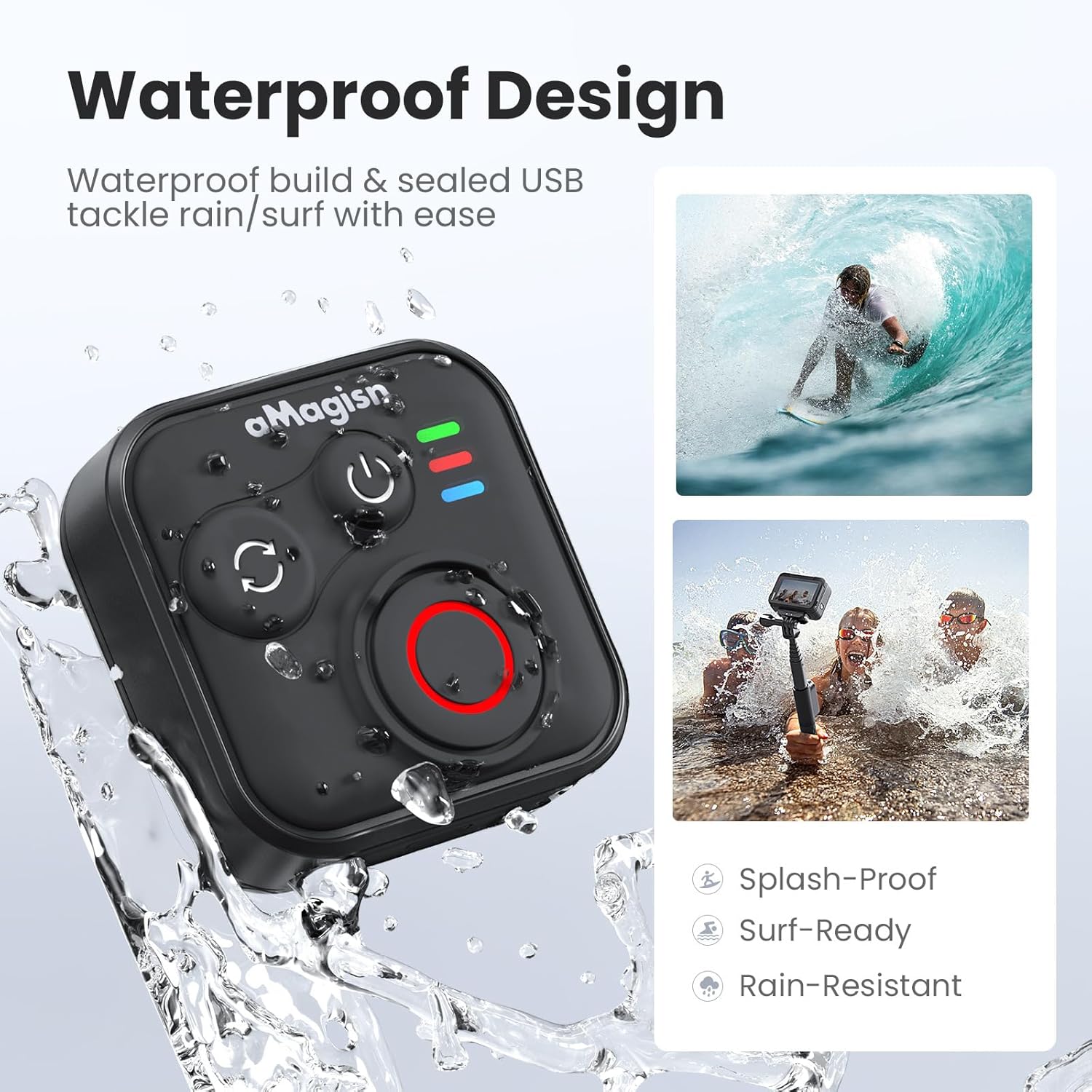
Image: The remote control demonstrating its waterproof capabilities, suitable for use in rain or near water.
6. Manutenzione
Pulizia
Pulire il telecomando con un panno morbido e asciutto. Per lo sporco ostinato, utilizzare un panno leggermenteamp È possibile utilizzare un panno. Non utilizzare prodotti chimici aggressivi o detergenti abrasivi.
Magazzinaggio
Store the remote control in a cool, dry place away from direct sunlight and extreme temperatures. If storing for an extended period, ensure the battery is partially charged (around 50%) to prolong its lifespan.
Durata della batteria
The remote control offers up to 96 hours of continuous operation on a single charge, with a charging duration of approximately 3 hours.

Image: Visual representation of the remote control's impressive 96-hour battery life and 3-hour charging time.
7. Risoluzione Dei Problemi
- Il telecomando non si accende: Ensure the battery is charged. Connect to the charging cable and check the charging indicator light.
- Impossibile associare il dispositivo:
- Assicurati che il Bluetooth sia abilitato sulla tua fotocamera/smartphone.
- Perform an Ultra-long press on the Mode Switch Button on the remote to force re-pairing.
- Ensure the remote is within the effective Bluetooth range of your device.
- Restart both the remote and your device.
- Il telecomando non controlla la telecamera:
- Verify that the remote is successfully paired (solid blue light).
- Check camera settings to ensure it supports external Bluetooth remote control.
- Assicurarsi che il firmware della fotocamera sia aggiornato.
- Breve raggio d'azione: Environmental factors (e.g., obstacles, interference) can affect Bluetooth range. Try operating in an open area.
8. Garanzia e supporto
For warranty information or technical support, please refer to the contact details provided with your purchase or visit the official aMagisn websito. Conservare la prova d'acquisto per eventuali reclami in garanzia.