
1. Introduzione
Thank you for choosing the Inkbird ITH-13-B Temperature Hygrometer Monitor. This device provides accurate real-time temperature and humidity readings, offering smart monitoring capabilities via Bluetooth and a dedicated mobile application. It is designed for various indoor environments such as nurseries, greenhouses, wine cellars, and living spaces.

The Inkbird ITH-13-B monitor is suitable for a variety of applications, including monitoring conditions in homes, reptile terrariums, incubators, wine cellars, for musical instruments, and for storing herbs.
2. Caratteristiche del prodotto
- High-Precision Swiss-made Sensirion Sensors: Provides temperature readings accurate to ±0.2°C (±0.36°F) and humidity readings within ±2%. Data is sampled every 3 seconds for real-time monitoring.
- Revolutionary Bluetooth 5.0 Technology: Offers a stable connection up to 230 feet (70 meters) without obstructions.
- Archiviazione ed esportazione dei dati: Stores up to 300 days of offline temperature and humidity data. Users can access and export up to 2 years of historical data via the mobile application.
- Durata della batteria ultra lunga: Operates for over 8 months with the included 2 AA batteries.
- Compact Design with Large Display: Features a clear LCD screen and offers two installation options: desktop placement and wall hanging.
- Controllo intelligente delle app: Allows users to set parameters for VPD and dew point, receive instant notifications for temperature and humidity shifts, and access detailed data history.

Interno view of the Inkbird ITH-13-B, showcasing the Swiss-made Sensirion sensors responsible for its high accuracy.
3. Contenuto della confezione
- 1 x Inkbird ITH-13-B Temperature Hygrometer Monitor
- 2 batterie AA
- 1 x Manuale utente
4. Dispositivo suview
The Inkbird ITH-13-B is a compact, white rectangular device featuring a clear LCD screen that displays temperature and humidity. It includes a button on the top for unit switching and a foldable stand/hook on the back for versatile placement.

The Inkbird ITH-13-B monitor with its clear LCD display showing current temperature and humidity.

The compact design of the Inkbird ITH-13-B allows for easy placement and clear readability.
5. Impostazione
5.1 Installazione della batteria
- Aprire il coperchio del vano batteria situato sul retro del dispositivo.
- Inserire le 2 batterie AA, assicurandosi della corretta polarità (+/-).
- Chiudere saldamente il coperchio del vano batterie.
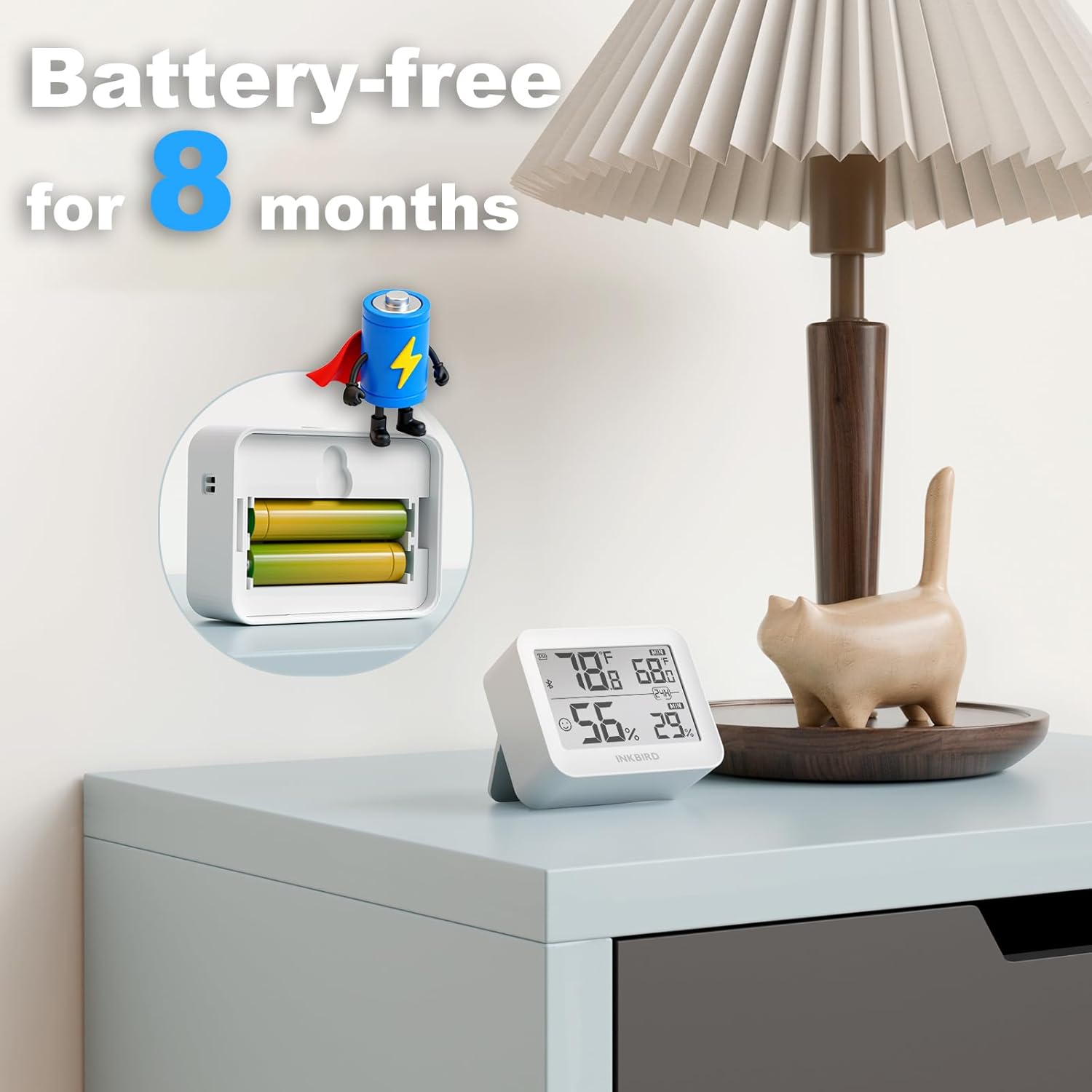
Illustration of battery installation, highlighting the long battery life of over 8 months.
5.2 Download e associazione dell'app
- Download the "INKBIRD" app from the App Store (iOS) or Google Play Store (Android).
- Abilita il Bluetooth sul tuo smartphone.
- Open the INKBIRD app and follow the on-screen instructions to add your device. The monitor should automatically connect via Bluetooth.
6. Istruzioni per l'uso
6.1 Letture del display
The LCD screen displays current temperature and humidity. It also shows maximum and minimum values recorded over a 24-hour period.
6.2 Commutazione delle unità di temperatura
Press the button located on the top of the device to toggle between Celsius (°C) and Fahrenheit (°F).
6.3 Funzioni dell'app
- Dati in tempo reale: View live temperature and humidity readings on your smartphone.
- Dati storici: Access and analyze up to 2 years of historical data, with offline storage for 300 days.
- Custom Comfort Levels: Set personalized temperature and humidity ranges within the app.
- Avvisi in tempo reale: Receive instant notifications on your smartphone if temperature or humidity levels exceed your preset ranges.
- Esportazione dati: Export historical data for detailed analysis.
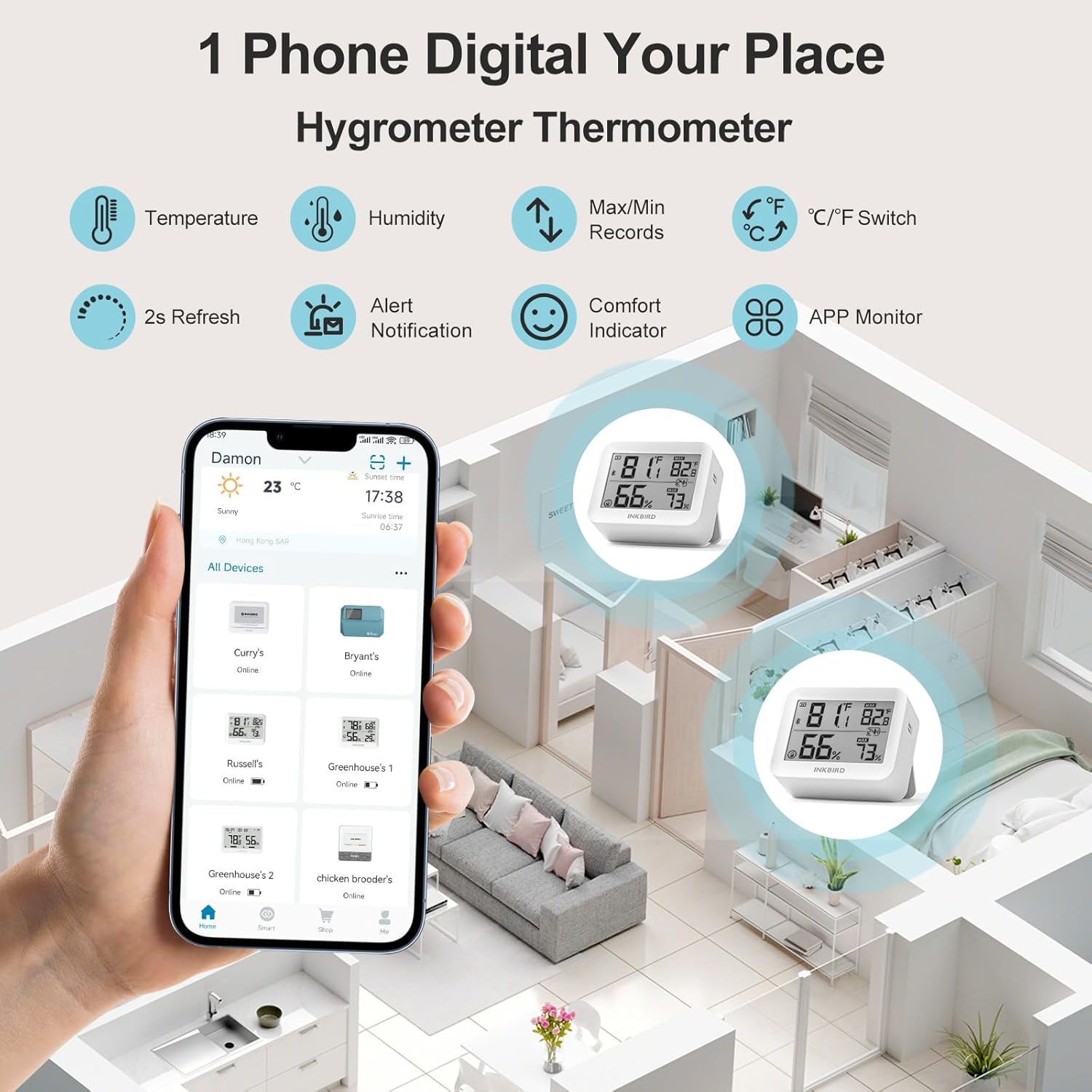
The Inkbird app allows remote monitoring of multiple devices, displaying real-time temperature and humidity.
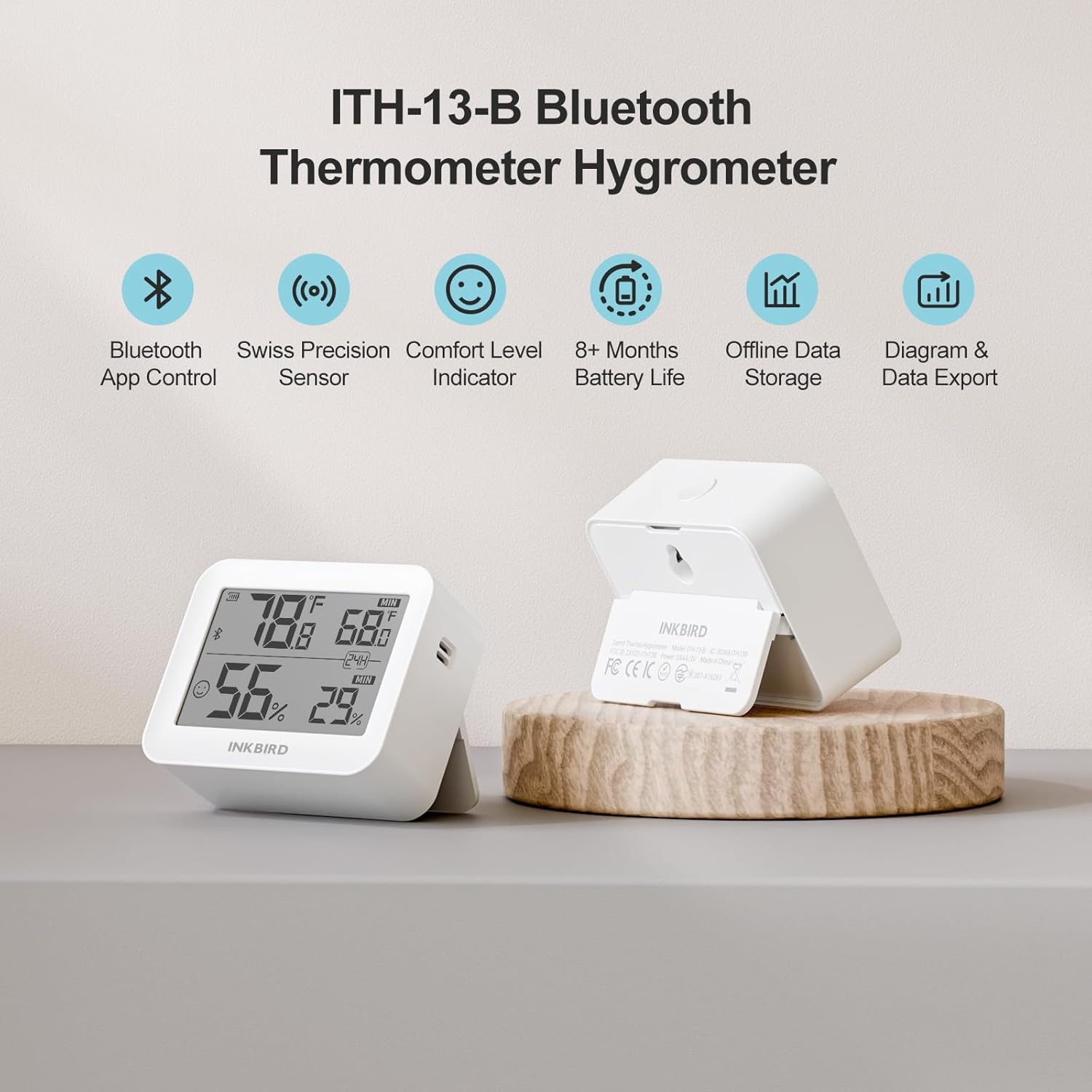
The device supports up to 300 days of offline data storage and 2 years of historical data export via the app.

The Air Comfort Level Indicator on the display and in the app helps you maintain optimal indoor air quality.
7. Manutenzione
7.1 Sostituzione della batteria
Replace the AA batteries when the low battery indicator appears on the device display or within the INKBIRD app to ensure continuous operation.
7.2 Pulizia
Wipe the device exterior with a soft, dry cloth. Do not use liquid cleaners, abrasive materials, or immerse the device in water.
8. Risoluzione Dei Problemi
- Nessuna visualizzazione: Controllare che le batterie siano installate correttamente e abbiano una carica sufficiente. Sostituirle se necessario.
- Letture imprecise: Ensure the device is placed away from direct sunlight, heat sources, air conditioners, or extreme drafts. Allow the device to stabilize for at least 30 minutes after placement.
- Problemi di connettività Bluetooth:
- Verifica che il Bluetooth sia abilitato sul tuo smartphone.
- Ensure the device is within the 230-foot (70-meter) Bluetooth range without significant physical obstructions.
- Restart the INKBIRD app or your smartphone.
- Attempt to re-pair the device within the INKBIRD app.
- L'app non riceve dati: Confirm a stable Bluetooth connection. Check that the INKBIRD app has all necessary permissions enabled on your smartphone.
9. Specifiche
| Marca | Uccello dell'inchiostro |
| Modello | ITH-13-B |
| Precisione della temperatura | ±0.2°C (±0.36°F) |
| Precisione dell'umidità | ±2% (senza condensa) |
| Intervallo di temperatura | -20°C a 60°C (-4°F a 140°F) |
| Umidità ambiente | 0%UR-99%UR |
| Dati Sampling Intervallo | Ogni 3 secondi |
| Versione Bluetooth | 5.0 |
| Portata Bluetooth | Up to 230 feet (70 meters) without obstructions |
| Tipo di batteria | 2 batterie AA |
| Durata della batteria | Oltre 8 mesi |
| Archiviazione dati offline | Fino a 300 giorni |
| Historical Data Storage (App) | Fino a 2 anni |
10. Informazioni sulla garanzia
Inkbird products typically come with a standard manufacturer's warranty. For specific warranty terms, conditions, and duration, please refer to the official Inkbird webo contattare direttamente l'assistenza clienti. Conservare la ricevuta d'acquisto come prova d'acquisto per eventuali reclami in garanzia.
11. Supporto
For further assistance, technical support, or product inquiries, please visit the official Inkbird websito o contattare il loro team di assistenza clienti tramite le informazioni di contatto fornite sul loro website or in the INKBIRD app.