
Introduzione
This manual provides essential information for the proper use and maintenance of your Wanneton New-F3-6PCS waterproof portable rechargeable two-way radios. Please read these instructions carefully before operating the device to ensure safe and efficient communication. These radios are designed for reliable communication in various environments, featuring wireless frequency copy, customizable alarm functions, and a robust design.
Contenuto della confezione
Verifica che tutti gli articoli elencati di seguito siano inclusi nel tuo pacchetto:
- 6 x Wanneton New-F3-6PCS Walkie Talkies
- 6 x Antenne
- 6 batterie agli ioni di litio da 1500 mAh
- 6 x Charging Docks with Power Adapters
- 6 x cordini
- Clip 6 x cinghie
- 6 auricolari
- 3 x Manuali utente

Figura 1: Contents of the Wanneton New-F3-6PCS walkie talkie package, including six radios, antennas, batteries, chargers, lanyards, belt clips, earphones, and user manuals.
Prodotto finitoview
The Wanneton New-F3-6PCS walkie talkie features a compact and ergonomic design, constructed from durable PC+ABS materials. It includes essential controls for communication and specialized functions.

Figura 2: Six Wanneton New-F3-6PCS walkie talkies with antennas and charging docks.
Caratteristiche principali:
- Costruzione durevole: Made from environmentally friendly PC+ABS materials.
- Clip da cintura integrata: Per una comoda trasportabilità.
- Antenna fissa: Designed for optimal signal reception and transmission.
- Resistenza all'acqua: Adatto per l'uso in varie condizioni atmosferiche.
Impostare
1. Installazione della batteria
- Assicurarsi che il walkie-talkie sia spento.
- Individuare il coperchio del vano batterie sul retro dell'unità.
- Slide the cover down or unclip it to open the compartment.
- Insert the 1500mAh Lithium-Ion battery, ensuring the contacts align correctly.
- Riposizionare il coperchio del vano batteria e fissarlo.
2. Carica della batteria
- Place the walkie talkie into its charging dock.
- Collegare l'adattatore di alimentazione alla base di ricarica e inserirlo in una presa elettrica standard.
- The charging indicator light on the dock will illuminate, typically red for charging and green for fully charged.
- Una ricarica completa richiede in genere 2-3 ore.
- Once fully charged, remove the walkie talkie from the dock.
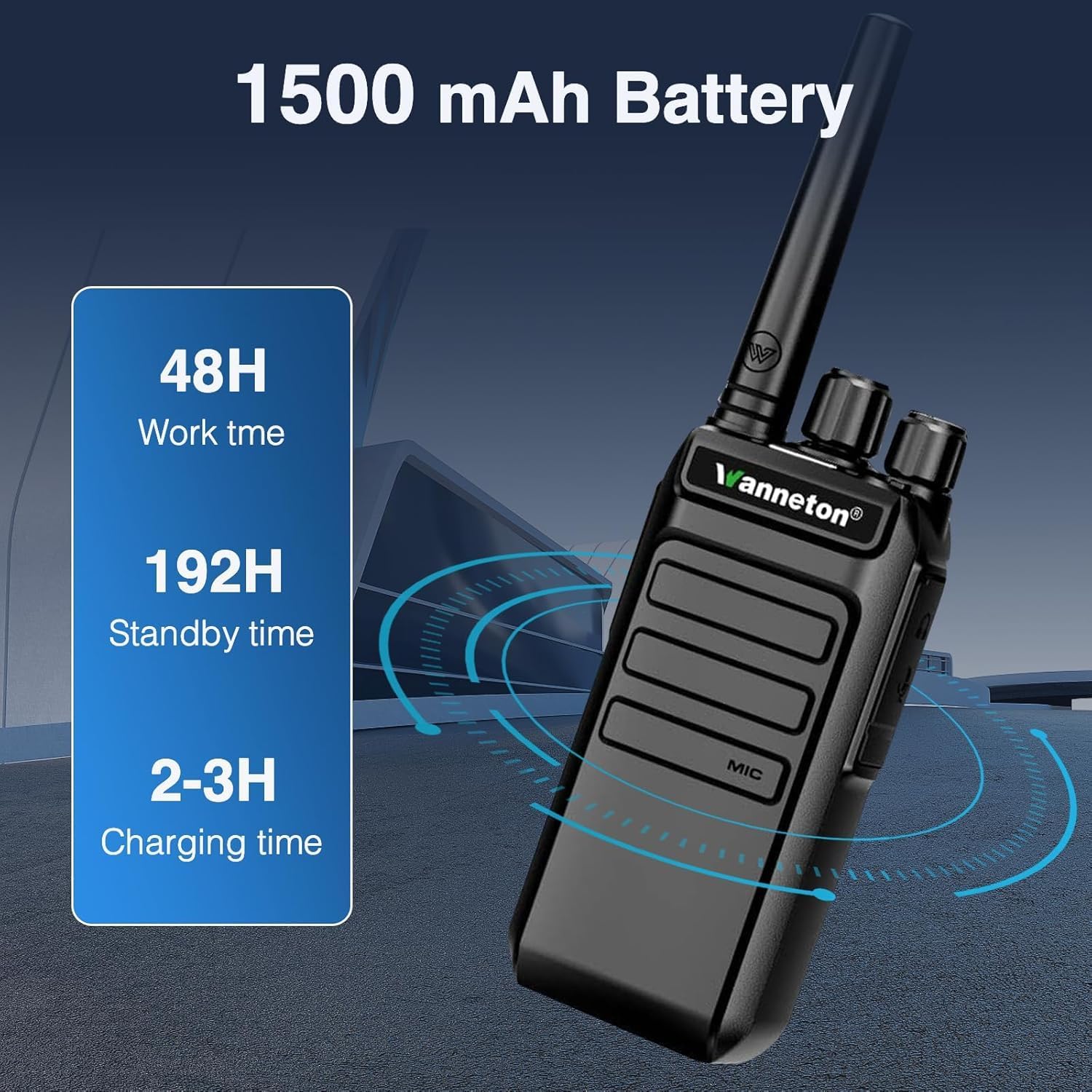
Figura 3: Battery specifications: 1500mAh capacity, approximately 48 hours work time, 192 hours standby time, and 2-3 hours charging time.
Istruzioni per l'uso
1. Accensione/spegnimento
Ruotare la manopola di accensione/volume in senso orario per accendere la radio. Ruotarla in senso antiorario fino a sentire un clic per spegnere la radio.
2. Regolazione del volume
After powering on, continue rotating the power/volume knob clockwise to increase the volume, and counter-clockwise to decrease it.

Figura 4: The walkie talkie provides clear sound quality with easy volume adjustment.
3. Selezione del canale
Use the channel selector knob (typically the top-most knob) to choose one of the available 99 channels. Ensure all radios intended for communication are set to the same channel.
4. Funzionamento a mani libere VOX
The Voice Operated Exchange (VOX) function allows for hands-free communication. When activated, the radio will transmit automatically when it detects your voice, without needing to press the Push-to-Talk (PTT) button. This feature can be enabled or disabled via programming software.
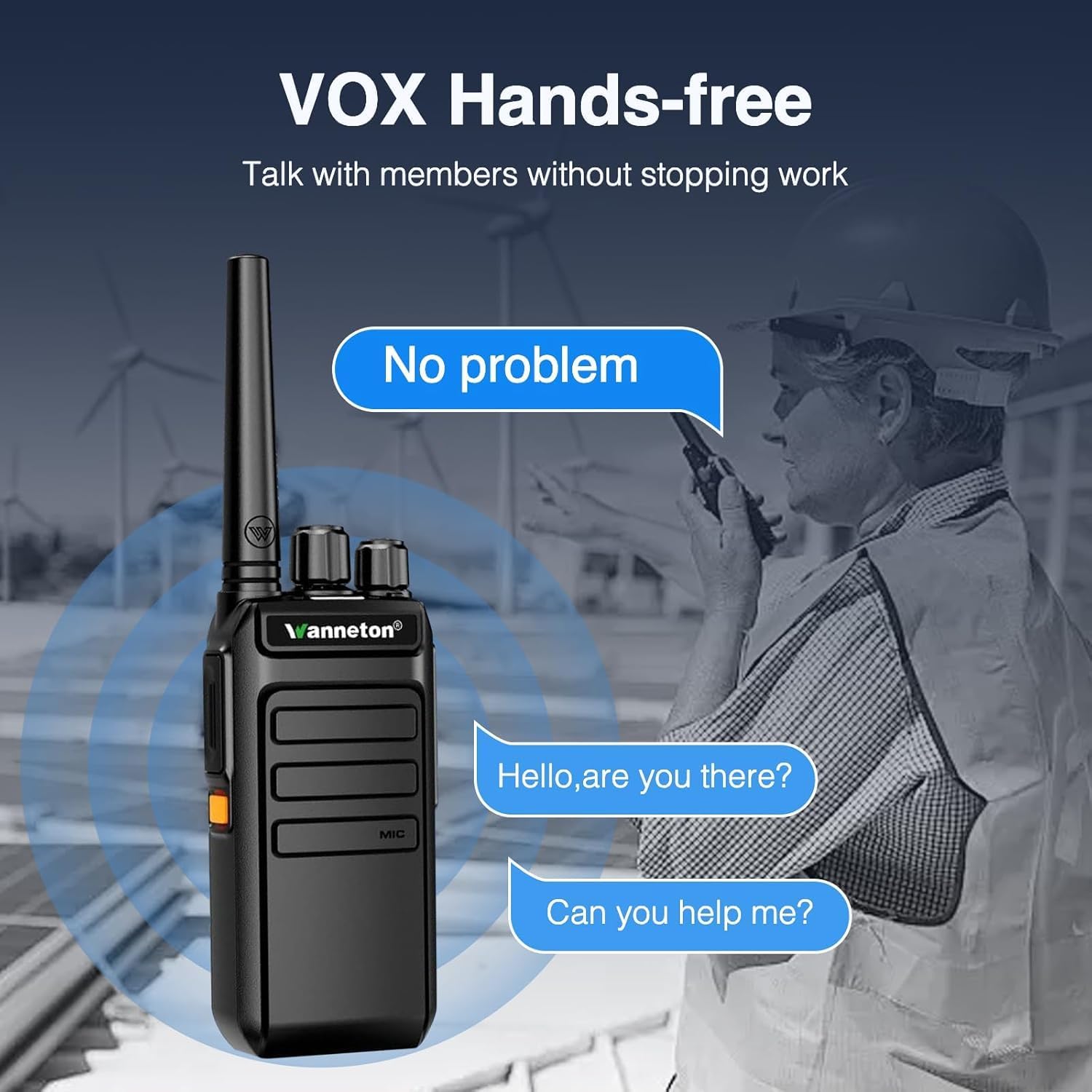
Figura 5: VOX hands-free operation allows communication without pressing the PTT button.
5. Wireless Frequency Copy (One-Click Frequency Decoding)
This feature allows you to quickly match the frequency and privacy code of another UHF walkie talkie. Simply press the designated button (configurable via programming tools) to initiate the decoding process. Your device will automatically align its settings, enabling cross-brand communication without complex manual programming.
6. Customizable Alarm Function
The side keys can be programmed to function as an emergency alarm switch. When activated, all intercoms set to the same frequency will emit an alarm sound. This is useful for quickly notifying your team in emergency situations. This feature can be activated or deactivated by pressing the configured side key.

Figura 6: The emergency alarm function can be activated via a customizable side key.
7. Encryption Function
Side keys can also be programmed to activate or deactivate an encryption function. When encryption is active on one device, other devices without active encryption on the same frequency will receive distorted audio, ensuring privacy for sensitive communications.
8. Relay Connection Function
These GMRS handheld walkie talkies can connect to nearby relays to extend their signal range. This allows for communication over longer distances compared to standard direct communication, especially in challenging environments.
Manutenzione
- Pulizia: Utilizzare un morbido, damp panno per pulire l'esterno della radio. Non utilizzare prodotti chimici aggressivi o detergenti abrasivi.
- Resistenza all'acqua: While waterproof, avoid submerging the radio for extended periods or exposing it to high-pressure water jets. Ensure all ports and covers are securely closed.
- Cura della batteria: Conservare le batterie in un luogo fresco e asciutto. Evitare di sovraccaricare o scaricare completamente la batteria frequentemente per prolungarne la durata.
- Magazzinaggio: Quando non si utilizza la radio per lunghi periodi, rimuovere la batteria e conservarla in un ambiente asciutto e privo di polvere.
Risoluzione dei problemi
| Problema | Possibile causa | Soluzione |
|---|---|---|
| La radio non si accende. | La batteria è scarica o non è installata correttamente. | Caricare la batteria o reinstallarla, assicurandosi che il contatto sia corretto. |
| Impossibile comunicare con altre radio. | Canali o codici di privacy diversi. Fuori portata. | Ensure all radios are on the same channel and privacy code. Move closer to the other radio. Use frequency copy function. |
| Audio distorto. | Encryption function active on one radio but not another. Weak signal. | Check encryption settings on all radios. Move to an area with better signal reception. |
| Durata breve della batteria. | Batteria non completamente carica. Batteria vecchia. | Assicurarsi che la batteria sia completamente carica (2-3 ore). Valutare la sostituzione della batteria se è vecchia e la sua capacità è diminuita. |
Specifiche
| Caratteristica | Dettaglio |
|---|---|
| Numero di modello | New-F3-6PCS |
| Marca | Wanneton |
| Peso dell'articolo | 4.88 libbre (per la confezione da 6) |
| Dimensioni del prodotto | 1 x 1 x 1 pollici (per unità, approssimativo) |
| Tipo di batteria | 1500 mAh agli ioni di litio (ne serve 6) |
| Numero di canali | 99 |
| Caratteristiche speciali | Automatic Squelch, Battery Saver Mode, Call Alert, Noise Reduction, VOX, Wireless Frequency Copy, Customizable Alarm, Encryption, Relay Connection |
| Gamma di frequenza | GMRS (UHF) |
| Portata massima di conversazione | Up to 30 Miles (environment dependent) |
| Voltage | 7.4 Volt (CC) |
| Livello di resistenza all'acqua | Resistente all'acqua |
Garanzia e supporto
Informazioni sulla garanzia
Questo prodotto è coperto da una garanzia di 30 giorni dalla data di acquisto. Si prega di conservare la prova d'acquisto per eventuali reclami in garanzia.
Assistenza clienti
Should you have any questions, require assistance with setup, operation, or troubleshooting, our professional customer support team is available to help. Please refer to the contact information provided with your purchase or visit the official Wanneton websito per le risorse di supporto.