
1. Introduzione
This manual provides detailed instructions for the ETOE Google TV Streaming Device. This device transforms any compatible TV into a smart TV, offering access to a wide range of streaming services, apps, and smart features powered by Google TV. Please read this manual thoroughly before use to ensure proper setup and operation.

Image: The ETOE Google TV Streaming Device connected to a television, showcasing its streaming capabilities.
2. Contenuto della confezione
Verifica che tutti gli articoli siano presenti nel tuo pacco:
- ETOE Google TV Streaming Device (T2 Stick) x1
- Telecomando x1
- Power Cable (Micro USB) x1
- Cavo di prolunga HDMI x1
- Manuale utente x1
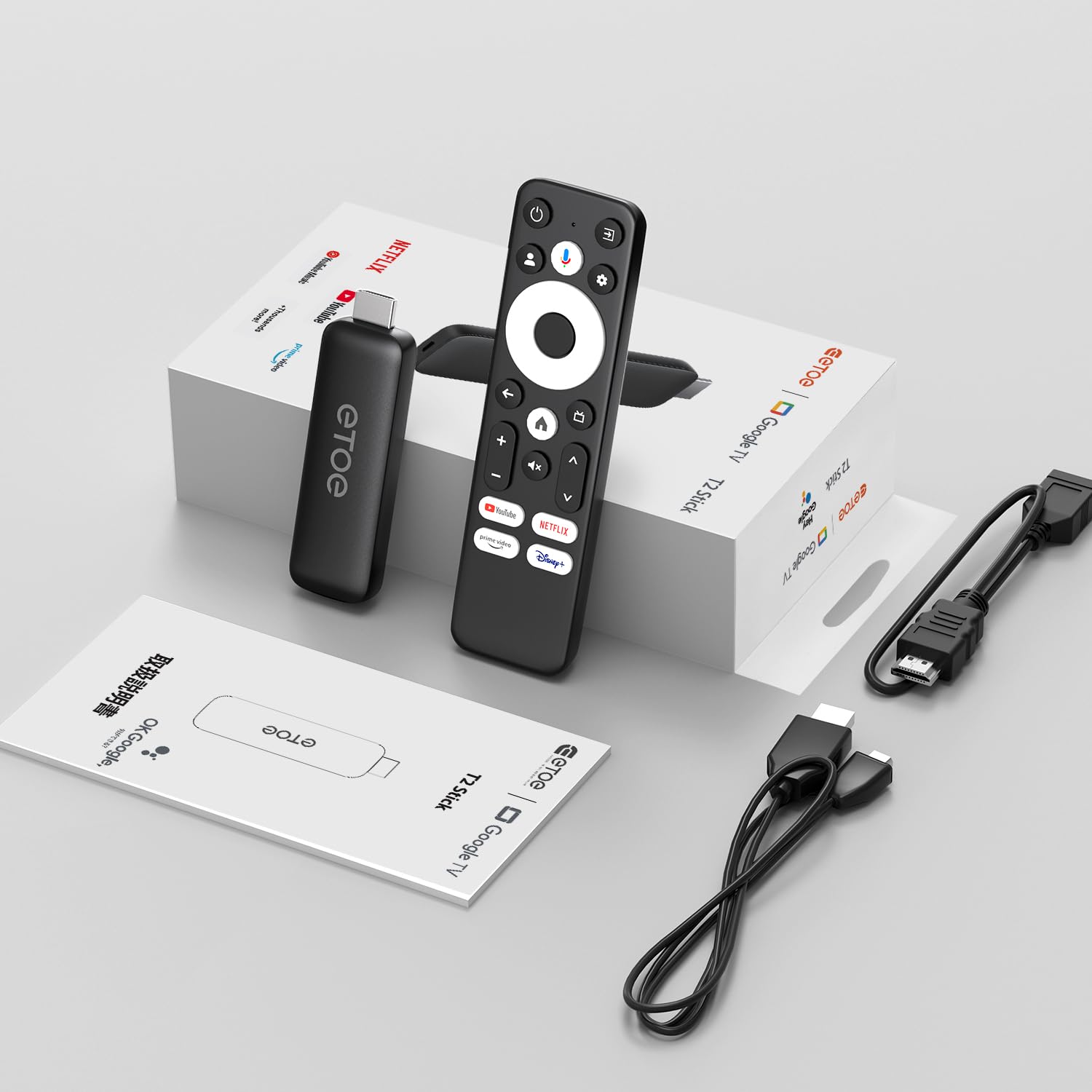
Image: All components included in the ETOE Google TV Streaming Device package.
3. Guida all'installazione
Follow these steps to set up your ETOE Google TV Streaming Device:
3.1. Collegare il dispositivo
- Collegamento elettrico: Connect one end of the USB cable to the TV stick and the other end to a power adapter (not included). Plug the power adapter into a nearby power outlet. Alternatively, you can connect the USB cable directly to a USB port on your TV or monitor for power.
- Connessione HDMI: Insert the TV stick into an available HDMI port on your television. If the HDMI port is difficult to access, use the included HDMI extension cable.
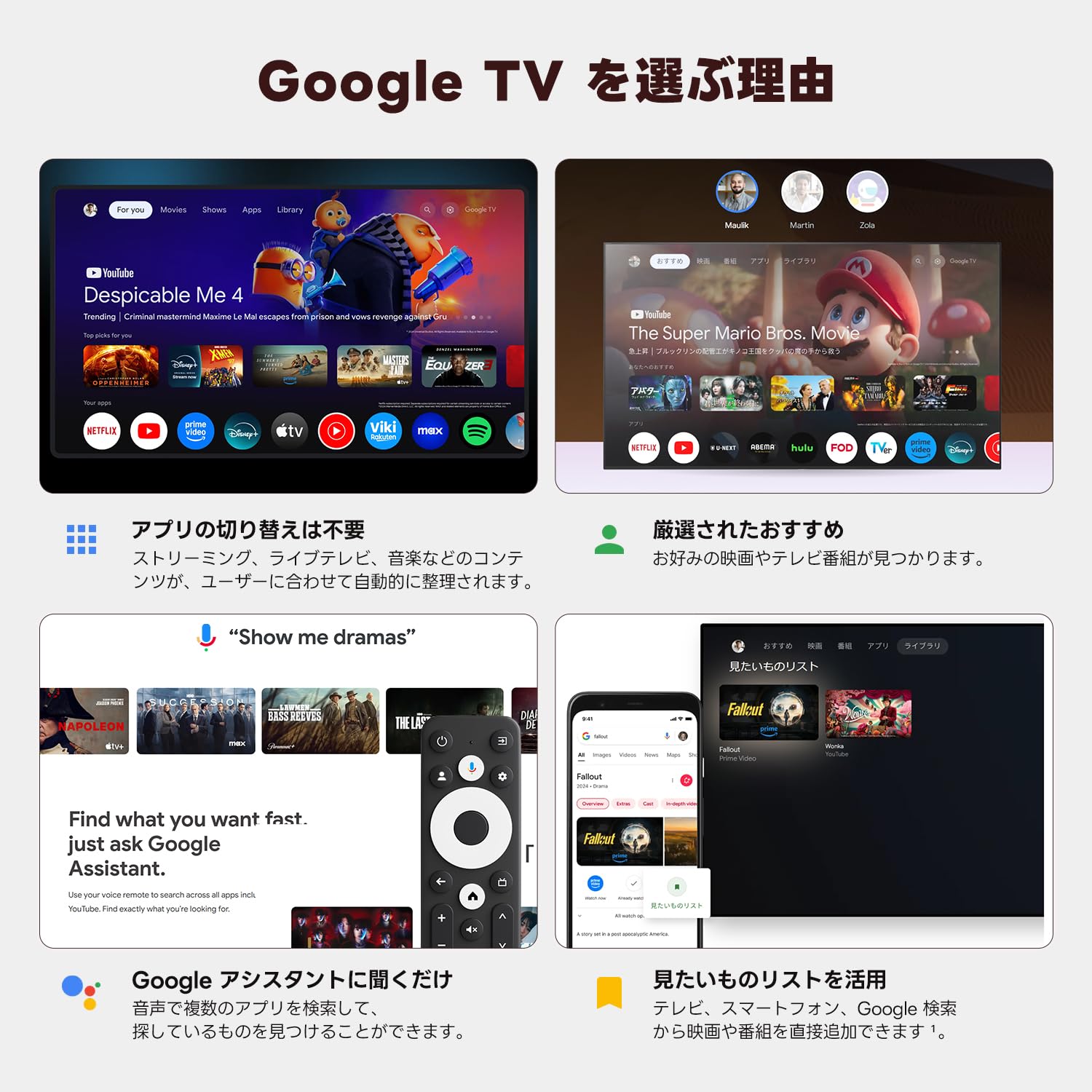
Image: Connection diagram for the ETOE Google TV Streaming Device.
3.2. Initial Setup and Remote Pairing
Turn on your TV and select the correct HDMI input. The device will boot up, and you will see a welcome screen. Follow the on-screen instructions to complete the initial setup, which includes pairing your remote control.
Per associare il telecomando, tenere premuto il tasto Casa E Indietro buttons simultaneously for approximately 5 seconds, or until the LED on the remote blinks green. Keep the remote within 3 feet of the streaming device during pairing.
3.3. Video Guide: Unboxing and Setup
Video: A short demonstration of unboxing the ETOE Google TV Streaming Device and performing the initial setup steps, including remote pairing and language selection.
4. Istruzioni per l'uso
Once set up, navigate the Google TV interface using your remote control.
4.1. Navigazione nell'interfaccia
- Use the directional pad (D-pad) on the remote to move between menu items.
- Premere il tasto Centro pulsante per selezionare un elemento.
- Premere il tasto Indietro pulsante per tornare alla schermata precedente.
- Premere il tasto Casa button to go to the Google TV home screen.
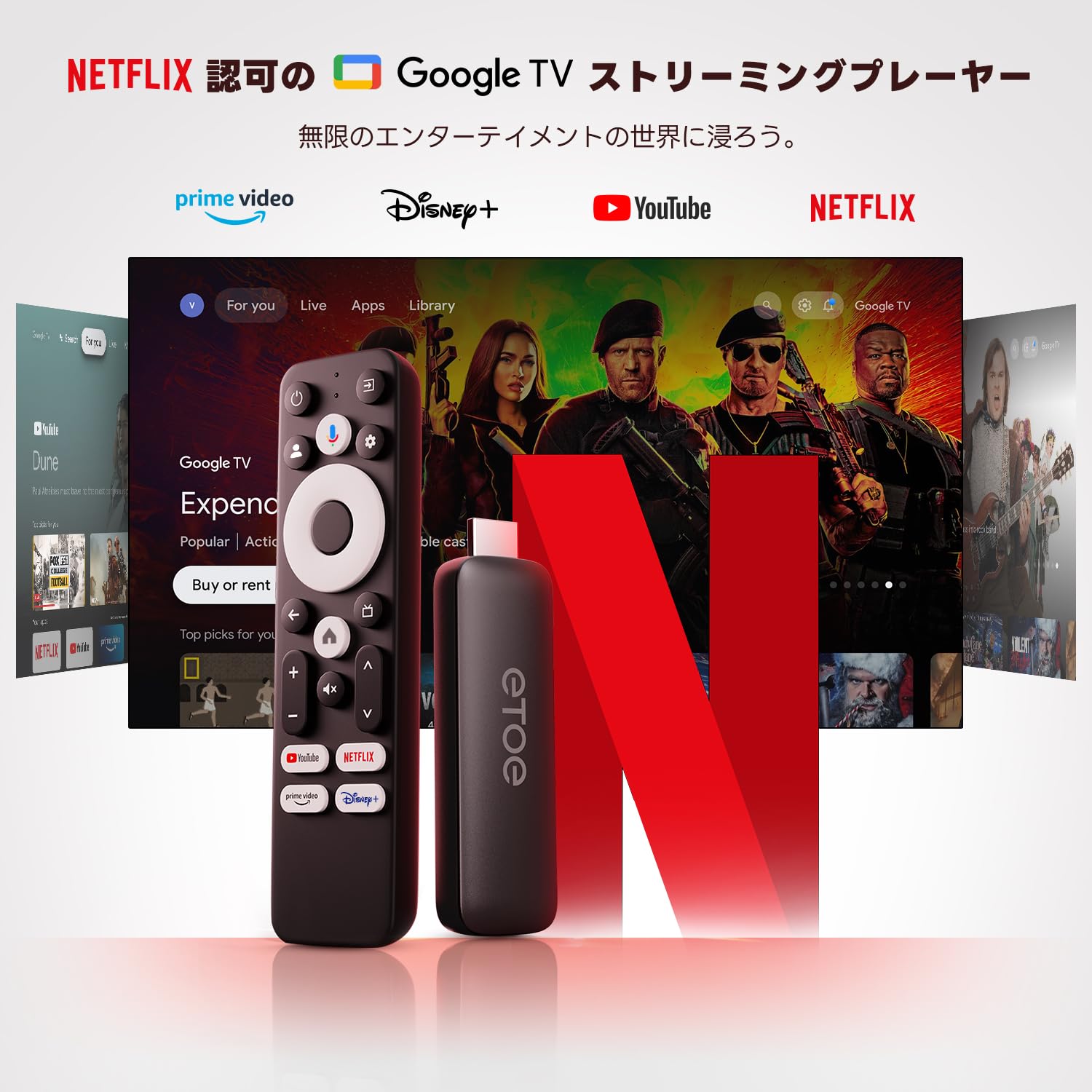
Image: The ETOE Google TV interface with the remote control.
4.2. Controllo vocale con Google Assistant
The ETOE Google TV Streaming Device supports Google Assistant for hands-free control. Press the Assistente Google button on your remote or say "OK Google" (if enabled) to activate voice commands.
- Cercare film e programmi TV.
- Applicazioni aperte.
- Controlla la riproduzione (riproduci, metti in pausa, salta).
- Regola il volume.
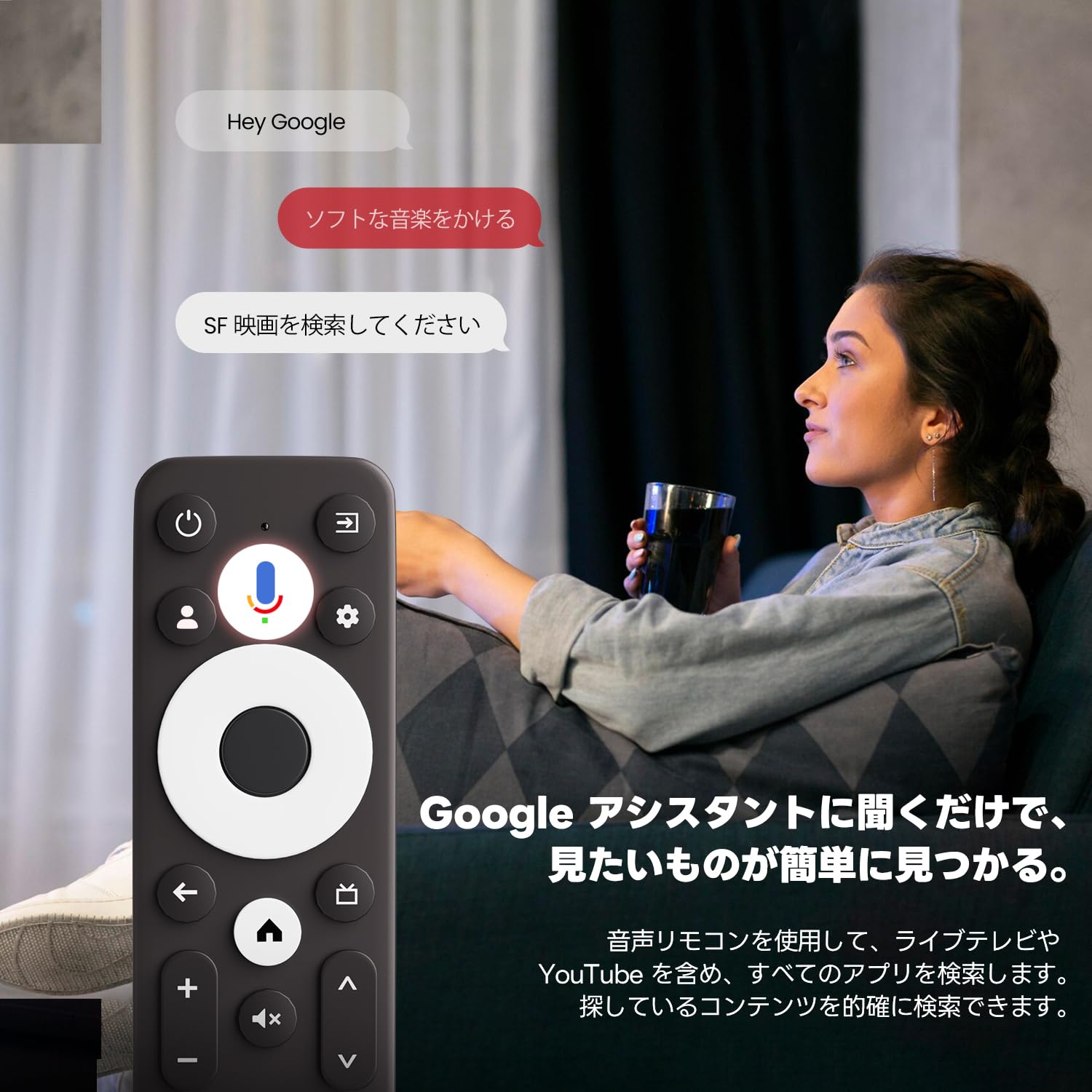
Image: Using voice commands with the ETOE Google TV remote.
4.3. Applicazioni di streaming
Access a vast library of content from popular streaming services like Netflix, YouTube, Prime Video, Disney+, and many more. The Google TV interface organizes content from all your subscriptions, making it easy to discover new shows and movies.
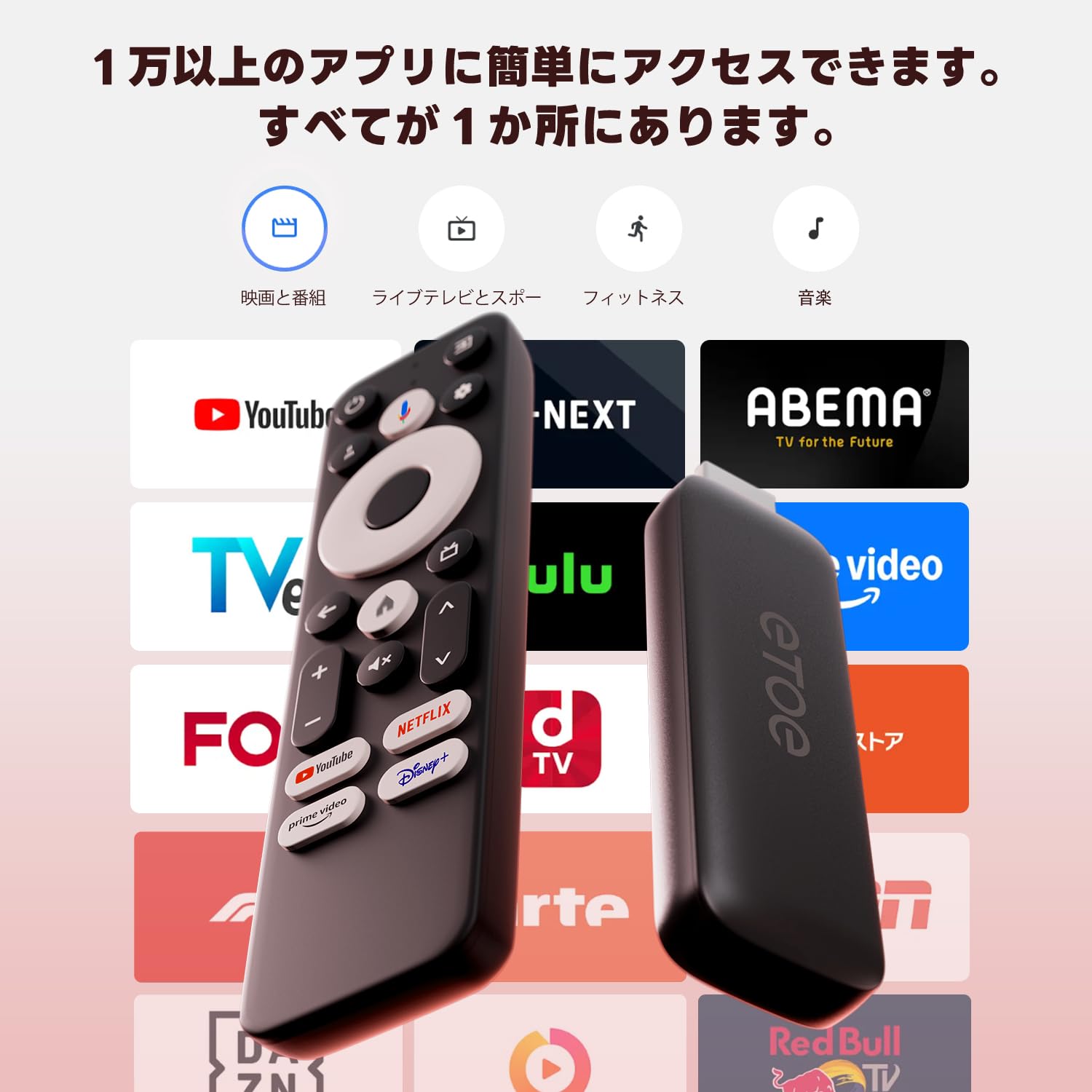
Immagine: Oltreview of popular streaming applications accessible on the device.
4.4. Google Cast / Screen Mirroring
The device supports Google Cast, allowing you to mirror content from your smartphone or tablet directly to your TV screen. This feature is ideal for sharing photos, videos, or presentations.
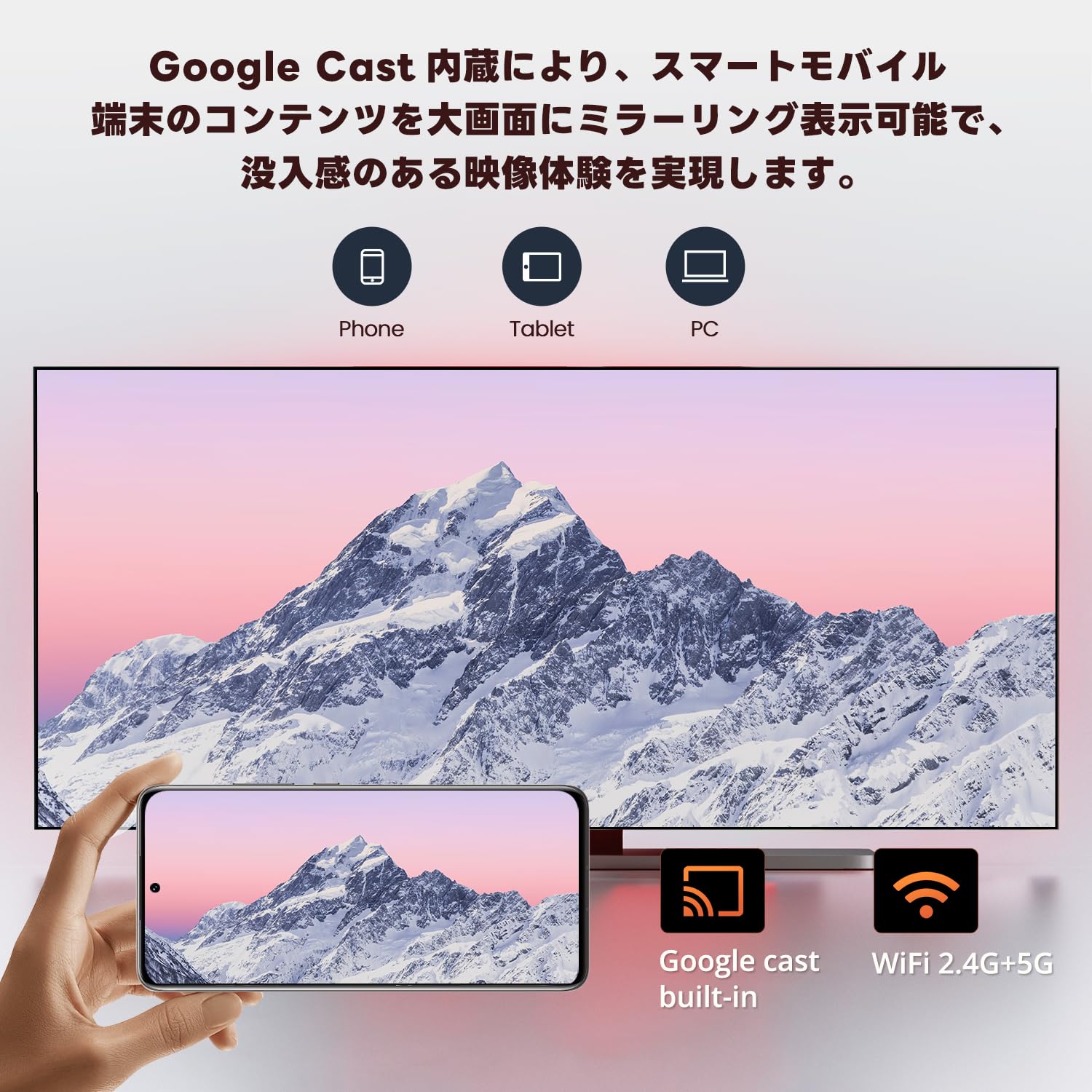
Image: Smartphone screen mirroring to a TV using Google Cast.
5 Caratteristiche
The ETOE Google TV Streaming Device offers a range of features designed to enhance your entertainment experience:
- Google TV ufficiale: Access over 700,000 movies and TV episodes from various streaming services.
- Full HD 1080p Output: Enjoy vivid and clear images with 1080p resolution support.
- Wi-Fi dual-band (2.4G e 5G): Ensures stable and fast wireless connectivity for smooth streaming.
- Bluetooth 5.0: Connect wireless accessories such as headphones or game controllers.
- Assistente Google: Use voice commands for search, playback control, and more.
- Google Cast integrato: Trasmetti facilmente i contenuti dai tuoi dispositivi mobili alla tua TV.
- Raccomandazioni personalizzate: Google TV apprende le tue preferenze e ti suggerisce contenuti personalizzati.
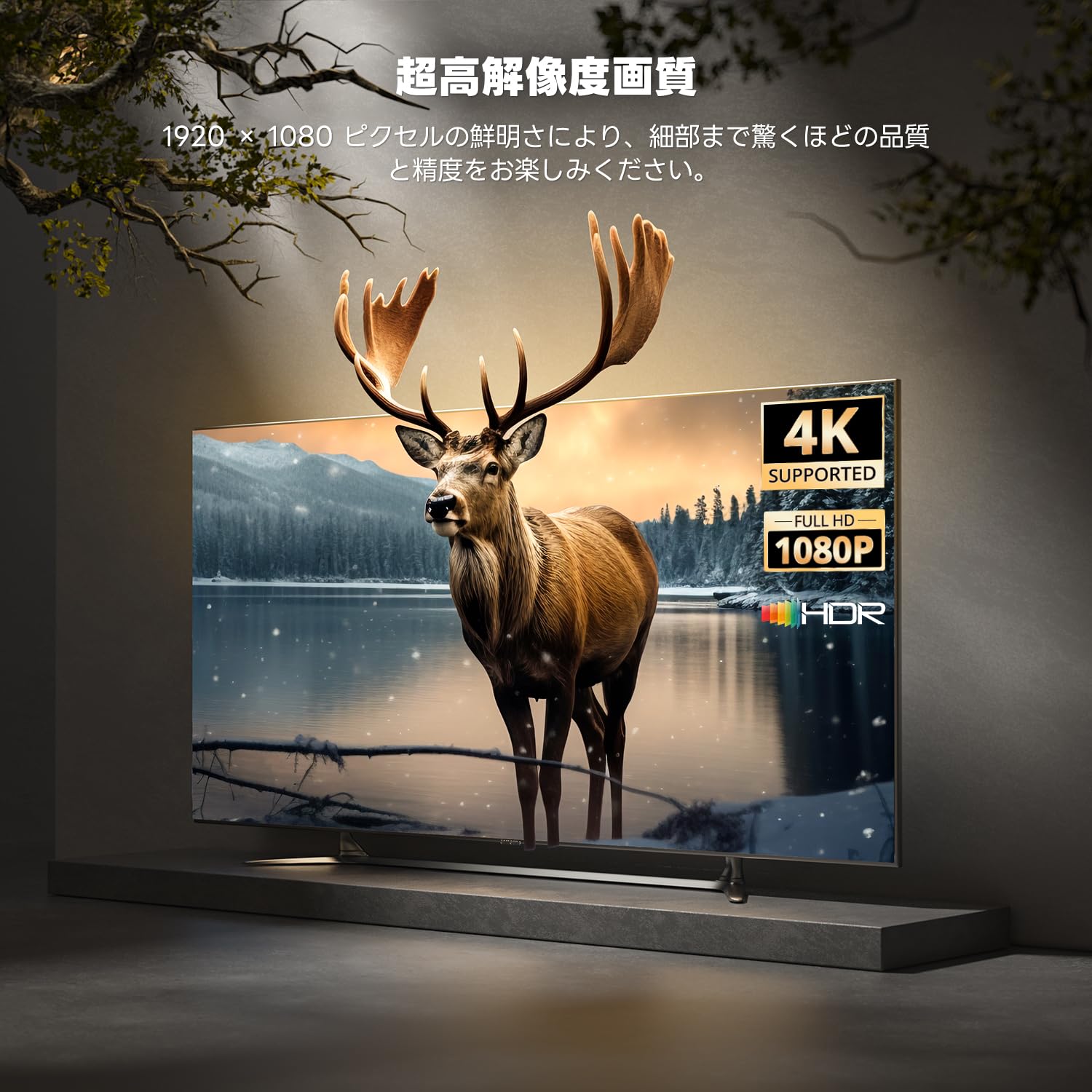
Image: High-resolution display capabilities of the device.
6. Manutenzione
To ensure the longevity and optimal performance of your ETOE Google TV Streaming Device, follow these maintenance guidelines:
- Pulizia: Per pulire il dispositivo, utilizzare un panno morbido e asciutto. Non utilizzare detergenti liquidi o spray aerosol.
- Ventilazione: Ensure the device is placed in a well-ventilated area to prevent overheating. Do not cover the device.
- Magazzinaggio: When not in use for extended periods, disconnect the device from power and store it in a cool, dry place.
- Aggiornamenti software: Keep the device's software updated to the latest version for improved performance and security. Updates are typically managed automatically by Google TV.
7. Risoluzione Dei Problemi
If you encounter issues with your ETOE Google TV Streaming Device, refer to the following common problems and solutions:
| Problema | Possibile soluzione |
|---|---|
| Nessuna alimentazione/Il dispositivo non si accende | Ensure the power cable is securely connected to the device and a working power outlet. Try a different power adapter or USB port. |
| Nessun segnale sulla TV | Verify the HDMI cable is securely connected to both the device and the TV. Ensure your TV is set to the correct HDMI input. Try a different HDMI port or cable. |
| Il telecomando non risponde | Check the remote's batteries and replace if necessary. Re-pair the remote by holding the Home and Back buttons for 5 seconds. |
| Problemi di connessione Wi-Fi | Restart your Wi-Fi router. Go to the device's Wi-Fi settings and reconnect to your network. Ensure the device is within range of your router. |
| Blocco o arresto anomalo dell'app | Restart the application. Clear the app's cache and data in the device settings. If the problem persists, uninstall and reinstall the app. |
| Scarsa qualità video | Check your internet connection speed. Ensure your TV supports the resolution being streamed. Adjust video quality settings within the streaming app if available. |
8. Specifiche
Key technical specifications for the ETOE Google TV Streaming Device (Model D2861):
- Marca: ETOE
- Numero modello: D2861
- Fattore di forma: Chiavetta TV
- Colore: Nero
- Tecnologia di connettività: Wi-Fi (2.4G e 5G), Bluetooth 5.0
- Tipo di connettore: Cavo HDMI
- Risoluzione dell'uscita video: 1080p (1920x1080)
- Codec video: H.264, H.265/HEVC
- Peso del prodotto: 190 grammi
- Dimensioni della confezione: Dimensioni: 19.3 x 9.1 x 4.6 cm
9. Garanzia e supporto
ETOE provides a 12-month warranty and 30-day return policy for this product. For any initial defects or compatibility issues, please contact customer support. Japanese language support is available, and manufacturer warranty ensures comprehensive post-purchase assistance.
For further assistance, please visit the official ETOE store or contact customer support through the provided channels.
- Negozio ufficiale: ETOE Official Store on Amazon.co.jp