
1. Introduzione
This manual provides essential instructions for the proper use and care of your NDYIN Self-Adhesive Thermal Paper. This thermal paper is designed for compatibility with D20, D21, and S1 mini label printers, offering a convenient solution for various labeling and printing needs.
2. Prodotto finitoview
The NDYIN Self-Adhesive Thermal Paper is a versatile printing medium. Each roll features a printing width of 57mm and a total length of 2.8 meters. This product is supplied in a box containing 3 rolls. It is designed to retain printed images for up to 10 years under optimal storage conditions. The paper is also BPA-free.

Image 2.1: NDYIN Self-Adhesive Thermal Paper rolls shown with a compatible mini printer and various printed labels.

Image 2.2: Detailed dimensions of the thermal paper rolls, indicating 57mm width and 2.8m length.
3. Compatibilità
This thermal paper is specifically designed for use with the following mini label printers:
- Mini stampante D20
- Mini stampante D21
- Stampante S1 Mini
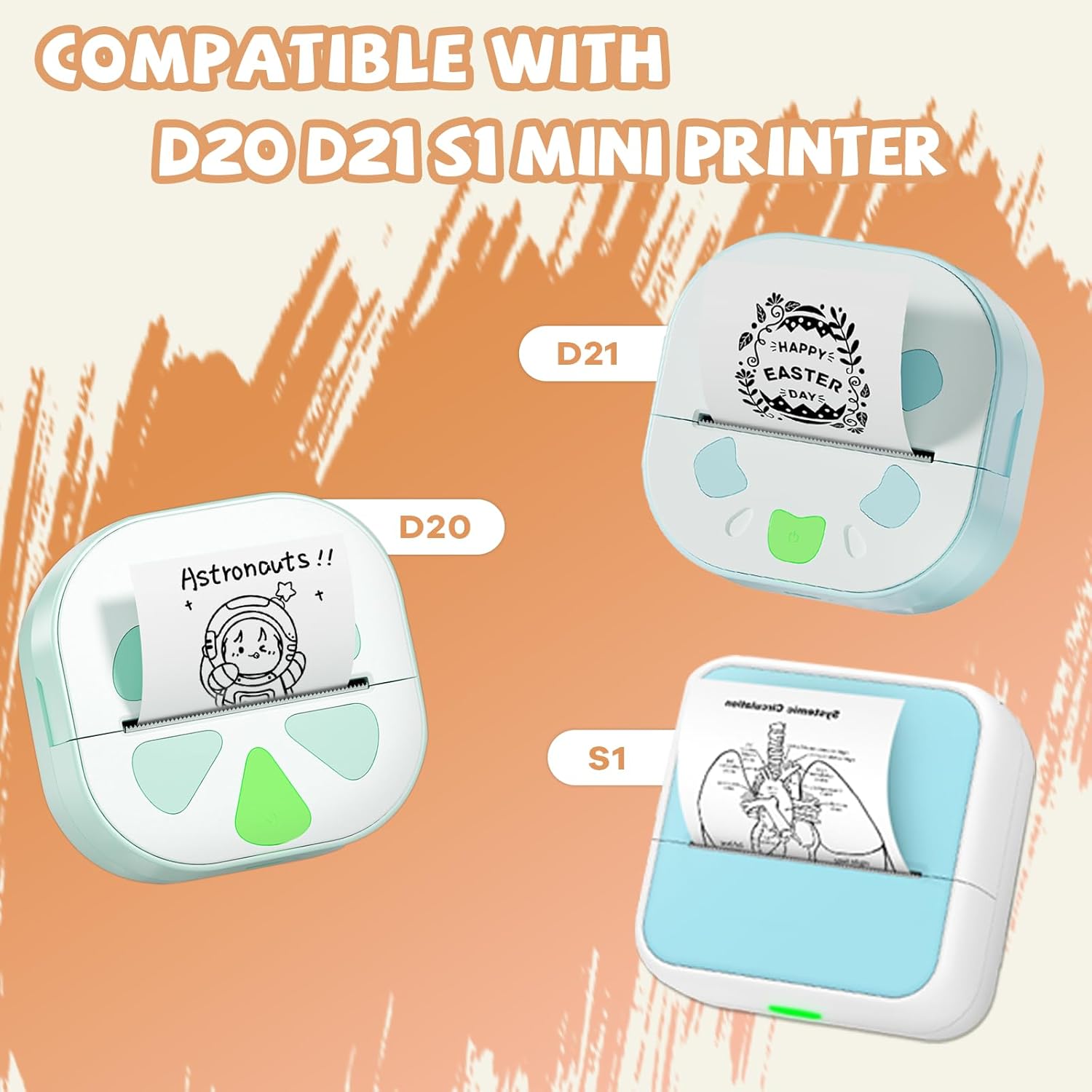
Image 3.1: The thermal paper is compatible with D20, D21, and S1 mini printers, as shown with example stampe.
4. Setup: Loading the Thermal Paper
To ensure proper printing and prevent paper jams, follow these steps when loading the thermal paper into your compatible mini printer:
- Open the paper compartment of your mini printer.
- Place the thermal paper roll into the printer holder. Ensure the roll is secured tightly within the compartment.
- Verificare che il printing side is facing up. Incorrect orientation will result in blank prints.
- Chiudere bene il vano carta.
5. Funzionamento: Linee guida per l'utilizzo
5.1. Easy Tear Design
The thermal paper features a 2mm blank edge, facilitating easy tearing after printing. You can freely cut the printed labels to your preferred length and shape.
5.2. Adhesiveness
This self-adhesive thermal paper offers good adhesion, reducing concerns about labels falling off after application.
5.3. Applicazioni versatili
The thermal paper is suitable for a variety of uses, including:
- Creating study notes and flashcards.
- Organizing planning journals and diaries.
- Labeling items for organization.
- Developing custom patterns and designs.

Image 5.1: Practical applications of the thermal paper, including labeling packages, products, and storage containers.
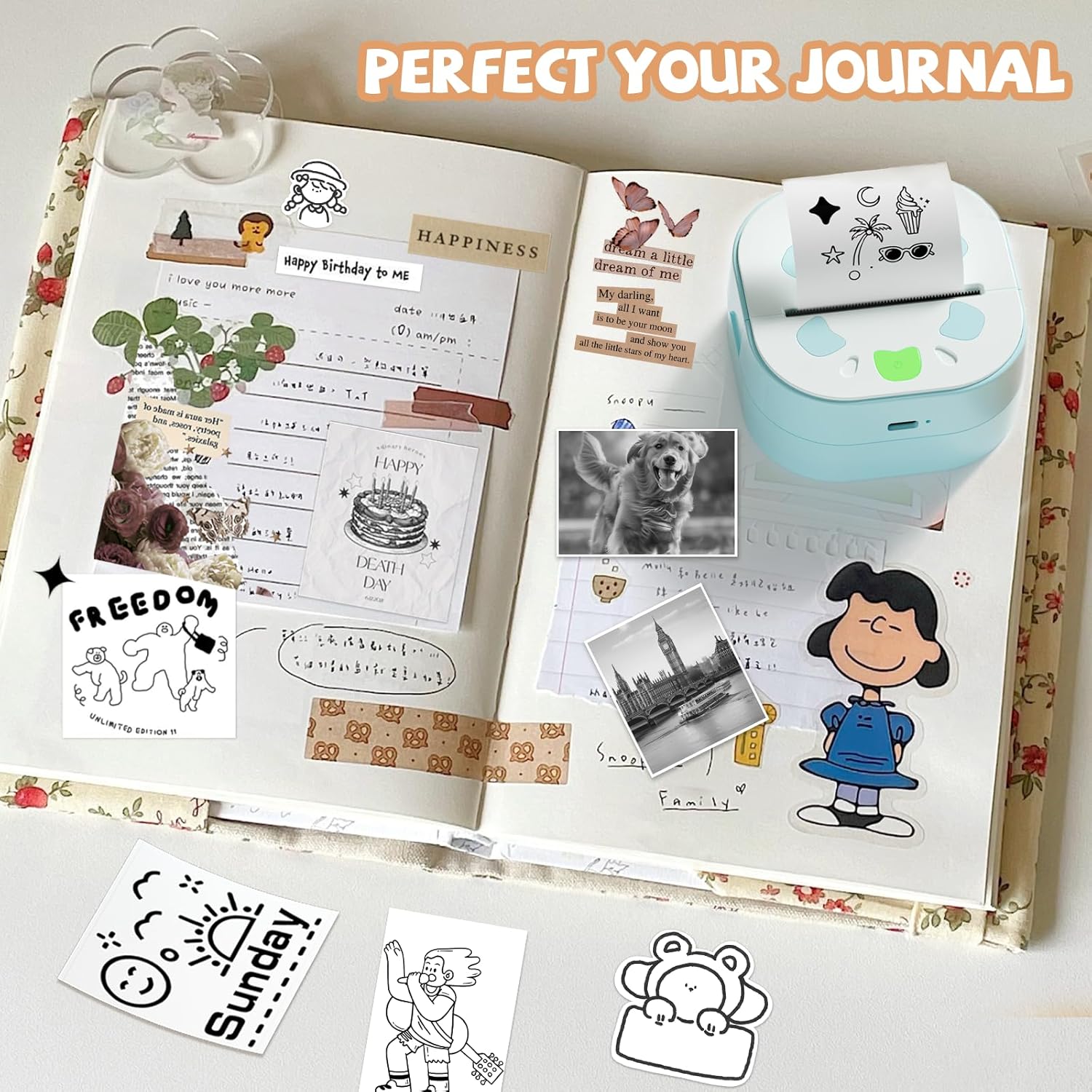
Immagine 5.2: Es.ample of using thermal paper prints to personalize and decorate a journal.
5.4. Customization and Printing Tips
- Colorazione: The bright white surface allows you to color on your printed stickers to add vibrancy. Avoid using crayons, as they may not adhere well or could damage the surface.
- Stampa fotografica: For optimal photo printing results, select high-pixel images. This will ensure clearer and more detailed prints.

Image 5.3: Key features of the thermal paper, highlighting its durability against water, oil, and scratches, and its clean removal.
6. Manutenzione e conservazione
To maximize the lifespan and quality of your thermal paper, observe the following precautions:
- When not in use, store the thermal paper rolls in their original box to protect them from friction and potential damage.
- Avoid exposing the paper to direct sunlight, as this can cause fading over time.
- Store in a dry environment. High humidity can affect the paper's print quality and adhesive properties.
7. Risoluzione Dei Problemi
Se riscontri problemi con la carta termica, tieni presente quanto segue:
- Stampe vuote: Ensure the thermal paper is loaded with the printing side facing up in your printer.
- Scarsa qualità di stampa: For photos, ensure you are using high-pixel images. For general text, check that the printer's print head is clean and functioning correctly.
- Labels Not Adhering: Ensure the application surface is clean and dry. While the paper has good adhesiveness, extreme conditions or dirty surfaces can affect performance.
8. Specifiche
| Caratteristica | Dettaglio |
|---|---|
| Larghezza di stampa | 57 millimetri |
| Lunghezza rotolo | 2.8 metri |
| Rolls Per Box | 3 rotoli |
| Image Retention Period | Up to 10 years (under optimal conditions) |
| Sicurezza dei materiali | Senza BPA |
| Tecnologia di stampa | Termico |
| Uscita della stampante | Monocromatico (inchiostro nero) |
| Dimensione massima del supporto | 57 millimetri |
| Dimensioni del foglio | 57 millimetri |