
AKASO Magnetic Neck Mount
AKASO Magnetic Neck Mount Instruction Manual
Model: Magnetic Neck Mount (ASIN: B0FN3RXSJC)
Introduzione
The AKASO Magnetic Neck Mount provides a convenient and hands-free solution for recording videos with your action camera or smartphone. Its innovative magnetic design allows for quick attachment and detachment, while supporting various shooting angles, including 180-degree rotation. This manual will guide you through the setup, operation, and maintenance of your new neck mount.
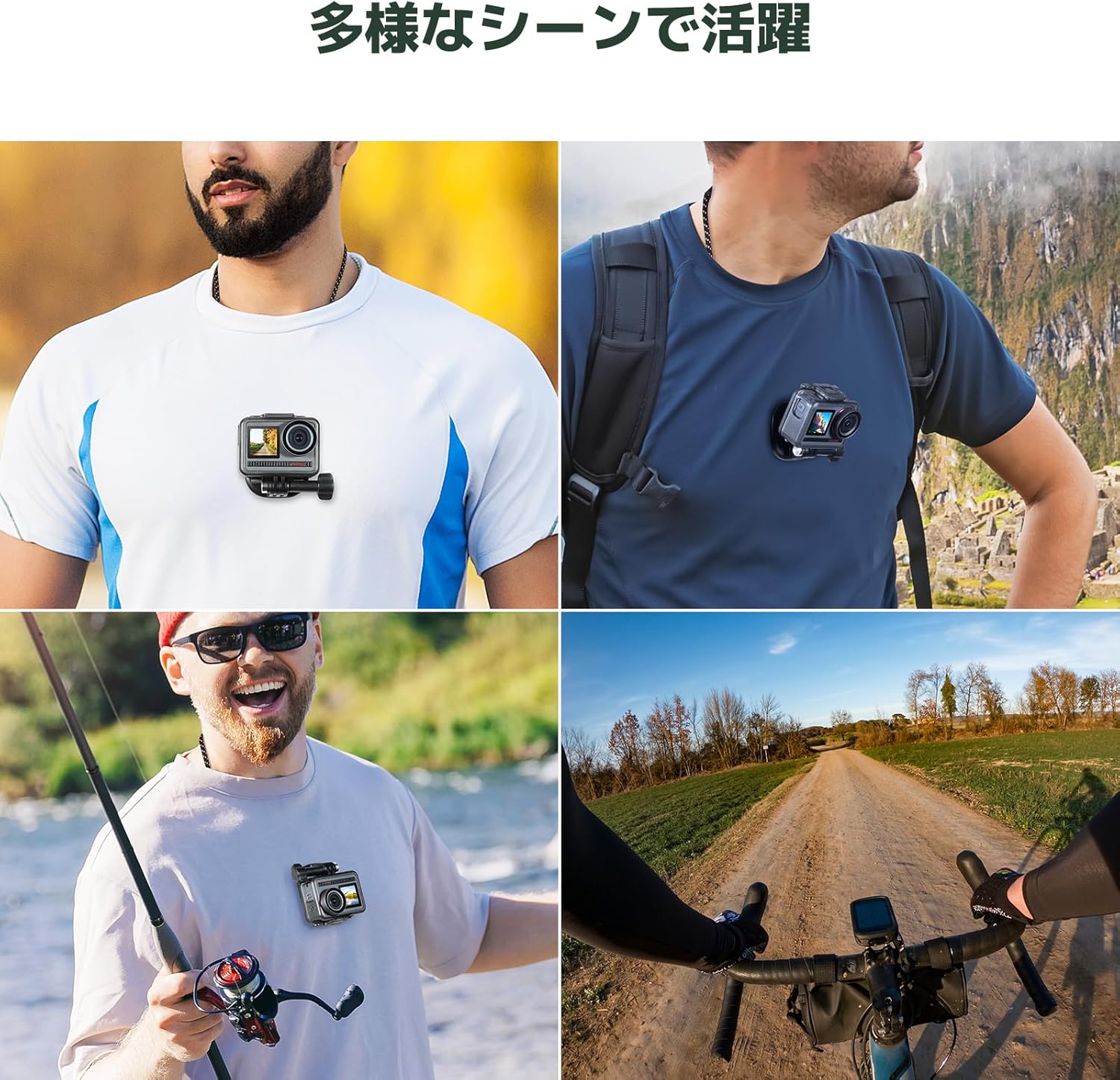
Image: The AKASO Magnetic Neck Mount being used in various scenarios such as hiking, fishing, and cycling, demonstrating its versatility.
Contenuto della confezione
Si prega di verificare che tutti gli articoli siano presenti nel pacco:
- AKASO Magnetic Neck Mount (main unit with neck strap)
- Piastra magnetica
- Universal Action Camera Adapter
Note: Additional accessories like a chest strap for enhanced stability are sold separately.

Image: The main components of the AKASO Magnetic Neck Mount, including the neck strap, magnetic plate, and universal adapter, alongside various compatible action cameras and smartphones.
Guida all'installazione
- Attach Camera to Adapter: Secure your action camera or smartphone holder to the universal action camera adapter. Ensure it is tightened firmly.
- Connect Adapter to Magnetic Plate: Attach the adapter with your camera to the magnetic plate.
- Indossare il supporto per il collo: Place the neck strap around your neck. The magnetic base should rest inside your clothing, against your chest.
- Fissare la fotocamera: Position the magnetic plate (with camera attached) on the outside of your clothing, aligning it with the magnetic base worn inside. The strong magnets will snap into place, securing your camera for hands-free recording.
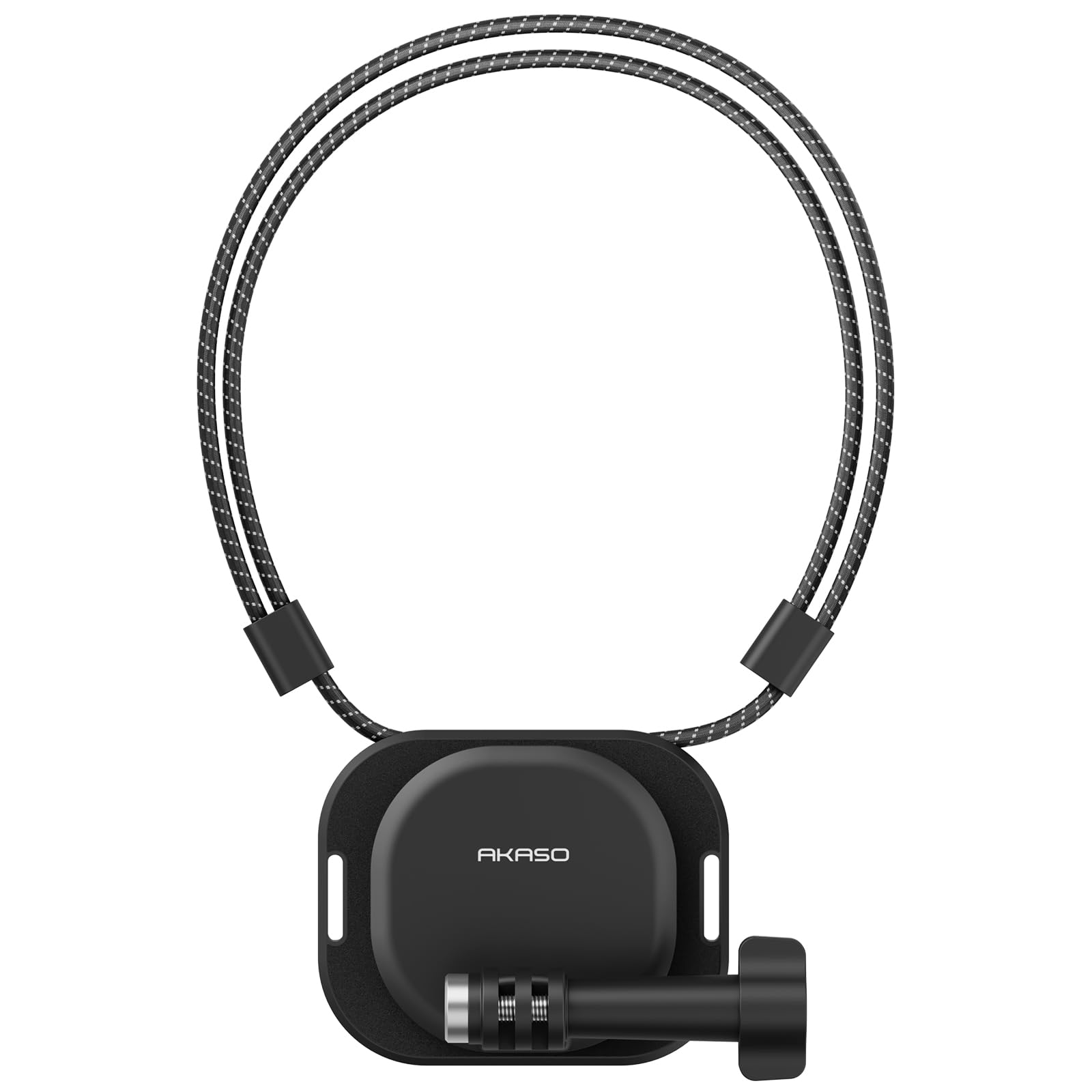
Image: A person wearing the AKASO Magnetic Neck Mount with an action camera attached, demonstrating the hands-free setup.

Immagine: un primo piano view illustrating the strong magnetic connection between the neck mount's internal base and external plate, ensuring secure camera attachment.
Istruzioni per l'uso
- Registrazione a mani libere: Once securely mounted, your camera will record from a natural, first-person perspective, leaving your hands free for other activities.
- Rilascio rapido: To detach the camera, simply pull the magnetic plate away from the base. Reattachment is just as easy by bringing the magnets close together.
- Regolazione dell'angolo: The mount allows for 180-degree rotation, enabling you to switch between vertical and horizontal shooting modes or adjust the camera angle as needed.
- Magnetic Stand Function: The magnetic plate can also be used independently to attach your camera to any magnetic metal surface, transforming it into a temporary stand.

Image: Demonstrates the multi-angle shooting capabilities of the neck mount, showing how the camera can be oriented vertically or horizontally.
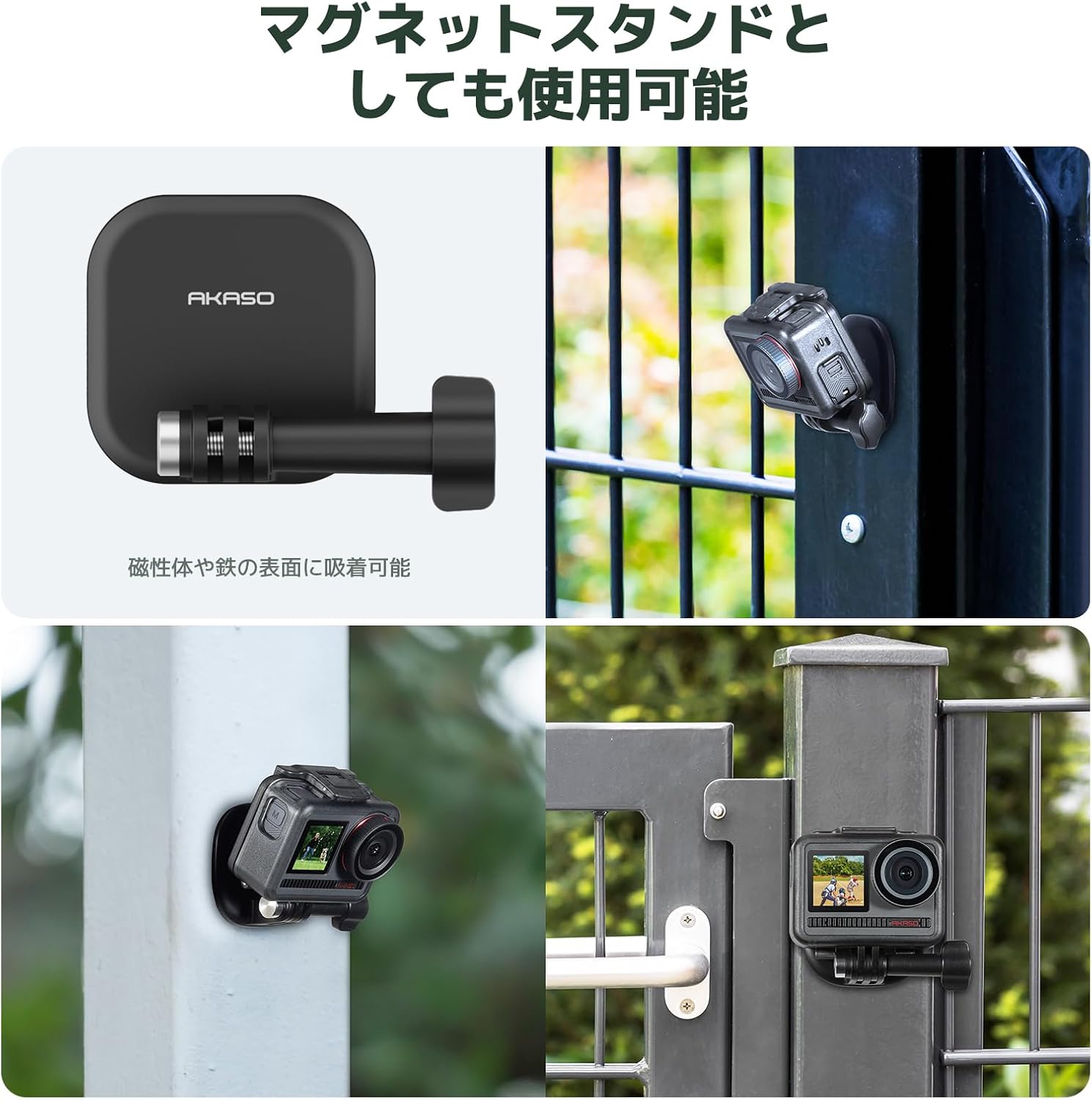
Image: Shows the magnetic plate being used to attach an action camera to a metal surface, highlighting its functionality as a versatile magnetic stand.
Manutenzione
- Pulizia: Pulisci il supporto con un panno morbido eamp cloth to remove dirt or sweat. Do not use harsh chemicals.
- Magazzinaggio: Quando non viene utilizzato, conservare il supporto in un luogo fresco e asciutto, lontano dalla luce solare diretta.
- Cura del magnete: Keep the magnetic surfaces clean and free from debris to ensure a strong connection. Avoid placing the mount near sensitive electronic devices that could be affected by magnets.
Risoluzione dei problemi
| Problema | Soluzione |
|---|---|
| Camera feels loose or unstable. |
|
| Difficoltà a staccare la telecamera. |
|
| Camera angle is not optimal. |
|
Specifiche
- Marca: AKASO
- Modello: Supporto magnetico per il collo
- Colore: Nero
- Dimensioni (confezionato): Dimensioni: 9 x 6.5 x 5.2 cm
- Peso (imballato): 130 grammi
- ASIN: B0FN3RXSJC
- Codice UPC: 810082456608
- Compatibilità: AKASO Brave 4, AKASO Brave 7, AKASO EK7000, GoPro HD Hero2, Insta360, DJI Action, Smartphones (with appropriate adapter)
Garanzia e supporto
For warranty information, technical support, or further assistance, please refer to the official AKASO websito o contattare direttamente il servizio clienti. Conservare la ricevuta d'acquisto per eventuali reclami in garanzia.
Official AKASO Store on Amazon: Negozio AKASO
Ask a question about this manual
Ask about setup, troubleshooting, compatibility, parts, safety, or missing instructions. Manuals+ will review the question and use this page’s manual context to help answer it.