
1. Introduzione
This manual provides detailed instructions for the setup, operation, and maintenance of your EWEADN V80 Wired TKL RGB Gaming Keyboard. Please read this manual thoroughly before using the product to ensure optimal performance and longevity.

Figure 1: EWEADN V80 Wired TKL RGB Gaming Keyboard, showcasing its compact design and gradient pink keycaps.
2. Prodotto finitoview
2.1 Caratteristiche principali
- Connettività cablata: USB-C wired design for stable, interference-free connection with zero input lag.
- Disposizione TKL al 80%: Compact Tenkeyless design saves desk space while retaining essential keys.
- Retroilluminazione RGB: 12 dynamic lighting modes with adjustable brightness and speed.
- Interruttori a membrana silenziosi: Provides tactile feedback with minimal noise, suitable for quiet environments.
- Tasti PBT: Double-shot injection-molded PBT keycaps with side-printed legends for durability and clear backlighting.
- Anti-ghosting a 26 tasti: Ensures accurate registration of multiple simultaneous keypresses.
- Design ergonomico: Due s integratitage kickstand for adjustable typing angles to reduce wrist strain.
- Supporto multi-sistema: Compatible with Windows and Mac operating systems.
2.2 Cosa c'è nella scatola
- EWEADN V80 Wired TKL RGB Gaming Keyboard
- Cavo da USB-C a USB-A
- Manuale d'uso
3. Impostazione
3.1 Collegamento della tastiera
- Individuare la porta USB-C sul retro della tastiera.
- Collegare l'estremità USB-C del cavo in dotazione alla tastiera.
- Collegare l'estremità USB-A del cavo a una porta USB disponibile sul computer (PC o Mac).
- La tastiera è plug-and-play e dovrebbe essere riconosciuta automaticamente dal sistema operativo.

Figure 2: The USB-C port for connecting the keyboard to your computer.
3.2 Compatibilità del sistema
The EWEADN V80 keyboard is compatible with Windows and Mac operating systems. No additional drivers are typically required for basic functionality.
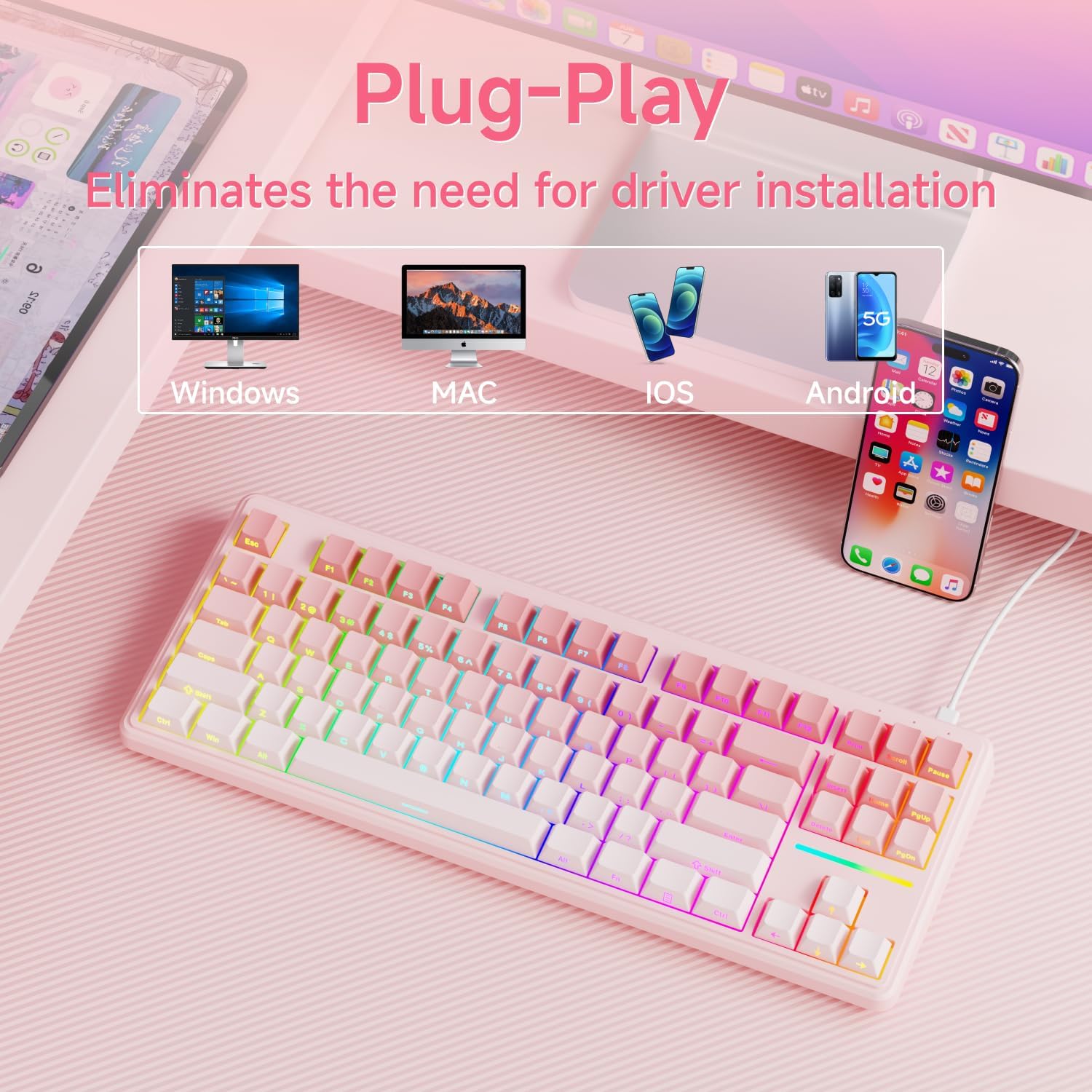
Figure 3: The keyboard supports multiple operating systems and devices for versatile use.
4. Funzionamento
4.1 Controllo della retroilluminazione RGB
The keyboard features 12 dynamic RGB lighting modes. All lighting functions are controlled using the FN tasto in combinazione con altri tasti.
- Attiva/disattiva la retroilluminazione: Premere FN + IndietroSpazio.
- Cambia modalità di illuminazione: Premere FN + Inserire per scorrere 12 diversi effetti di luce.
- Regola luminosità: Premere FN + PU (Page Up) to increase brightness, FN + PD (Page Down) to decrease brightness.
- Regola la velocità: Premere FN + '-' to decrease lighting speed, FN + '=' to increase lighting speed.
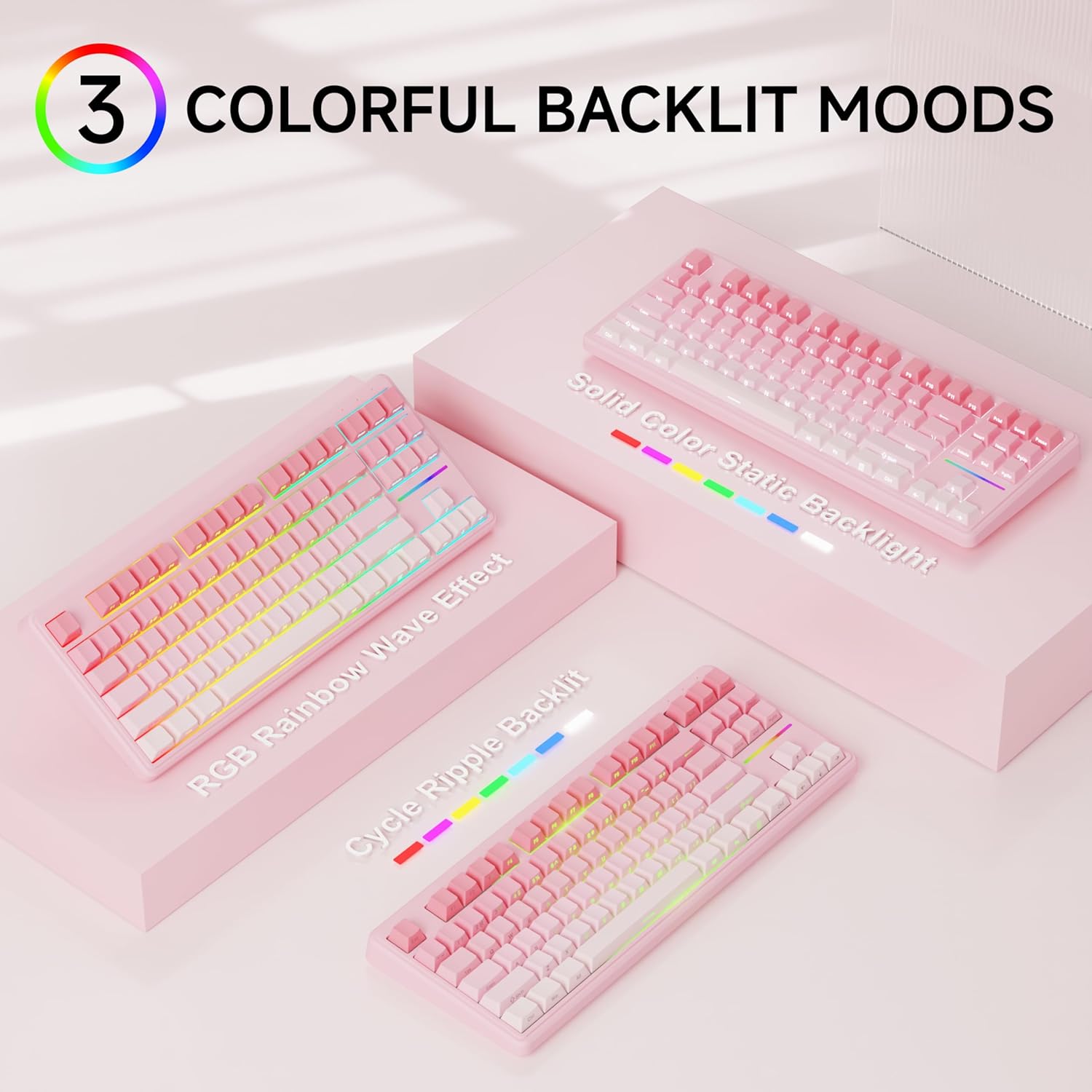
Figura 4: Esamples of the diverse RGB backlighting modes available on the keyboard.
Video 1: A short demonstration of the EWEADN V80 Wired RGB Gaming Keyboard's lighting effects and compact design.
4.2 Funzioni dei tasti (combinazioni FN)
| Combinazione | Funzione |
|---|---|
| Tasto F1 | Luminosità dello schermo - |
| Tasto F2 | Luminosità schermo + |
| Tasto F3 | Modalità di conversione |
| Tasto F4 | Microfono disattivato |
| Tasto F5 | Multi-media |
| Tasto F6 | Canzone precedente |
| Tasto F7 | Riproduci/Pausa |
| Tasto F8 | Prossima canzone |
| Tasto F9 | Volume - |
| Tasto F10 | Volume + |
| Tasto F11 | Muto |
| Tasto F12 | Calcolatrice |
4.3 Anti-ghosting
The V80 keyboard supports 26-key anti-ghosting, ensuring that every keypress is registered accurately, even during rapid and simultaneous inputs common in gaming. This prevents missed commands and enhances your gaming experience.

Figure 5: Illustration of the 26-key anti-ghosting feature, ensuring all simultaneous keypresses are recognized.
5. Manutenzione
5.1 Pulizia
- Scollegare la tastiera dal computer prima di pulirla.
- Utilizzare un panno morbido e privo di lanugine leggermente dampPulire i tasti e la superficie della tastiera con acqua o una soluzione detergente delicata.
- Evitare di utilizzare prodotti chimici aggressivi, detergenti abrasivi o di spruzzare liquidi direttamente sulla tastiera.
- Utilizzare aria compressa per rimuovere polvere e detriti dagli spazi tra i tasti.
5.2 Conservazione
Store the keyboard in a cool, dry place away from direct sunlight and extreme temperatures. If storing for an extended period, consider placing it back in its original packaging to protect it from dust and physical damage.
6. Risoluzione Dei Problemi
6.1 Problemi comuni
- La tastiera non risponde:
- Assicurarsi che il cavo USB-C sia collegato saldamente sia alla tastiera che al computer.
- Prova a collegare la tastiera a una porta USB diversa del computer.
- Riavvia il computer.
- La retroilluminazione non funziona:
- Ensure the backlight is not turned off (FN + BackSpace).
- Adjust the brightness using FN + PU/PD.
- Chiavi non registrate:
- Pulisci la chiave interessata per assicurarti che non ci siano detriti che ostruiscono l'interruttore.
- Prova la tastiera su un altro computer per escludere un problema specifico del sistema.
6.2 Contatta l'assistenza
If you encounter issues not resolved by the troubleshooting steps, please contact EWEADN customer support at eweadnkeyboard@outlook.com. Provide your product model (V80) and a detailed description of the problem.

Figure 6: EWEADN offers comprehensive after-sales support for customer inquiries and issues.
7. Specifiche
| Caratteristica | Dettaglio |
|---|---|
| Numero di modello | V80 |
| Connettività | Cablato (USB-C) |
| Disposizione | 80% TKL (senza tastierino numerico) |
| Tipo di interruttore | Membrana |
| keycaps | PBT Double-shot, Side-printed legends |
| Retroilluminazione | RGB (12 modalità, luminosità/velocità regolabili) |
| Anti-ghosting | Rollover a 26 tasti |
| Ergonomia | Due-stage adjustable kickstand |
| Dimensioni del prodotto | 14.37 x 5.47 x 1.53 pollici |
| Peso dell'articolo | 1.71 libbre |
| Dispositivi compatibili | Computer portatile, PC, smartphone, tablet |
8. Garanzia e supporto
The EWEADN V80 Wired TKL RGB Gaming Keyboard comes with a 48-month (4-year) manufacturer warranty. For warranty claims or further assistance, please contact our dedicated customer support team at eweadnkeyboard@outlook.com.