
1. Introduzione
This manual provides essential information for the safe and efficient operation of your Zebronics PixaPlay 75 Smart LED Projector. Please read this manual thoroughly before using the product and retain it for future reference.
The Zebronics PixaPlay 75 is a versatile smart LED projector designed for home cinema use, offering 4K support, 4600 lumens brightness, and a large projection size of up to 200 inches. It features Android 13, auto focus, auto keystone adaptation, and various connectivity options for a seamless entertainment experience.
2. Cosa c'è nella scatola
Dopo aver disimballato, assicurarsi che siano presenti tutti i seguenti elementi:
- Projector - 1 Unit
- Telecomando
- Cavo di alimentazione
- Cavo HDMI
- Cotton Swab Pack - 1 Unit (for cleaning)
- QR Code Guide - 1 Unit
3. Prodotto finitoview
The PixaPlay 75 projector combines advanced features for an immersive viewesperienza di acquisizione.

Figura 3.1: Fronte view of the Zebronics PixaPlay 75 projector, showing the lens and main body.

Figura 3.2: Indietro view of the Zebronics PixaPlay 75 projector, highlighting ventilation and rear design.

Figure 3.3: Remote control and connectivity ports including BT v5.0, HDMI, AUX OUT, and USB.

Figure 3.4: Integrated carry loop for easy portability of the projector.
Caratteristiche principali:
- Sistema operativo Android 13: Access to various OTT applications like Netflix, Prime Video, and Hotstar.
- 4K Support & 4600 Lumens: Delivers clear, detailed content with impressive brightness.
- 200" Screen Size: Projects a large display up to 508 cm for an immersive home theater experience.
- 90° Tilt & Telescopic Height Adjustment: Offers flexible positioning and projection angles.
- Messa a fuoco automatica e correzione trapezoidale: Ensures optimal image alignment without manual adjustments.
- Miracast & iOS Screen Casting: Seamlessly mirror content from your mobile devices.
- Dual Band WiFi & Bluetooth v5.0: Stable wireless connectivity for streaming and audio.
- Processore Quad-Core: Smooth operation and quick processing of media.
- 50,000-hour LED Lamp Vita: Prestazioni durature.
- Altoparlanti incorporati: Soluzione audio integrata.
- Montabile a parete: Option for fixed installation.
4. Impostazione
4.1 Posizionamento
Position the projector on a stable, flat surface or mount it on a wall. Ensure there are no obstructions in front of the lens.
- Distanza di proiezione: The projector supports a minimum throw distance of 1.5 meters and a maximum of 5 meters.
- Dimensioni dello schermo: Achieve screen sizes from 127 cm (50 inches) up to 508 cm (200 inches) depending on the projection distance.

Figure 4.1: Illustration of flexible screen sizes (50", 85", 200") at various projection distances (1.5m, 2.5m, 5m).

Figure 4.2: Demonstrates the telescopic height adjustment and 90° tilt mechanism for flexible positioning.

Figure 4.3: The projector can be wall-mounted for a permanent setup.
4.2 Collegamento di alimentazione
Connect the provided power cord to the projector's power input and then to a suitable electrical outlet (100 Volts).
4.3 Regolazione iniziale dell'immagine
The PixaPlay 75 features automatic image correction:
- Messa a fuoco automatica: Il proiettore regolerà automaticamente la nitidezza dell'immagine.
- Auto Keystone Adaptation: The projector will automatically correct trapezoidal distortion to ensure a rectangular image.
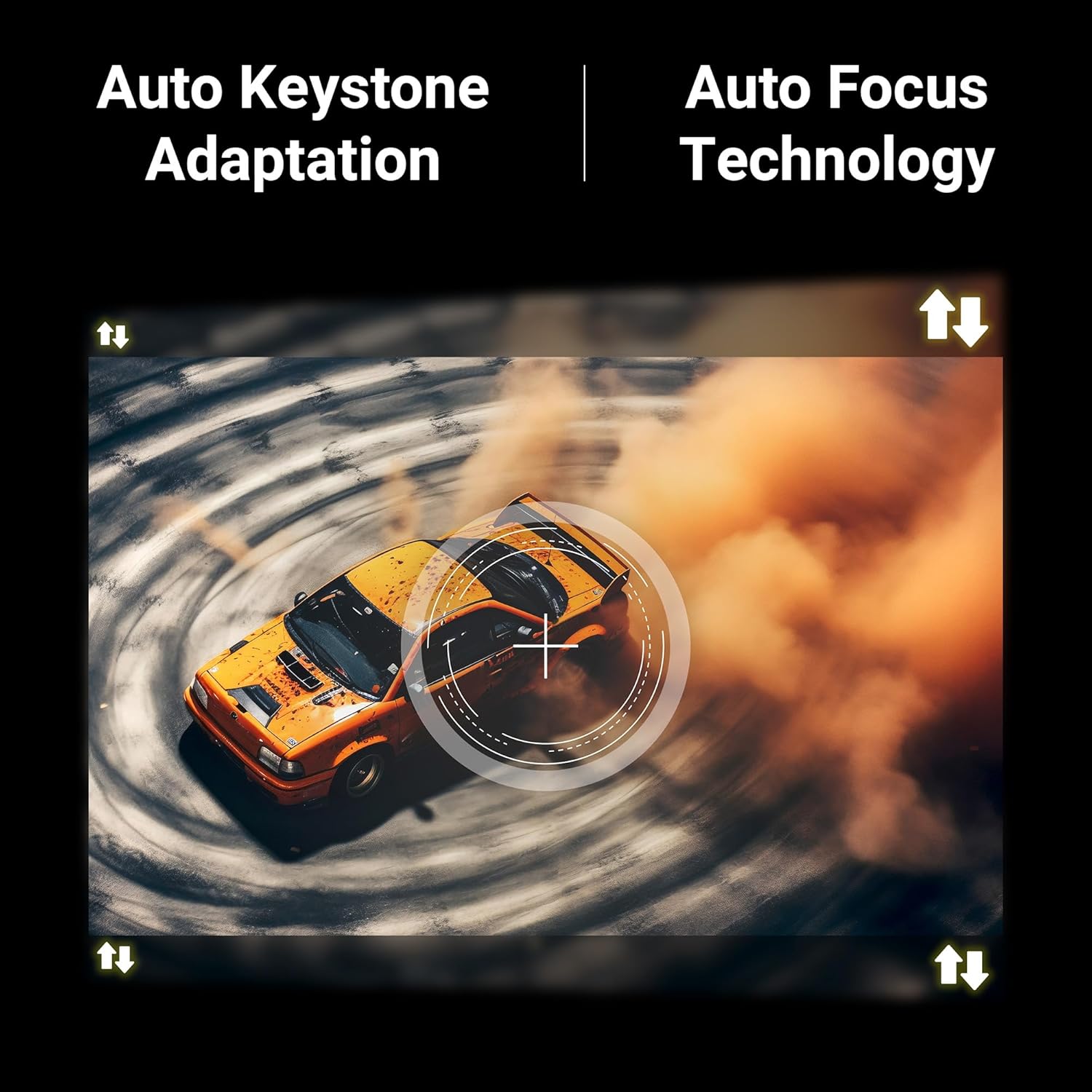
Figure 4.4: Visual representation of Auto Keystone Adaptation and Auto Focus Technology.
5. Istruzioni per l'uso
5.1 Controlli di base
Use the provided remote control to navigate the projector's interface. The remote allows you to power on/off, adjust volume, select input sources, and access smart features.
5.2 Connettività
Il proiettore offre diversi modi per collegare i tuoi dispositivi:
- HDMI: Collega lettori Blu-ray, console di gioco, laptop o altri dispositivi abilitati HDMI tramite il cavo HDMI.
- USB: Collega le unità USB per riprodurre i contenuti multimediali filedirettamente.
- USCITA AUSILIARIA: Collegare sistemi audio esterni o cuffie.
- Bluetooth v5.0: Abbinalo ad altoparlanti o cuffie Bluetooth per un audio wireless.
- Dual Band WiFi (2.4GHz & 5GHz): Collegati alla tua rete domestica per accedere a Internet e per lo streaming.
5.3 Funzionalità intelligenti (Android 13)
With Android 13 built-in, you can directly access and stream content from pre-installed OTT applications such as Netflix, Prime Video, and Hotstar. Ensure the projector is connected to a stable Wi-Fi network for optimal performance.
5.4 Screen Casting (Miracast & iOS)
Mirror the screen of your compatible Android or iOS smartphone/tablet directly to the projector:
- Assicurati che sia il dispositivo che il proiettore siano connessi alla stessa rete Wi-Fi.
- On the projector, select the Miracast/Screen Casting option.
- On your mobile device, activate the screen mirroring feature (e.g., Smart View, Cast, Screen Mirroring for Android; Screen Mirroring for iOS).
- Select the PixaPlay 75 from the list of available devices.
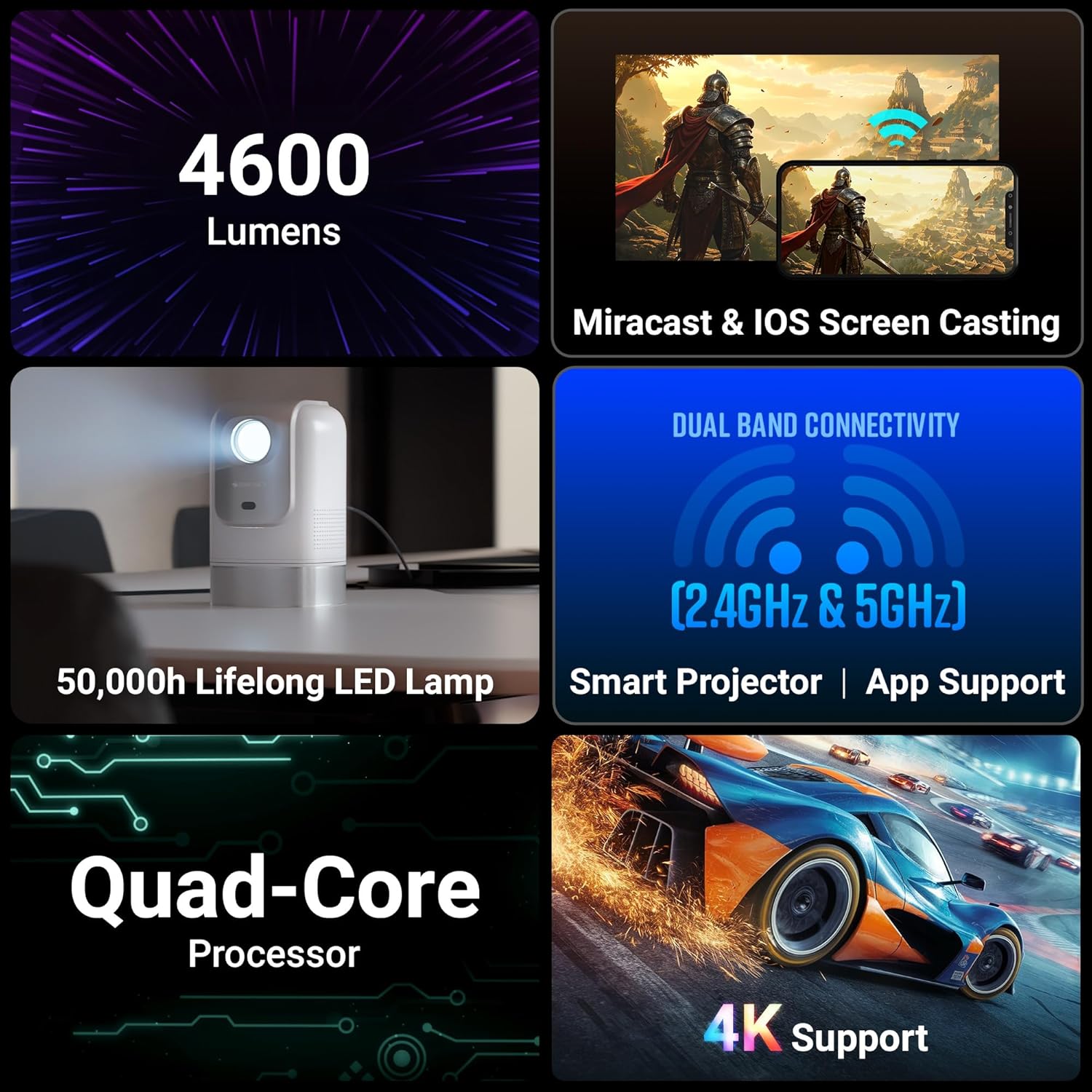
Figure 5.1: Illustrates Miracast and iOS Screen Casting functionality, showing a phone screen mirrored to the projector.
6. Manutenzione
6.1 Pulizia
Una pulizia regolare aiuta a mantenere prestazioni e qualità delle immagini ottimali.
- Lente: Use the provided cotton swab pack or a soft, lint-free cloth specifically designed for optical lenses. Gently wipe the lens to remove dust or smudges. Do not use abrasive cleaners.
- Esterno: Pulire l'esterno del proiettore con un panno morbido e asciutto. Evitare di utilizzare detergenti liquidi direttamente sul dispositivo.
6.2 Lamp Vita
Il LED lamp in your PixaPlay 75 projector has an estimated operating life of 50,000 hours. This ensures long-term usage without frequent lamp sostituzione.
7. Risoluzione Dei Problemi
Se riscontri problemi con il proiettore, fai riferimento ai seguenti problemi comuni e alle relative soluzioni:
| Problema | Possibile causa | Soluzione |
|---|---|---|
| Nessuna immagine o messaggio "Nessun segnale" | Sorgente di ingresso selezionata non corretta; collegamento del cavo allentato; dispositivo non acceso. |
|
| L'immagine è sfocata o fuori fuoco | Auto focus not activated or obstructed; projector moved. |
|
| L'immagine è distorta (forma trapezoidale) | Projector not perpendicular to the screen; auto keystone not activated. |
|
| Nessun suono o volume basso | Volume too low; incorrect audio output selected; external audio device issues. |
|
| Il mirroring dello schermo non funziona | Devices not on same Wi-Fi; feature not activated on device/projector. |
|
8. Specifiche
Below are the detailed technical specifications for the Zebronics PixaPlay 75 Smart LED Projector:
| Caratteristica | Dettaglio |
|---|---|
| Marca | ZEBRONICI |
| Nome del modello | ZEB-PIXA PLAY |
| Usi consigliati | Cinema in casa |
| Caratteristiche speciali | Auto Focus, Auto Keystone Adaptation, Built-In Streaming Features |
| Tecnologia di connettività | AUX OUT, Bluetooth, HDMI, USB |
| Risoluzione del display nativa | 1280x720 |
| Risoluzione massima di ingresso | Supporto 4K |
| Tipo di visualizzazione | GUIDATO |
| Fattore di forma | Portatile |
| Tipo di montaggio | Montaggio a parete |
| Lumen | 4600 lumen |
| Colore | Bianco |
| Dispositivi compatibili | Laptops, Smartphones, Tablets, Gaming Consoles, Blu-ray Players, Media Streaming Devices |
| Rapporto di contrasto | 3000:1 |
| Distanza massima di lancio | 5 metri |
| Durata operativa della sorgente luminosa | 50000 ore |
| Dimensione massima dell'immagine | 508 centimetri (200 pollici) |
| Voltage | 100 Volt |
| Distanza minima di lancio | 1.5 metri |
| Dimensione minima dell'immagine | 127 centimetri (50 pollici) |
| Dimensioni dell'articolo L x P x A | 11.7L x 12W x 19.8H centimetri |
| Peso dell'articolo | 1220 grammi |
| Paese di origine | Cina |
9. Garanzia e supporto
Your Zebronics PixaPlay 75 Smart LED Projector comes with a standard brand warranty.
- Periodo di garanzia: 1 Year Carry Into Service Center.
- Per il servizio: Please contact Zebronics customer support or visit an authorized service center for any warranty claims or technical assistance.
- Ulteriori informazioni: For detailed warranty terms, service center locations, and additional support, please refer to the QR Code Guide included in the box or visit the official Zebronics websito.