
1. Prodotto finitoview
The AJAZZ AJ139 V2 MC is a versatile tri-mode gaming mouse designed for precision and responsiveness. It features a PAW3311 sensor for accurate tracking, a 1000Hz return rate for smooth performance, and a long-lasting 500mAh battery. Its compact and lightweight design makes it suitable for extended use and portability.
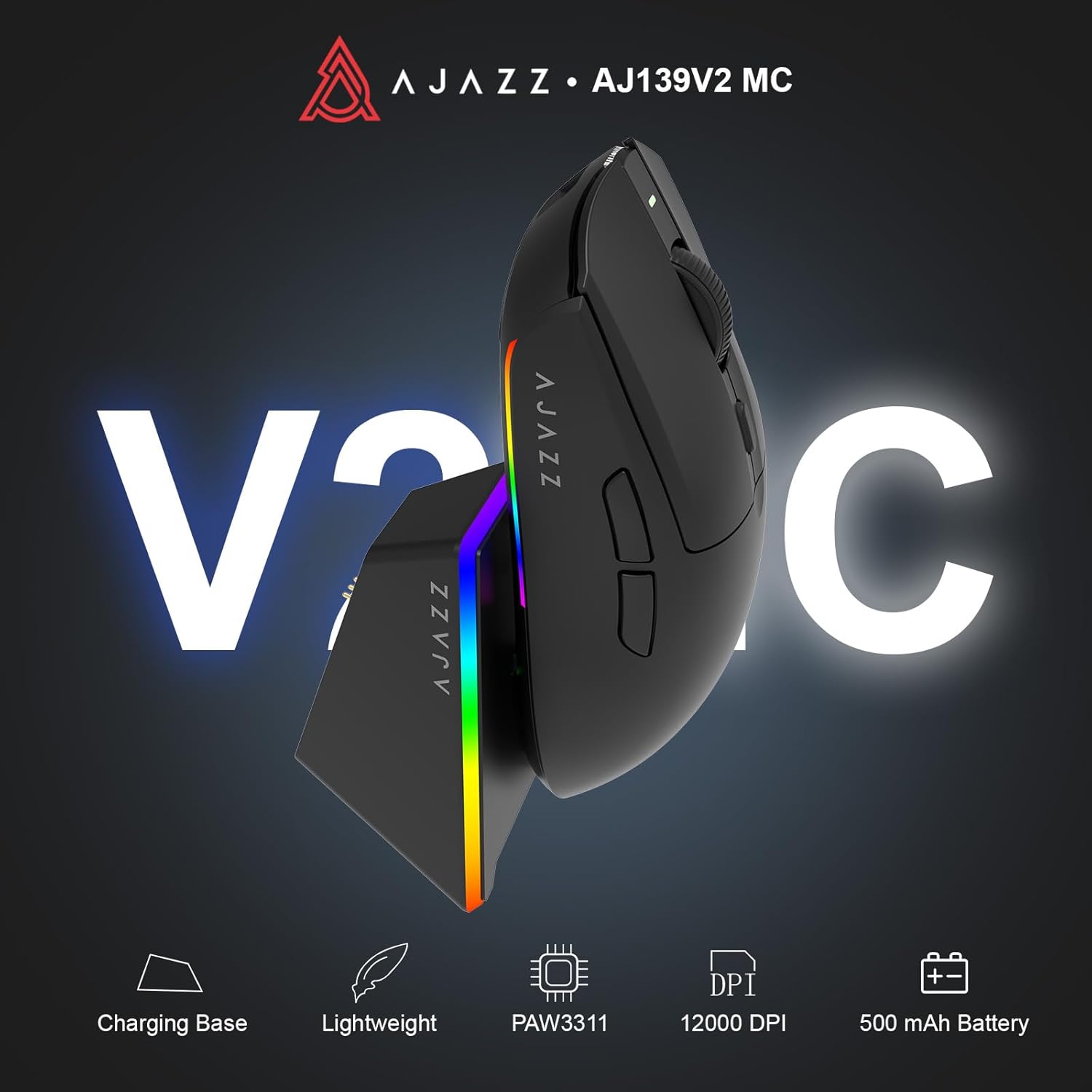
Figure 1.1: AJAZZ AJ139 V2 MC Gaming Mouse and Charging Dock.
Video 1.1: Un overview of the AJAZZ AJ139 V2 MC Gaming Mouse, highlighting its features and design.
2. Contenuto della confezione
Assicurarsi che tutti gli articoli siano presenti nel pacco:
- Mouse da gioco AJAZZ AJ139 V2 MC
- Stazione di ricarica
- Cavo di ricarica USB-C
- Ricevitore USB 2.4G (Dongle)
- Manuale d'uso
3. Caratteristiche principali
- PAW3311 Sensor Technology: Equipped with the PAW3311 sensor, this mouse ensures precise tracking and accurate cursor control for optimal performance.
- High 1000Hz Return Rate: Experience smooth and responsive performance with a 1000Hz return rate, enhancing your gaming or work experience.
- Batteria a lunga durata da 500 mAh: The integrated 500mAh battery provides extended power, ensuring uninterrupted use for prolonged periods.
- Connettività Tri-Mode: Supports versatile connectivity options including Wired, 2.4G Wireless, and Bluetooth, adapting to various devices and setups.
- Design compatto e leggero: Weighing approximately 66 grams, the mouse features a compact design for easy portability and comfortable use during long sessions.
- Illuminazione RGB personalizzabile: Features integrated RGB lighting for personalized aesthetics.
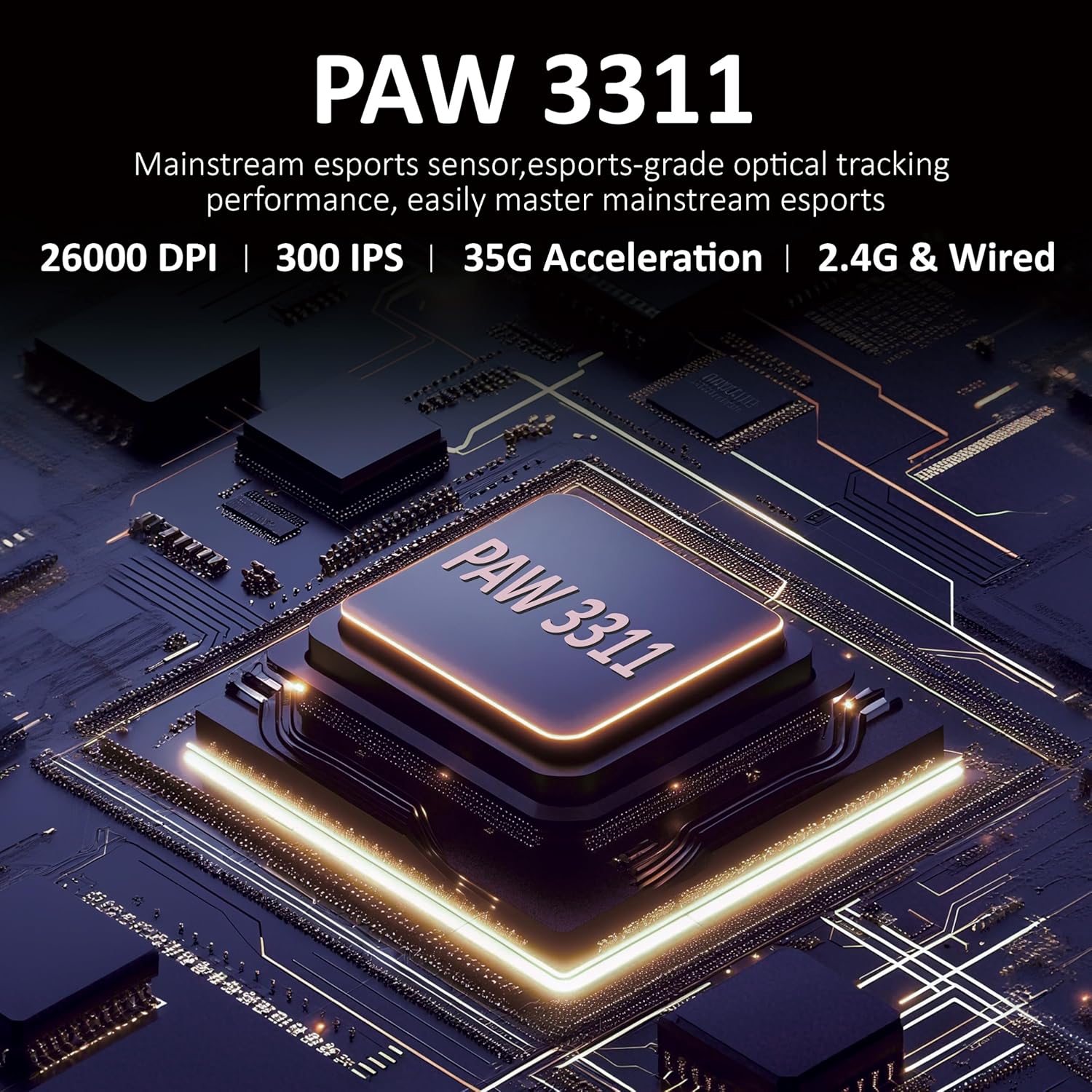
Figura 3.1: dettagliata view of the PAW3311 sensor technology.
Video 3.1: Demonstration of the mouse's 500mAh battery life.

Figure 3.2: The lightweight design of the AJAZZ AJ139 V2 MC mouse.
4. Guida all'installazione
4.1. Collegamento del mouse
The AJAZZ AJ139 V2 MC offers three connection modes:
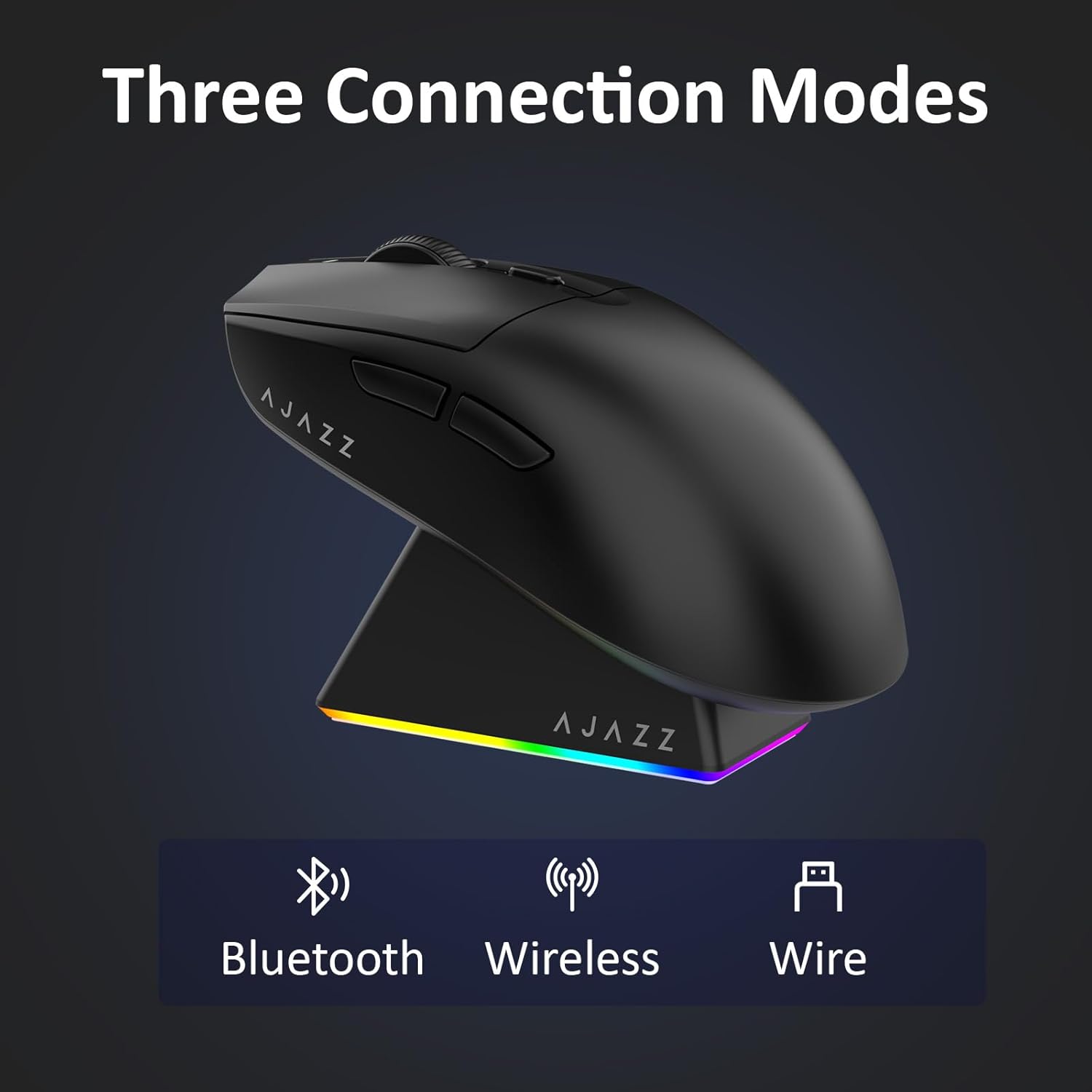
Figure 4.1: Visual representation of the three connection modes.
- Modalità wireless 2.4G:
- Individuare il ricevitore USB 2.4G riposto nello scomparto sul lato inferiore del mouse.
- Collega il ricevitore USB a una porta USB disponibile sul tuo computer.
- Slide the switch on the bottom of the mouse to the '2.4G' position. The mouse will automatically connect.
- Modalità Bluetooth:
- Spostare l'interruttore nella parte inferiore del mouse sulla posizione 'BT'.
- Sul tuo dispositivo, apri le impostazioni Bluetooth e cerca nuovi dispositivi.
- Select 'AJAZZ AJ139 V2 MC' from the list to pair.
- Modalità cablata:
- Connect the USB-C charging cable to the mouse and the other end to your computer's USB port.
- Il mouse funzionerà come un dispositivo cablato e si caricherà contemporaneamente.
4.2. Ricarica del mouse
The mouse can be charged using the included charging dock or directly via the USB-C cable.
- Utilizzo della base di ricarica:
- Connect the USB-C charging cable to the charging dock and then to a power source (e.g., computer USB port, USB wall adapter).
- Place the mouse onto the charging dock, aligning the magnetic contacts. The RGB lighting on the dock and mouse will indicate charging status.
- Ricarica diretta tramite USB-C:
- Connect the USB-C charging cable directly to the mouse and a power source.
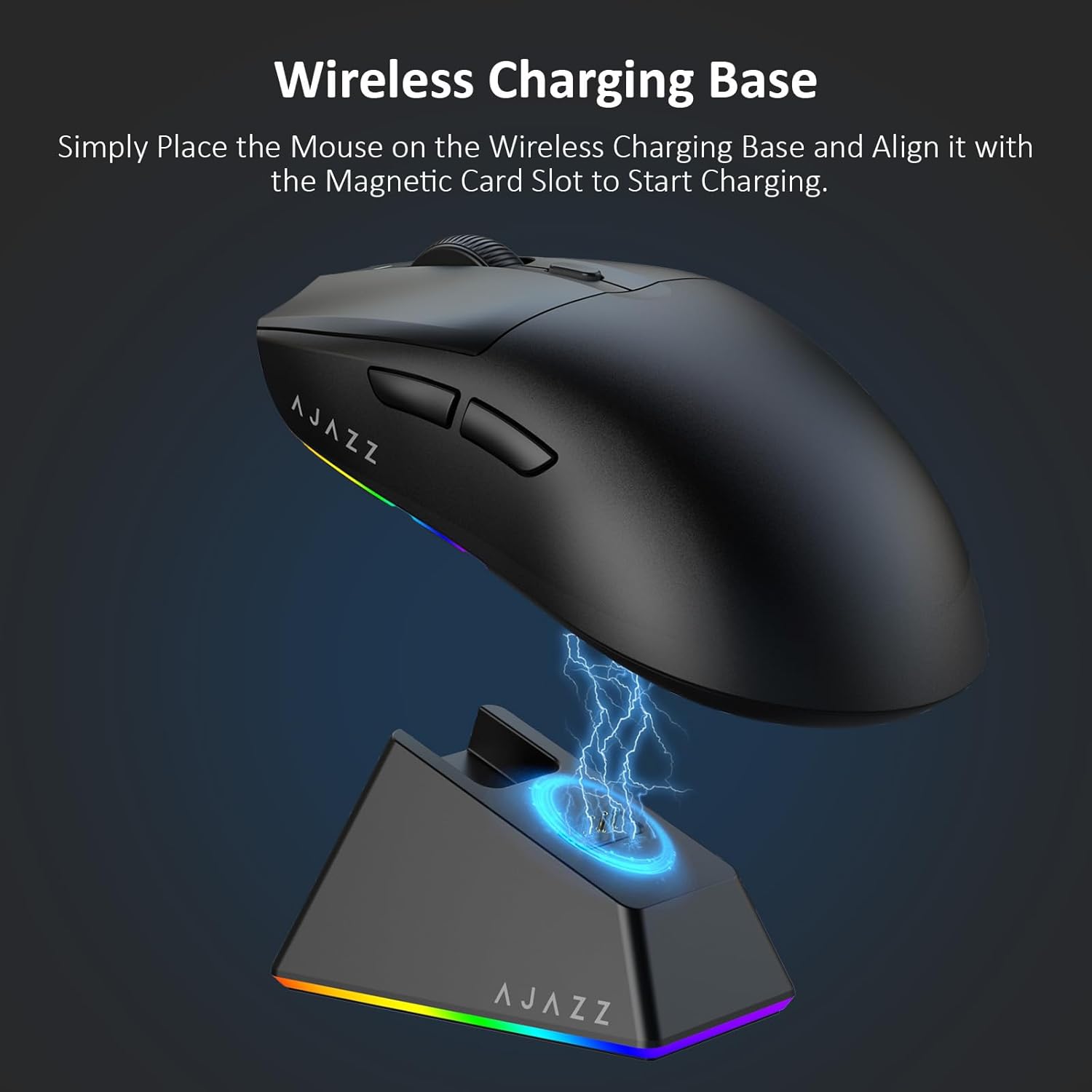
Figure 4.2: The mouse being charged on its wireless charging base.
5. Istruzioni per l'uso
5.1. Regolazione DPI
The mouse features a dedicated DPI adjustment button on its underside, allowing you to cycle through different sensitivity levels. Press the button to change the DPI setting to suit your preference.
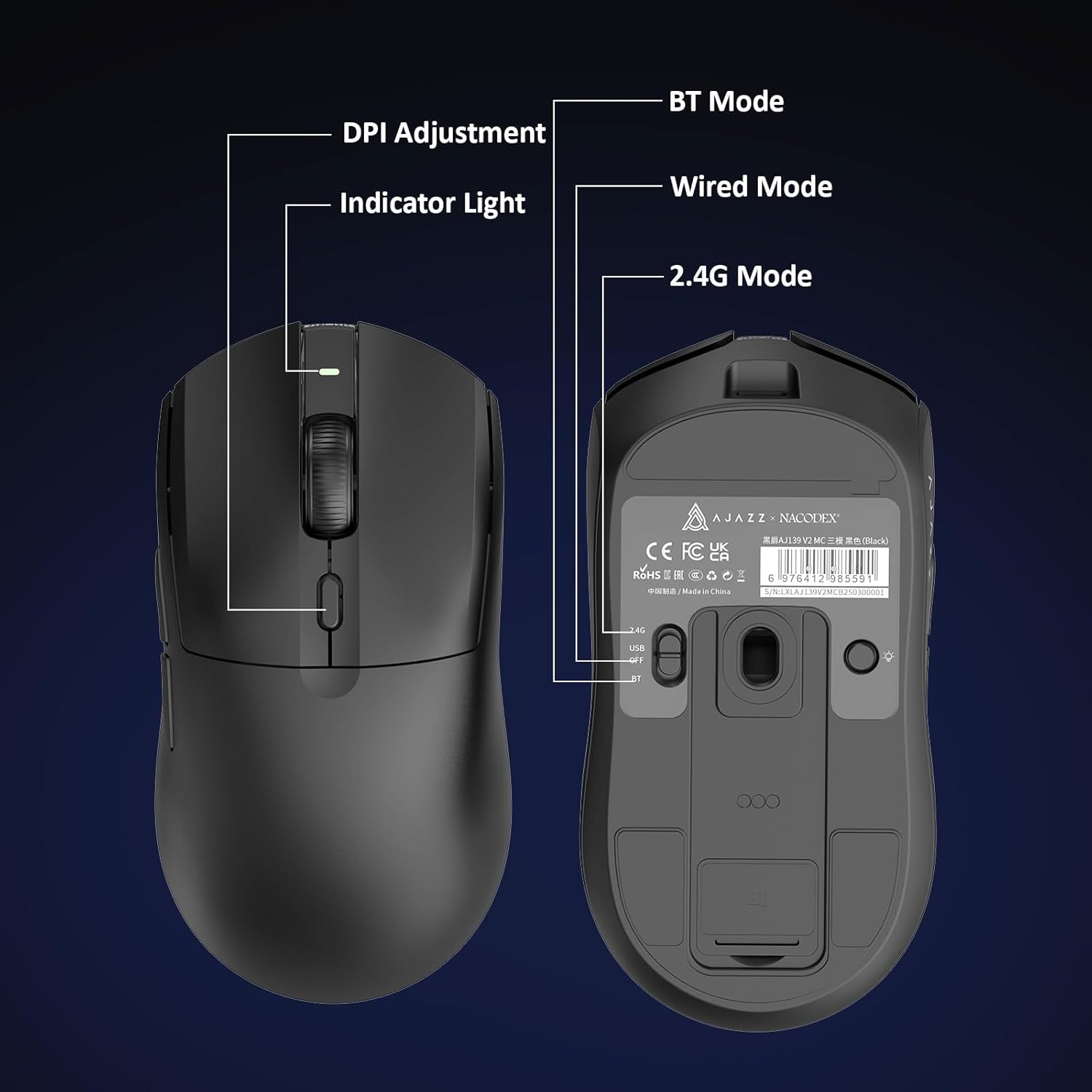
Figure 5.1: Location of the DPI adjustment button and connection mode switch on the mouse underside.
5.2. Funzioni dei pulsanti
The mouse is equipped with 6 programmable buttons:
- Pulsante clic sinistro
- Pulsante clic destro
- Rotellina di scorrimento (cliccabile)
- DPI Adjustment Button (on underside)
- Two Side Buttons (typically for forward/backward navigation)
For advanced customization of button functions and macros, please refer to the official AJAZZ software (downloadable from the manufacturer's webposto).
5.3. Controllo dell'illuminazione RGB
The mouse and charging dock feature customizable RGB lighting. Specific controls for lighting modes and colors are typically managed through the official AJAZZ software. A dedicated light button on the underside of the mouse allows for basic cycling or turning off the lighting.
6. Manutenzione
- Pulizia: Utilizzare un panno morbido e asciutto per pulire la superficie del mouse. Per lo sporco ostinato, un panno leggermenteamp è possibile utilizzare un panno, assicurandosi che non penetri umidità nei componenti interni.
- Cura del sensore: Mantenere pulito e libero da polvere o detriti il sensore ottico sul lato inferiore del mouse per mantenere la precisione del tracciamento.
- Longevità della batteria: Per prolungare la durata della batteria, evitare di scaricare completamente il mouse frequentemente. Ricaricarlo quando l'indicatore della batteria è basso.
7. Risoluzione Dei Problemi
| Problema | Possibile soluzione |
|---|---|
| Mouse not responding in 2.4G Wireless mode. | Ensure the 2.4G USB receiver is securely plugged into a USB port and the mouse switch is set to '2.4G'. Try a different USB port. |
| Mouse not pairing via Bluetooth. | Ensure the mouse switch is set to 'BT' and your device's Bluetooth is enabled and discoverable. Try unpairing and re-pairing the device. |
| Il mouse non si carica. | Verify the USB-C cable is properly connected to both the dock/mouse and the power source. Ensure the mouse is correctly seated on the charging dock's magnetic contacts. |
| Inconsistent tracking or cursor movement. | Clean the optical sensor on the underside of the mouse. Ensure you are using the mouse on a suitable surface (e.g., a mouse pad). |
| L'illuminazione RGB non funziona. | Check the mouse's software settings for lighting control. Ensure the mouse has sufficient battery charge. |
8. Specifiche tecniche
| Caratteristica | Specificazione |
|---|---|
| Marca | AJAZZ |
| Nome del modello | Aj139 V2 MC |
| Colore | V2 MC Black |
| Tecnologia di connettività | Bluetooth, USB, wireless 2.4G |
| Tecnologia di rilevamento del movimento | Ottico (sensore PAW3311) |
| Mouse Maximum Sensitivity | 12000 Dots per Inch (DPI) |
| Tasso di ritorno | 1000 Hz |
| Capacità della batteria | 500mAh |
| Quantità del pulsante | 6 |
| Orientamento della mano | Giusto |
| Dispositivi compatibili | Computer da tavolo |
| Sistema operativo | Finestre |
| Allineare | 10 metri |
| Peso dell'articolo | 4 once (circa 113 grammi) |
| Dimensioni dell'articolo L x P | 5"L x 2.5"W (circa 12.7 cm x 6.35 cm) |
| Caratteristica di abbellimento | Illuminazione RGB |
| Materiale di recinzione | Plastica |
| Fine | Opaco |
9. Garanzia e supporto
This product comes with a standard manufacturer's warranty. For detailed warranty information, please refer to the official AJAZZ websito o contattare il rivenditore.
For technical support, troubleshooting assistance, or any product-related inquiries, please visit the AJAZZ official support page or contact their customer service team.
Risorse online:
AJAZZ Official Store