
1. Introduzione
Welcome to the user manual for your new OPPO F31 Pro 5G smartphone. This guide provides essential information on setting up, operating, maintaining, and troubleshooting your device. Please read this manual thoroughly to ensure optimal performance and longevity of your smartphone.
1.1 Cosa c'è nella scatola
- Smartphone OPPO F31 Pro 5G
- Custodia per telefono
- Adattatore di alimentazione
- Espulsore del vassoio SIM
- Pellicola protettiva per lo schermo (pre-applicata o separata)
2. Configurazione iniziale
Follow these steps to set up your OPPO F31 Pro 5G for first-time use.
2.1 Dispositivo suview
Prendi familiarità con i componenti fisici del tuo smartphone.
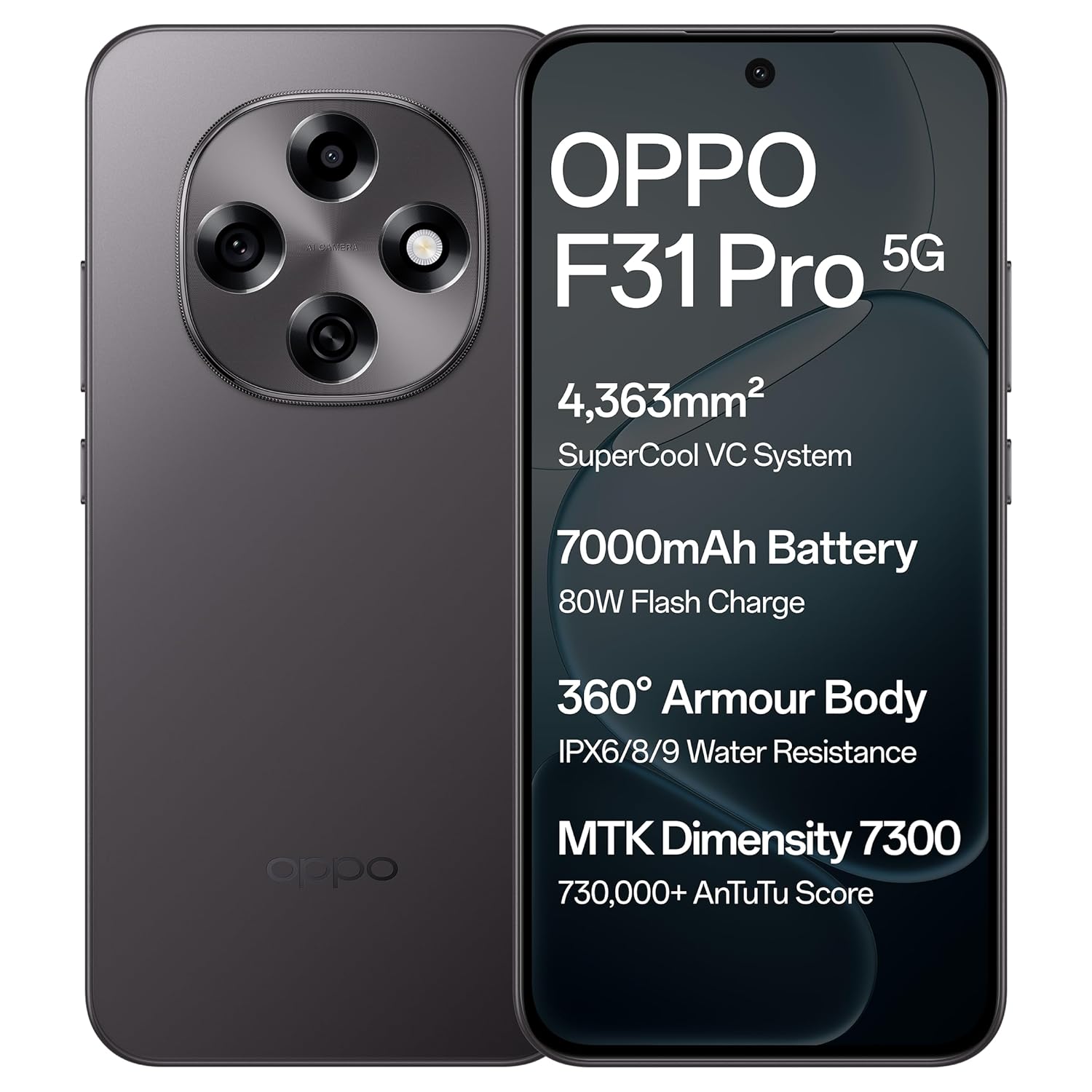
Immagine: Fronte e retro view of the OPPO F31 Pro 5G smartphone, highlighting its sleek design and camera module.
2.2 Inserimento della/e scheda/e SIM e della scheda di memoria
- Individua il vassoio SIM sul lato del dispositivo.
- Inserire lo strumento di espulsione del vassoio SIM nel piccolo foro accanto al vassoio e premere con decisione finché il vassoio non fuoriesce.
- Place your Nano-SIM card(s) and/or a compatible memory card into the designated slots on the tray. Ensure the gold contacts face downwards.
- Reinserire con cautela il vassoio nel telefono finché non scatta in posizione.
2.3 Ricarica del dispositivo
Before first use, fully charge your device using the provided power adapter and USB Type-C cable.
- Collegare il cavo USB all'alimentatore.
- Collegare l'adattatore di corrente a una presa a muro.
- Collegare l'estremità USB Type-C del cavo alla porta di ricarica nella parte inferiore del telefono.
- L'indicatore di carica apparirà sullo schermo.
2.4 Accensione e configurazione iniziale
- Tieni premuto il pulsante di accensione (solitamente sul lato destro) finché non appare il logo OPPO.
- Segui le istruzioni sullo schermo per selezionare la lingua, connetterti a una rete Wi-Fi e configurare il tuo account Google.
- You may also be prompted to set up a screen lock (PIN, pattern, password, or fingerprint).
3. Utilizzo del dispositivo
This section details the key features and functionalities of your OPPO F31 Pro 5G.
3.1 Funzionalità di visualizzazione
Your device features an Ultra-Bright, Eye-Caring 6.57-inch AMOLED flexible display with a 120Hz adaptive refresh rate and up to 1400-nit peak brightness for clear visibility in various lighting conditions. Hardware-level low blue light and natural-like light simulation are integrated for eye protection.

Image: The OPPO F31 Pro 5G's ultra-bright AMOLED display, designed for clear and comfortable viewing.
3.2 Prestazioni
The OPPO F31 Pro 5G is powered by the MediaTek Dimensity 7300 chipset, offering efficient and smooth performance for multitasking and gaming. It includes a 4363 mm² VC cooling system to maintain optimal temperatures during intensive use. The device runs on ColorOS 15, optimized for long-term fluency.
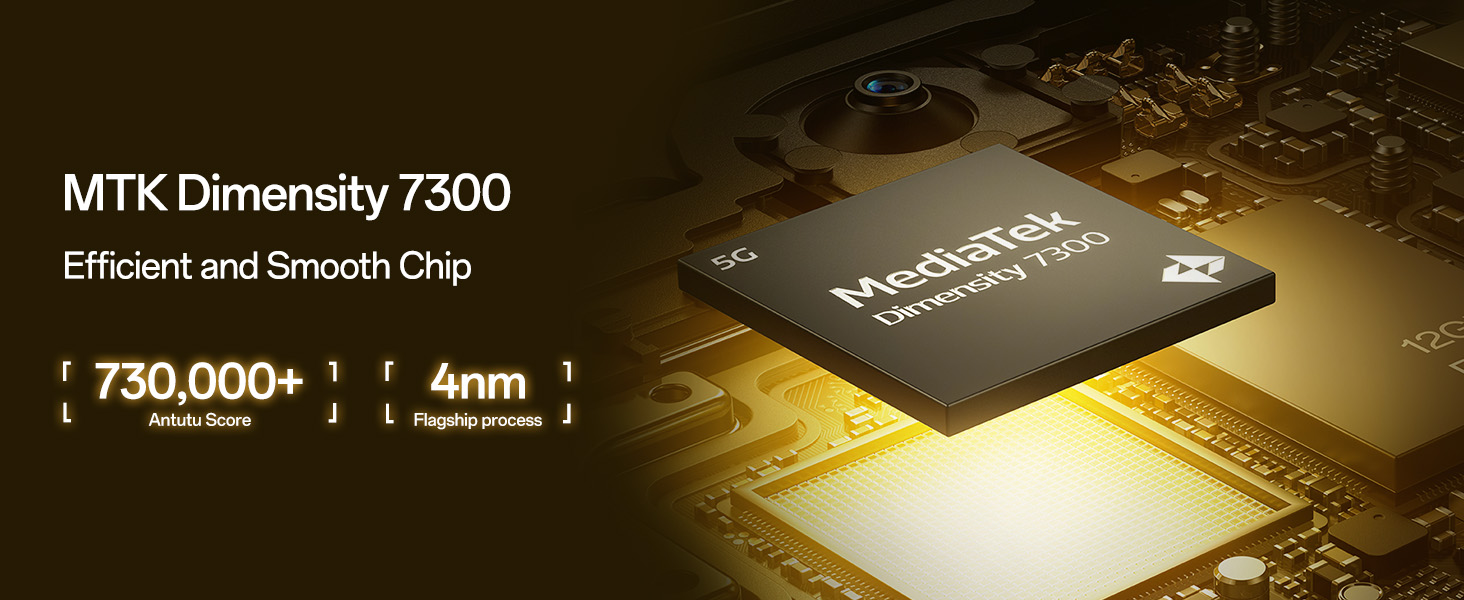
Image: A close-up of the MediaTek Dimensity 7300 Mobile Platform chip, emphasizing its role in efficient performance.
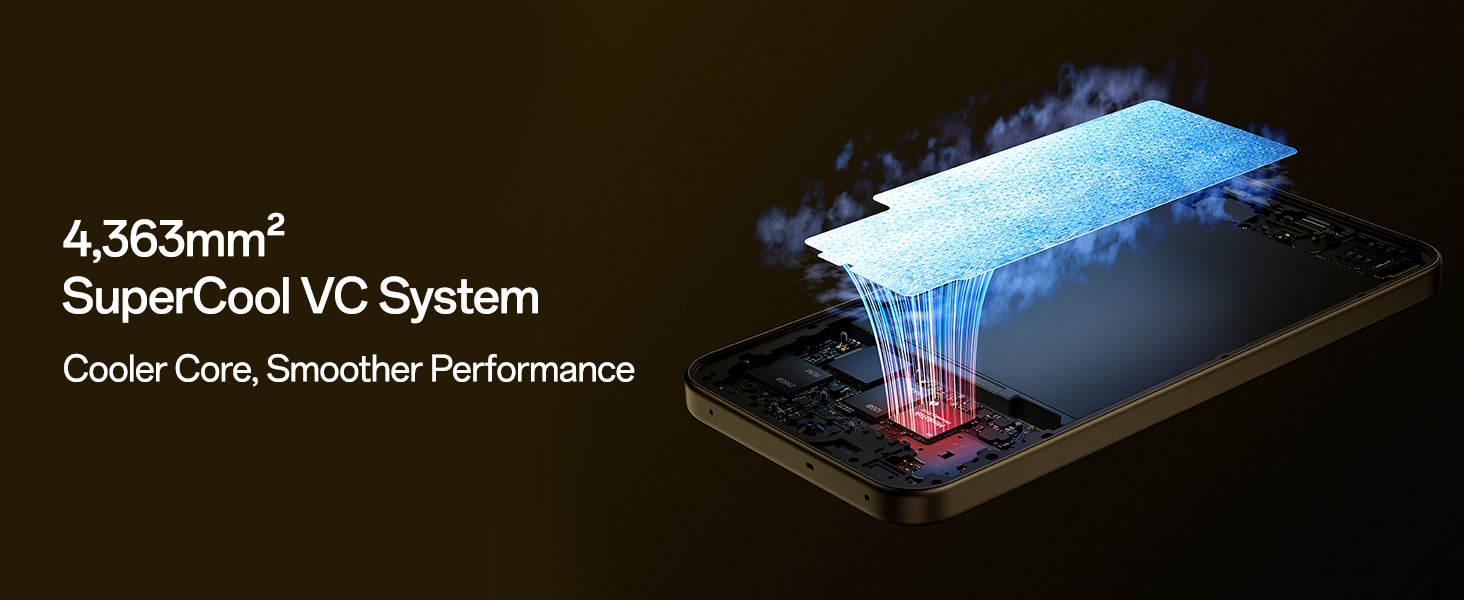
Image: Diagram illustrating the 4,363mm² SuperCool VC System, designed for efficient heat dissipation and smoother performance.
3.3 Sistema di telecamere
Cattura foto e video di alta qualità con il sistema di fotocamere avanzato:
- Telecamera posteriore: 50 MP Main Camera and 2 MP Portrait Camera. Features include 4K Underwater Videography/photography mode and Advanced HDR Algorithm Optimization.
- Fotocamera frontale: Sharp 32 MP Front Camera.
- Caratteristiche video: Dual-View Video, Live Photos, and Dynamic Capturing.
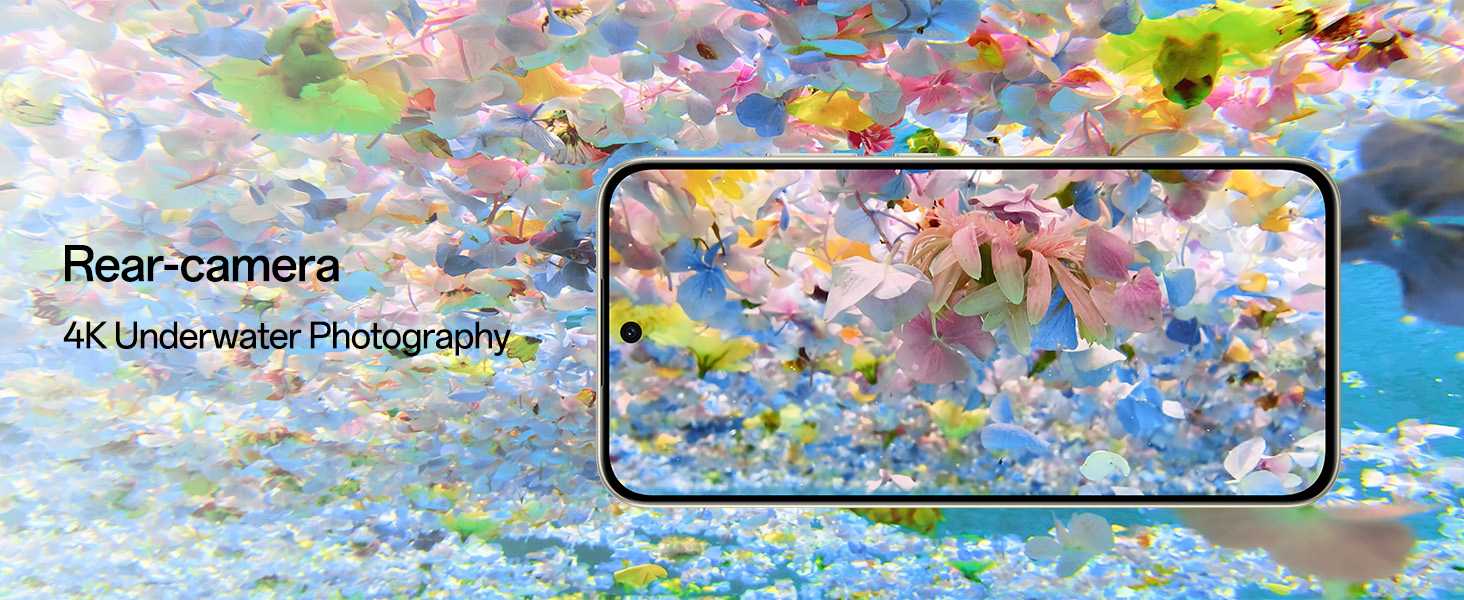
Image: The rear camera module of the OPPO F31 Pro 5G, showcasing its capability for 4K underwater photography.
3.4 Connettività
Stay connected with advanced network technologies:
- AI LinkBoost 3.0 and Hunter Antenna: Ensures stable internet and calls even in areas with weak signals.
- Beacon Link 2.0: Enables offline peer-to-peer calls, texts, and picture sharing via Bluetooth within a range of up to 210m.
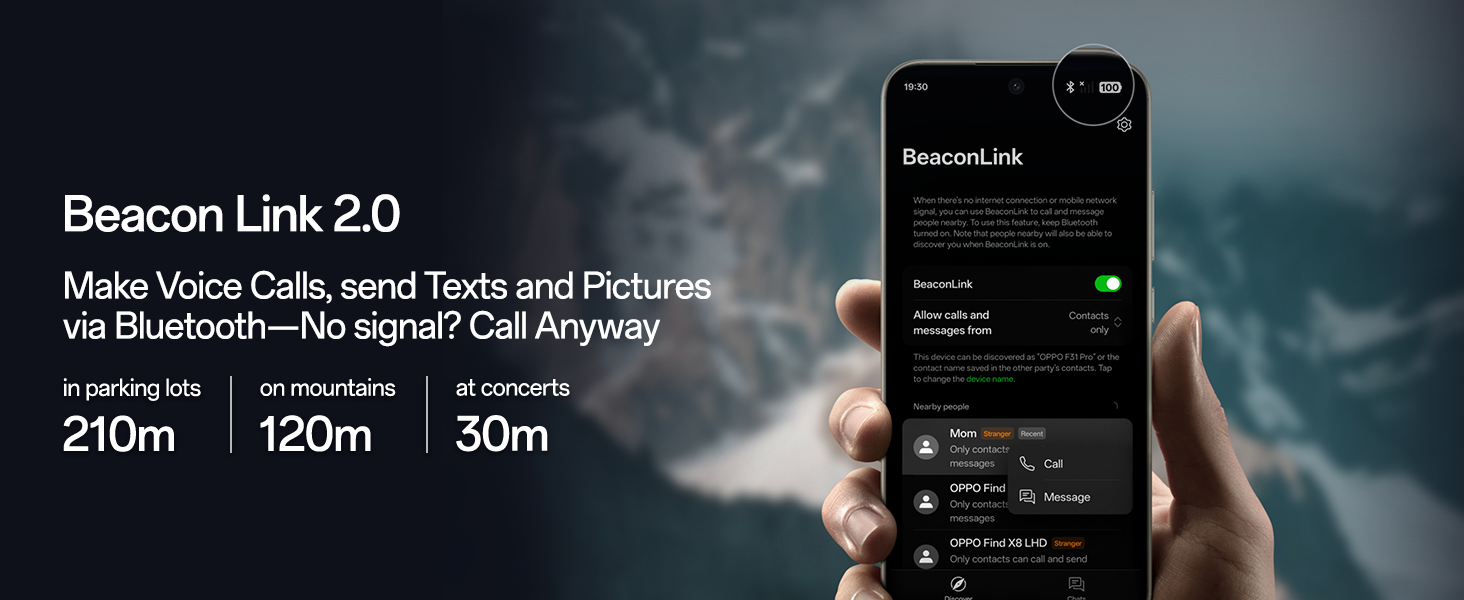
Image: A visual representation of the Beacon Link 2.0 feature, showing its interface and range capabilities for offline communication.
3.5 Batteria e ricarica
The device is equipped with a large 7000mAh battery, providing up to 3 days of power on a single charge. It supports 80W SuperVOOC Flash Charge for rapid recharging, even in extreme temperatures.
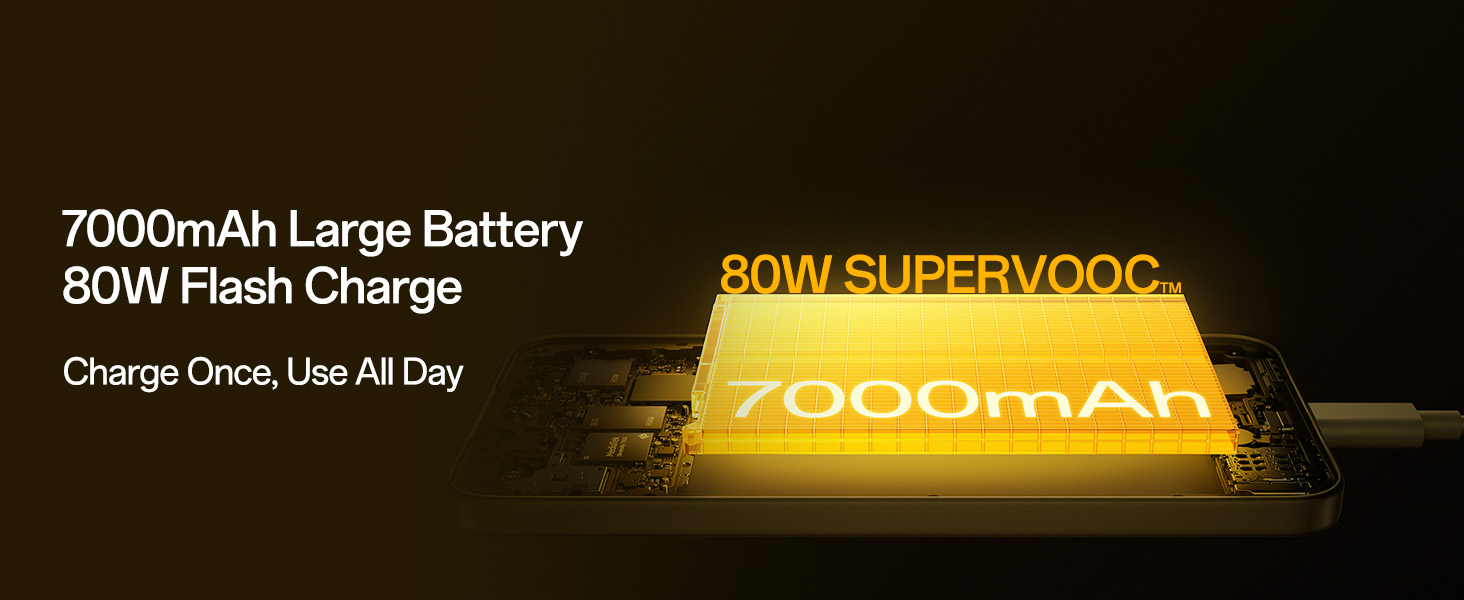
Image: An illustration of the 7000mAh large battery and the 80W SuperVOOC Flash Charge technology, highlighting fast and long-lasting power.
3.6 Durata e progettazione
The OPPO F31 Pro 5G is built with aerospace-grade aluminum and AGC DT-Star D+ glass, offering robust protection. It boasts IP69/IP68/IP66 full-scenario dust and water resistance, capable of resisting submersion up to 1.5m for 30 minutes. The device is compliant with MIL-STD-810H-2022 and 18A military-grade standards for enhanced resilience against drops, sand, and extreme conditions.
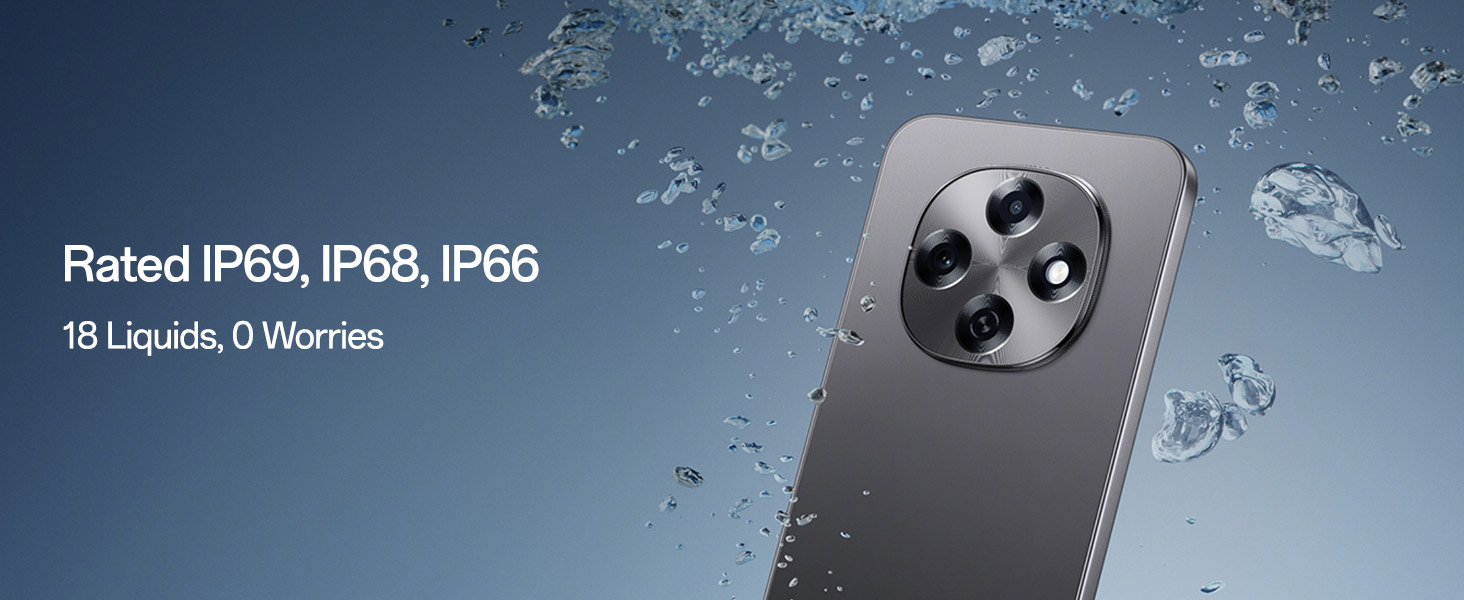
Image: The OPPO F31 Pro 5G being exposed to water, demonstrating its IP69, IP68, and IP66 water resistance ratings.
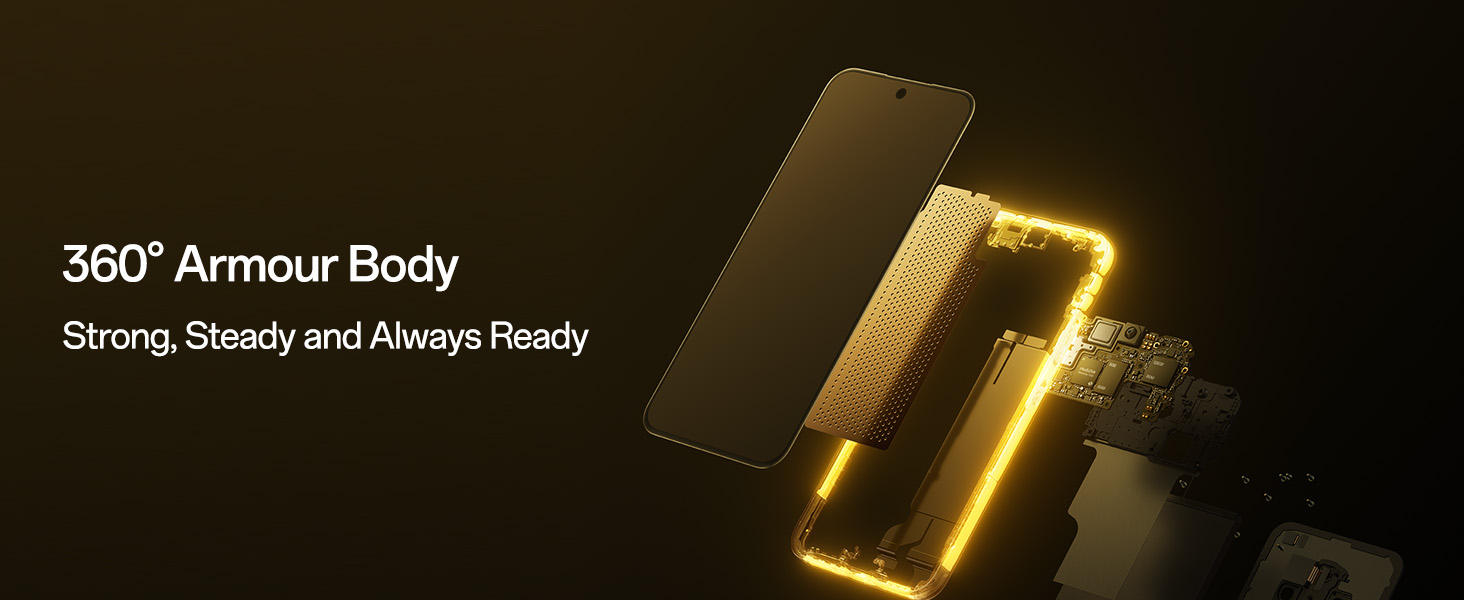
Immagine: Un esploso view of the OPPO F31 Pro 5G, illustrating its 360-degree armor body construction for enhanced durability.
3.7 Funzionalità del software e dell'intelligenza artificiale
Running on ColorOS 15, the device integrates AI-powered features:
- Smart Document: AI summaries, translations, and rewriting capabilities.
- Nota intelligente: AI-enhanced note-taking.
- Google Gemini: Integrated for advanced language understanding, content creation, and reasoning.
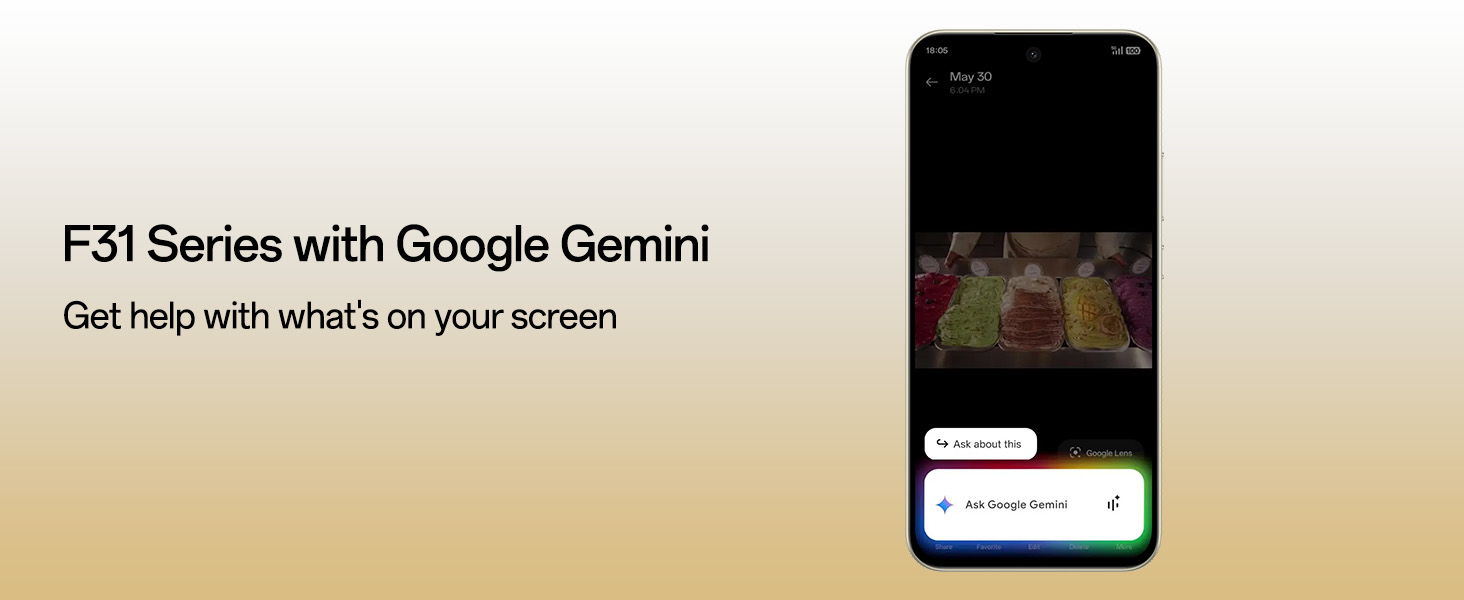
Image: The OPPO F31 Pro 5G screen displaying the Google Gemini interface, demonstrating its AI assistance capabilities.
3.8 Security and Audio
- O-Lock Anti-Theft: Locks the device if stolen, preventing data breaches and unauthorized resets.
- Spam Call Blocking: Filters unwanted calls.
- Intelligent Speaker Drainage System: Expels water and debris from speakers for clear sound.
4. Manutenzione
Proper maintenance ensures the longevity and optimal performance of your OPPO F31 Pro 5G.
4.1 Pulizia del dispositivo
- Per pulire lo schermo e il corpo del dispositivo, utilizzare un panno morbido e privo di lanugine.
- Evitare l'uso di prodotti chimici aggressivi, detergenti abrasivi o spray aerosol.
- Per macchie ostinate, leggermente dampPulisci il panno con acqua o con un detergente per schermi specifico per dispositivi elettronici.
4.2 Aggiornamenti software
Regularly check for and install software updates to enhance security, improve performance, and gain new features. Go to Impostazioni > Informazioni sul dispositivo > Aggiornato per verificare la presenza di aggiornamenti.
4.3 Cura della batteria
- Evitare di esporre il dispositivo a temperature estreme (molto caldo o molto freddo).
- Non lasciare il dispositivo in carica per periodi prolungati dopo aver raggiunto il 100%.
- Utilizzare solo accessori di ricarica originali o certificati.
4.4 Linee guida sulla resistenza all'acqua
While your device is IP69/IP68/IP66 rated, water resistance is not a permanent condition and may decrease over time with normal wear. To prevent liquid damage:
- Non immergere intenzionalmente il dispositivo in acqua.
- Avoid exposing the device to pressurized water or high-velocity water, such as showering, water skiing, or surfing.
- Do not use the device in a sauna or steam room.
- If the device gets wet, wipe it dry with a clean, soft cloth. Do not charge it until it is completely dry.
5. Risoluzione Dei Problemi
Ecco le soluzioni ad alcuni problemi comuni che potresti incontrare.
5.1 Il dispositivo non si accende
- Assicurarsi che la batteria sia carica. Collegare il caricabatterie e attendere qualche minuto prima di provare ad accendere il dispositivo.
- Per forzare il riavvio, tenere premuto il pulsante di accensione per almeno 10-15 secondi.
5.2 Problemi di addebito
- Verificare che il cavo di ricarica e l'adattatore siano collegati saldamente.
- Prova a utilizzare una presa di corrente diversa.
- Ispezionare la porta di ricarica per verificare che non vi siano detriti o danni.
- Use only original OPPO charging accessories.
5.3 Problemi di connettività di rete
- Nessun segnale/Segnale debole: Ensure your SIM card is properly inserted. Try restarting the device. Check if you are in an area with network coverage.
- Problemi di connessione Wi-Fi: Riavvia il router Wi-Fi. Elimina la rete dal telefono e riconnettiti.
- Problemi Bluetooth: Ensure Bluetooth is enabled on both devices. Try unpairing and re-pairing the devices.
5.4 App che si bloccano o si bloccano
- Chiudere l'app e riaprila.
- Cancella la cache e i dati dell'app (Impostazioni > App > [Nome app] > Archiviazione > Cancella cache/Cancella dati).
- Aggiorna l'app all'ultima versione dal Google Play Store.
- Se il problema persiste, disinstalla e reinstalla l'app.
5.5 Ripristino delle impostazioni di fabbrica
Se riscontri problemi software persistenti, un ripristino delle impostazioni di fabbrica potrebbe risolverli. Avvertimento: Questa operazione cancellerà tutti i dati presenti sul telefono. Esegui il backup dei dati importanti prima di procedere. Vai a Impostazioni > Impostazioni di sistema > Backup e ripristino > Ripristina telefono > Cancella tutti i dati.
6. Specifiche
Key technical specifications for the OPPO F31 Pro 5G:
| Caratteristica | Specificazione |
|---|---|
| Marca | OPPO |
| Modello | F31 Pro 5G |
| Sistema operativo | Android 14 (ColorOS 15) |
| Memoria RAM | 8 GB |
| Memoria interna | 128 GB |
| Processore | MediaTek Dimensity 7300 (velocità CPU 2.5 GHz) |
| Tipo di visualizzazione | AMOLED |
| Dimensioni dello schermo | 6.57 pollici |
| Risoluzione | 1080x2372 pixel |
| Frequenza di aggiornamento | Frequenza 120 Hz |
| Telecamera posteriore | 50 MP (Main) + 2 MP (Portrait) |
| Fotocamera frontale | 32 MP |
| Capacità della batteria | 7000 milioneamp Ore |
| Ricarica | Supporto per la ricarica rapida da 80 W |
| Numero di slot per schede SIM | Doppia SIM (Nano) |
| Tipo di connettore | USB tipo C |
| Sicurezza biometrica | Riconoscimento delle impronte digitali |
| Livello di resistenza all'acqua | IP69/IP68/IP66 Water Resistant |
| Peso dell'articolo | 204 grammi |
| Dimensioni dell'articolo | 16.3 x 7.8 x 0.8 centimetri |
| Tecnologia cellulare | 5G |
| Tecnologia di rete wireless | Bluetooth, Wi-Fi, GSM, Infrared, LTE |
7. Garanzia e supporto
7.1 Informazioni sulla garanzia
Your OPPO F31 Pro 5G comes with a warranty of 12 Months on the Handset and 6 Months on the Adapter & Cable dalla data di acquisto. Conservare la prova d'acquisto per eventuali reclami in garanzia.
7.2 Informazioni di contatto del produttore
Per assistenza tecnica, assistenza o richieste di garanzia, contattare:
OPPO Mobiles India Pvt Ltd5° PIANO, Torre B, EDIFICIO, N-8,
DLF Cyber City, DLF Fase 2,
Gurugram, Haryana 122002
Tel: 18001032777