
Introduzione
The BEREST A10 Baby Lovey Music Box is designed to provide a soothing environment for newborns and infants, aiding in peaceful sleep. This device features 10 calming sounds, a smart cry sensor, an adjustable timer, a recording function, and a rechargeable battery. This manual provides essential information for the safe and effective use of your BEREST A10.
Informazioni sulla sicurezza
- Non utilizzare il dispositivo nella vasca da bagno o vicino all'acqua.
- Non utilizzare il cavo USB mentre la macchina è in funzione.
- Questo dispositivo non è un giocattolo. Tenerlo fuori dalla portata dei bambini.
- Use the device within recommended noise levels to prevent potential hearing damage.
Contenuto della confezione
Si prega di selezionare la casella per i seguenti elementi:
- BEREST A10 Music Box
- Cavo di ricarica di tipo C.
- Manuale d'uso
- Gifted Box

Image: Contents of the BEREST A10 package, including the music box, charging cable, and manual.
Prodotto finitoview
The BEREST A10 is a compact and versatile sleep soother. Its main features include:
- 10 suoni rilassanti: Includes 2 heartbeat sounds, white noise, rain, shushing, and 5 different lullabies.
- Smart Baby Cry Sensor: Automatically detects baby's crying and plays soothing sounds for 30 minutes.
- Temporizzatore regolabile: Set for 15, 30, or 60 minutes, or enable continuous play.
- Funzione di registrazione: Allows for up to 120 seconds of personalized recording.
- Batteria al litio ricaricabile: Provides long-lasting power, eliminating the need for disposable batteries.
- Controllo del volume regolabile: Fine-tune the sound level to protect infant hearing.
- Design compatto: Measures 2.52 x 2.52 x 1.38 inches, designed to fit seamlessly into most plush toys and loveys.

Image: The BEREST A10 Music Box shown with various plush toys, highlighting its small size and versatility.
Impostare
1. Carica del dispositivo
Before first use, fully charge the BEREST A10 using the provided Type-C charging cable. Connect the cable to the device and a suitable USB power source. The charging indicator light will show the charging status.
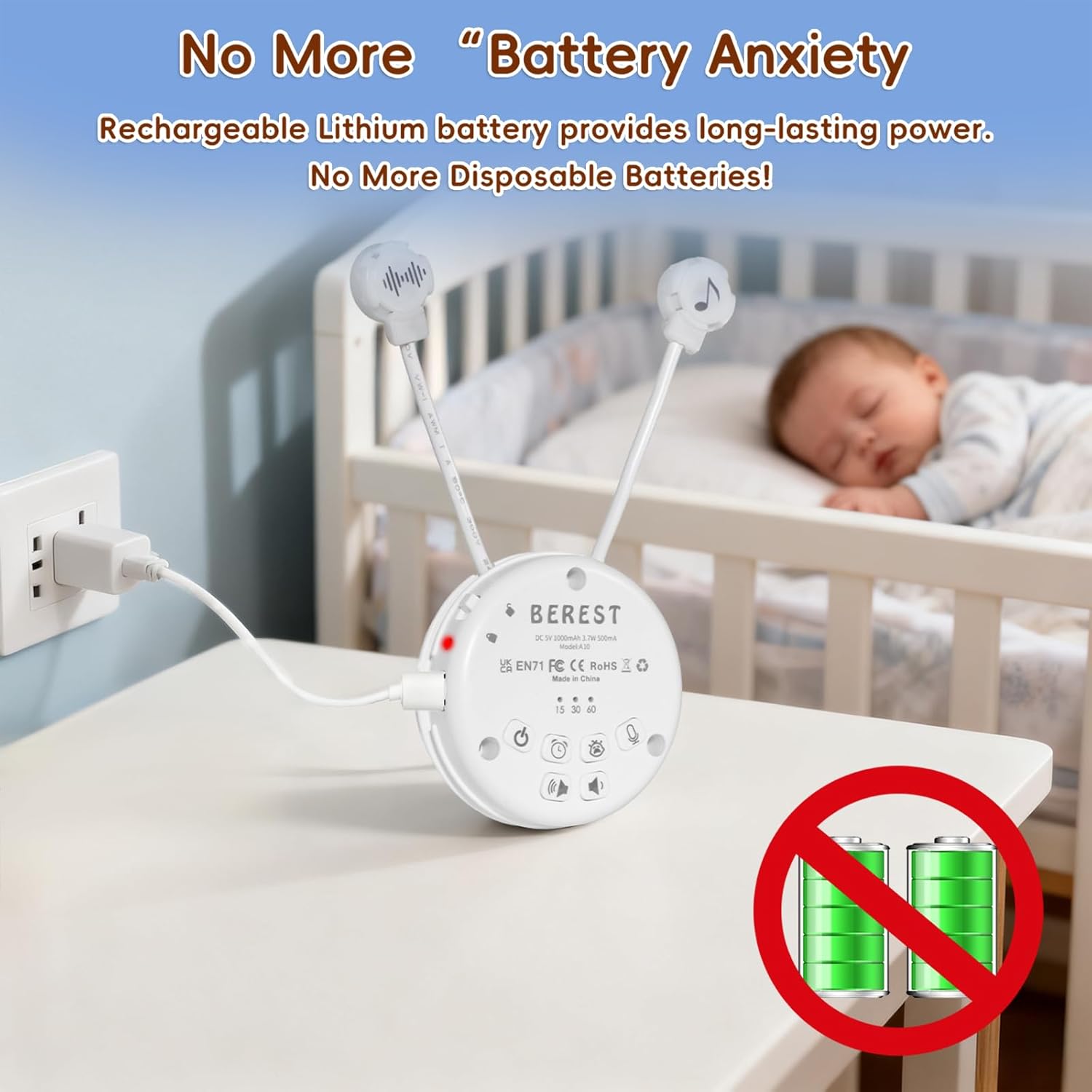
Image: The BEREST A10 Music Box being charged with its Type-C cable, indicating its rechargeable nature.
2. Inserting into a Plush Toy (Optional)
The compact design of the A10 allows it to be inserted into most plush toys or loveys. Locate the opening in your plush toy, gently insert the music box, and secure it if possible. Ensure the buttons are accessible if you plan to operate it while inside the plush.

Immagine: un primo piano view of the BEREST A10 Music Box being placed inside a plush toy for integrated use.
Istruzioni per l'uso
Familiarize yourself with the control buttons on the device:
Image: Labeled diagram of the BEREST A10 Music Box controls.
1. Accensione/spegnimento
- Premere il tasto Pulsante ON/OFF once to turn the device on.
- Premere e tenere premuto il tasto Pulsante ON/OFF per 3 secondi per spegnere il dispositivo.
2. Selezione del suono
- When the device is on, short press the Pulsante ON/OFF to cycle through the 10 available soothing sounds (2 heartbeats, white noise, rain, shushing, 5 lullabies).
- Premere a lungo il tasto Pulsante ON/OFF for 3 seconds (while on) to enable continuous loop playing of all songs.

Image: The BEREST A10 Music Box providing 10 soothing sounds for a sleeping baby.
3. Controllo del volume
- Premere il tasto Pulsante di aumento del volume per aumentare il livello sonoro.
- Premere il tasto Pulsante di riduzione del volume to decrease the sound level.
4. Funzione timer
- Premere il tasto Pulsante timer to set the auto-off timer. The available options are 15, 30, or 60 minutes.
- If no timer is set, the device will play continuously until manually turned off or the battery runs out.

Image: The BEREST A10 Music Box with its timer function set to 15, 30, or 60 minutes.
5. Smart Baby Cry Sensor
- Premere il tasto Baby Cry Sensor button per attivare questa funzione.
- When activated, the device will automatically detect a baby's crying and play soothing sounds for 30 minutes to help calm the baby back to sleep.
- The sensor will reactivate if crying is detected again after the 30-minute cycle.

Image: The BEREST A10 Music Box's cry sensor feature, designed to soothe a crying baby.
6. Funzione di registrazione
- Premere e tenere premuto il tasto Pulsante di registrazione to begin recording. The device supports up to 120 seconds of recording.
- Rilascia il pulsante per interrompere la registrazione.
- Premere brevemente il tasto Pulsante di registrazione to play back your recorded message.
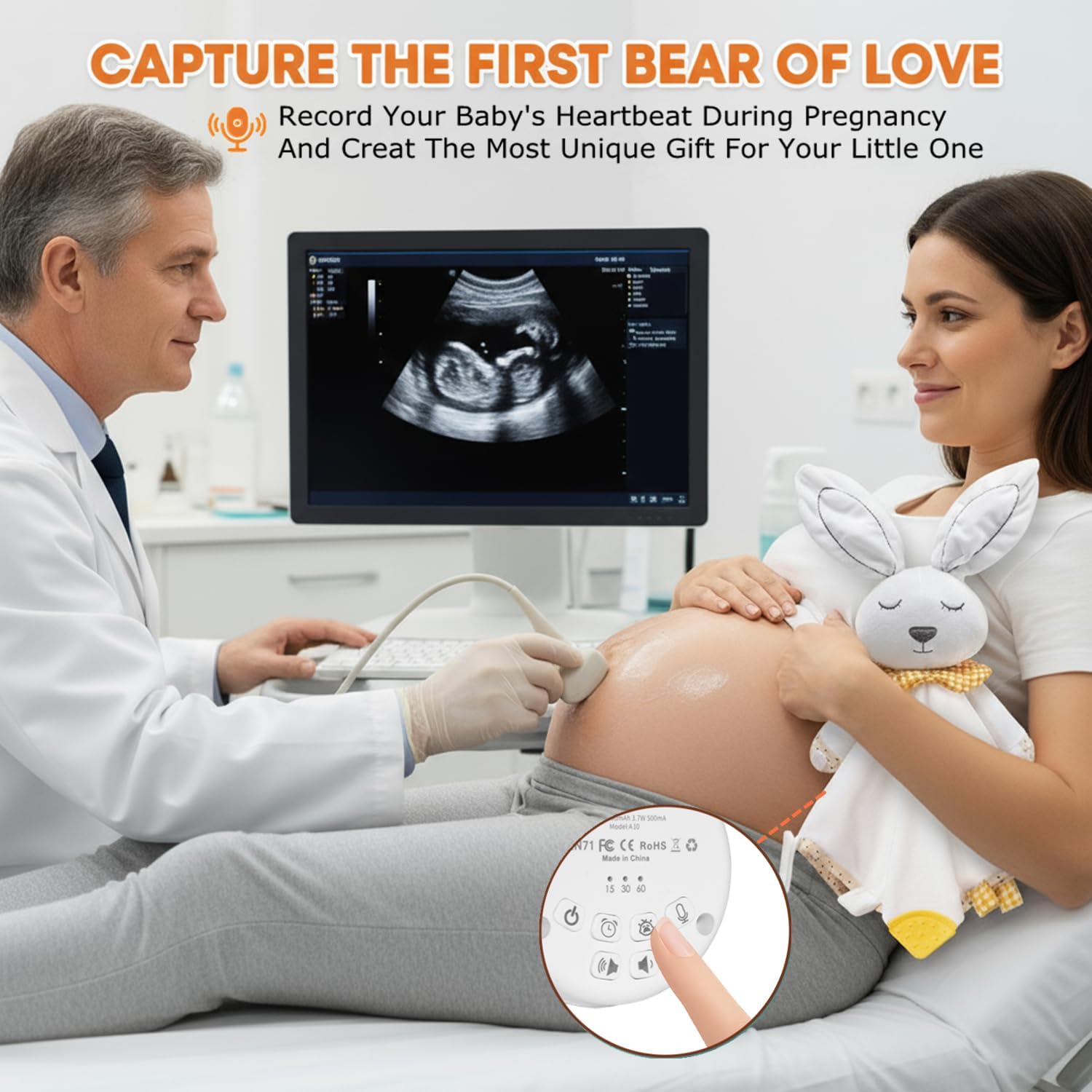
Image: The BEREST A10 Music Box's recording function being used to capture a heartbeat.
7. Blocco bambini
- Individuare il Children Lock switch sul lato del dispositivo.
- Slide the switch to the lock position to prevent accidental changes to settings by children.
Manutenzione
Pulizia
- Pulisci il dispositivo con un panno morbido e asciutto.
- Non utilizzare detergenti liquidi né immergere il dispositivo in acqua.
Cura della batteria
- Per prolungare la durata della batteria, evitare di scaricarla completamente frequentemente.
- Conservare il dispositivo in un luogo fresco e asciutto quando non viene utilizzato per lunghi periodi.
Risoluzione dei problemi
| Problema | Possibile causa | Soluzione |
|---|---|---|
| Il dispositivo non si accende. | La batteria è scarica o esaurita. | Caricare il dispositivo utilizzando il cavo Type-C in dotazione. |
| Nessun suono o volume basso. | Il volume è troppo basso. | Aumentare il volume utilizzando il pulsante Volume su. |
| Il sensore del pianto non si attiva. | Cry sensor not enabled or ambient noise is too high. | Ensure the Baby Cry Sensor button is pressed. Reduce other noise sources. |
| Il dispositivo si spegne inaspettatamente. | Timer is set, or battery is low. | Controllare le impostazioni del timer. Ricaricare il dispositivo se la batteria è scarica. |
Specifiche
| Numero di modello | A10 |
| Dimensioni del prodotto | 2.52 x 2.52 x 1.38 pollici |
| Peso dell'articolo | 3.2 once |
| Tipo di materiale | Plastica |
| Colore | Bianco crema |
| Tipo di batteria | Rechargeable Lithium-ion (1 AA battery included, likely referring to internal rechargeable equivalent) |
Garanzia e supporto
For warranty information or technical support, please refer to the contact details provided with your purchase or visit the official BEREST websito. Conservare la prova d'acquisto per eventuali reclami in garanzia.