
Introduzione
Thank you for choosing the UPERFECT 4K QLED 15.6 inch Portable Monitor. This manual provides essential information for setting up, operating, maintaining, and troubleshooting your new monitor. Please read it thoroughly to ensure optimal performance and longevity of your device.
Caratteristiche del prodotto
- Schermo 4K UHD: Experience stunning visuals with a 3840 x 2160 UHD resolution, delivering exceptional clarity and detail, four times that of Full HD.
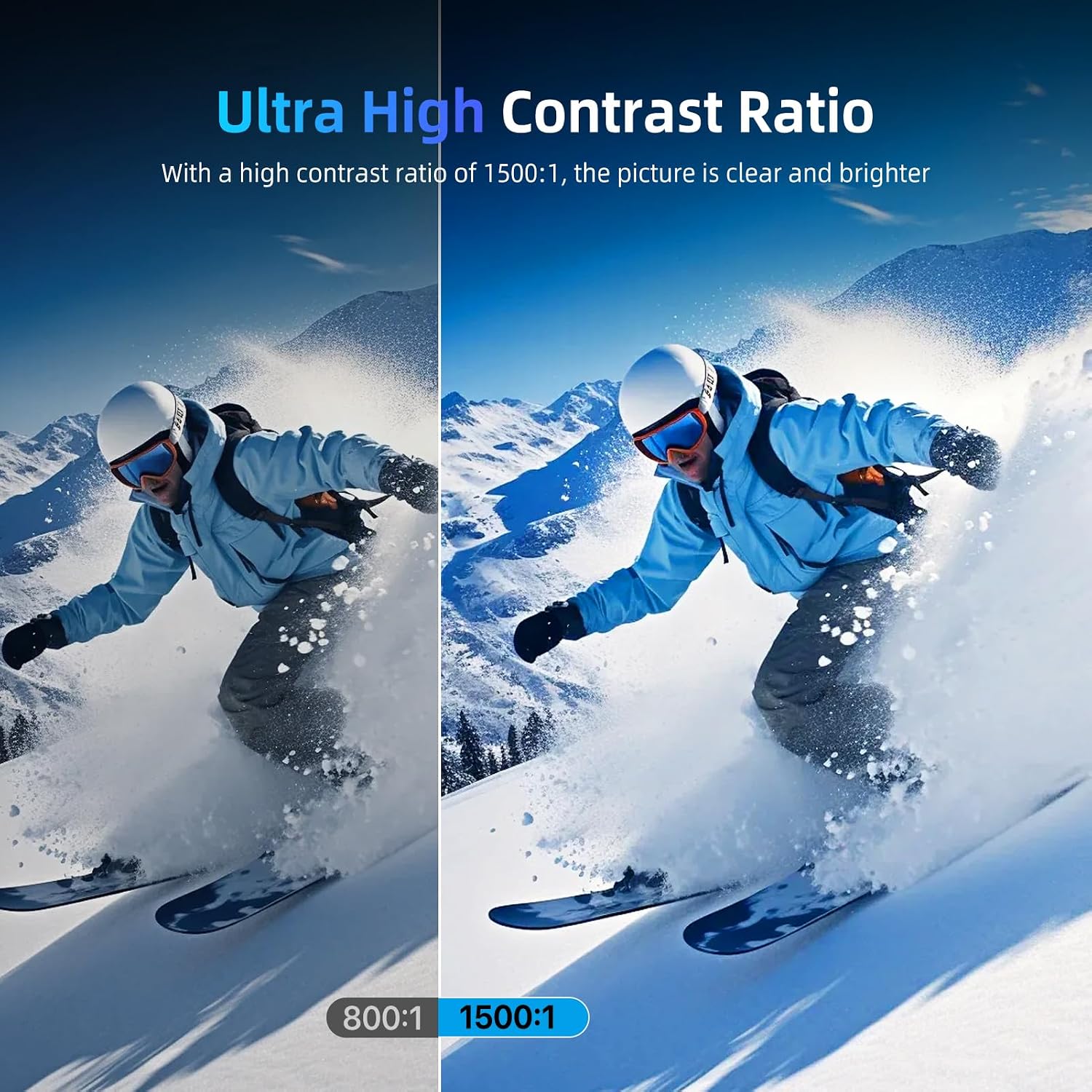
- 100% Adobe RGB Color Accuracy: The monitor features 100% Adobe RGB color space, providing a wider and more accurate color gamut compared to sRGB. This ensures realistic color reproduction, a 1200:1 contrast ratio, and support for 16.7 million display colors for a cinematic visual experience.
- Esperienza di gioco migliorata: Integrated Game Mode optimizes screen contrast for gaming. HDR (High Dynamic Range) provides significant differences in brightness details, while FreeSync technology synchronizes the graphics card's refresh rate to minimize screen tearing and image distortion. A rapid 3ms response time ensures smooth motion without blur or ghosting.
- Connettività versatile: Equipped with two USB Type-C ports and one Mini HDMI port. The Type-C ports support both video signal transmission and power delivery, allowing for single-cable connection to compatible laptops and smartphones. Connect to various devices including PCs, Raspberry Pi, PS5, Xbox, and more.
- VESA Mount & Protective Cover: Standard 75x75mm VESA mounting holes (M3 x 4mm) enable flexible installation on a desk mount or wall in either landscape or portrait orientation. The included magnetic PU protective cover safeguards the screen from scratches and functions as a convenient portable stand.
Istruzioni di installazione
- Disimballaggio: Carefully remove the monitor and all accessories from the packaging. Ensure all components are present: monitor, protective cover, USB-C cables, HDMI cable, and power adapter.
- Connecting to a Device (USB-C):
For devices with a full-featured USB Type-C port (supporting DisplayPort Alternate Mode and power delivery), connect one end of the provided USB-C to USB-C cable to the monitor's Type-C port and the other end to your device's USB-C port. This single cable can provide both video and power.

Descrizione: This image shows the portable monitor connected to a smartphone via a single USB-C cable, demonstrating the ease of mirroring or extending the smartphone's display.
- Connecting to a Device (HDMI):
For devices using HDMI output, connect one end of the provided Mini HDMI to HDMI cable to the monitor's Mini HDMI port and the other end to your device's HDMI port. In this setup, the monitor will require external power. Connect the provided power adapter to one of the monitor's USB Type-C ports and to a power outlet.
Descrizione: This image illustrates the portable monitor connected to a laptop using an HDMI cable for video, and a separate USB-C cable for power, a common setup for devices without full-featured USB-C ports.
- Using the Protective Cover as a Stand:
The magnetic protective cover can be folded into various positions to serve as a stand, allowing you to prop up the monitor at different viewing angles. Ensure the monitor is stable before use.

Descrizione: This image demonstrates how the included magnetic protective cover can be folded and used as a stable stand for the portable monitor, offering adjustable viewangoli di inclinazione.
- Montaggio VESA:
The monitor features 75x75mm VESA mounting holes on the back. Use M3 x 4mm screws to attach the monitor to a compatible VESA desk mount or wall mount. This allows for flexible positioning and frees up desk space.

Descrizione: This image shows the portable monitor mounted on a VESA-compatible arm, illustrating how it can be integrated into a multi-monitor setup or used to optimize desk space.
Istruzioni per l'uso
- Accensione/spegnimento: Press the power button located on the side or back of the monitor to turn it on or off.
- Navigazione nel menu OSD: Use the joystick or buttons (refer to the physical layout on your monitor) to navigate the On-Screen Display (OSD) menu. This menu allows you to adjust various settings.
- Selezione della sorgente di ingresso: From the OSD menu, select the appropriate input source (e.g., USB-C, HDMI) corresponding to your connected device.
- Regolazione delle impostazioni del display:
- Luminosità/Contrasto: Regola queste impostazioni nel menu OSD in base alle tue esigenze viewing environment. The monitor offers 500 Nits brightness for vibrant visuals.
- Impostazioni colore: Fine-tune color temperature, hue, and saturation for optimal color accuracy, leveraging the 100% Adobe RGB support.
- Modalità HDR: Enable HDR in the OSD menu for enhanced contrast and color depth with HDR-compatible content.
- Modalità di gioco: Activate Game Mode for optimized visual settings during gaming, improving visibility in dark scenes and overall responsiveness.
- Sincronizzazione libera: If your connected device supports AMD FreeSync, ensure it is enabled in both your device's graphics settings and the monitor's OSD menu to prevent screen tearing.
Manutenzione
- Pulizia dello schermo: Pulire delicatamente lo schermo con un panno morbido e privo di lanugine. Per macchie ostinate, strofinare leggermenteampen the cloth with water or a screen-cleaning solution. Avoid harsh chemicals, abrasive materials, or spraying liquid directly onto the screen.
- Pulizia del corpo: Per pulire il corpo del monitor, utilizzare un panno morbido e asciutto.
- Magazzinaggio: When not in use for extended periods, store the monitor in a cool, dry place, preferably in its original packaging or protective cover, away from direct sunlight and extreme temperatures.
- Gestione: Maneggiare sempre il monitor tenendolo per i bordi. Evitare di esercitare pressione sullo schermo.
Risoluzione dei problemi
| Problema | Possibile causa | Soluzione |
|---|---|---|
| No image/No signal | Incorrect input source selected; loose cable connection; device not outputting signal. | Ensure correct input source is selected in OSD. Check all cable connections (USB-C, HDMI) are secure. Verify the source device is powered on and configured to output to the monitor. |
| Il monitor non si accende | No power supply; faulty power adapter/cable. | Ensure the power adapter is securely connected to the monitor and a working power outlet. If using USB-C for power, ensure the source device provides sufficient power. Try a different power outlet or adapter if available. |
| Immagine tremolante o distorta | Faulty cable; incompatible resolution/refresh rate; electromagnetic interference. | Replace the connecting cable. Adjust the resolution and refresh rate on your source device to match the monitor's specifications (3840x2160, 60Hz). Move away from other electronic devices that may cause interference. |
| I colori sembrano errati | Impostazioni colore errate; cavo difettoso. | Reset color settings in the OSD menu to default. Adjust color temperature, hue, and saturation. Ensure the cable is fully functional. |
| Nessun suono dal monitor (se applicabile) | Volume too low; incorrect audio output selected on source device; monitor's audio settings. | Increase monitor volume via OSD. Check audio output settings on your connected device to ensure sound is directed to the monitor. |
Specifiche
| Caratteristica | Dettaglio |
|---|---|
| Marca | SUPERFETTO |
| Numero di modello | ccf5c598-9977-4620-9699-ed83e5597279 |
| Dimensioni dello schermo | 15.6 pollici |
| Risoluzione | 3840 x 2160 UHD |
| Proporzioni | 16:9 |
| Descrizione della superficie dello schermo | Opaco |
| Rapporto di contrasto | 1500:1 |
| Tempo di risposta | 3 millisecondi |
| Risoluzione massima dello schermo | 3840x2160 |
| Caratteristiche speciali | Game Mode, HDR, FreeSync, Fast Response Time, 2 Type-C Ports, VESA Mount |
| Tecnologia di connettività | HDMI, USB tipo C |
| Tipo di visualizzazione | QLED |
| Luminosità | 500 nit |
| Schermo a colori | SÌ |
| Dimensioni dell'articolo (P x L x A) | 24 x 36 x 1 centimetri |
| Porte HDMI totali | 1 |
| Porte USB totali | 2 (USB 3.0) |
| Tecnologia di sincronizzazione adattiva | Sincronizzazione gratuita |
| Classe di efficienza energetica (SDR) | A |
| Consumo energetico (SDR) | 6.0 W / 1000 ore |
Per informazioni dettagliate sull'energia, consultare il database EPREL dell'UE: https://eprel.ec.europa.eu/qr/1803782
Informazioni sulla garanzia
Specific warranty details for this product are not explicitly provided in the available product data. For information regarding warranty coverage and terms, please refer to the documentation included with your purchase or contact the seller directly. Please note that a 30-day return policy may apply, as indicated by the seller.
Information regarding spare parts availability and guaranteed software updates is not available in the provided product data.
Supporto
If you encounter any issues not covered in this manual or require further assistance, please contact UPERFECT customer support or the retailer from whom you purchased the product. Please have your model number and purchase details ready when contacting support.