
Introduzione
This manual provides essential information for the NIMO 15.6-inch Light Gaming Laptop N15A. It covers setup, operation, maintenance, troubleshooting, and product specifications. Please read this manual thoroughly before using your new laptop to ensure proper function and longevity.

Image: NIMO 15.6-inch Light Gaming Laptop N15A, showcasing its full display and keyboard.
Contenuto della confezione
Verify that all items listed below are present in your product packaging. If any items are missing or damaged, please contact NIMO customer support.
- 1 x NIMO N15A Laptop
- 1 x Type-C 100W PD Fast Charger
- 1 x Manuale utente
- Windows 11 Home Operating System (pre-installed)
Prodotto finitoview
The NIMO N15A laptop is designed for balanced performance, featuring an AMD Ryzen 7 Pro 6850U processor, 32GB LPDDR5 RAM, and a 1TB PCIe 4.0 SSD. It includes a 15.6-inch Full HD IPS display, a backlit keyboard, and an integrated fingerprint reader for secure access.
Caratteristiche principali:
- Processore: AMD Ryzen 7 Pro 6850U with 8 Cores and 16 Threads, up to 4.7GHz.
- Grafica: Integrated AMD Radeon 680M GPU.
- Memoria: 32GB LPDDR5 RAM for efficient multitasking.
- Magazzinaggio: 1TB PCIe 4.0 SSD for fast boot times and data access.
- Display: 15.6-inch Full HD (1920x1080) IPS Anti-Glare Display.
- Ricarica: 100W USB-C Power Delivery fast charging.
- Sicurezza: Integrated fingerprint reader for secure login.
- Tastiera: Backlit keyboard for use in various lighting conditions.

Image: Visual representation of the AMD Ryzen 7 Pro 6850U processor's core and thread count, and turbo boost speed.
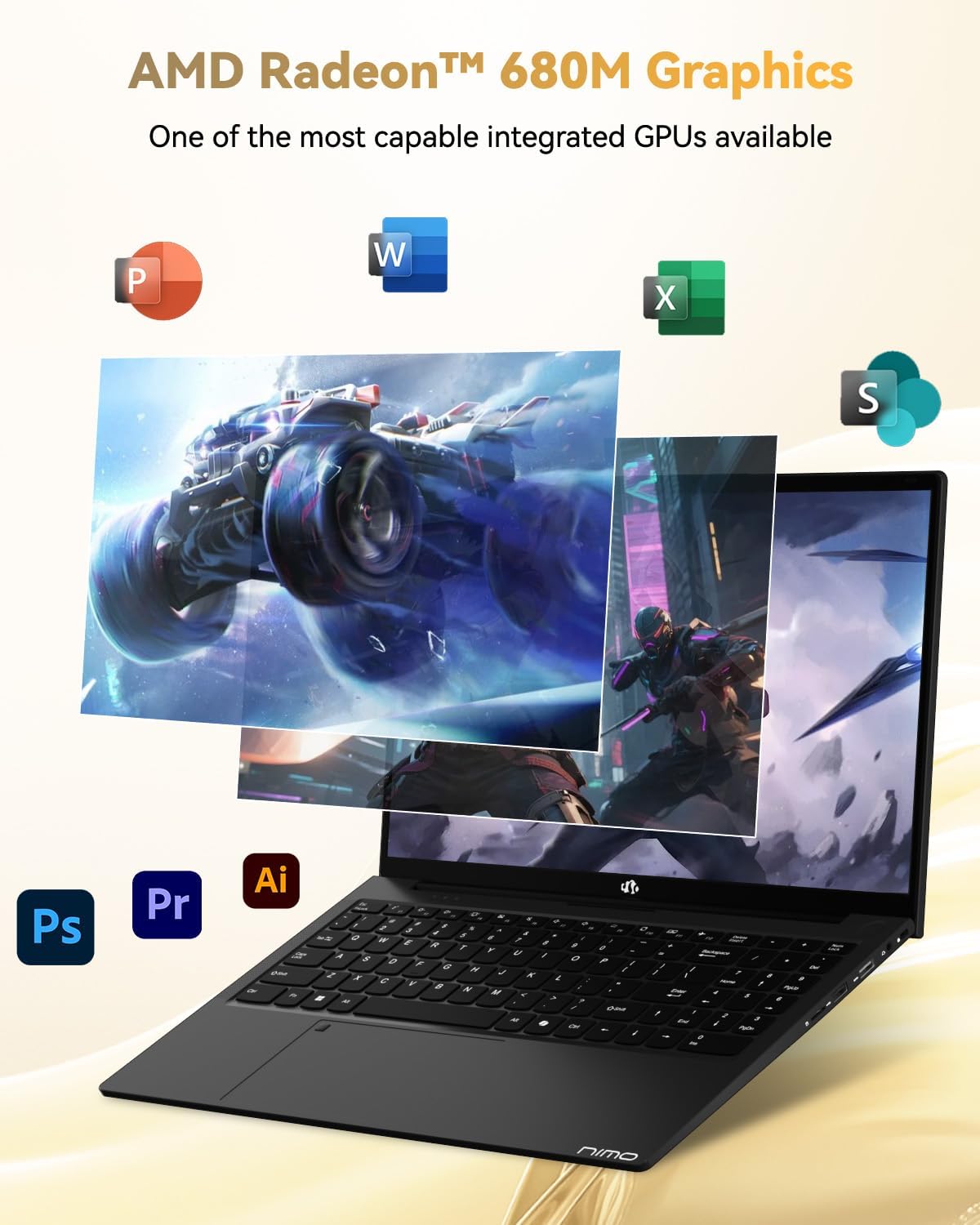
Image: Illustration highlighting the capabilities of the AMD Radeon 680M integrated graphics for various applications.

Image: Diagram showing the 32GB LPDDR5 RAM and 1TB PCIe 4.0 SSD for seamless multitasking and amplo stoccaggio.
Image: The NIMO N15A laptop displaying a vibrant image on its 15.6-inch Full HD IPS screen.
Porte e connettività:

Image: Diagram illustrating the various ports on the NIMO N15A laptop, including USB, HDMI, and Type-C.
- Lettore MicroSD
- Porta USB 2.0
- Porte USB 3.2 (multiple)
- Presa per cuffie
- Kensington Lock Slot
- Type-C (Multifunction) Ports (supporting charging and data transfer)
- Porta HDMI
Impostare
1. Initial Charging and Power On:
- Connect the provided 100W Type-C PD Fast Charger to the laptop's Type-C charging port and a power outlet.
- Allow the laptop to charge for at least 30 minutes before initial use, or until the charging indicator shows sufficient battery.
- Per accendere il portatile, premere il pulsante di accensione situato sulla tastiera.

Image: Illustration of the NIMO N15A laptop being charged with the 100W Type-C PD Fast Charger.
2. Windows 11 Initial Setup:
Segui le istruzioni visualizzate sullo schermo per completare la procedura di installazione di Windows 11. In genere, questa procedura include:
- Selezione della regione e del layout della tastiera.
- Connessione a una rete Wi-Fi.
- Accedere con un account Microsoft o creare un account locale.
- Impostazione di un PIN o di una password.
- Configurazione delle impostazioni sulla privacy.
Istruzioni per l'uso
Gestione energetica:
- Accensione: Premere il pulsante di accensione.
- Modalità risparmio: Chiudere il coperchio o premere brevemente il pulsante di accensione.
- Fermare: Fare clic sul pulsante Start, quindi su Accensione e infine su Arresta il sistema.
- Ricomincia: Fare clic sul pulsante Start, quindi su Accensione e infine su Riavvia.
Tastiera e touchpad:

Immagine: Primo piano view of the NIMO N15A laptop's backlit keyboard and the integrated fingerprint reader on the touchpad.
- Tastiera retroilluminata: Use the dedicated function key (usually Fn + Fx) to toggle the keyboard backlight on/off and adjust brightness levels.
- Lettore di impronte digitali: The fingerprint reader is integrated into the touchpad. During Windows setup, you can configure your fingerprint for secure, quick login.
- Touchpad di precisione: Supporta i gesti multi-touch per la navigazione. Per la personalizzazione, consultare le impostazioni di Windows.
Collegamento di periferiche:
Utilize the various ports to connect external devices such as monitors, printers, external storage, and audio devices.
- Dispositivi USB: Plug USB devices into the available USB 2.0 or USB 3.2 ports.
- Display esterno: Connect an external monitor or TV using the HDMI port or a compatible Type-C adapter.
- Audio: Use the 3.5mm headphone jack for headphones or external speakers.
Privacy della fotocamera:

Image: Illustration of the NIMO N15A laptop's built-in privacy camera switch, allowing users to easily disable the webCamera.
The NIMO N15A laptop features a built-in privacy camera switch. This allows you to physically disable the 2.0MP webcam when not in use, ensuring your privacy.
Manutenzione
Pulizia del portatile:
- Power off the laptop and disconnect the charger before cleaning.
- Utilizzare un panno morbido e privo di lanugine leggermente dampcon acqua o con un detergente per schermi specifico per il display.
- Per la tastiera e lo chassis, utilizzare un panno morbido. Evitare prodotti chimici aggressivi o materiali abrasivi.
- Utilizzare aria compressa per eliminare la polvere dai tasti della tastiera e dalle prese d'aria.
Cura della batteria:
- Evitare di scaricare completamente la batteria frequentemente.
- Se non lo si utilizza per lunghi periodi, conservare il portatile in un luogo fresco e asciutto, con la batteria carica al 50-70%.
- Use only the original NIMO 100W Type-C PD Fast Charger.
Aggiornamenti software:
- Controlla e installa regolarmente gli aggiornamenti di Windows per garantire la stabilità e la sicurezza del sistema.
- Keep device drivers updated, especially for graphics and chipset, by checking the NIMO support websito o Windows Update.
Risoluzione dei problemi
| Problema | Possibile soluzione |
|---|---|
| Il portatile non si accende. | Ensure the charger is properly connected and the power outlet is functional. Allow the battery to charge for at least 30 minutes. If the issue persists, contact support. |
| Il display è vuoto o tremolante. | Try connecting an external monitor to check if the issue is with the laptop's display. Adjust display brightness. Restart the laptop. |
| Prestazioni lente. | Close unnecessary applications. Check for background processes consuming high resources. Ensure sufficient free storage space. Run a system scan for malware. |
| La retroilluminazione della tastiera non funziona. | Press the dedicated function key combination (e.g., Fn + Fx) to toggle or adjust the backlight. Check keyboard settings in Windows. |
| Il lettore di impronte digitali non risponde. | Assicurati che il dito sia pulito e asciutto. Registra nuovamente l'impronta digitale nelle impostazioni di Windows. Riavvia il laptop. |
Per problemi non elencati qui o se le soluzioni non risolvono il problema, fare riferimento alla sezione Garanzia e supporto per ricevere assistenza.
Specifiche
| Caratteristica | Dettaglio |
|---|---|
| Marca | NIMO |
| Nome del modello | NIMO N15AL (N15A) |
| Dimensioni dello schermo | 15.6 pollici |
| Risoluzione dello schermo | 1920 x 1080 pixel (Full HD) |
| Processore | AMD Ryzen 7 Pro 6850U (8 Cores, up to 4.7 GHz) |
| Memoria RAM | 32 GB LPDDR5 (6400 MHz) |
| Disco rigido | 1024 GB SSD (PCIe 4.0, Solid State) |
| Coprocessore grafico | AMD Radeon 680M (integrata) |
| Sistema operativo | Finestre 11 |
| Tipo senza fili | 802.11a/b/g/n/ac |
| Porte USB 2.0 | 1 |
| Porte USB 3.0/3.2 | 4 |
| Durata media della batteria | 9 ore |
| Peso dell'articolo | 3.75 libbre |
| Dimensioni del prodotto | 14.07 x 8.98 x 0.76 pollici |
| Colore | Nero |
| Posteriore WebRisoluzione della camma | 2 MP |
| Caratteristiche speciali | Tastiera retroilluminata, lettore di impronte digitali, audio HD, tastierino numerico |
Garanzia e supporto
NIMO provides comprehensive support for your laptop.
- Garanzia: Your NIMO N15A laptop comes with a 2-year manufacturer's warranty.
- Politica di ritorno: A 90-day hassle-free return policy is offered from the date of purchase.
- Assistenza clienti: For technical assistance, warranty claims, or product-related inquiries, please contact NIMO customer support.
Contact information for support is typically available on the official NIMO website or through the product's packaging.
Informazioni sulla sicurezza
Importante: Read and follow these safety guidelines to prevent damage to your device or personal injury.
- Use only original chargers and regularly inspect cables for damage.
- Handle the laptop by its base and consider using a protective case. Avoid placing heavy objects on it.
- Place the laptop on a hard, flat surface to ensure proper ventilation and prevent overheating. Keep it away from extreme temperatures and moisture.
- Do not overcharge the battery. Discontinue use if the battery shows signs of swelling or damage.
- Set strong passwords, keep software updated, use antivirus software, and regularly back up your data.
- In case of liquid spills, immediately unplug the laptop and allow it to dry completely before attempting to power it on.
- For any issues, consult qualified professionals. Do not attempt to disassemble or repair the device yourself.
Disclaimer legale
This NIMO laptop is provided "as is," without express or implied warranties, except for any applicable manufacturer's limited warranty. Implied warranties of merchantability or fitness for a specific purpose are disclaimed. NIMO is not liable for damages resulting from misuse (e.g., non-approved chargers, unauthorized repairs), physical damage, or failure to adhere to safety guidelines, including data loss or business interruption. Users are responsible for regularly backing up their data. This disclaimer does not exclude liability for manufacturing defects or violations of mandatory local laws. By using this laptop, you accept these terms, which are governed by the laws of the applicable jurisdiction.