
Introduzione
Thank you for choosing the Grandder 55x28 Inch Electric Standing Desk. This manual provides detailed instructions for assembly, operation, and maintenance to ensure optimal performance and longevity of your desk. Please read this manual thoroughly before assembly and use, and retain it for future reference.
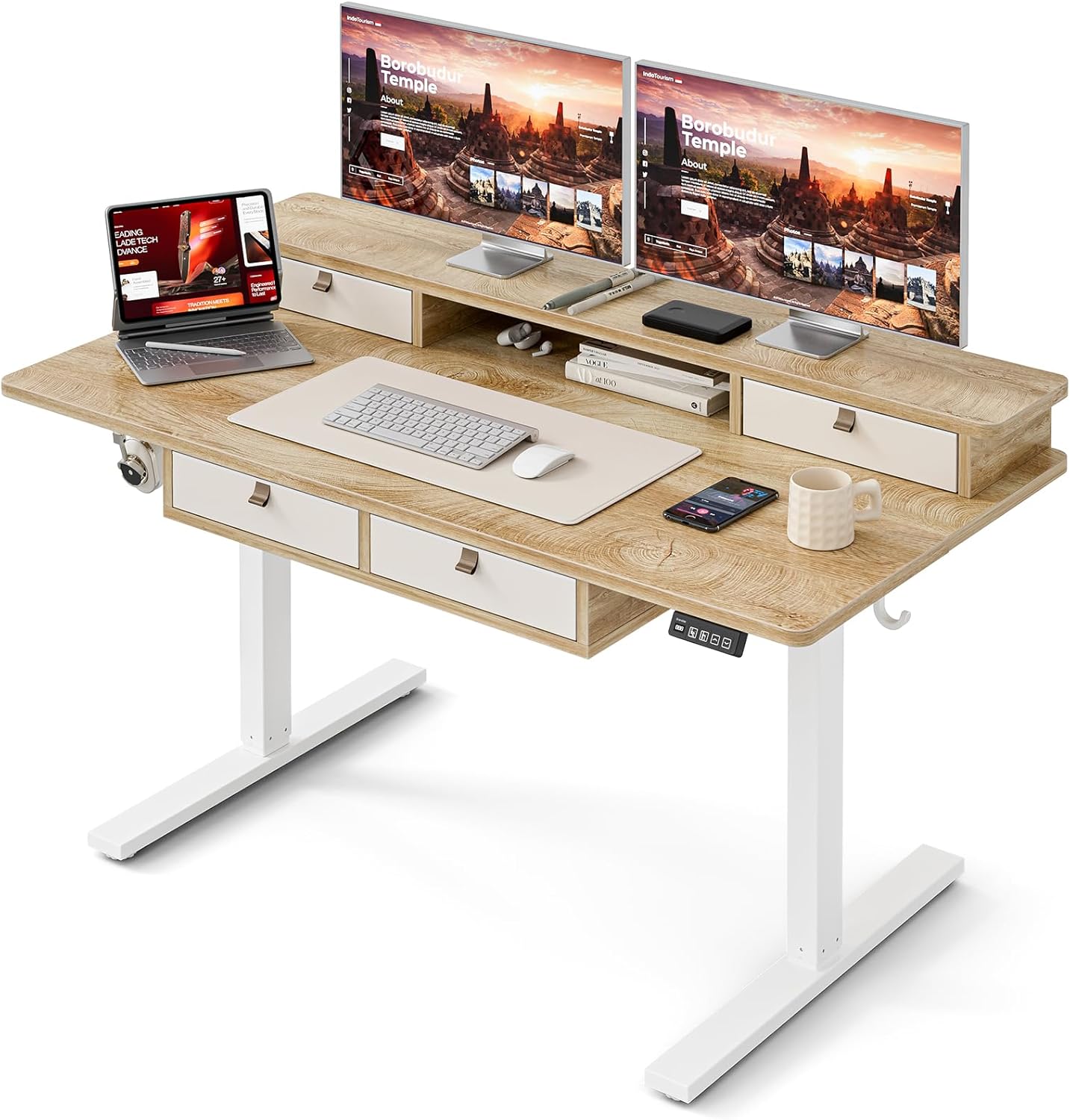
Image: The Grandder electric standing desk, showcasing its spacious desktop, integrated storage, and monitor stand.
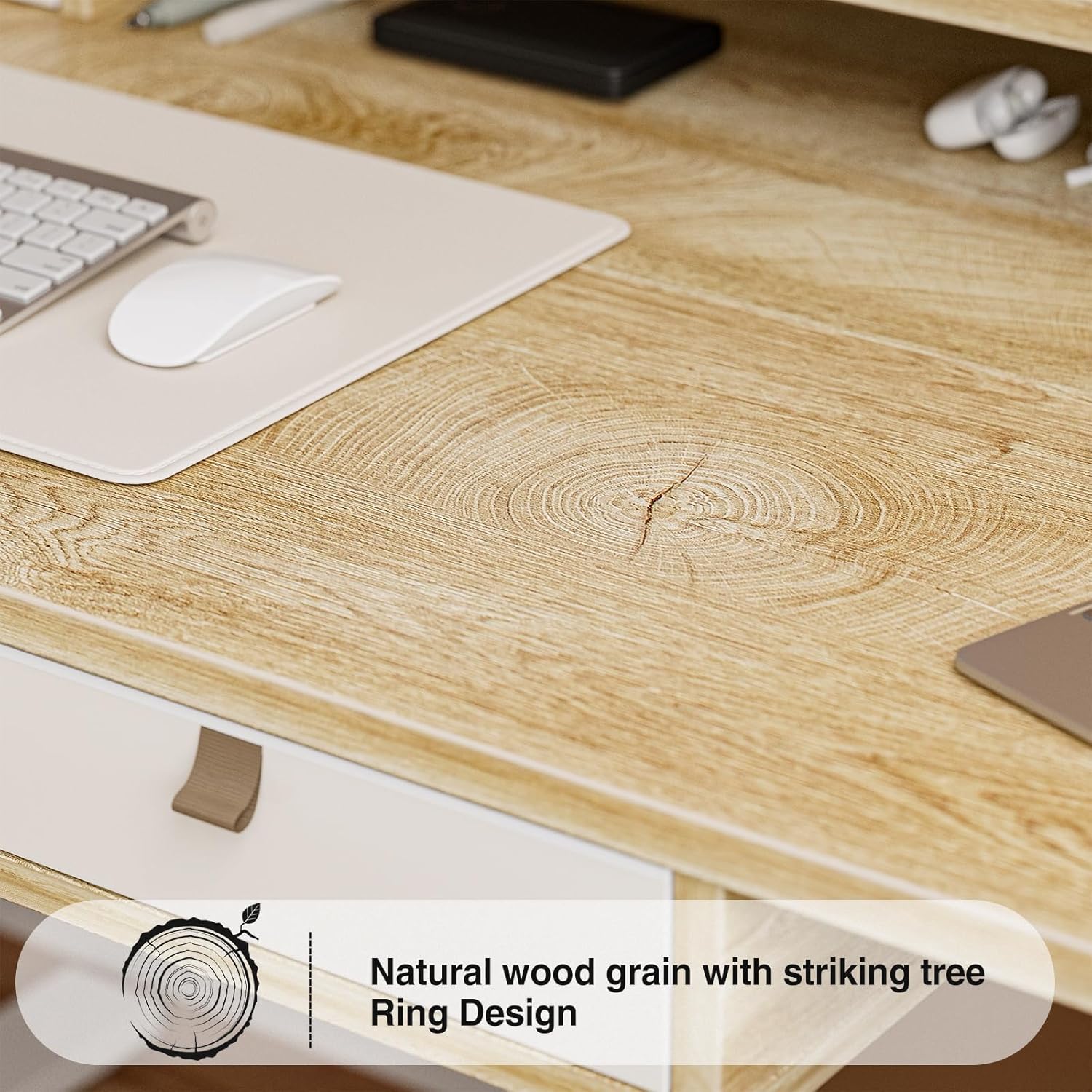
Image: Detail of the natural wood grain desktop finish.

Image: The desk's robust construction, tested for over 50,000 lifts, ensuring stability and durability.
Informazioni sulla sicurezza
Per evitare lesioni o danni alla scrivania, osservare le seguenti precauzioni di sicurezza:
- Assicurarsi che tutti i componenti siano fissati saldamente prima dell'uso.
- Tenere bambini e animali domestici lontani dalla scrivania durante il funzionamento.
- Non sovraccaricare la scrivania. Consultare le specifiche per la portata massima.
- Evitare di versare liquidi direttamente sul pannello di controllo o sui componenti del motore.
- Scollegare l'alimentazione prima di effettuare la pulizia o la manutenzione.
- Do not attempt to modify the desk's electrical components.
- Assicurarsi che non vi siano ostacoli lungo il percorso della scrivania durante la regolazione dell'altezza.
Contenuto della confezione
Verificare che tutti i componenti siano presenti prima di iniziare il montaggio. Se qualche componente risulta mancante o danneggiato, contattare l'assistenza clienti.
- Desktop (scheda di giunzione)
- Telaio della scrivania (gambe e traversa)
- Electric Lifting Mechanism (Motor and Control Box)
- Pannello di controllo
- 4 cassetti portaoggetti
- Monitor Stand/Upper Shelf
- Passacavi
- Gancio per cuffie
- Assembly Hardware (Screws, Allen Wrenches, etc.)
- Adattatore di alimentazione
- Manuale d'uso
Istruzioni di montaggio
Assembly typically requires two people. Follow the steps below carefully. An estimated assembly time is 50-60 minutes.
- Disimballare i componenti: Estrarre con attenzione tutti i componenti dall'imballaggio e disporli su una superficie pulita e morbida per evitare graffi. Verificare che tutti i componenti siano conformi all'elenco del contenuto della confezione.
- Montare la struttura della scrivania: Fissare le gambe della scrivania alla traversa utilizzando la ferramenta fornita. Assicurarsi che tutti i collegamenti siano ben saldi.
- Allega Desktop: Carefully place the desktop onto the assembled frame. Align the pre-drilled holes and secure the desktop to the frame with screws.
- Install Electric Mechanism: Mount the motor and control box to the designated areas under the desktop. Connect all necessary cables according to the wiring diagram (refer to specific diagrams in the full manual, if available).
- Installa il Pannello di controllo: Attach the control panel to the underside of the desktop, typically on the right side, and connect its cable to the control box.
- Assemble Storage Elements: Install the four storage drawers into their respective slots. Attach the monitor stand/upper shelf to the desktop.
- Collegare gli accessori: Install cable grommets and the headphone hook as desired.
- Connetti alimentazione: Collegare l'adattatore di alimentazione alla scatola di controllo e poi a una presa a muro.
- Test iniziale: Perform an initial test of the height adjustment function to ensure smooth operation.

Image: Desk dimensions for reference during assembly and placement.
Istruzioni per l'uso
Your Grandder electric standing desk features an intuitive control panel for easy height adjustment and memory presets.
Funzioni del pannello di controllo

Image: The hand controller for the electric standing desk, showing the digital display and control buttons.
- Frecce su/giù (▲ / ▼): Press and hold to manually adjust the desk height. Release to stop at the desired position.
- Display digitale: Shows the current desk height in inches or centimeters.
- Preset Buttons (Icons): Your desk features preset buttons to save and recall preferred sitting and standing heights.
- Per salvare un preset: Adjust the desk to your desired height using the up/down arrows. Press and hold one of the preset icon buttons (e.g., sitting person icon) until the display flashes or beeps, indicating the height is saved.
- Per richiamare un preset: Briefly press the corresponding preset icon button. The desk will automatically move to the saved height.
Regolazione dell'altezza
The desk allows for smooth electric height adjustment, enabling you to switch between sitting and standing positions. The height range is approximately 28 inches to 45.6 inches.
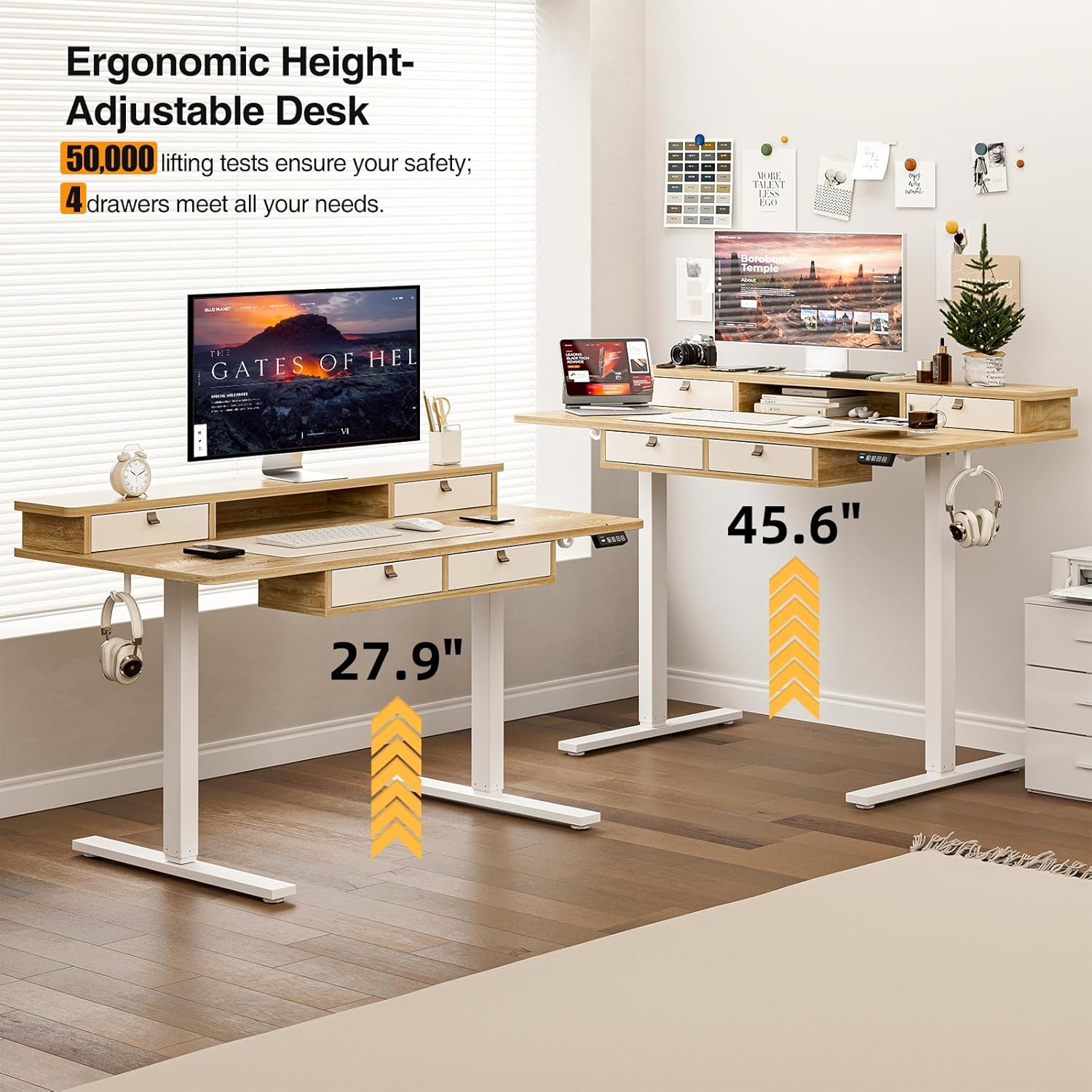
Image: Visual representation of the desk's adjustable height range, from sitting to standing positions.
Caratteristiche di archiviazione
The desk includes four integrated drawers and an upper shelf for organized storage of office essentials, helping to maintain a tidy workspace.

Image: The four storage drawers providing amplo spazio per l'organizzazione.

Image: Comparison illustrating the enhanced storage capabilities of the Grandder desk.
Caratteristiche aggiuntive
- Anti-Collision Design: The desk is equipped with an anti-collision system that automatically stops movement if an obstruction is detected, preventing damage or injury.
- Poggiapiedi regolabili: The desk features adjustable foot pads to ensure stability on uneven floors.
- Gancio per cuffie: A convenient hook is included for hanging headphones or other accessories.

Image: Details of the control panel, adjustable foot pads, and anti-collision feature.
Manutenzione
Regular maintenance ensures the longevity and smooth operation of your desk.
- Pulizia: Pulisci il desktop e la cornice con un panno morbido eamp panno. Evitare detergenti abrasivi o prodotti chimici aggressivi che potrebbero danneggiare la finitura.
- Gestione dei cavi: Periodically check and organize cables to prevent tangles and ensure they do not interfere with the desk's movement.
- Controllo del dispositivo di fissaggio: Every few months, check all screws and fasteners to ensure they are tight. Retighten if necessary.
- Cura del motore: The electric motor is designed for maintenance-free operation. Do not attempt to lubricate or disassemble it.
Risoluzione dei problemi
| Problema | Possibile causa | Soluzione |
|---|---|---|
| La scrivania non si muove. | Cavo di alimentazione scollegato; sovraccarico del motore; problema al pannello di controllo. | Check power connections. Unplug and replug the power cable. Reduce weight on the desk. Contact customer support if the issue persists. |
| Regolazione dell'altezza non uniforme. | Uneven load; loose fasteners. | Distribute weight evenly on the desktop. Check and tighten all assembly fasteners. |
| La scrivania si ferma a metà movimento. | Overload protection activated; anti-collision system triggered. | Reduce weight on the desk. Check for obstructions under or around the desk. Wait a few moments before attempting to adjust again. |
| Control panel display not working. | Power issue; loose cable connection. | Ensure the power cable is securely connected. Check the connection between the control panel and the control box. |
Specifiche
| Marca | Più grande |
| Numero di modello | A205-55DX |
| Dimensioni del prodotto (P x L x A) | 27.6"D x 55"W x 37"H (at lowest point, approximate) |
| Intervallo di altezza regolabile | Approx. 28" - 45.6" |
| Materiale del desktop | Engineered Wood with Laminated Finish |
| Materiale del telaio | Metallo |
| Colore | Quercia |
| Peso dell'articolo | 59 libbre |
| Capacità di peso | Fino a 220 libbre |
| Caratteristiche speciali | Ergonomic, 4 Storage Drawers, Monitor Stand, Cable Grommets, Headphone Hook |

Image: The desk's capacity to hold various office items, up to 220 lbs.
Garanzia e supporto
Grandder products are designed for quality and durability. For warranty information, technical support, or assistance with missing/damaged parts, please contact Grandder customer service through the retailer's platform or the official Grandder website. Please have your model number (A205-55DX) and purchase date ready when contacting support.