
Introduzione
This manual provides detailed instructions for the setup, operation, and maintenance of your Outinput 2.5K Smart Bird Feeder with Camera. This device features a 2.5K HD camera, solar power, AI bird species identification, and squirrel deterrence to enhance your birdwatching experience.

Image: The Outinput Smart Bird Feeder with Camera, designed for observing birds up close.
Informazioni sulla sicurezza
Always follow the instructions provided in this user manual for safe handling, installation, and use. Keep the feeder clean and dry to prevent mold and bacterial growth, which can be harmful to birds. Do not use food that is known to be harmful to birds, such as chocolate, caffeine, and salt. Always supervise children when they are near the feeder. In case of accidental ingestion of the solar panels or other components, seek immediate medical attention. Always comply with local regulations and guidelines regarding feeding wildlife.
Contenuto della confezione
Verificare che tutti i componenti siano presenti nella confezione:
- Bird Feeder Camera (1)
- 3M Strap (1)
- Confezione di viti (1)
- Adattatore di alimentazione (1)
- 3M USB Cable (1)
- Manuale d'uso (1)

Image: Included components such as the bird feeder, camera, mounting accessories, and charging cable.
Impostare
1. Ricarica iniziale
Before first use, fully charge the bird feeder camera using the provided 3M USB cable and power adapter. The 5200mAh rechargeable battery ensures reliable operation, supplemented by the solar panels.
2. Installazione e connessione dell'app
Download the "Outinput" app from your device's app store (Google Play or Apple App Store). Follow the in-app instructions to connect your smart bird feeder to your home Wi-Fi network. Ensure your Wi-Fi is set to 2.4GHz for optimal connectivity and range.
3. Opzioni di montaggio
The bird feeder offers two primary mounting methods:
- Wall Mount: Use the provided screw pack to securely attach the feeder to a wall.
- Monte Albero: Use the 3M strap to fasten the feeder to a tree trunk.

Image: Visual guide for wall mounting and tree mounting the bird feeder.
Video: Official Outinput video demonstrating the setup process for the smart bird feeder.
Istruzioni per l'uso
1. Caratteristiche della fotocamera
The integrated 2.5K HD camera provides clear visuals with a 150° wide-angle lens. It supports color night vision, allowing for birdwatching even in low-light conditions.
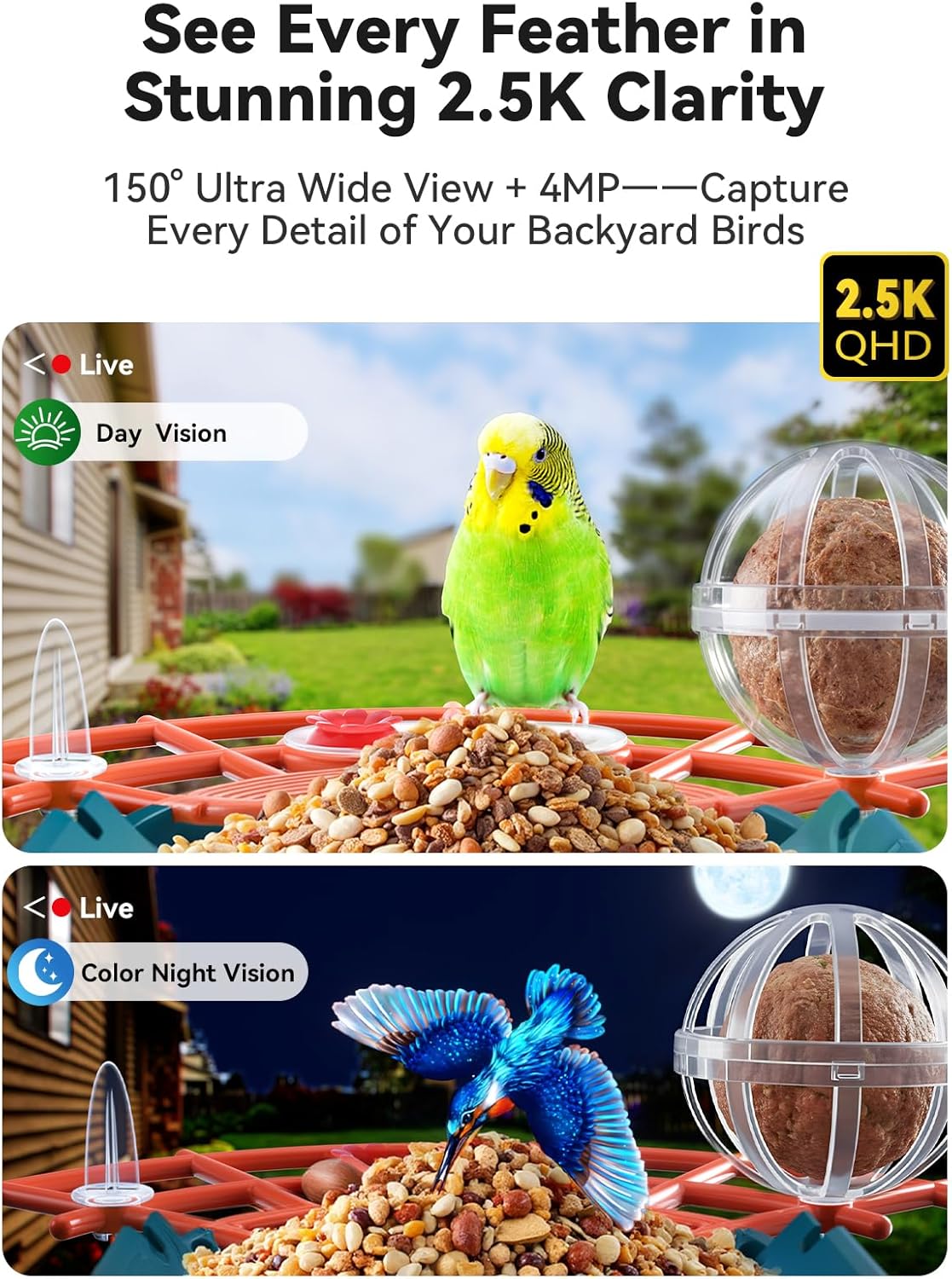
Image: Demonstrates the 2.5K clarity and color night vision capabilities of the camera.
2. AI Bird Species Identification
The feeder utilizes AI to identify over 10,000 bird species. The app provides detailed information about identified birds. An AI assistant is available for bird-related questions (subscription required after a 7-day free trial).

Image: Illustrates the AI bird recognition feature and instant alerts on the mobile app.
3. Smart Squirrel Detection
Advanced AI squirrel detection triggers an automatic alarm when squirrels approach the feeder, deterring them without manual intervention.

Image: The bird feeder's AI squirrel detection system activating an alarm to scare away a squirrel.
4. Real-Time Notifications and App Usage
PIR smart detection sends real-time 5-second video notifications to your Outinput app when a bird is detected. The app allows for live viewing, riviewing recorded moments, and sharing access with family and friends.

Image: Real-time video notifications and app interface for monitoring bird visits.
5. Archiviazione locale
The feeder supports up to 256GB SD cards (not included) for local storage of recorded bird moments, allowing you to replay visits anytime.
Video: Official Outinput video highlighting the advanced features of the bird feeder camera, including 2.5K resolution and solar power.
Manutenzione
1. Pulizia
Regularly clean the feeder to prevent mold and bacterial growth. Use mild soap and water, ensuring all parts are thoroughly rinsed and dried before refilling with bird food.
2. Food Refilling
Keep the 1.25L bird seed container topped up with appropriate bird food. The feeder also includes sections for fruit, mealworms, nuts, and water.
3. Cura dei pannelli solari
Ensure the solar panels are clean and free from obstructions like snow or debris to maintain optimal charging efficiency. The weatherproof design (IP65) allows for year-round outdoor use.
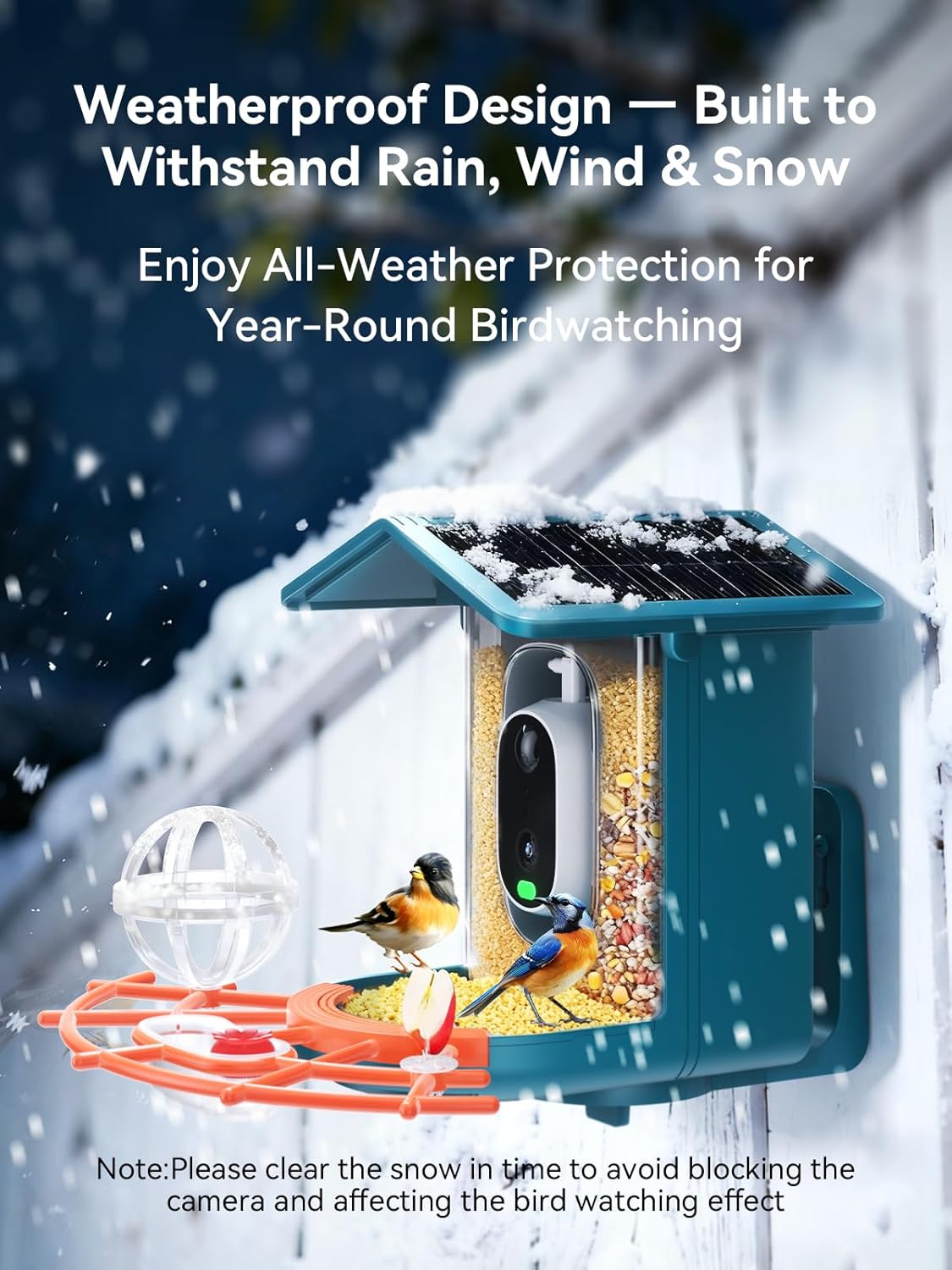
Image: The bird feeder's weatherproof construction, shown functioning in snow.
Risoluzione dei problemi
- Problemi di connettività: If the feeder fails to connect to Wi-Fi, ensure your router is broadcasting a 2.4GHz network. Some routers require manual configuration to enable or prioritize 2.4GHz.
- Camera Not Holding Charge: Verify that the solar panels are clean and receiving direct sunlight. If issues persist, fully charge the camera using the USB cable indoors. Ensure the charging cable and adapter are functioning correctly.
- Squirrels Not Deterred: While the AI detection and alarm are effective, some bold squirrels may require additional measures. Ensure the feeder is placed in an area where the alarm sound is not obstructed.
- Scarsa qualità video: Check your Wi-Fi signal strength at the feeder's location. A strong 2.4GHz signal is crucial for optimal 2.5K video streaming.
- Nessuna notifica: Confirm that PIR detection is enabled in the Outinput app and that app notifications are allowed in your phone's settings.
Specifiche
| Marca | Outinput |
| Numero di modello | PF710 |
| Materiale | Acrilonitrile Butadiene Stirene (ABS) |
| Dimensioni (L x P x A) | 9.06" x 7.87" x 8.66" |
| Capacità | 1.25 litri |
| Fonte di alimentazione | Solar Powered, Battery Powered (5200mAh) |
| Risoluzione della fotocamera | 2.5K ad alta definizione |
| Angolo dell'obiettivo | Grandangolo 150° |
| Caratteristiche speciali | 2 Built-in Solar Panels, AI Bird Species Identification, AI Q&A Assistant, Smart Squirrel Repellent, Color Night Vision, PIR Detection |
| Tipo di montaggio | Trees and walls |
| Magazzinaggio | Supporta fino a 256 GB di scheda SD (non inclusa) |
Garanzia e supporto
For warranty information and technical support, please refer to the official Outinput website or contact customer service through the Outinput app. Keep your purchase receipt for warranty claims.