
Prodotto finitoview
The Anona Pano 4K UHD Indoor Camera is designed for comprehensive indoor monitoring, offering advanced features such as 4K Ultra High Definition video, 360° pan and 110° tilt capabilities, and dual-band Wi-Fi 6 connectivity. It includes AI-powered detection for persons, pets, and baby crying, along with two-way audio and privacy mode for enhanced security and convenience.
Cosa c'è nella scatola
- Anona Pano Camera
- 5V2A Power Adapter (3m power cable)
- Piastra di montaggio
- Screws & Anchors Kit
- Guida rapida
Impostare
Initial Power-Up and Reset
1. Plug the power cable into the camera and then into a power outlet. The camera will rotate, and the indicator light will turn on.
2. If the indicator light is not blinking orange, tilt the camera head upward to reveal the reset button. Press and hold the reset button for 5 seconds until you hear "Reset Succeeded."
Guida alla connessione dell'app
For a visual guide on connecting your Anona Pano camera to the app, please watch the video below. This video demonstrates the step-by-step process of pairing your device and configuring initial settings.
Video: Anona Pano Indoor Camera App Connection Guide. This video demonstrates the process of plugging in the camera, resetting it if necessary, opening the Anona Security App, adding the device, connecting to Wi-Fi (2.4GHz and 5GHz supported), naming the device, and adjusting settings like camera orientation.
1. Download the "Anona Security" app from your smartphone's app store.
2. Open the app, tap the '+' button, and select 'Add Device'.
3. The app will search for nearby devices. Select your Anona Pano camera or add it manually.
4. Follow the on-screen prompts to connect the camera to your Wi-Fi network. Both 2.4GHz and 5GHz Wi-Fi bands are supported.
5. Name your camera and choose a usage scenario (e.g., Baby Monitoring, Pet Tracking) for recommended settings.
6. Adjust any additional settings manually as desired.
Istruzioni per l'uso
Vivere View e controllo Pan-Tilt
Access the live feed through the Anona Security app. Use the on-screen controls to pan the camera 360° horizontally and tilt it 110° vertically to view any area of the room. The auto-tracking feature can detect and follow moving objects.

Image: The Anona Pano camera demonstrating its 360° pan and 110° tilt functionality, providing full room coverage.
Funzionalità di rilevamento AI
The camera utilizes advanced AI algorithms for intelligent detection. Enable or disable these features in the app settings:
- Rilevamento persona: Receive alerts when a human presence is detected.
- Rilevamento animali domestici: Get notifications when your pets are active or enter specific areas.
- Rilevamento del pianto del bambino: The camera can identify and alert you to a baby's cries.
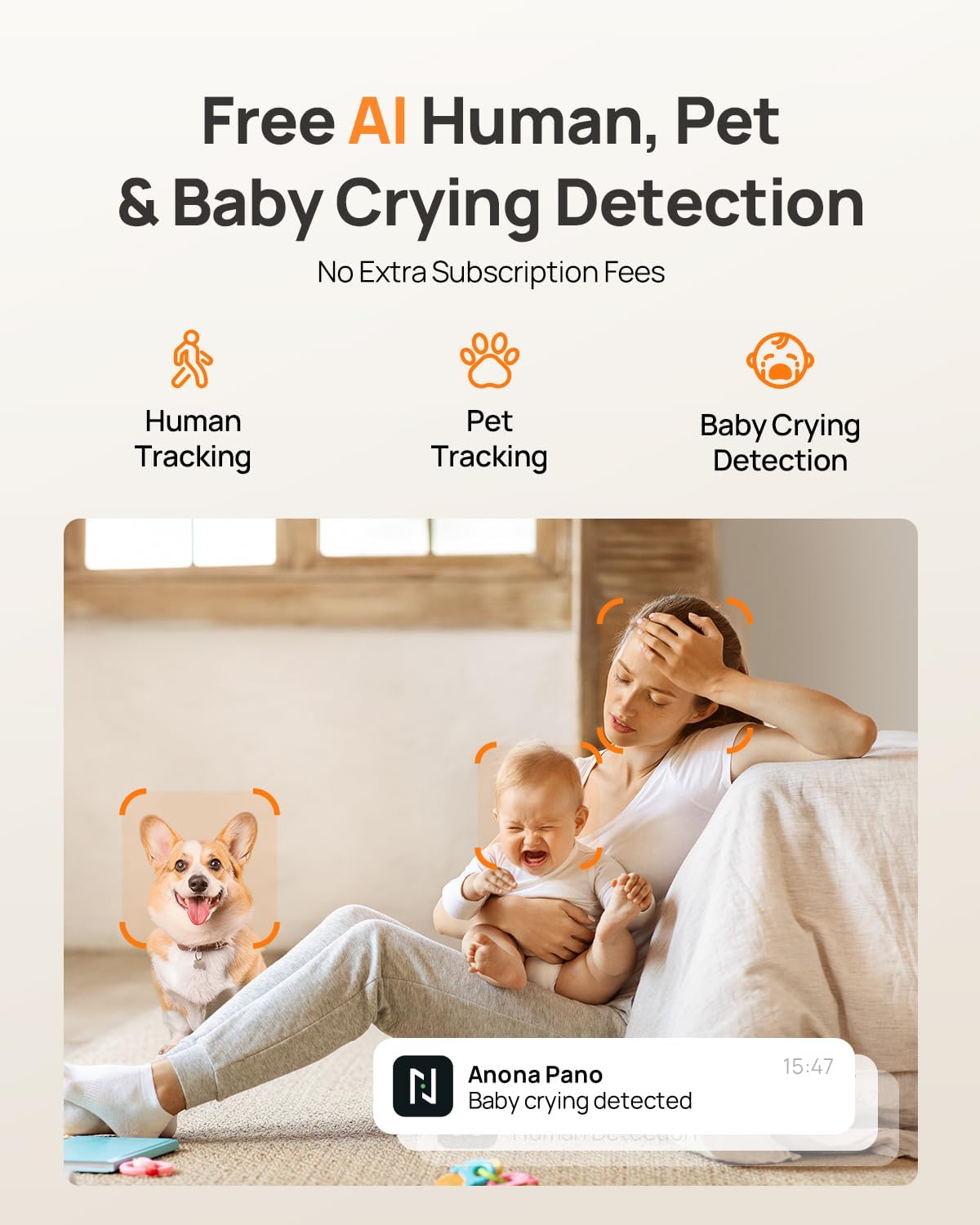
Image: Visual representation of the camera's AI capabilities, including human, pet, and baby crying detection, with a phone displaying a 'Baby crying detected' notification.
Audio bidirezionale
Engage in clear two-way communication through the camera using the Anona Security app. This feature allows you to speak to individuals or pets in the room and hear their responses.
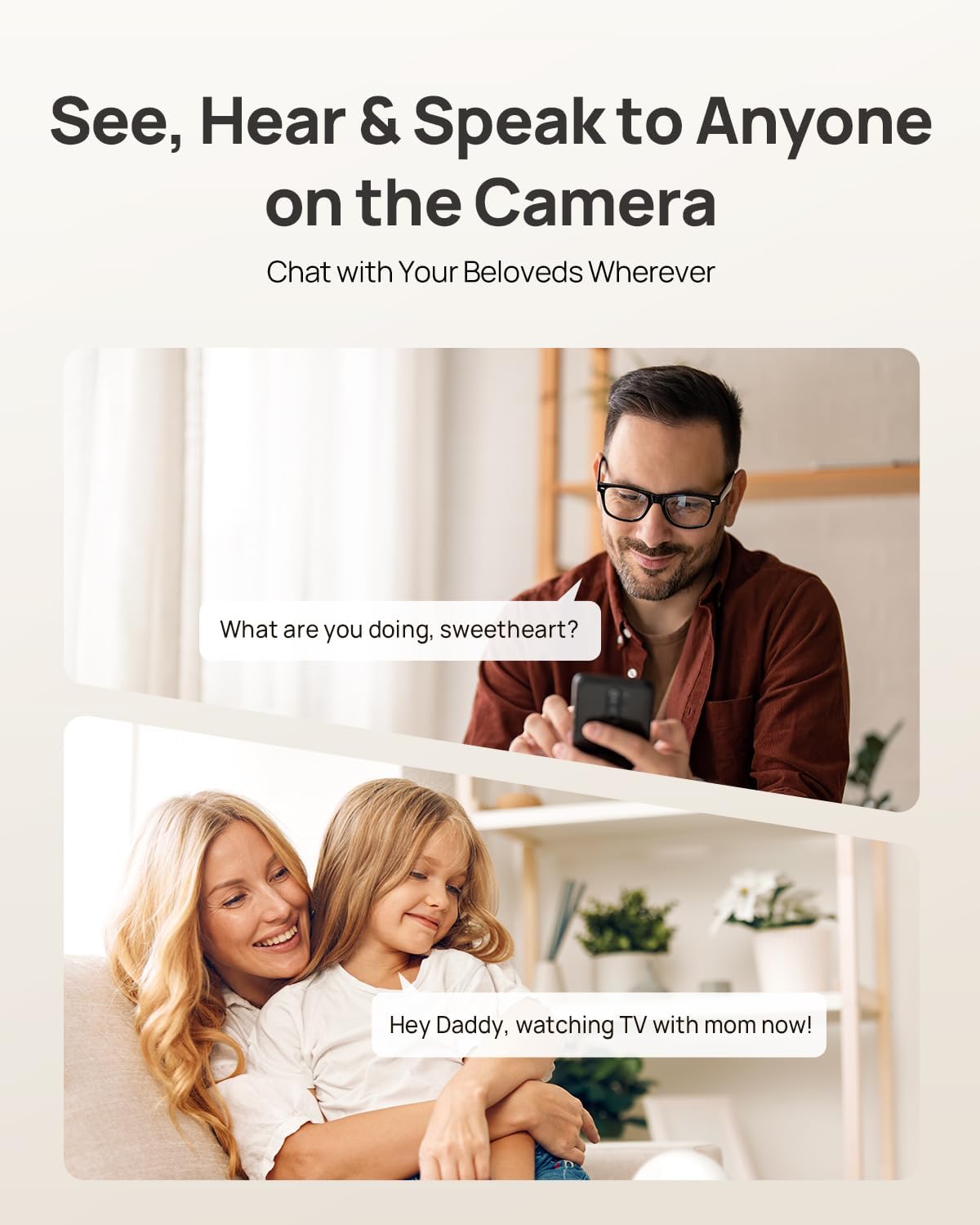
Image: Illustration of the two-way audio function, showing a user speaking through their phone to someone near the camera, and vice-versa.
Modalità privacy
Activate Privacy Mode via a single tap in the app. This feature instantly stops live viewing and recording, ensuring your privacy without needing to unplug the camera.

Image: The camera and a smartphone displaying the privacy mode feature, which allows users to stop recording and live viewing with a single tap.
Integrazione della casa intelligente
The Anona Pano camera is compatible with Amazon Alexa and Google Assistant. You can use voice commands to stream the live view to compatible smart displays like Alexa Echo Show or Google Nest Hub.
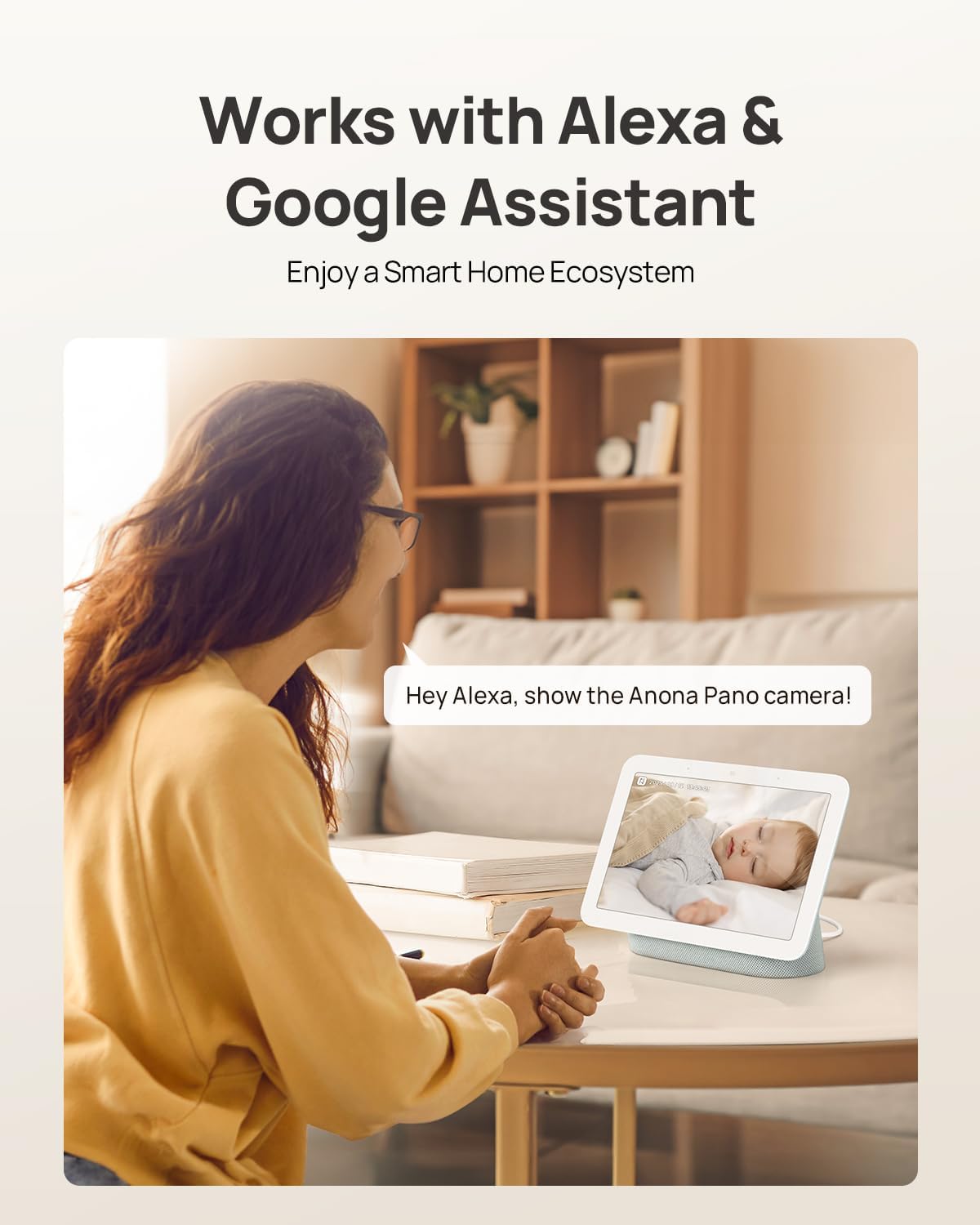
Image: A user interacting with a smart display, showing the Anona Pano camera's compatibility with Amazon Alexa and Google Assistant for voice-controlled live streaming.
Opzioni di archiviazione
The Anona Pano camera offers flexible storage solutions for your video recordings:
- Archiviazione locale: Insert a microSD card (up to 512 GB, not included) into the camera for local recording.
- Archiviazione cloud: Opt for Anona Cloud service to save videos securely with AES-128 encryption.
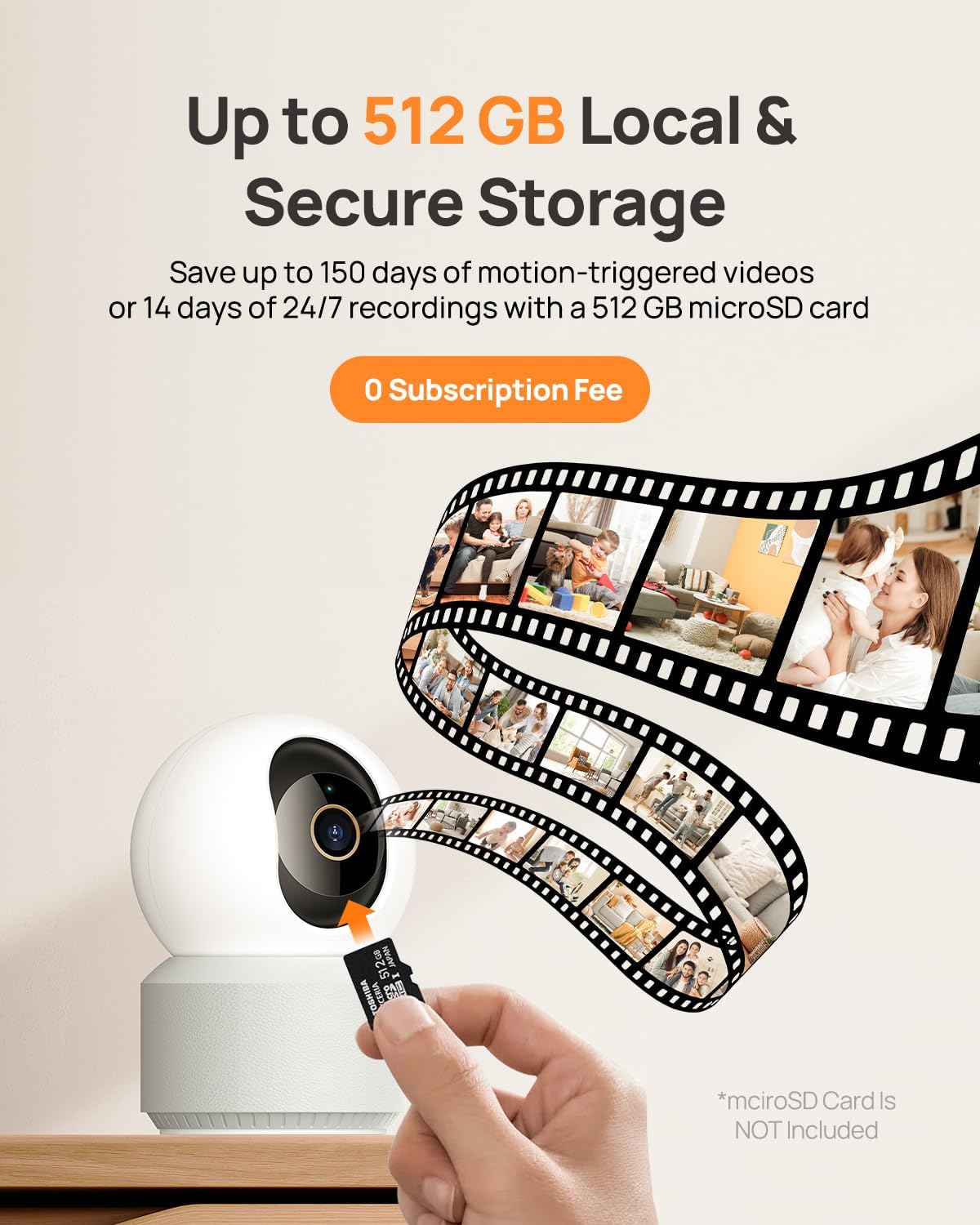
Image: A visual depiction of the camera's local storage option via a microSD card and cloud storage, highlighting the flexibility for users to choose their preferred method.
Visione notturna
The Anona Pano camera features enhanced IR night vision with an F1.6 aperture, allowing it to capture sharp 4K UHD footage even in complete darkness up to 30 feet. This ensures clear visibility and detailed monitoring around the clock.
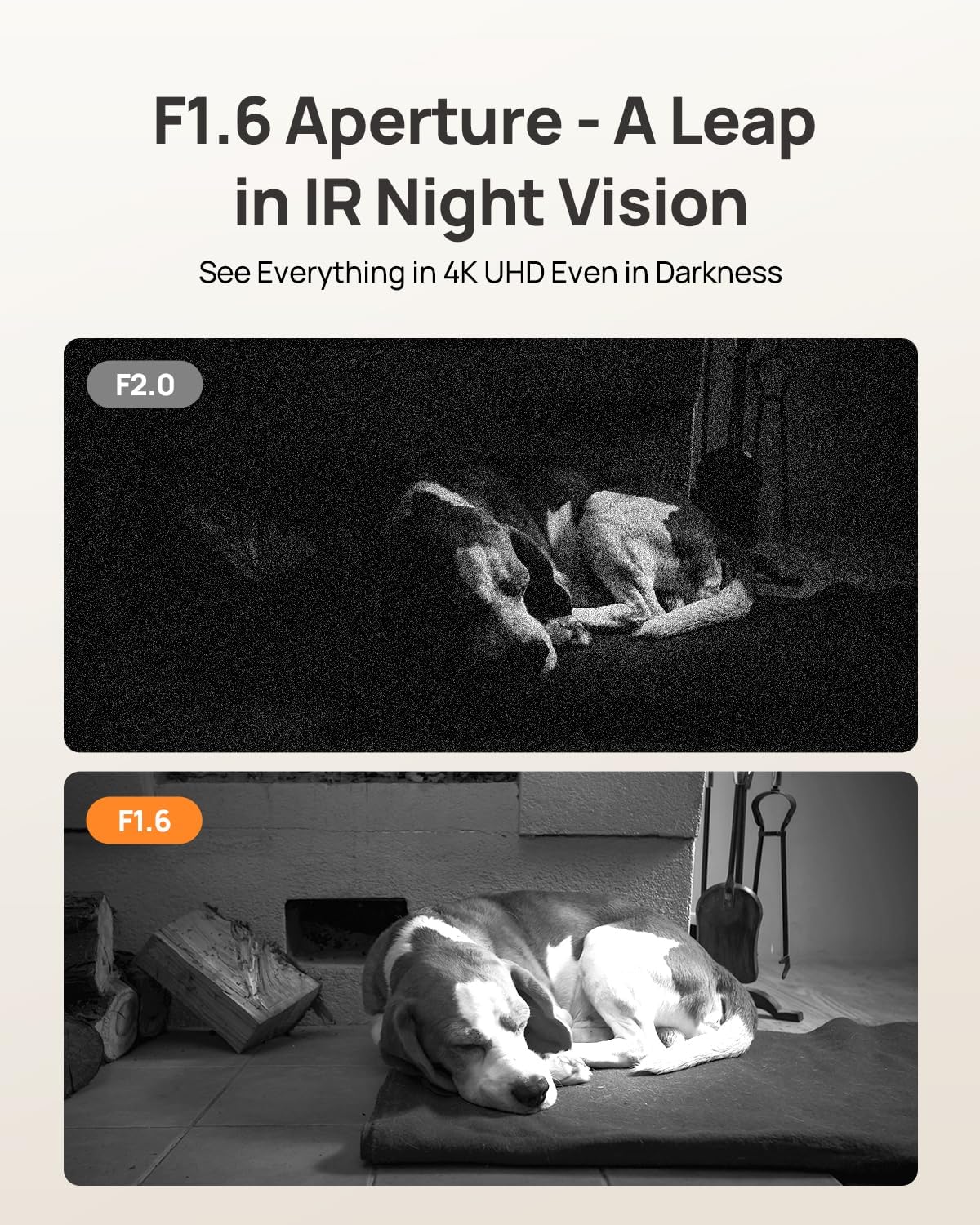
Image: A side-by-side comparison illustrating the superior clarity of F1.6 aperture night vision compared to F2.0, showcasing a sleeping dog in a dark environment.
Opzioni di montaggio
The Anona Pano camera is designed for versatile placement. It can be placed on a tabletop or mounted on a ceiling using the included mounting plate and screws. The app allows you to adjust the video orientation if the camera is mounted upside down.
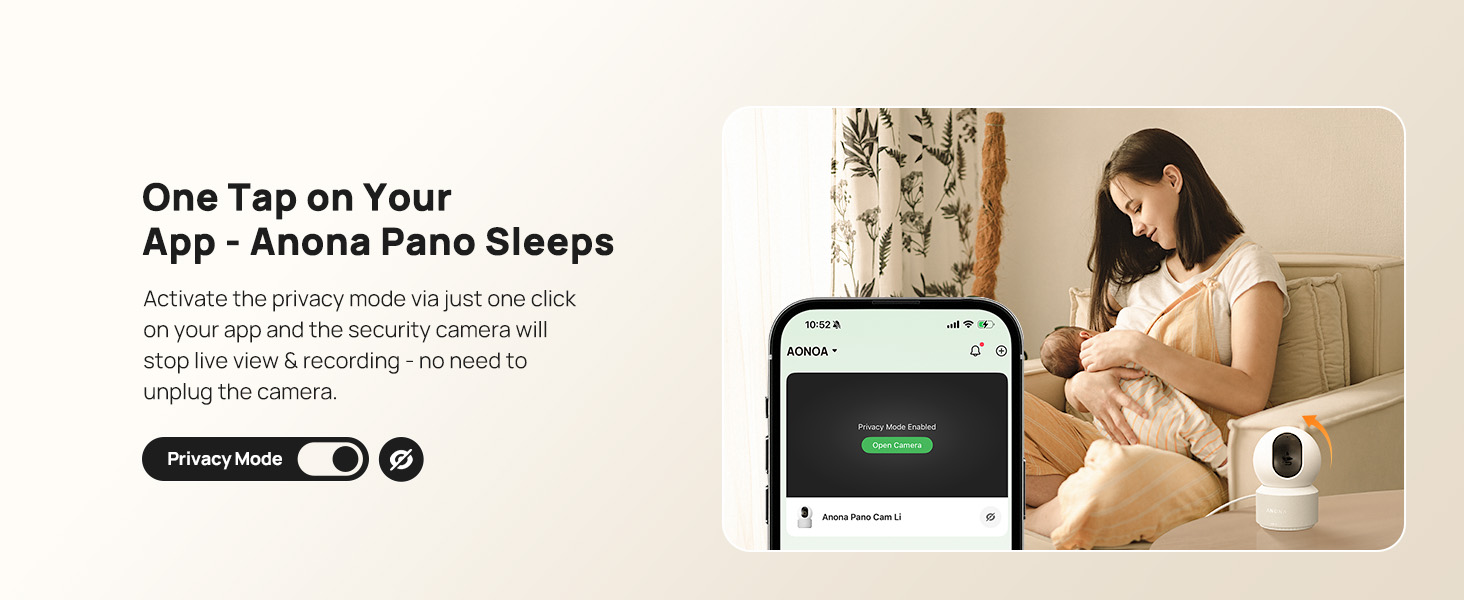
Image: The Anona Pano camera shown in two installation scenarios: freestanding on a table and mounted inverted on a ceiling, demonstrating its adaptable design.
Specifiche
| Caratteristica | Dettaglio |
|---|---|
| Nome del modello | Anona Pano |
| Risoluzione | 4K UHD (3840x2160) |
| Risoluzione fissa efficace | 8 MP |
| Tecnologia di connettività | Wi-Fi (2.4G/5G Dual-Band Wi-Fi 6) |
| Panoramica e inclinazione | Panoramica 360°, inclinazione 110° |
| Caratteristiche speciali | 2-Way Talk, Auto-Tracking, AI Person/Pet/Cry Detection, Privacy Mode |
| Gamma di visione notturna | 30 Feet (Thermal Sensing, F1.6 Aperture, 4 IR LEDs) |
| Opzioni di archiviazione | MicroSD Card (up to 512 GB, not included), Anona Cloud |
| Dispositivi compatibili | Smartphone, iPhone, Amazon Alexa, Google Assistant |
| Fonte di alimentazione | Elettrico con cavo (5 V, 2 A) |
| Dimensioni dell'articolo | 3.23 x 3.11 x 4.77 pollici |
| Peso dell'articolo | 0.93 libbre |
Manutenzione
To ensure optimal performance and longevity of your Anona Pano camera, follow these maintenance guidelines:
- Pulizia: Pulisci delicatamente l'obiettivo e il corpo della fotocamera con un panno morbido e asciutto. Evita di utilizzare prodotti chimici aggressivi o materiali abrasivi.
- Aggiornamenti del firmware: Regularly check the Anona Security app for available firmware updates. Keeping your camera's firmware up-to-date ensures access to the latest features, security patches, and performance improvements.
- Posizionamento: Assicurarsi che la telecamera sia posizionata in un luogo stabile, lontano dalla luce solare diretta, da fonti di calore e da umidità eccessiva.
- Alimentazione elettrica: Per evitare danni al dispositivo, utilizzare esclusivamente l'adattatore di alimentazione fornito.
Risoluzione dei problemi
If you encounter issues with your Anona Pano camera, consider the following troubleshooting steps:
- Nessuna alimentazione/Spia luminosa spenta: Ensure the power adapter is securely plugged into both the camera and a working power outlet. Try a different outlet if necessary.
- Impossibile connettersi al Wi-Fi: Verify that your Wi-Fi network is active and you are entering the correct password. Ensure the camera is within range of your router. The camera supports both 2.4GHz and 5GHz bands. If issues persist, try resetting the camera (refer to Setup section).
- Scarsa qualità video: Check your internet connection speed. A stable and fast connection is crucial for 4K streaming. Ensure the camera lens is clean and free from obstructions.
- Il rilevamento del movimento non funziona: Review the AI detection settings in the Anona Security app to ensure person, pet, or baby crying detection is enabled and sensitivity levels are appropriate.
- Problemi con l'audio bidirezionale: Check the microphone and speaker settings in the app. Ensure your phone's volume is up and there are no obstructions to the camera's speaker or microphone.
- La fotocamera non risponde: Try restarting the camera by unplugging it for a few seconds and then plugging it back in. If the problem continues, perform a factory reset.
Garanzia e supporto
For warranty information, technical support, or further assistance with your Anona Pano camera, please visit the official Anona store or contact customer service.
Visitare il Anona Store on Amazon.