
XIAOVV B0FT15FHVZ
XIAOVV 4K Outdoor Security Camera with 4G LTE User Manual
Model: B0FT15FHVZ
1. Introduzione
This manual provides detailed instructions for the installation, operation, and maintenance of your XIAOVV 4K Outdoor Security Camera with 4G LTE. Please read this manual thoroughly before using the product to ensure proper function and safety.

Image: The XIAOVV 4K Outdoor Security Camera with its integrated solar panel, designed for outdoor surveillance.
2. Contenuto della confezione
Verifica che tutti gli articoli siano presenti nel tuo pacco:
- XIAOVV 4K Outdoor Security Camera
- Pannello solare integrato
- Staffa di montaggio e viti
- Scheda SIM (preinstallata o inclusa separatamente)
- Manuale dell'utente (questo documento)
3. Impostazione
3.1 Installazione fisica
The camera is designed for outdoor use and can be mounted on various surfaces. Ensure the solar panel receives adequate direct sunlight for optimal charging.
- Scegli una posizione: Select a mounting location that provides the desired surveillance coverage and allows the solar panel to receive maximum sunlight exposure throughout the day. Avoid shaded areas.
- Montare la staffa: Use the provided screws to securely attach the mounting bracket to the chosen surface (e.g., wall, tree trunk).
- Collega la fotocamera: Secure the camera unit to the mounting bracket. Adjust the angle of the camera and solar panel for optimal positioning.
- Collegare il pannello solare: Ensure the solar panel cable is securely connected to the camera's power input port.

Immagine: Un example of the security camera and solar panel mounted on a tree trunk, illustrating outdoor installation.
3.2 SIM Card and Cellular Network Setup
This camera operates using a 4G LTE cellular network. It does not require Wi-Fi connectivity.
- Inserire la carta SIM: If not pre-installed, open the SIM card slot cover on the camera and insert the provided 4G SIM card. Ensure it is correctly oriented.
- Attiva il piano dati: The camera comes with an initial data allowance. For continued use, you will need to top up the cellular data plan through the V380 Pro application. Only the SIM card provided with the camera is compatible.

Image: The camera and solar panel mounted outdoors, highlighting its 3G/4G network capability without Wi-Fi.

Immagine: un primo piano view of the camera's SIM card slot and information regarding cellular data plans.
3.3 Installazione dell'app e associazione iniziale
Per controllare e view your camera, download the V380 Pro app.
- Scarica l'app: Cercare "V380 Pro" in your device's app store (Android or iOS) and install it.
- Creare un account: Apri l'app e segui le istruzioni sullo schermo per creare un nuovo account utente.
- Aggiungi dispositivo: Power on the camera. In the V380 Pro app, tap the "+" icon to add a new device. Follow the app's instructions to scan the QR code on the camera or manually add it.
- Configurazione completa: Once the camera is successfully added, you can configure initial settings such as device name and time zone.

Image: Logos for downloading the companion application from the Apple App Store and Google Play Store.
4. Utilizzo della fotocamera
Controllo Pan-Tilt-Zoom (PTZ) 4.1
The camera features 360° pan and tilt rotation, allowing you to adjust the viewing angle remotely via the V380 Pro app.
- Apri la diretta view nell'app.
- Utilizzare i controlli direzionali sullo schermo per spostare la telecamera (movimento orizzontale) e inclinarla (movimento verticale).
- Digital zoom can be performed by pinching the screen in the live view.

Image: An illustration demonstrating the camera's 355-degree pan and 90-degree tilt capabilities.
4.2 Rilevamento del movimento e avvisi
The camera is equipped with motion detection capabilities. You can configure alert settings within the V380 Pro app.
- Abilita rilevamento movimento: Navigate to the camera settings in the app and enable motion detection.
- Regola la sensibilità: Set the motion detection sensitivity to minimize false alarms.
- Configura gli avvisi: Choose how you want to receive alerts (e.g., push notifications to your phone, siren alarm, LED light alarm).
- AI Detection (Optional): Advanced AI features can distinguish between pets, packages, and vehicles. Note that these features may incur additional fees.

Immagine: Un example of AI detection capabilities, highlighting the identification of a person, a package, and a dog.

Image: A smartphone screen showing a V380 Pro app notification indicating motion detection, with the camera in the background.
4.3 Modalità di visione notturna
The camera offers both full-color and infrared night vision options for clear visibility in low-light conditions.
- Visione notturna a colori: Utilizes built-in spotlights to provide color images in dark environments.
- Visione notturna a infrarossi: Uses infrared LEDs for black and white images in complete darkness, offering a discreet surveillance option.
- You can switch between modes or set it to auto-detect within the app.
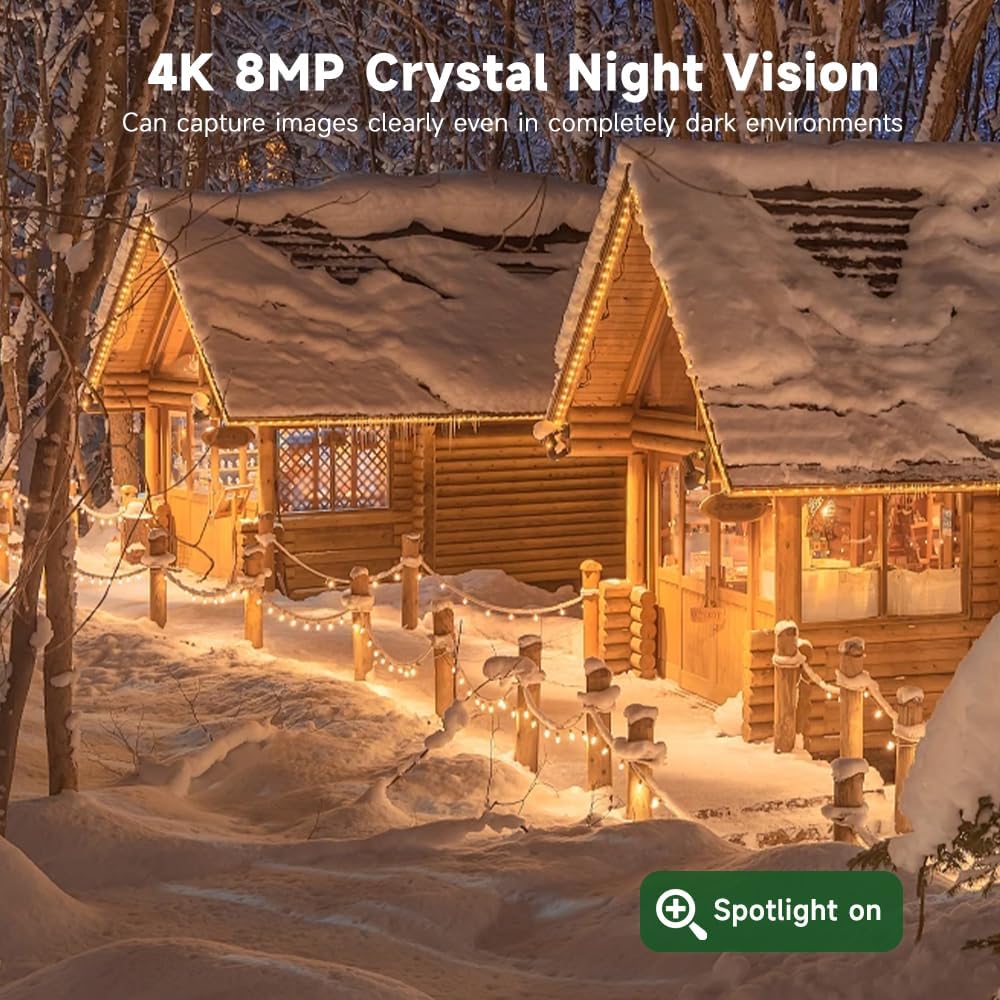
Image: A side-by-side comparison illustrating the difference between color night vision and infrared night vision.
4.4 Audio bidirezionale
The camera includes a built-in microphone and speaker, enabling two-way communication.
- Nella vita reale view of the V380 Pro app, tap the microphone icon to speak through the camera.
- Tocca l'icona dell'altoparlante per ascoltare l'audio dalla posizione della telecamera.

Image: A person interacting with a delivery driver using the camera's two-way audio feature via a smartphone app.
4.5 Opzioni di archiviazione
Pippo registratotagPossono essere archiviati localmente o nel cloud.
- Scheda MicroSD: The camera supports microSD cards up to 128GB (not included). Insert the card into the designated slot for local storage.
- Archiviazione cloud: Subscribe to a cloud storage plan through the V380 Pro app for secure, remote access to your recordings.

Image: An illustration detailing the two storage options: local MicroSD card storage (up to 128GB) and private cloud storage.
4.6 Accesso remoto e condivisione
Access your camera feed and controls from anywhere using the V380 Pro app. You can also share access with others.
- Remoto Viewin: Open the V380 Pro app on your smartphone or tablet to view cibo vivotage and recorded events.
- Condivisione dispositivi: In the app settings, locate the device sharing option to invite family members or trusted individuals to view il feed della telecamera.

Image: A collage showing the camera feed being accessed remotely on a smartphone, laptop, and another smartphone.

Image: A graphic illustrating global remote access and live stream sharing capabilities of the camera.
5. Manutenzione
5.1 Pulizia
- Pulire regolarmente l'obiettivo della fotocamera e il pannello solare con un panno morbido eamp panno per garantire una qualità dell'immagine nitida e un'efficiente ricarica solare.
- Non utilizzare prodotti chimici aggressivi o materiali abrasivi.
5.2 Efficienza del pannello solare
- Ensure the solar panel remains free from obstructions like leaves, dirt, or snow to maintain optimal charging performance.
- Periodically check the solar panel's angle to confirm it is still positioned for maximum sun exposure.
5.3 Aggiornamenti firmware
- Check the V380 Pro app periodically for available firmware updates. Updates can improve performance, add features, and enhance security.
- Follow the in-app instructions to perform firmware updates. Ensure the camera has sufficient battery charge before starting an update.
6. Risoluzione Dei Problemi
| Problema | Possibile causa | Soluzione |
|---|---|---|
| La fotocamera non si accende. | Carica solare insufficiente; collegamento difettoso. | Ensure solar panel is clean and receiving direct sunlight. Check cable connections. Allow several hours for initial charge. |
| No 4G signal or connectivity. | SIM card not inserted correctly; no active data plan; poor cellular coverage. | Reinsert SIM card. Check data plan status in V380 Pro app and top up if necessary. Relocate camera to an area with better cellular reception. |
| Gli avvisi di rilevamento del movimento sono troppo frequenti o non si attivano. | Sensitivity settings are too high/low; environmental factors. | Adjust motion detection sensitivity in the V380 Pro app. Ensure detection zone is correctly configured. |
| Scarsa qualità della visione notturna. | Ostruzione della lente; modalità di visione notturna errata. | Clean the camera lens. Switch between full-color and infrared night vision modes in the app to see which performs better for your environment. |
| Impossibile accedere alla telecamera da remoto. | No 4G connection; app issues. | Verify 4G signal strength. Restart the V380 Pro app or your mobile device. Ensure the app has necessary permissions. |
7. Specifiche
- Marca: XIAOVV
- Modello: B0FT15FHVZ
- Risoluzione di acquisizione video: 4K (8MP)
- Tecnologia di connettività: Cellulare 4G LTE
- Fonte di energia: Solar Powered (8000mAh battery)
- Caratteristiche speciali: PTZ (Pan-Tilt-Zoom), Motion Detection, Full-Color Night Vision
- Utilizzo interno/esterno: All'aperto
- Livello di resistenza all'acqua: IP66 impermeabile
- Gamma Night Vision: 100 metri
- Magazzinaggio: Scheda MicroSD (fino a 128 GB, non inclusa), archiviazione cloud
- Temperatura di esercizio: -30°C a 60°C
- Peso dell'articolo: 1.45 chilogrammi
8. Garanzia e supporto
8.1 Informazioni sulla garanzia
Fare riferimento alla confezione del prodotto o al sito ufficiale XIAOVV website for specific warranty details and terms. Keep your purchase receipt as proof of purchase for warranty claims.
8.2 Assistenza clienti
For technical assistance, troubleshooting, or any questions regarding your XIAOVV 4K Outdoor Security Camera, please contact XIAOVV customer support through their official website or the contact information provided in the V380 Pro app.
Ask a question about this manual
Ask about setup, troubleshooting, compatibility, parts, safety, or missing instructions. Manuals+ will review the question and use this page’s manual context to help answer it.