
1. Introduzione
Thank you for choosing the xinwld M17 Portable Bluetooth Speaker. This manual provides essential information for setting up, operating, and maintaining your speaker to ensure optimal performance and longevity. The M17 speaker features Bluetooth 5.4 connectivity, 20W HD stereo sound, IP7 waterproofing, LED lights, and TWS pairing for an enhanced audio experience.
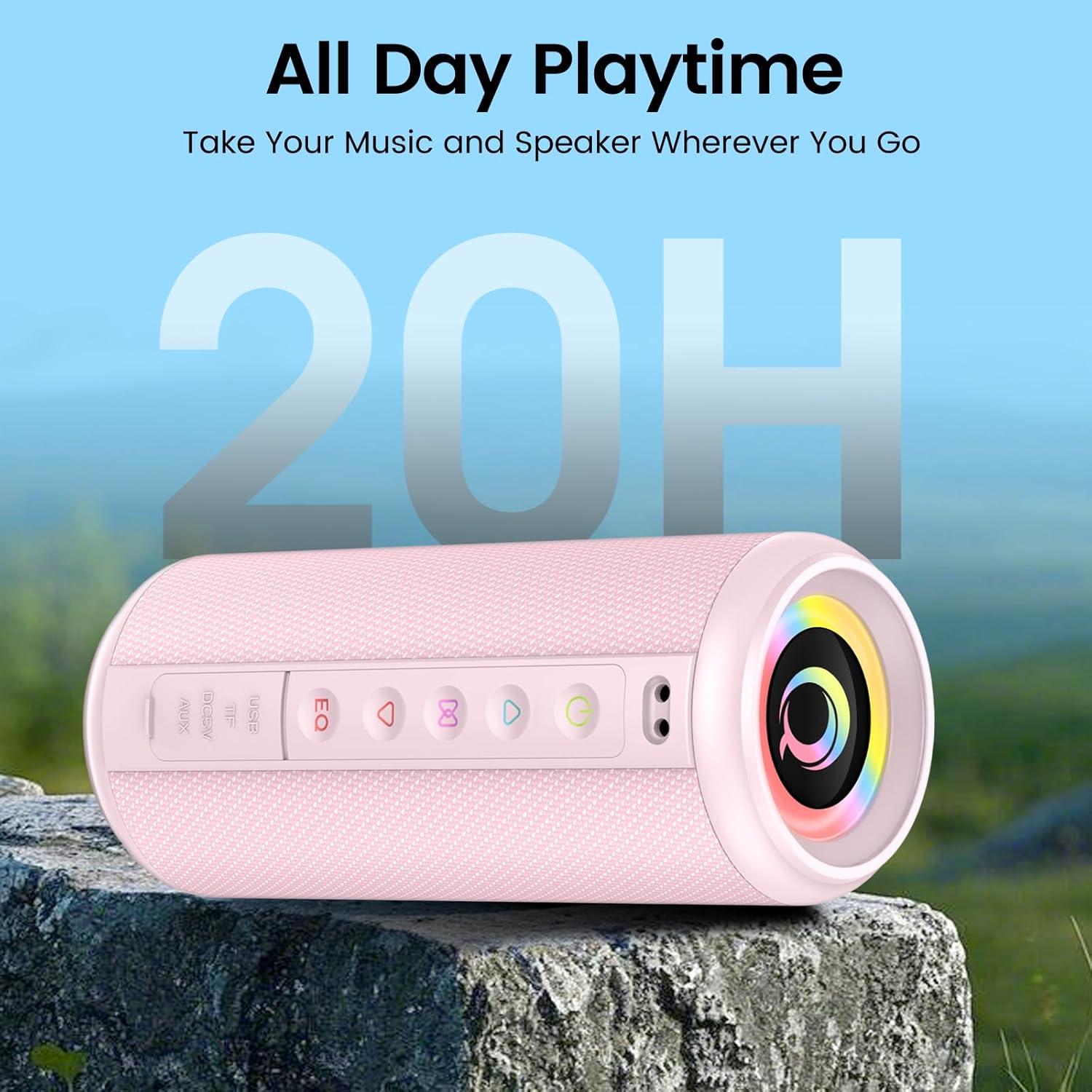
Figure 1: xinwld M17 Portable Bluetooth Speaker. This image shows the speaker's cylindrical design with control buttons on the side and the main speaker grille.
2. Impostazione
2.1 Cosa c'è nella scatola
Si prega di controllare il contenuto della confezione dopo averla disimballata:
- 1 x xinwld M17 Portable Bluetooth Speaker
- Cavo di ricarica 1 x USB-C
- 1 x Manuale utente
2.2 Ricarica dell'altoparlante
Before first use, fully charge the speaker. Connect the provided USB-C cable to the speaker's charging port and the other end to a compatible USB power adapter (not included). The charging indicator light will show the charging status. A full charge provides up to 15 hours of playback at 50% volume.
2.3 Accensione/Spegnimento
- Per accendere: tenere premuto il pulsante di accensione (⏻) per 2-3 secondi. Verrà emesso un segnale acustico.
- Per spegnere: tenere premuto il pulsante di accensione (⏻) per 2-3 secondi. Verrà emesso un segnale acustico.
2.4 Associazione Bluetooth
L'altoparlante M17 utilizza la tecnologia Bluetooth 5.4 per una connessione stabile e veloce.
- Assicurarsi che l'altoparlante sia acceso e in modalità di associazione Bluetooth (indicata da un LED lampeggiante).
- Sul tuo dispositivo (smartphone, tablet, ecc.), attiva il Bluetooth e cerca i dispositivi disponibili.
- Select "M17" from the list of devices.
- Una volta connesso, l'altoparlante emetterà un segnale acustico di conferma e l'indicatore LED diventerà fisso.

Figure 2: Bluetooth 5.4 connectivity. This image illustrates the speaker's compatibility with various connection modes including AUX, TF Card, Bluetooth, and USB, and shows a phone successfully paired with "M17".
2.5 Accoppiamento True Wireless Stereo (TWS)
For an immersive stereo sound experience, you can pair two M17 speakers together.
- Assicurarsi che entrambi gli altoparlanti M17 siano accesi e non connessi ad alcun dispositivo Bluetooth.
- On one speaker (this will be the primary speaker), double-press the TWS button (often indicated by a chain link icon or similar). The speaker will enter TWS pairing mode.
- I due altoparlanti si connetteranno automaticamente tra loro. Sentirai un tono di conferma.
- Once paired, connect your device to the primary speaker via Bluetooth as described in Section 2.4.

Figure 3: True Wireless Stereo pairing. This image depicts two M17 speakers wirelessly connected to a smartphone via Bluetooth 5.4, creating a stereo sound setup.
3. Funzionamento
3.1 Controlli di base
The speaker features intuitive buttons for control:
- Pulsante di accensione (⏻): Tenere premuto per accendere/spegnere.
- Pulsante Riproduci/Pausa (▶/‖): Premere una volta per riprodurre o mettere in pausa la musica.
- Pulsante di aumento del volume (+): Premere una volta per aumentare il volume. Tenere premuto per passare alla traccia successiva.
- Pulsante di riduzione del volume (-): Premere una volta per diminuire il volume. Tenere premuto per tornare alla traccia precedente.
- Pulsante EQ: Premere per scorrere le preimpostazioni dell'equalizzatore.
- Pulsante modalità luce: Press to change RGB lighting modes.
3.2 Modalità di connettività
In addition to Bluetooth, the M17 supports multiple playback options:
- Carta TF: Inserire una scheda TF (microSD) con audio files nello slot designato. L'altoparlante passerà automaticamente alla riproduzione della scheda TF.
- Ingresso AUX: Collega un dispositivo audio alla porta AUX tramite un cavo AUX da 3.5 mm (non incluso). L'altoparlante passerà alla modalità AUX.
- Riproduzione USB: Inserisci un'unità flash USB con audio files into the USB port. The speaker will automatically switch to USB playback.
3.3 Equalizer (EQ) Tuning
The speaker features a 3-band equalizer for customizable sound profiles. Press the EQ button to cycle through different sound modes (e.g., Bass Boost, Vocal, Balanced) to match your music genre or preference.

Figure 4: Deep Bass Stereo Sound. This cutaway view illustrates the internal dual 52mm full-range drivers responsible for delivering clear highs and rich midranges.
3.4 modalità di illuminazione RGB
The M17 speaker includes 8 dynamic RGB lighting modes that pulsate with your music. Press the Light Mode button to cycle through the available lighting effects. To turn off the lights, continue pressing the button until the lights are off.
3.5 Chiamate in vivavoce
With its built-in HD noise-canceling microphone, you can answer calls directly through the speaker when connected via Bluetooth.
- Rispondi alla chiamata: Premi una volta il pulsante Riproduci/Pausa.
- Termina chiamata: Premere una volta il pulsante Riproduci/Pausa durante una chiamata.
- Rifiuta chiamata: Tieni premuto il pulsante Riproduci/Pausa per 2 secondi.
4. Manutenzione
4.1 Impermeabilità (classificazione IP7)
The M17 speaker is IP7 waterproof, meaning it can withstand immersion in water up to 1 meter for 30 minutes. It is also dustproof and sandproof. However, do not intentionally immerse the speaker in water for extended periods or at depths greater than 1 meter. Assicurarsi che tutti i coperchi delle porte siano ben chiusi prima di esporre l'altoparlante all'acqua.
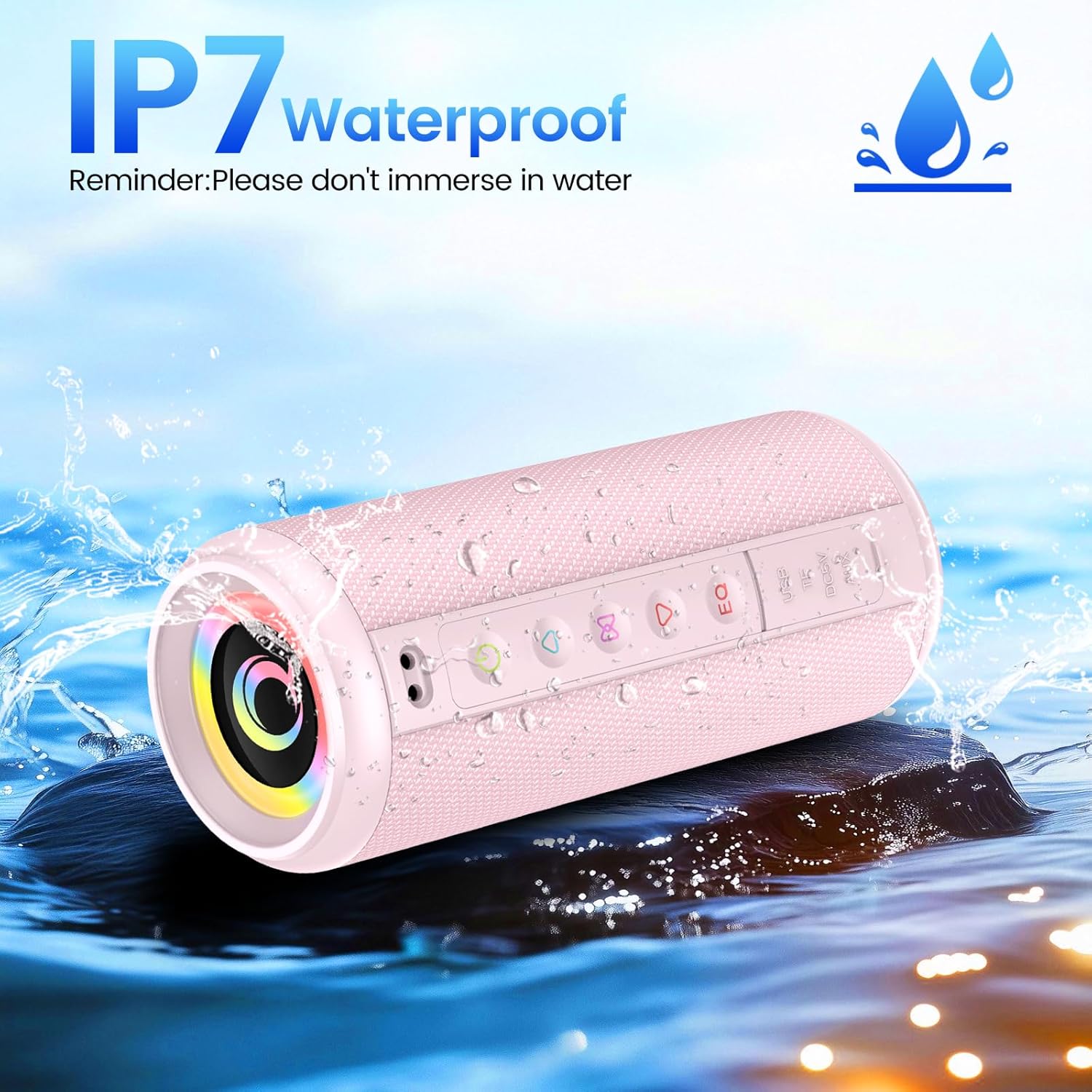
Figure 5: IP7 Waterproof. This image shows the M17 speaker being splashed with water, highlighting its IP7 waterproof capability. A reminder states: "Please don't immerse in water."
4.2 Pulizia e conservazione
- Pulisci l'altoparlante con un panno morbido eamp panno. Non usare detergenti abrasivi o solventi.
- Ensure the speaker is completely dry before charging or using it after exposure to water.
- Quando non viene utilizzato per lunghi periodi, conservare l'altoparlante in un luogo fresco e asciutto, lontano dalla luce solare diretta e da temperature estreme.
5. Risoluzione Dei Problemi
| Problema | Possibile causa | Soluzione |
|---|---|---|
| L'altoparlante non si accende. | Batteria scarica; il pulsante di accensione non è premuto correttamente. | Caricare completamente l'altoparlante. Tenere premuto il pulsante di accensione per 2-3 secondi. |
| Impossibile effettuare l'associazione tramite Bluetooth. | Altoparlante non in modalità di associazione; Bluetooth del dispositivo disattivato; Altoparlante già connesso a un altro dispositivo. | Ensure speaker is in pairing mode. Turn Bluetooth off/on on your device. Disconnect from other devices. |
| Nessun suono. | Volume troppo basso; Modalità di input errata; Dispositivo non riproduce l'audio. | Increase speaker and device volume. Check if the correct input mode (Bluetooth, AUX, TF, USB) is selected. Ensure audio is playing on your source device. |
| L'associazione TWS non riesce. | Altoparlanti troppo distanti; un altoparlante è già associato a un dispositivo. | Assicurarsi che gli altoparlanti siano vicini tra loro. Scollegare entrambi gli altoparlanti da qualsiasi dispositivo Bluetooth prima di avviare l'associazione TWS. |
6. Specifiche
| Caratteristica | Dettaglio |
|---|---|
| Nome del modello | Numero di modello: M17 |
| Marca | xinwd |
| Tipo di altoparlante | Altoparlante portatile |
| Tecnologia di connettività | Bluetooth 5.4 |
| Potenza massima in uscita dell'altoparlante | 20 Watt |
| Dimensioni del prodotto (diametro x altezza) | 8 cm (3.15") x 19 cm (7.48") |
| Peso dell'articolo | 555 g (1.22 libbre) |
| Portata massima | 98 piedi |
| Grado di impermeabilità | Grado di protezione IP7 |
| Capacità della batteria | 3600mAh |
| Tempo di riproduzione | Fino a 15 ore (al 50% del volume) |
| Componenti inclusi | Speaker, USB-C cable, Manual |

Figure 6: Size Parameters. This image provides detailed dimensions (8cm diameter, 19cm height) and weight (555g) of the M17 speaker.
7. Garanzia e supporto
7.1 Informazioni sulla garanzia
The xinwld M17 Portable Bluetooth Speaker comes with a standard manufacturer's warranty. Please refer to the warranty card included in your package or contact xinwld customer support for specific warranty terms and conditions.
7.2 Assistenza clienti
For any questions, technical assistance, or support regarding your xinwld M17 speaker, please contact our customer service team. Contact details can typically be found on the product packaging, the official xinwld websito o tramite la tua piattaforma di acquisto.