
1. Introduzione
This manual provides detailed instructions for the installation, operation, and maintenance of your Aoocci C3 Plus Motorcycle CarPlay System. The C3 Plus features a 5-inch HD touchscreen, supports wireless Apple CarPlay and Android Auto, includes GPS navigation, IP67 waterproofing, and real-time Tire Pressure Monitoring System (TPMS). Please read this manual thoroughly before using the device to ensure proper function and safety.
2. Cosa c'è nella scatola
Verificare che tutti i componenti siano presenti nella confezione:
- Touch Screen Main Unit
- Staffa di fissaggio
- Front & Rear Tire Pressure Sensors
- Power Cable & Installation Toolkit
- Power Cable (with USB Port)

Image: All components included with the Aoocci C3 Plus Motorcycle CarPlay System.
3. Installazione
3.1 Montaggio del dispositivo
The Aoocci C3 Plus comes with a robust mounting bracket designed for motorcycle handlebars. Follow these steps for secure installation:
- Use the provided wrench to install the bracket securely on your motorcycle's handlebar.
- Install the connecting rod onto the bracket.
- Install the CarPlay unit onto the rod and adjust its position for optimal viewing.
- Ensure all connections are tightened and the unit is stable.

Image: Visual instructions for mounting the C3 Plus unit.
3.2 Collegamento del cablaggio
Connect the power cable to your motorcycle's electrical system. The red wire (ACC) connects to the motorcycle's ACC control line (switched 12V power), and the black wire (GND) connects to the motorcycle battery's negative terminal.
Video: Detailed unboxing, installation, and usage guide for the Aoocci C3 Plus, demonstrating physical setup and initial power-on.
4. Initial Setup & Connection
4.1 Accensione
Once correctly wired, the device will power on automatically with your motorcycle's ignition.
4.2 Connessione wireless Apple CarPlay
Per connettere il tuo iPhone ad Apple CarPlay:
- On the C3 Plus screen, select the 'CarPlay' icon.
- Sul tuo iPhone, attiva il Bluetooth e il Wi-Fi.
- In your iPhone's Bluetooth settings, select the device named 'Car-C3plus-xxx'.
- Confermare la connessione su entrambi i dispositivi.

Image: Apple CarPlay connection steps.
4.3 Connessione wireless Android Auto
Per connettere il tuo telefono Android ad Android Auto:
- On the C3 Plus screen, select the 'Android Auto' icon.
- Sul tuo telefono Android, attiva il Bluetooth e il Wi-Fi.
- In your Android phone's Bluetooth settings, select the device named 'Car-C3plus-xxx'.
- Confermare la connessione su entrambi i dispositivi.

Image: Android Auto connection steps.
5. Istruzioni per l'uso
5.1 Interfaccia generale e navigazione
The 5-inch IPS touchscreen provides a clear and responsive interface. Navigate through menus and applications by tapping and swiping. The main screen displays essential information and quick access to CarPlay/Android Auto, settings, and brightness controls.
Video: Oltreview of the Aoocci C3 Plus interface, demonstrating navigation, settings adjustments, and core features.
5.2 CarPlay & Android Auto Features
Once connected, you can access various smartphone functions directly from the C3 Plus screen:
- Navigazione: Use Google Maps, Apple Maps, Waze, and other compatible navigation apps.
- Musica: Play music from your smartphone's library or streaming services.
- Messaggistica: Invia e ricevi messaggi.
- Chiamate in vivavoce: Effettua e ricevi chiamate direttamente tramite l'unità.

Image: CarPlay and Android Auto interfaces on the C3 Plus screen.
5.3 Siri Voice Control (for CarPlay only)
For CarPlay users, Siri voice control allows you to manage navigation, calls, and music without removing your hands from the handlebars. Activate Siri with a tap or voice command.
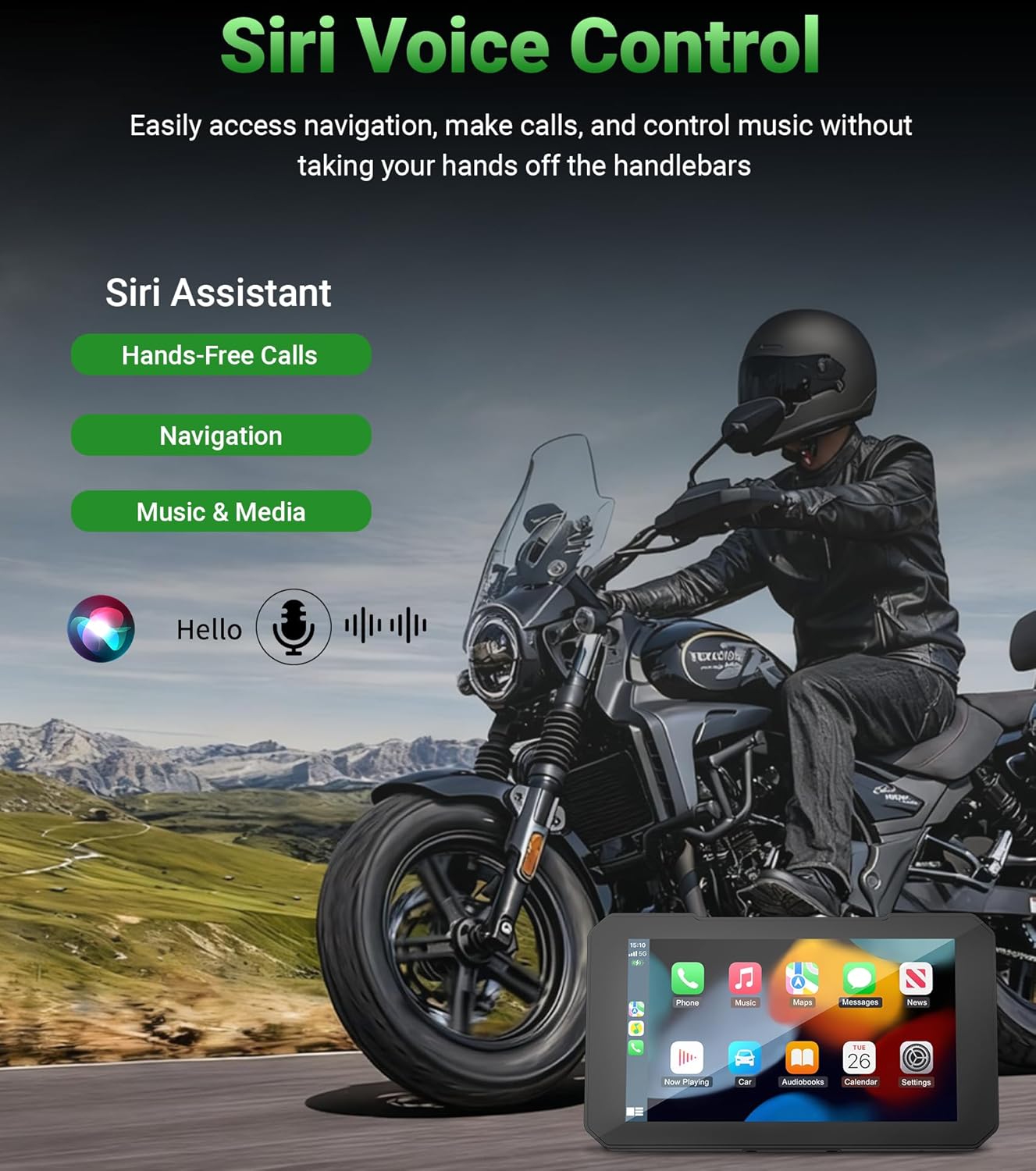
Image: Siri voice control functionality.
5.4 Navigazione GPS
The integrated GPS navigation system supports various mapping applications, providing clear travel routes and reducing travel time. The bright 800nit display ensures visibility even in direct sunlight.
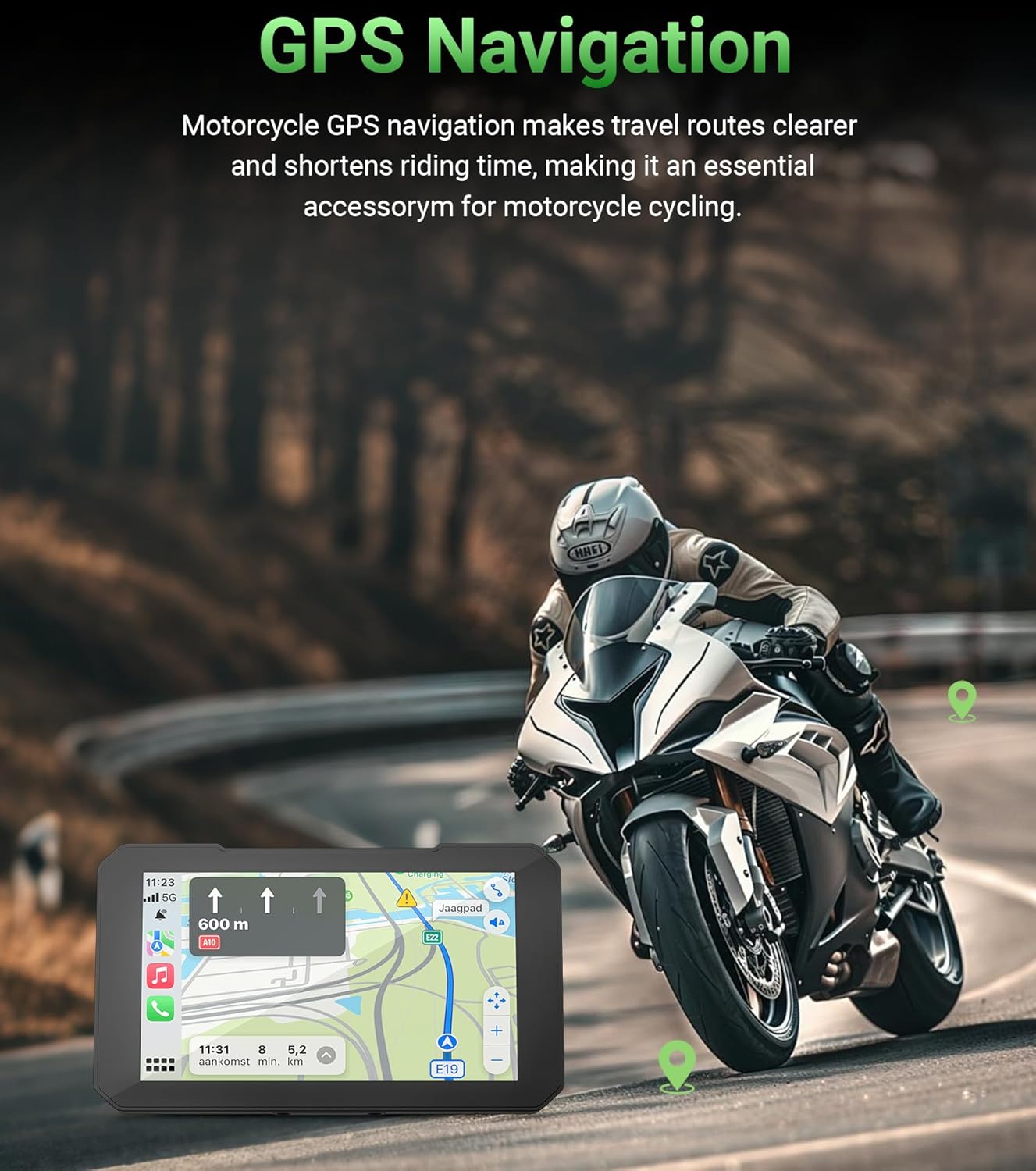
Image: GPS navigation in use on the C3 Plus.
5.5 Real-Time Tire Pressure Monitoring System (TPMS)
The C3 Plus includes real-time TPMS to monitor your motorcycle's tire pressure and temperature. Customizable alerts will warn you of unsafe pressure or temperature changes, enhancing riding safety.

Image: Real-time tire pressure and temperature monitoring.
5.6 Doppia connettività Bluetooth
The unit features built-in dual Bluetooth, allowing simultaneous connection to your smartphone and a Bluetooth helmet or headset. This enables seamless audio streaming and hands-free communication.
6. Manutenzione
The Aoocci C3 Plus is designed for durability in various conditions:
- IP67 impermeabile: The unit is fully sealed against rain, dust, and vibrations, making it suitable for all weather conditions.
- Resistenza alle temperature estreme: Operates reliably from -20°C to 80°C (-4°F to 176°F).
To maintain optimal performance, regularly clean the screen with a soft, damp stoffa. Evitare l'uso di prodotti chimici aggressivi o materiali abrasivi.

Image: IP67 Waterproof and Extreme Temperature Resistance features.
7. Risoluzione Dei Problemi
If you encounter issues with your Aoocci C3 Plus, refer to the following common solutions:
- Nessun potere: Check the power cable connections to the motorcycle battery and ACC line. Ensure the motorcycle ignition is on.
- Problemi di connettività (CarPlay/Android Auto): Ensure Bluetooth and Wi-Fi are enabled on your smartphone and the C3 Plus. Try forgetting the device in your phone's Bluetooth settings and re-pairing.
- Oscurità dello schermo: Adjust the brightness settings in the device menu. Note that extreme direct sunlight can affect screen visibility.
- Il TPMS non visualizza le letture: Ensure the tire pressure sensors are correctly installed and tightened. Check the battery level of the sensors if applicable.
- Nessun suono: Verify the volume settings on both the C3 Plus and your connected helmet/headset. Ensure your helmet/headset is properly paired via Bluetooth.
Per ulteriore assistenza, contattare l'assistenza clienti.
8. Specifiche
| Caratteristica | Specificazione |
|---|---|
| Marca | Aoocci |
| Nome del modello | C3 Plus |
| Dimensioni dello schermo | 5 pollici |
| Tipo di visualizzazione | IPS Touch Display |
| Risoluzione | 854×480 |
| Luminosità | 800nit |
| Grado di impermeabilità | Grado di protezione IP67 |
| Temperatura di esercizio | -20°C a 80°C (-4°F a 176°F) |
| Tecnologia di connettività | Wifi bluetooth |
| Sistemi supportati | Apple CarPlay, Android Auto |
| Caratteristiche speciali | Bluetooth, Touchscreen, Waterproof, Real-Time TPMS, Siri Support (CarPlay only) |
| Tipo di montaggio | Supporto per cruscotto (manubrio della motocicletta) |
| Peso dell'articolo | 1.7 libbre |
| Dimensioni dell'articolo L x P x A | 8.17 cm L x 5.6 cm P x 2 cm A |
9. Garanzia e supporto
The Aoocci C3 Plus portable wireless CarPlay & Android Auto screen comes with a Garanzia di qualità di 12 mesi dalla data di acquisto.
For any questions, technical support, or warranty claims, please contact our customer service team directly. We aim to respond within 24 hours.
Assistenza clienti:
- 24-hour customer service response time.
- Garanzia di qualità di 12 mesi.
- Supporto tecnico a vita.


