
Introduzione
Thank you for choosing the GOBOULT Z40 V2.0 True Wireless Earbuds. These earbuds are designed to provide a superior audio experience with advanced features such as 70 hours of total playtime, Quad Mic Environmental Noise Cancellation (ENC), 45ms low latency for gaming, and Bluetooth 5.4 connectivity. This manual will guide you through the setup, operation, maintenance, and troubleshooting of your new earbuds.
Cosa c'è nella scatola
Si prega di controllare il contenuto della confezione per assicurarsi che siano presenti tutti gli articoli:
- GOBOULT Z40 V2.0 Earbuds
- Custodia di ricarica
- Cavo di ricarica USB
- Punte auricolari (varie misure)
- Manuale d'uso
- Scheda di garanzia
Prodotto finitoview
The GOBOULT Z40 V2.0 earbuds offer a range of features for enhanced audio and communication.


Impostare
Carica iniziale
Before first use, ensure both the earbuds and the charging case are fully charged. Connect the charging case to a power source using the provided USB cable. The LED indicator on the case will show charging status. A 10-minute charge can provide approximately 120 minutes of playtime.

Associazione con il tuo dispositivo
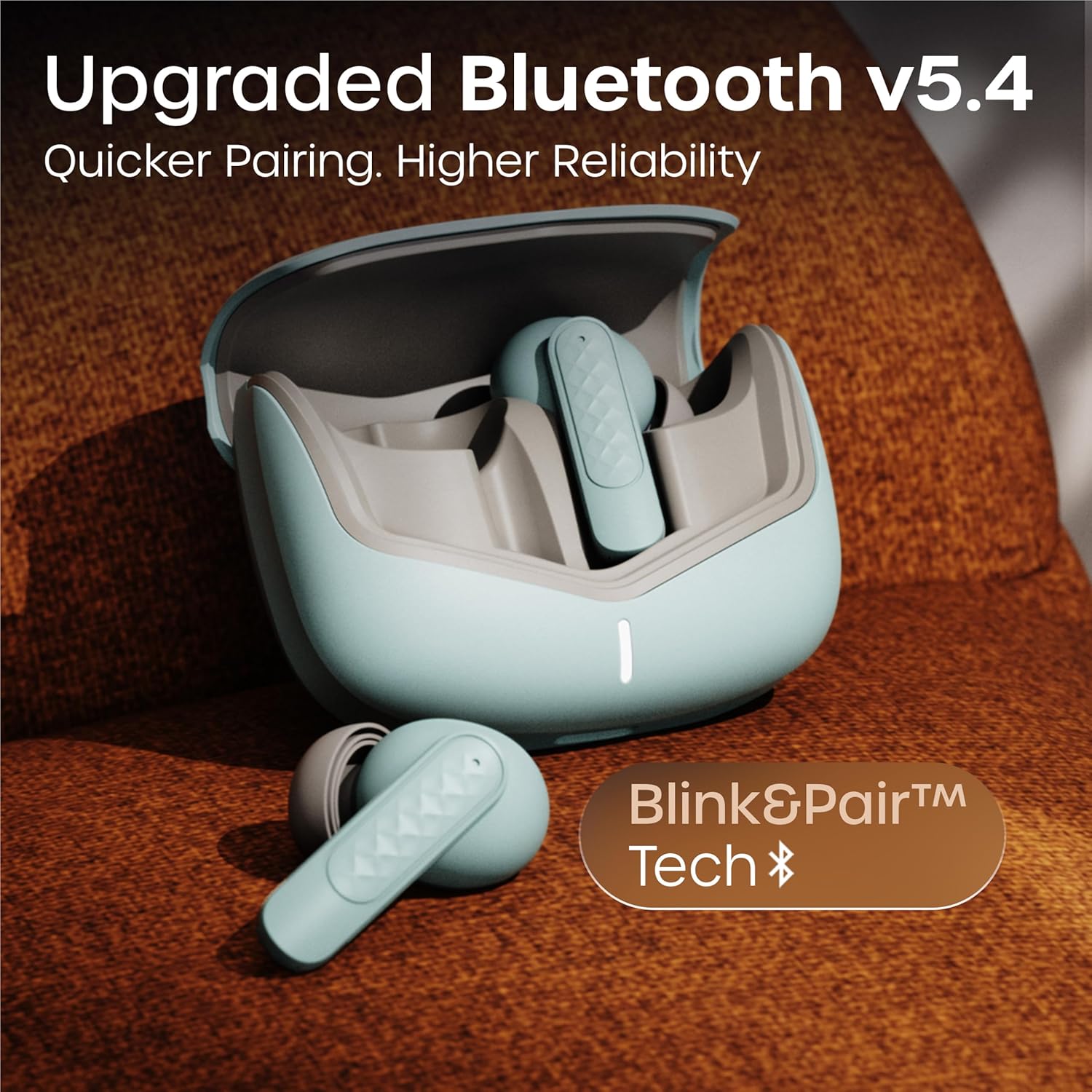
- Apri il coperchio della custodia di ricarica. Gli auricolari si accenderanno automaticamente ed entreranno in modalità di associazione.
- Sul tuo smartphone o dispositivo abilitato Bluetooth, vai alle impostazioni Bluetooth.
- Cercare available devices and select 'GOBOULT Z40 V2.0' from the list.
- Una volta effettuata la connessione, sentirai un tono di conferma e l'indicatore LED sugli auricolari cambierà.
Gli auricolari utilizzano la tecnologia Bluetooth 5.4 per una connessione stabile ed efficiente.
Istruzioni per l'uso
Accensione/spegnimento
- Accensione: Apri la custodia di ricarica e gli auricolari si accenderanno automaticamente. In alternativa, tieni premuta l'area touch di entrambi gli auricolari per 3 secondi.
- Spegni: Place the earbuds back into the charging case and close the lid. Alternatively, long-press the touch area on both earbuds for 5 seconds.
Riproduzione musicale
| Azione | Controllo touch |
|---|---|
| Riproduci/Pausa | Tocca una volta su uno degli auricolari |
| Traccia successiva | Doppio tocco sull'auricolare destro |
| Traccia precedente | Doppio tocco sull'auricolare sinistro |
| Alza il volume | Tocca tre volte sull'auricolare destro |
| Abbassa il volume | Tocca tre volte sull'auricolare sinistro |
Gestione delle chiamate
| Azione | Controllo touch |
|---|---|
| Rispondi/Termina chiamata | Tocca una volta su uno degli auricolari |
| Rifiuta chiamata | Premere a lungo su uno degli auricolari per 2 secondi |
The Quad Mic Environmental Noise Cancellation (ENC) ensures clear voice calls by minimizing background noise, making them ideal for office calls and online meetings.

Assistente vocale
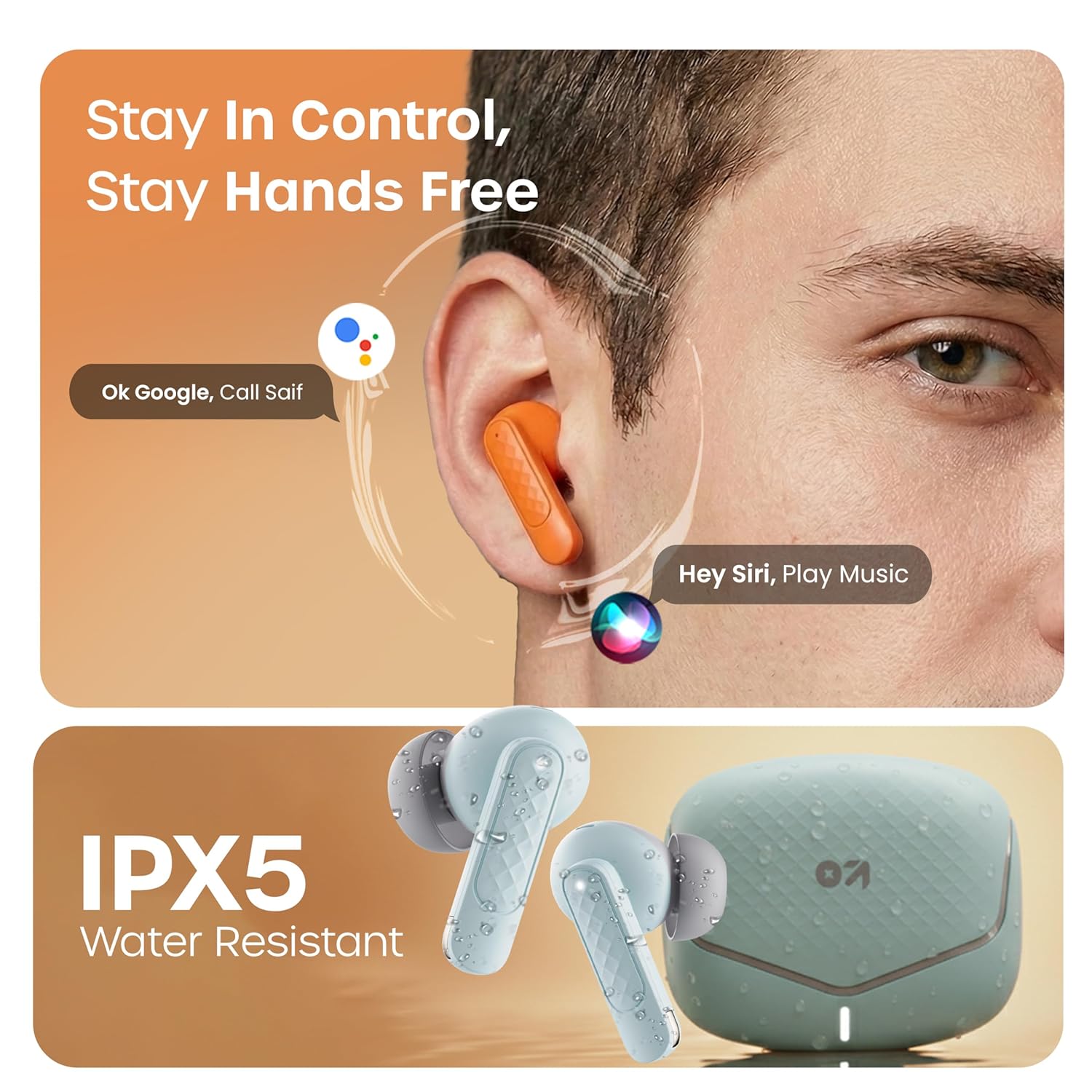
Activate your device's voice assistant (e.g., Google Assistant, Siri) by long-pressing the touch area on either earbud for 2 seconds (when not on a call).
Modalità di gioco
Activate the low latency gaming mode for a synchronized audio experience during gaming. This mode reduces audio delay to 45 milliseconds, providing faster responses and an immersive gaming experience.
- Attiva la modalità di gioco: Premere a lungo l'area touch sull'auricolare sinistro per 2 secondi.
- Disattiva la modalità di gioco: Ripetere la stessa azione.

Manutenzione
Pulizia
Regularly clean your earbuds and charging case to ensure optimal performance and hygiene. Use a soft, dry, lint-free cloth. Do not use abrasive cleaners, solvents, or harsh chemicals. Gently remove any earwax or debris from the eartips and speaker mesh.
Resistenza all'acqua
The GOBOULT Z40 V2.0 earbuds are IPX5 water-resistant, meaning they are protected against sweat and splashes. They are suitable for workouts and outdoor activities. However, they are not designed for swimming or submersion in water. Avoid exposing them to heavy rain or direct water jets.
Risoluzione dei problemi
If you encounter any issues with your GOBOULT Z40 V2.0 earbuds, please refer to the following common solutions:
- Nessun suono:
- Assicurati che gli auricolari siano correttamente associati al tuo dispositivo.
- Controlla il livello del volume sia sul dispositivo che sugli auricolari.
- Make sure the earbuds are seated correctly in your ears.
- Impossibile associare:
- Ensure the earbuds are charged and in pairing mode (LED blinking).
- Disattiva e poi riattiva il Bluetooth sul tuo dispositivo.
- Avvicina gli auricolari al dispositivo.
- Elimina il dispositivo dall'elenco Bluetooth e riprova ad associarlo.
- Un auricolare non funziona:
- Riposizionare entrambi gli auricolari nella custodia di ricarica, chiudere il coperchio e quindi riaprirlo per ripristinare la connessione.
- Assicurati che entrambi gli auricolari siano carichi.
- Problemi di ricarica:
- Verificare che il cavo di ricarica sia collegato saldamente sia alla custodia sia alla fonte di alimentazione.
- Assicurarsi che i contatti di ricarica sugli auricolari e all'interno della custodia siano puliti e privi di detriti.
- Prova un cavo di ricarica o un adattatore di alimentazione diverso.
Specifiche
| Caratteristica | Dettaglio |
|---|---|
| Marca | GOBOULT |
| Nome del modello | Z40 V2.0 (Airbass) |
| Posizionamento dell'orecchio | Nell'orecchio |
| Controllo del rumore | Cancellazione del rumore ambientale (Quad Mic) |
| Durata media della batteria | 70 ore (con custodia di ricarica) |
| Tempo di carica della batteria | 10 Minutes for 120 Minutes Playtime |
| Dimensioni del driver audio | 13 millimetri |
| Latenza audio | 45 millisecondi (modalità di gioco) |
| Metodo di controllo | Tocco |
| Livello di resistenza all'acqua | IPX5 (resistente all'acqua) |
| Tipo di tecnologia wireless | Bluetooth |
| Versione Bluetooth | 5.4 |
| Portata Bluetooth | 10 metri |
| Peso dell'articolo | 0.6 chilogrammi (peso totale del pacco) |
| Contenuto della confezione | Cable, Eartip, User Manual, Warranty Card, Z40v2.0 Earbuds |
Garanzia e supporto
Informazioni sulla garanzia
The GOBOULT Z40 V2.0 True Wireless Earbuds are backed by a Garanzia del produttore di 1 anni from the date of purchase. This warranty covers manufacturing defects. Please retain your purchase receipt as proof of purchase for warranty claims.
Assistenza clienti
For any technical assistance, warranty claims, or product-related inquiries, please refer to the contact information provided on the warranty card included in your product box. You may also visit the official GOBOULT websito per ulteriori risorse di supporto.