
Introduzione
Thank you for choosing the aowoka S24-1 Computer Speakers. This USB-powered sound bar is designed to deliver clear stereo sound with versatile connectivity options, including Bluetooth and 3.5mm AUX. It features a multifunctional knob for easy control and integrated RGB lighting effects to enhance your audio experience. Please read this manual carefully to ensure proper setup and operation.
Contenuto della confezione
- aowoka S24-1 Computer Speakers
- Integrated USB-A Power and 3.5mm AUX Audio Cable
- Manuale dell'utente (questo documento)
Prodotto finitoview
Familiarize yourself with the main components of your aowoka S24-1 speakers.
Multifunctional Control Knob
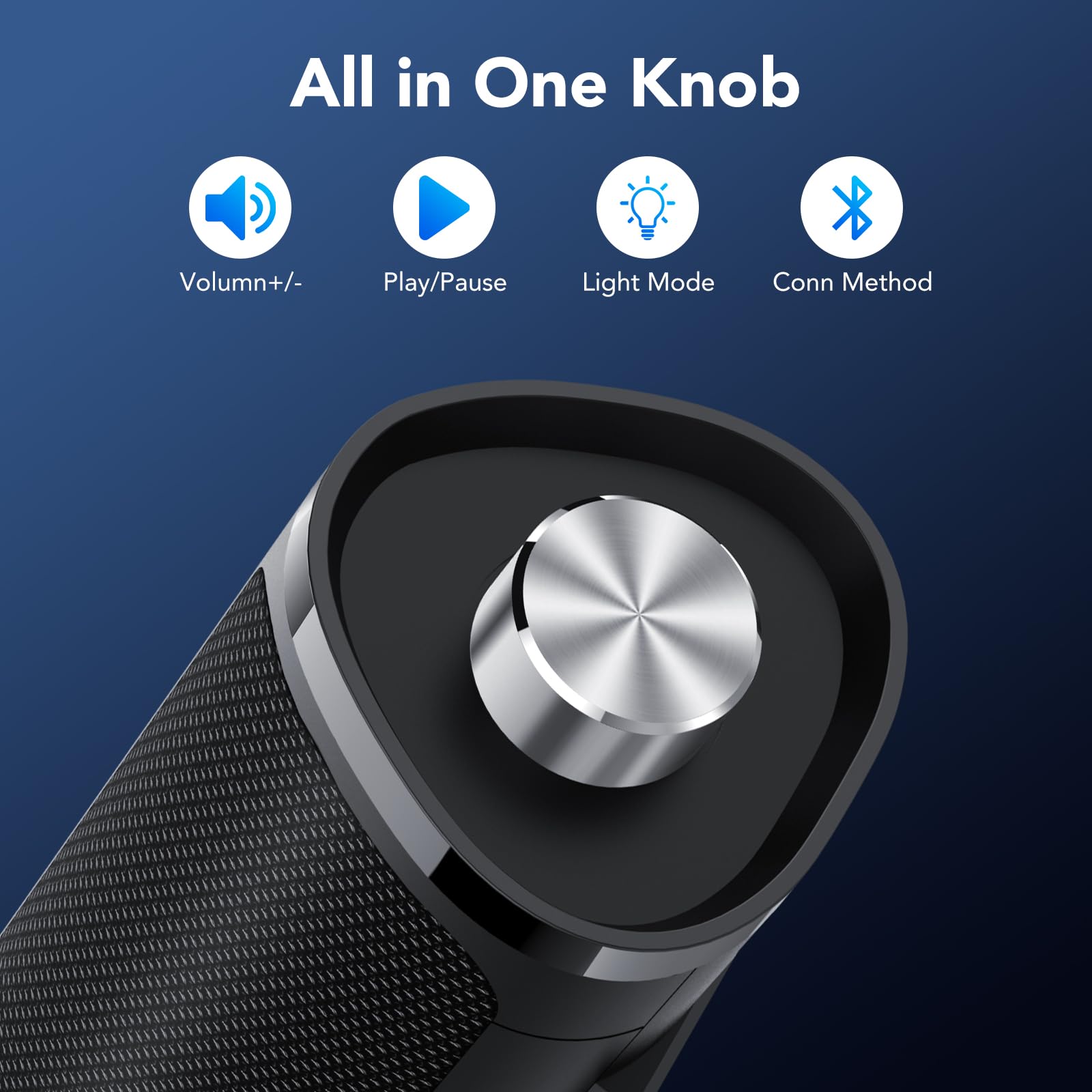
Image: The control knob allows for volume adjustment, play/pause, light mode switching, and connection mode selection.
- Pressione prolungata (2 secondi): Accensione/spegnimento
- Un clic: Riproduci/Pausa audio
- Doppio clic: Switch between Bluetooth and AUX connection modes
- Triplo clic: Switch RGB light modes
- Rotate clockwise/counter-clockwise: Regola il volume
Effetti di luce RGB
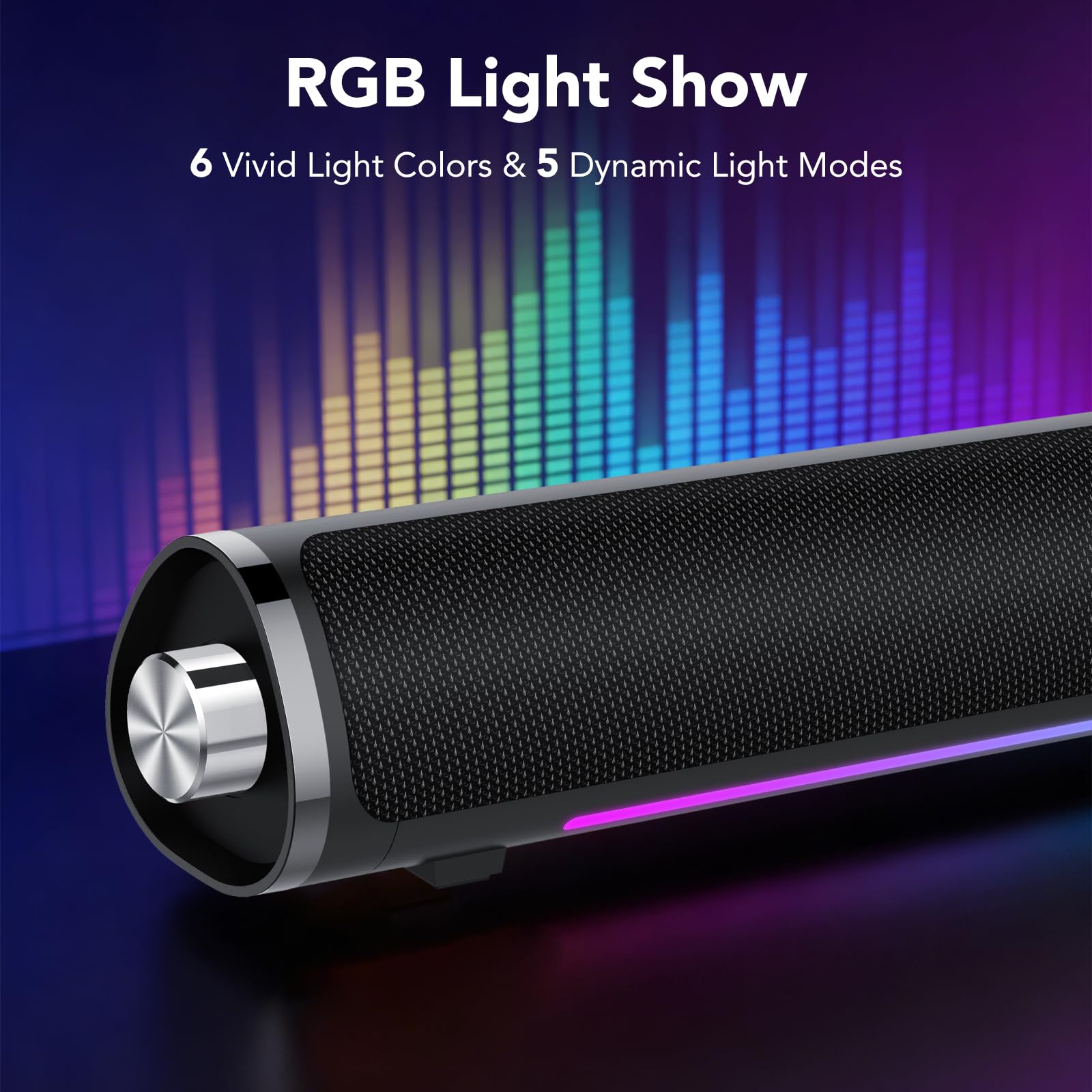
Image: The speaker features 6 vivid light colors and 5 dynamic light modes.
The speaker includes integrated RGB lighting with multiple colors and effects. These can be controlled via the multifunctional knob.
Istruzioni di installazione
Follow these steps to set up your aowoka S24-1 speakers.
Collegamento di potenza
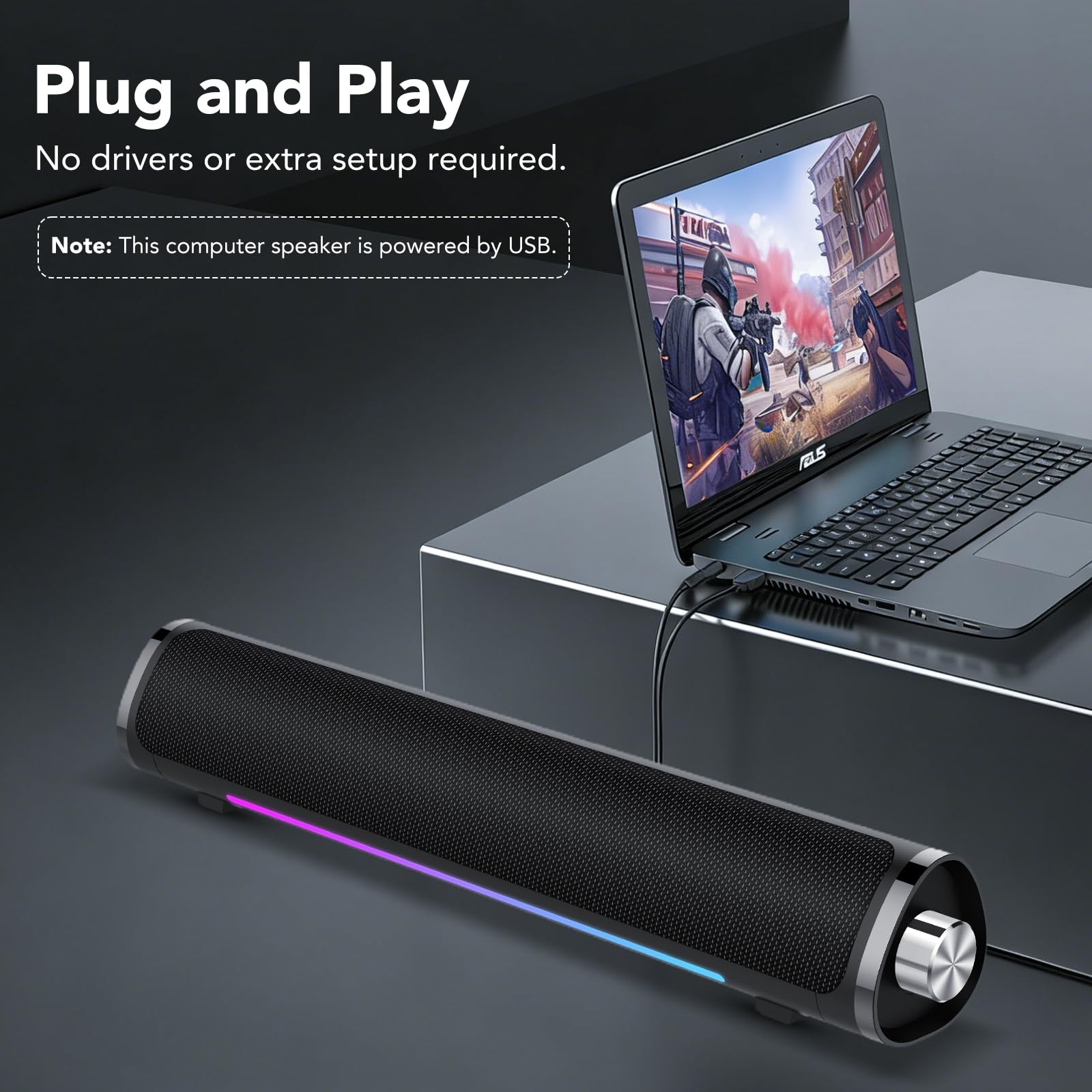
Image: The speaker requires USB power for operation.
- Locate the integrated USB-A cable.
- Plug the USB-A connector into an available USB port on your computer, laptop, or a USB power adapter (not included). The speaker requires power to function.
Audio Connection (2 Ways)
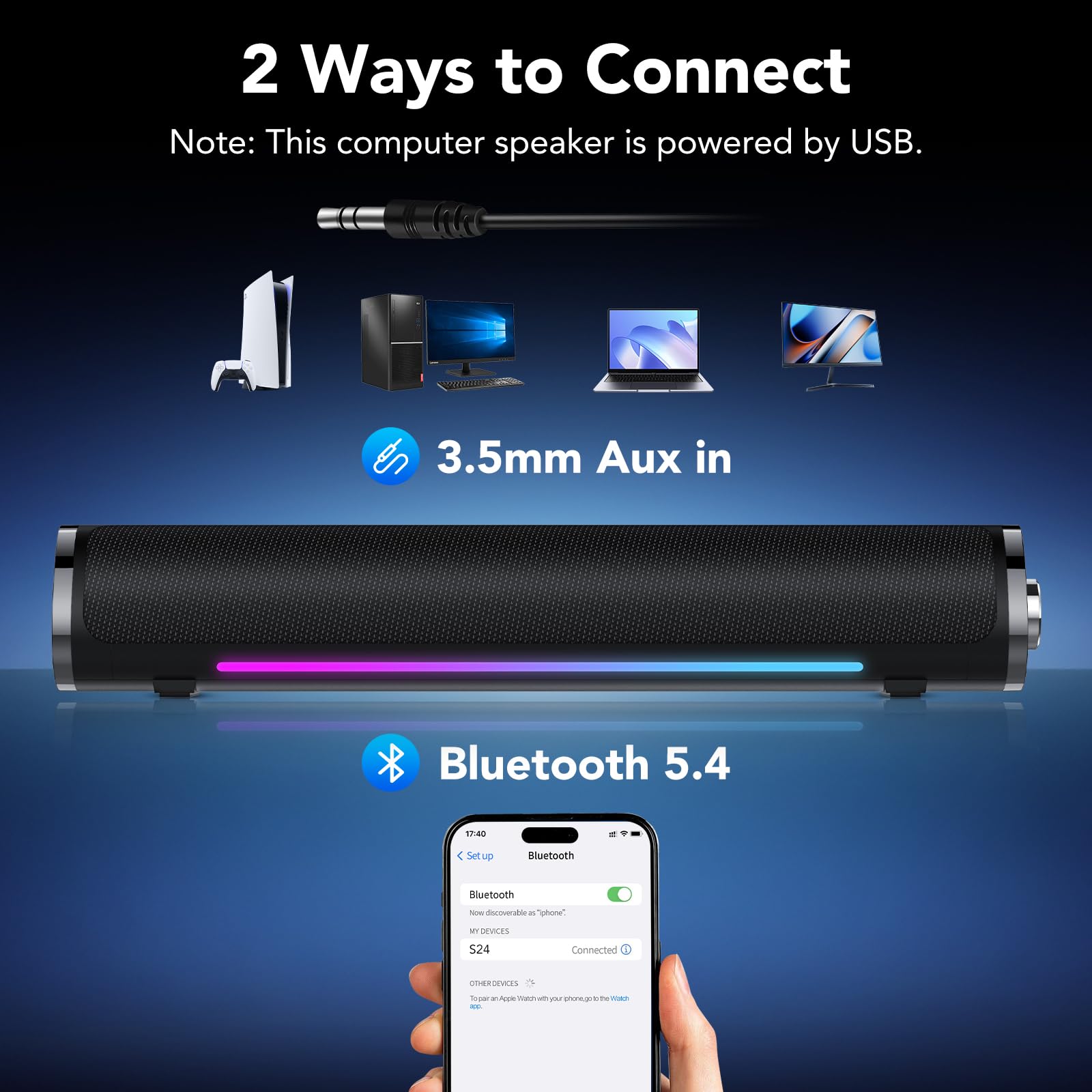
Image: The speaker supports both 3.5mm AUX and Bluetooth 5.4 connectivity.
Method 1: 3.5mm AUX Connection
- Assicurarsi che l'altoparlante sia acceso.
- Plug the 3.5mm audio jack (integrated with the USB power cable) into the audio output port of your device (e.g., computer, laptop, tablet, smartphone).
- If the speaker does not automatically switch to AUX mode, double-click the multifunctional knob to select AUX mode.
- You may need to select the speaker as the audio output device in your computer's sound settings.
Metodo 2: Connessione Bluetooth
- Assicurarsi che l'altoparlante sia acceso.
- Double-click the multifunctional knob to switch to Bluetooth mode. The speaker will enter pairing mode, indicated by a flashing light.
- On your device (e.g., smartphone, tablet, Bluetooth-enabled computer), go to Bluetooth settings and search for available devices.
- Select "S24" from the list of devices to pair. Once connected, the speaker will indicate a successful connection, and the light will stop flashing.
Note: The speaker is universally compatible with devices featuring a 3.5mm AUX audio output or Bluetooth connectivity.
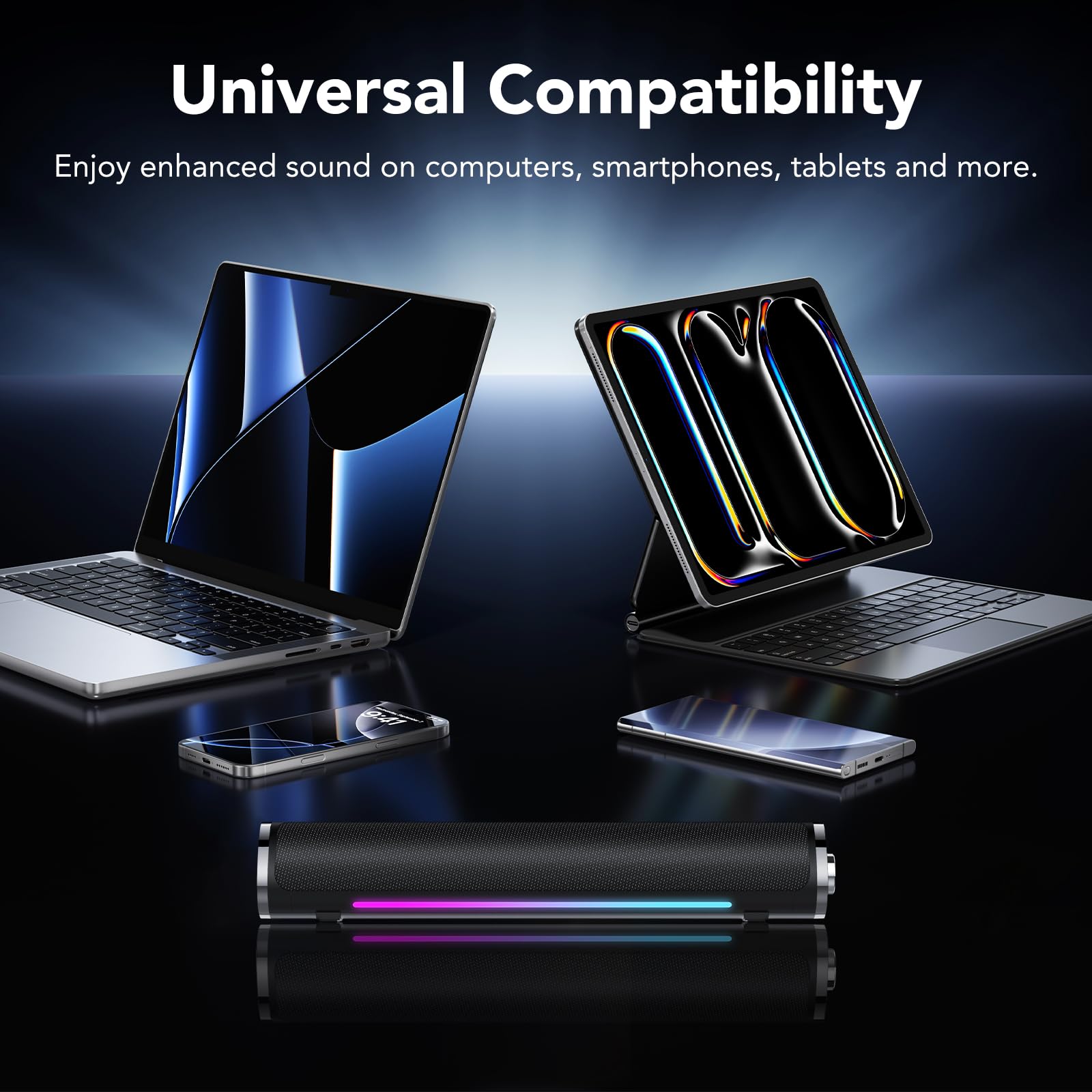
Image: The speaker is compatible with various devices like computers, laptops, tablets, and smartphones.
Istruzioni per l'uso
Control your aowoka S24-1 speakers using the multifunctional knob.
- Accensione/spegnimento: Long press the knob for 2 seconds.
- Controllo del volume: Ruotare la manopola in senso orario per aumentare il volume, in senso antiorario per diminuirlo.
- Riproduci/Pausa: Single click the knob to play or pause audio.
- Cambia modalità di connessione: Double click the knob to toggle between Bluetooth and 3.5mm AUX modes.
- Cambia effetti di luce: Triple click the knob to cycle through the 6 lighting colors and 5 dynamic lighting effects.
Manutenzione
Per garantire la longevità e le prestazioni ottimali dei tuoi altoparlanti, segui queste linee guida per la manutenzione:
- Pulizia: Use a soft, dry cloth to wipe the speaker's surface. Do not use liquid cleaners or abrasive materials.
- Magazzinaggio: Conservare gli altoparlanti in un luogo fresco e asciutto, lontano dalla luce solare diretta e da temperature estreme.
- Gestione: Avoid dropping the speakers or subjecting them to strong impacts.
- Esposizione all'acqua: Keep the speakers away from water and high humidity. They are not waterproof.
Risoluzione dei problemi
If you encounter any issues with your aowoka S24-1 speakers, please refer to the following solutions:
| Problema | Possibile causa | Soluzione |
|---|---|---|
| Nessun suono dagli altoparlanti. |
|
|
| Il dispositivo Bluetooth non riesce a connettersi. |
|
|
| Le luci RGB non funzionano o sono bloccate. |
|
|
Specifiche
| Marca | aowoka |
| Numero di modello | S24-1 |
| Tecnologia di connettività | Bluetooth 5.4, AUX da 3.5 mm |
| Potenza massima in uscita dell'altoparlante | 24 Watt |
| Fonte di alimentazione | USB alimentato |
| Dimensioni dell'articolo (P x L x A) | 2.86"P x 2.7"L x 3.95"A |
| Materiale | Plastica |
| Colore | Classico Nero |
Garanzia e supporto
aowoka products are designed for reliability and performance. This product comes with a standard manufacturer's warranty. For detailed warranty information, technical support, or customer service inquiries, please refer to the contact information provided with your purchase or visit the official aowoka websito.
Conservare la prova d'acquisto per eventuali richieste di garanzia.