
Introduzione
Thank you for choosing the iFFALCON 55U75A 55-inch Smart TV. This manual provides essential information for setting up, operating, and maintaining your new television. Please read it thoroughly before use and keep it for future reference.

The iFFALCON 55U75A 55-inch Smart TV, showcasinil suo design elegante.
Informazioni sulla sicurezza
Quando si utilizza questo prodotto, seguire sempre le precauzioni di sicurezza di base per ridurre il rischio di incendi, scosse elettriche e lesioni.
- Non esporre il televisore alla pioggia o all'umidità.
- Non aprire l'armadio; per qualsiasi intervento di assistenza rivolgersi a personale qualificato.
- Garantire un'adeguata ventilazione intorno al televisore.
- Utilizzare solo l'adattatore di alimentazione e i cavi forniti dal produttore.
- Tenere il televisore lontano dalla luce solare diretta, da fonti di calore e da forti campi magnetici.
- Pulisci la TV con un panno morbido e asciutto. Evita detergenti liquidi.
Contenuto della confezione
Verificare che tutti gli articoli siano presenti nel pacco:
- iFFALCON 55U75A 55-inch Smart TV
- Adattatore di alimentazione
- Cavo di alimentazione
- Telecomando
- In piedi
- Manuale d'uso
Impostare
1. Installazione dello stand
Per installare il supporto TV:
- Posizionare con cautela il televisore a faccia in giù su una superficie morbida e piana per evitare di danneggiare lo schermo.
- Attach the stand legs to the designated slots on the bottom of the TV.
- Fissare le gambe con le viti fornite.

Diagram showing the TV dimensions and how to attach the stand.
2. Collegamento di periferiche
Collega i tuoi dispositivi esterni al televisore utilizzando le porte disponibili:
- HDMI: For high-definition audio and video devices like gaming consoles, Blu-ray players, or set-top boxes. The TV features 4 HDMI ports.
- USB: Per collegare dispositivi di archiviazione USB per riprodurre contenuti multimediali files.
- Wifi: Connect to your home network for internet access and smart TV features.
- Bluetooth: Per la connessione wireless a dispositivi audio o accessori compatibili.

Posteriore view of the TV, illustrating the various input and output ports.
3. Accensione iniziale
After connecting all necessary cables, plug the power cable into an electrical outlet. Press the power button on the remote control or the TV to turn it on. Follow the on-screen instructions for initial setup, including language selection, network connection, and Google TV account setup.
Funzionamento del televisore
Telecomando
The remote control allows you to navigate the TV's interface, adjust settings, and access smart features. Familiarize yourself with the buttons for power, volume, channel, input selection, and smart TV functions.
Funzionalità di Google TV
Your iFFALCON 55U75A comes with Google TV, offering a personalized entertainment experience. Access your favorite streaming services, apps, and content recommendations. Use Google Assistant for voice commands to search for movies, control smart home devices, and more.
Display Technology: QLED and 144Hz Native Refresh Rate
Experience vibrant and lifelike visuals with QLED technology, featuring advanced quantum crystal materials for richer colors and higher stability. The 144Hz native refresh rate ensures ultra-smooth motion, ideal for gaming and fast-paced action scenes, reducing blur and enhancing clarity.
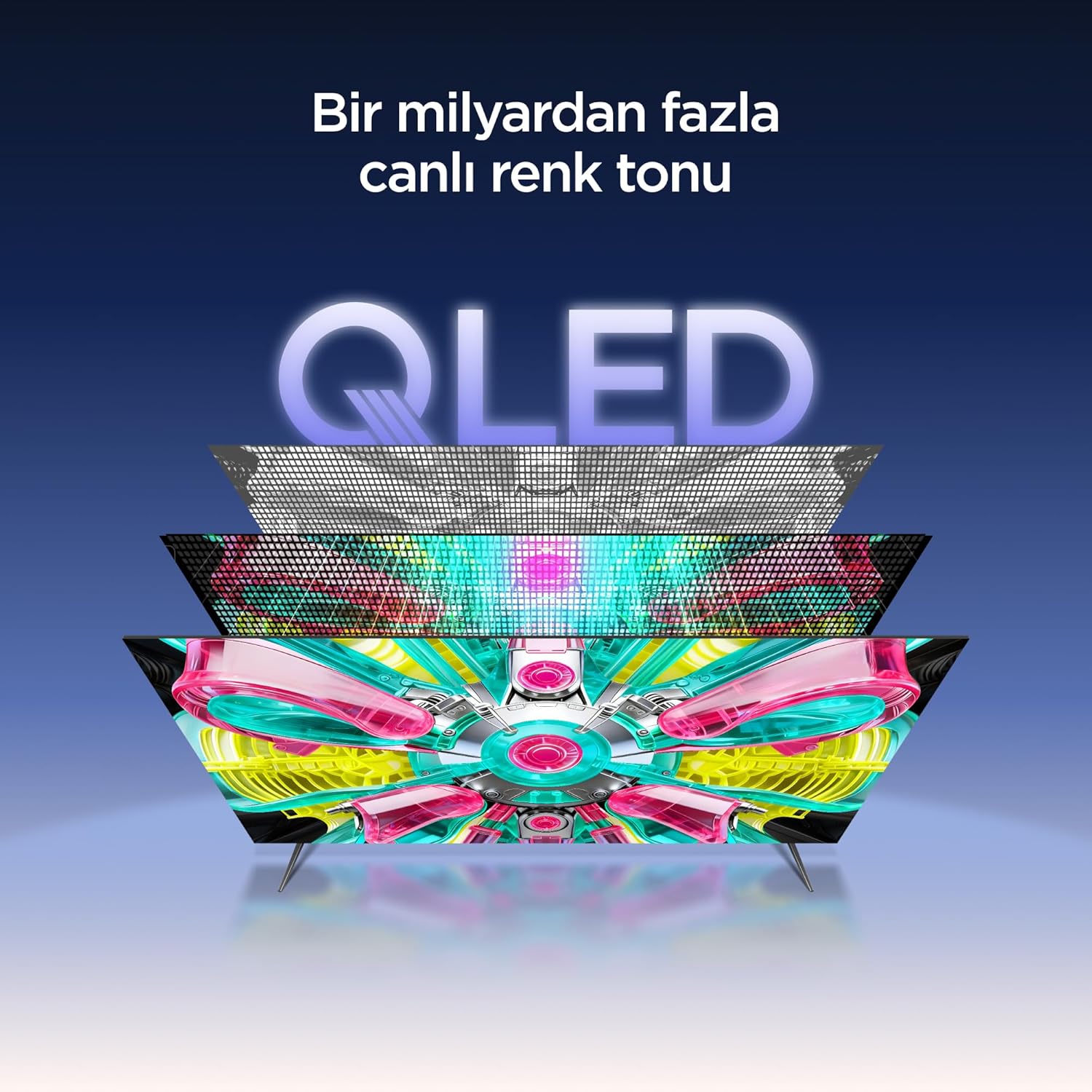
An illustration of the QLED display technology layers, providing over a billion vibrant color tones.
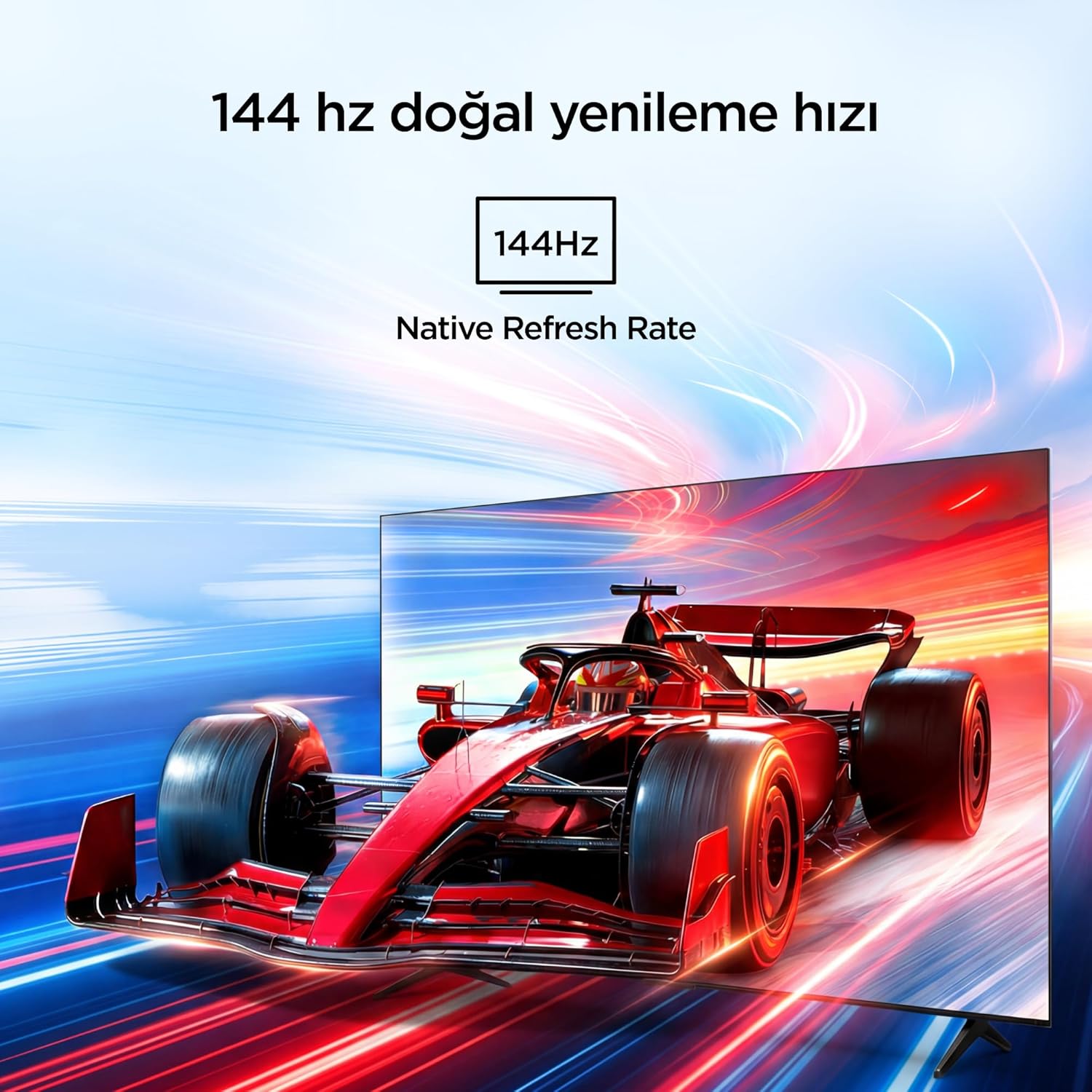
Visual representation of the 144Hz Native Refresh Rate, demonstrating smooth motion for gaming and action.
Audio Experience: Dolby Vision Atmos & DTS Virtual X
Immerse yourself in high-quality audio with Dolby Vision Atmos, delivering rich and captivating sound. DTS Virtual X provides virtual 3D sound, bringing the scene into your room with audio from above, the sides, and behind.

An image depicting the immersive audio experience provided by Dolby Vision Atmos.
Processore AiPQ Pro
The AiPQ Pro Processor, powered by artificial intelligence, optimizes contrast and color accuracy in every scene. It analyzes visual content and masterfully balances skin tones and color distribution for vivid and realistic visuals.
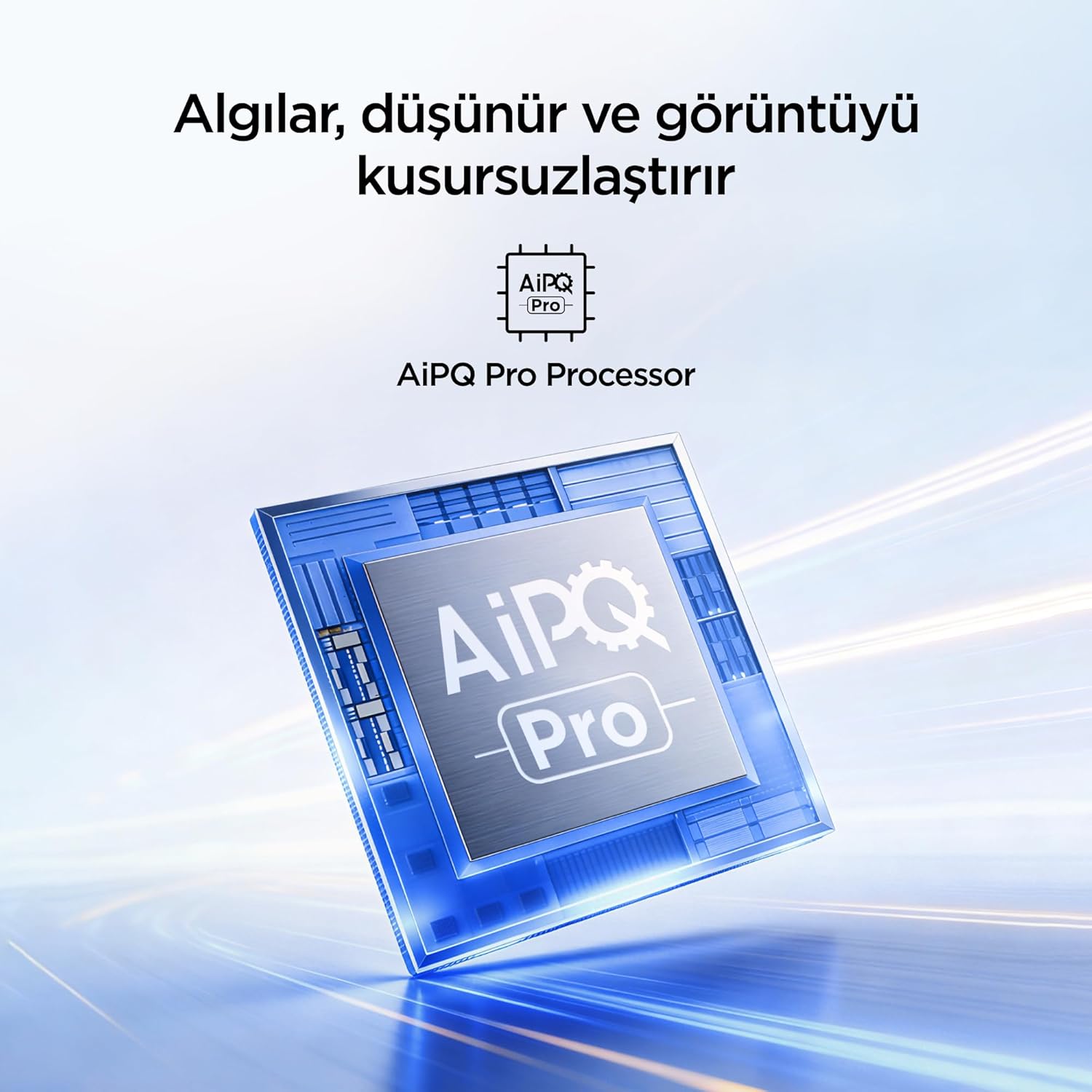
A visual of the AiPQ Pro Processor, highlighting its role in image optimization.
HVA Panel Technology
The HVA Panel offers 5x contrast enhancement, a low reflection film, and a wide viewing angle of over 178°. This technology provides powerful and accurate contrast, delivering sharper and more striking images.

Comparison illustrating the superior contrast and detail of HVA Panel Technology over conventional IPS panels.
Game Master & Gamebar
The Game Master feature, along with the dedicated Gamebar, provides special screen designs for gaming consoles. Comprehensive graphics and game modes allow for personalized settings, giving you an advantage when starting a game.

An image showing the Gamebar interface, designed for optimizing gaming experiences on consoles.
Cure oculistiche multiple
The TV is equipped with Multiple Eye Care technologies, such as low blue light and natural light optimization, to help reduce eye strain during long viewing sessions, providing a more comfortable experience.

Visual explanation of Multiple Eye Care features like low blue light and flicker-free viewing.
Manutenzione
Una corretta manutenzione garantisce la longevità e le prestazioni ottimali del televisore.
- Pulizia dello schermo: Pulire delicatamente lo schermo con un panno morbido e privo di lanugine. Per macchie ostinate, strofinare leggermenteampPulire il panno con acqua o con un detergente specifico per schermi (non spruzzare mai direttamente sullo schermo).
- Pulizia dell'armadio: Per pulire il mobile TV, utilizzare un panno morbido e asciutto.
- Ventilazione: Assicurarsi che le aperture di ventilazione sul retro del televisore non siano ostruite per evitare il surriscaldamento.
- Cavo di alimentazione: Controllare regolarmente il cavo di alimentazione per verificare la presenza di eventuali danni. In caso di danni, contattare l'assistenza clienti per la sostituzione.
Risoluzione dei problemi
Se riscontri problemi con il tuo televisore, fai riferimento ai seguenti problemi comuni e alle relative soluzioni prima di contattare l'assistenza.
| Problema | Possibile soluzione |
|---|---|
| Nessun potere | Check if the power cord is securely plugged into the TV and the power outlet. Ensure the outlet is working. |
| Nessuna immagine, ma l'audio è presente | Check the input source. Ensure the external device is properly connected and powered on. |
| Nessun suono, ma l'immagine è presente | Controlla il livello del volume e le impostazioni di disattivazione dell'audio. Assicurati che i cavi audio siano collegati correttamente. |
| Il telecomando non funziona | Sostituisci le batterie. Assicurati che non ci siano ostacoli tra il telecomando e il sensore IR del televisore. |
| Problemi di connessione Wi-Fi | Restart your router and modem. Check TV network settings and ensure the password is correct. |
Specifiche
| Caratteristica | Dettaglio |
|---|---|
| Dimensioni dello schermo | 55 pollici |
| Marca | iFFALCON |
| Tecnologia di visualizzazione | QLED |
| Risoluzione | 4K |
| Frequenza di aggiornamento | Frequenza 144 Hz |
| Caratteristiche principali | 144Hz Native Refresh Rate, AiPQ Pro Processor, Bezel-less Design, Google Assistant, HVA Screen, Multi Eye Care, Free Sync |
| Tecnologia di connettività | Bluetooth, HDMI, USB, Wi-Fi |
| Dimensioni del prodotto (P x L x A) | 7P x 122.4L x 70.8A cm |
| Nome del modello | 55U75A |
| Peso del prodotto | 13.5 chilogrammo |
| Porte HDMI totali | 4 |
| Efficienza energetica | A+ |
| Colore | Nero |
| Anno del modello | 2026 |
| Produttore | iFFALCON |
| Paese di origine | Cina |
Garanzia e supporto
Your iFFALCON 55U75A Smart TV comes with a Garanzia del produttore di 2 anno. For warranty claims, technical support, or service inquiries, please contact iFFALCON customer service. Refer to the warranty card included in your package for detailed terms and conditions.
For further assistance, visit the official iFFALCON websito o contattare i centri di assistenza autorizzati.