
1. Introduzione
This manual provides comprehensive instructions for the safe and effective use of your ATN Thor 6 Mini Compact Thermal Scope, Model TIWST6M215-ATN. Please read this manual thoroughly before operating the device to ensure proper setup, operation, and maintenance. This thermal scope is designed for detecting heat signatures in various environments, offering advanced imaging capabilities for outdoor activities.
2. Informazioni sulla sicurezza
- Do not look directly at intense light sources (e.g., the sun) through the scope, as this may damage the sensor and your eyes.
- Tenere il dispositivo lontano da temperature estreme, luce solare diretta e umidità elevata.
- Maneggiare il dispositivo con cura per evitare danni fisici.
- Ensure the device is securely mounted before use to prevent injury or damage.
- Utilizzare solo batterie e accessori di ricarica approvati.
- Non tentare di smontare o modificare il dispositivo, poiché ciò invaliderebbe la garanzia e potrebbe causare danni.
3. Contenuto della confezione
Verifica che tutti gli articoli siano presenti nel tuo pacco:
- ATN Thor 6 Mini Compact Thermal Scope
- 1x 18650 Batteria
- Cavo USB di tipo C.
- Caricabatterie
- Heated Target for Zeroing
4. Prodotto finitoview
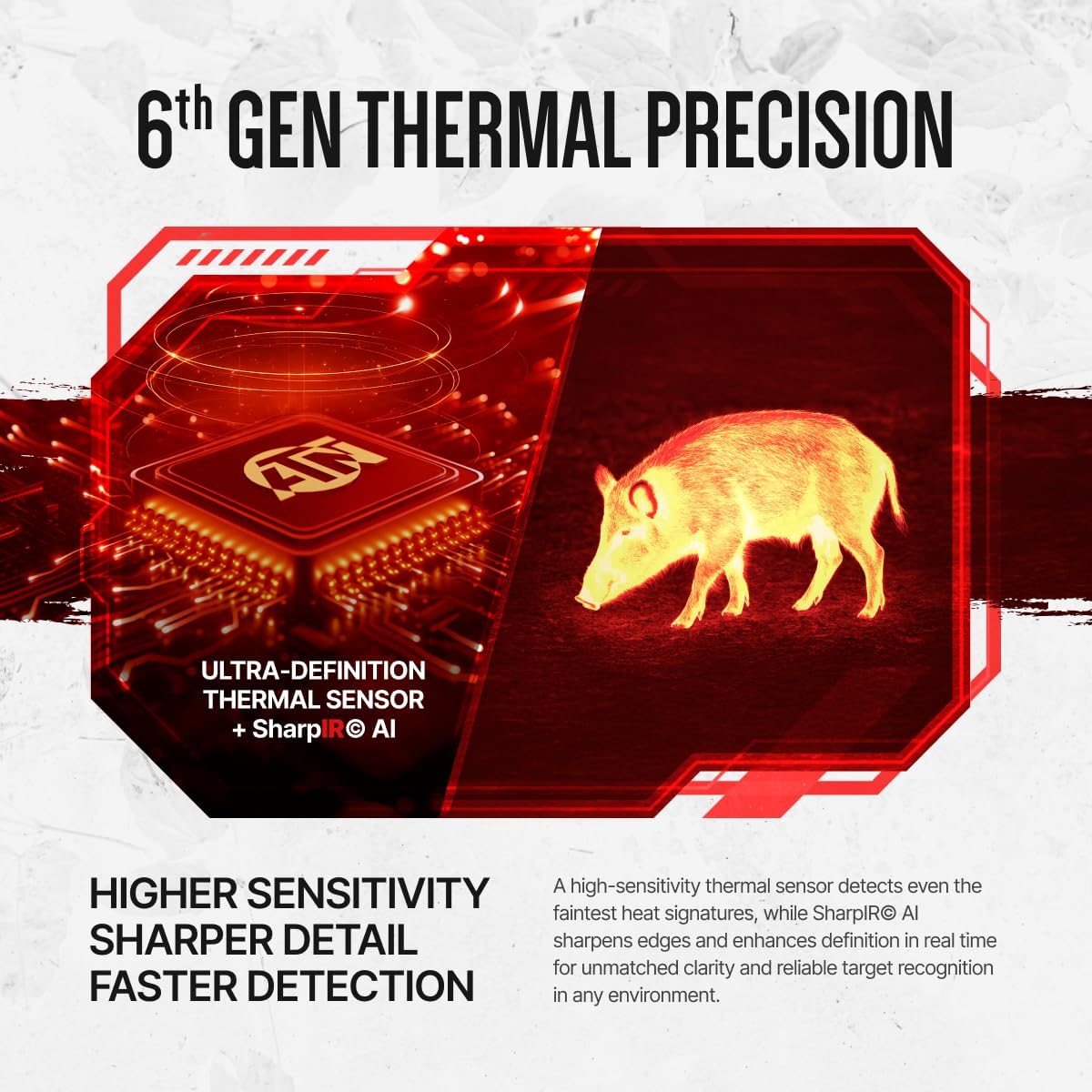
The ATN Thor 6 Mini is a compact thermal scope designed for enhanced detection and clarity. It features a 256x192 sensor with a 2-16x magnification range, utilizing a 12µm core and ≤20mK NETD for detailed thermal imaging.


Prodotto finitoview Video
Questo video fornisce una panoramica visivaview of the ATN Thor 6 Mini Thermal Scope, demonstrating its physical features and basic functionality.
5. Impostazione
5.1 Installazione della batteria
- Individuare il vano batteria sul dispositivo.
- Inserire la batteria 18650 fornita, assicurandosi della corretta polarità.
- Chiudere bene il vano batterie.
- Charge the battery using the provided USB Type-C cable and battery charger before first use.
5.2 Montaggio del cannocchiale
The ATN Thor 6 Mini is designed for Picatinny rail mounting. Ensure your rifle has a compatible rail system.
- Align the scope's mounting mechanism with the Picatinny rail.
- Secure the scope firmly using the appropriate fasteners. Refer to your rifle's manual for specific mounting instructions if needed.
- Verify that the scope is stable and does not wobble.
5.3 Accensione iniziale e azzeramento
- Tieni premuto il pulsante di accensione per accendere il dispositivo.
- Seguire le istruzioni sullo schermo per la configurazione iniziale, comprese le impostazioni di lingua e ora.
- To zero the scope, use the provided heated target. Place the target at a known distance.
- Access the zeroing menu in the scope's settings.
- Adjust the reticle to align with the point of impact on the heated target. The Zeroing Freeze feature can assist in precise adjustments.
- Salva il tuo azzeramento professionalefile. The scope supports storing up to five weapon profiles.

6. Istruzioni per l'uso
6.1 Controlli di base
The scope features an intuitive 3-button control layout for quick adjustments.

- Pulsante di accensione: Press and hold to turn on/off. Short press for menu access.
- Zoom/Navigation Dial: Rotate to adjust magnification or navigate menus. Press to select.
- Pulsante di registrazione: Premere brevemente per avviare/arrestare la registrazione video.
6.2 Display Modes and Color Palettes
The OLED display offers crisp visuals. Multiple color palettes are available to adapt to different environments and preferences. Navigate to the display settings to select your preferred palette (e.g., White Hot, Black Hot, Color modes).

6.3 Picture-in-Picture (PIP)
The PIP feature displays a magnified reticle area in a small window at the top of the screen, allowing for precision aiming without losing overall field awareness.

6.4 Hot Point Tracking
This function automatically highlights the warmest object in view, aiding in rapid target identification and acquisition.

6.5 Reticle Transparency Control
Adjust the transparency of the reticle to ensure an unobstructed view of your target, enhancing precision.

6.6 Video and Audio Recording (RAV)
The scope can record video and audio. Recoil Activated Video (RAV) automatically captures the moments before and after a shot, ensuring important events are recorded without manual intervention.

6.7 Wi-Fi and ATN Connect 6 App
Connect your scope to the ATN Connect 6 app via Wi-Fi to stream live video, review recorded content, and manage settings from your mobile device. The scope has 64GB of onboard memory for storage.

7. Manutenzione
7.1 Pulizia
- Use a soft, lint-free cloth to clean the exterior of the scope.
- Per le lenti, utilizzare una soluzione specifica per la pulizia delle lenti e un panno per evitare graffi.
- Non utilizzare detergenti abrasivi o solventi.
7.2 Cura della batteria
- Recharge the 18650 battery regularly, especially after extended periods of non-use.
- Conservare la batteria in un luogo fresco e asciutto.
- If storing the device for a long time, remove the battery.
7.3 Conservazione
- Store the thermal scope in its original packaging or a protective case when not in use.
- Keep it in a dry environment, away from direct sunlight and extreme temperatures.
8. Risoluzione Dei Problemi
| Problema | Possibile causa | Soluzione |
|---|---|---|
| Il dispositivo non si accende. | La batteria è scarica o non è installata correttamente. | Caricare la batteria. Assicurarsi che la batteria sia inserita con la polarità corretta. |
| Qualità dell'immagine scadente. | Lens is dirty; environmental conditions (fog, heavy rain); incorrect display settings. | Clean the lens. Adjust color palette or brightness settings. Wait for improved environmental conditions. |
| Problemi di connessione Wi-Fi. | Scope's Wi-Fi is off; incorrect password; device too far from scope. | Ensure Wi-Fi is enabled on the scope. Re-enter password. Move closer to the scope. |
| Zeroing not holding. | Scope not securely mounted; incorrect zeroing procedure. | Check mounting screws. Re-perform zeroing procedure carefully. |
9. Specifiche
| Caratteristica | Dettaglio |
|---|---|
| Marca | ATN |
| Nome del modello | ThOR 6 Mini Compact |
| Numero di modello | TIWST6M215-ATN |
| Risoluzione sensore | 256x192 |
| Passo pixel | 12 micron |
| NETTO | ≤20mK |
| Ingrandimento | 2-16x |
| Display | 0.32 inch 800x600 OLED |
| Materiale | Lega di magnesio |
| Peso dell'articolo | 1.1 libbre (circa 500 g) |
| Dimensioni del prodotto | 7.09 cm L x 2.56 cm P x 2.56 cm A |
| Tipo di batteria | 18650 (up to 8 hours runtime) |
| Tipo di montaggio | Supporto Picatinny |
| Memoria interna | 64 GB |
| Codice UPC | 658175987659 |
10. Garanzia e supporto
The ATN Thor 6 Mini Compact Thermal Scope comes with a Garanzia del produttore di 5 anno. For warranty claims, technical assistance, or product support, please contact ATN customer service directly. Refer to the official ATN websito per le informazioni di contatto e le risorse di supporto più aggiornate.
Risorse online: For additional information, firmware updates, and FAQs, visit the official ATN websito.