
1. Introduzione
Welcome to the user manual for your new TCL 65A400 Pro 65-inch 4K UHD MiniLED Smart TV. This guide provides essential information for setting up, operating, maintaining, and troubleshooting your television. Please read these instructions carefully to ensure proper use and to maximize your viewesperienza di acquisizione.
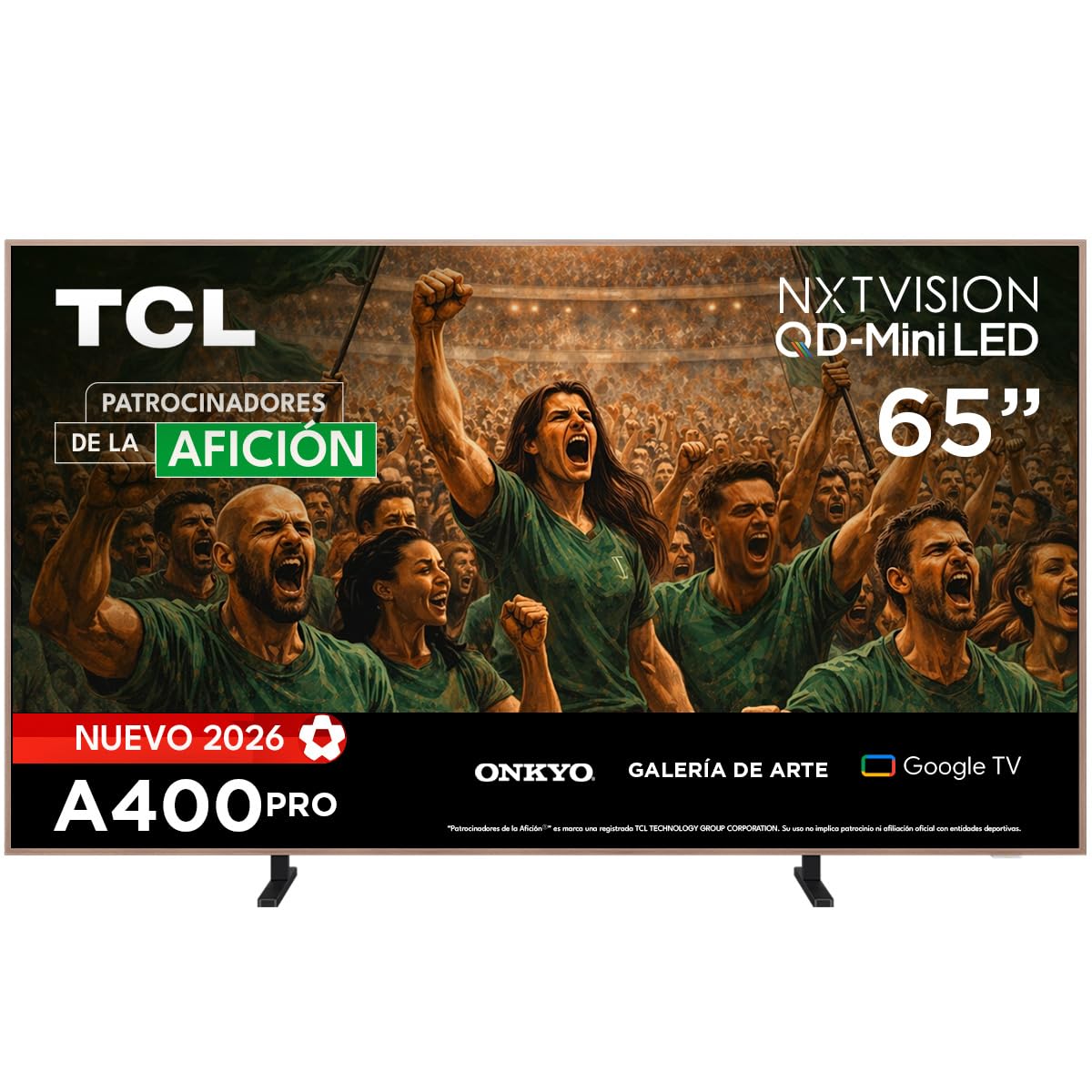
Immagine: Frontale view of the TCL 65A400 Pro 65-inch Smart TV.
2. Cosa c'è nella scatola
Prima di iniziare, controlla il contenuto della confezione per assicurarti che siano presenti tutti gli elementi:
- TCL Smart TV with Google TV
- Supporto da tavolo
- Cavo di alimentazione
- Guida rapida
- Telecomando e batterie

Image: Diagram showing the TV dimensions and a list of included accessories.
3. Impostazione
3.1 Installazione fisica
Your TCL 65A400 Pro TV offers flexible installation options:
- Supporto da tavolo: Attach the included table stand according to the Quick Start Guide for placement on a flat surface.
- Wall Mount: The TV supports flush wall mounting. Ensure you use a compatible VESA wall mount (sold separately) and follow its installation instructions carefully.
- Easel Bases: Optional easel-style bases are available for a unique display (sold separately).

Image: The ultra-thin design of the TV, suitable for flush wall mounting.
3.2 Collegamento dei dispositivi
Collega i tuoi dispositivi esterni al televisore utilizzando le porte disponibili:
- HDMI: Use one of the four HDMI ports for high-definition devices like Blu-ray players, game consoles, or cable boxes.
- USB: Sono disponibili due porte USB per collegare dispositivi di archiviazione USB per riprodurre contenuti multimediali.
- Energia: Collegare il cavo di alimentazione al televisore e poi a una presa di corrente.
3.3 Accensione iniziale e configurazione di rete
After connecting all devices and power, press the power button on the remote control. Follow the on-screen instructions to complete the initial setup, including connecting to your Wi-Fi network and logging into your Google account for Google TV features.
4. Utilizzo della TV
4.1 Interfaccia di Google TV
Your TV runs on Google TV, providing a personalized experience with access to streaming services, apps, and content recommendations. Use the remote control to navigate the interface, search for content, and manage your smart home devices.

Image: The Google TV home screen displaying various streaming applications and content.
4.2 Art Mode
Transform your TV into a digital art display with Art Mode. Access a collection of famous paintings and photographs in stunning 4K UHD. This mode allows your screen to blend seamlessly into your home decor when not actively watching content.

Image: The TV in Art Mode, showcasing a painting in a gallery environment.
4.3 Funzionalità di visualizzazione
- QD-Mini LED: Experience deep blacks and intense brightness with Quantum Dot and Mini LED technology, offering superior cinematic realism.
- Risoluzione UHD 4K: Goditi immagini incredibilmente dettagliate e nitide.
- 144 Hz VRR: Variable Refresh Rate at 144 Hz provides smooth motion, especially beneficial for gaming.
- Matte Panel: The HVA Matte finish reduces glare from natural or artificial light, maintaining color fidelity and protecting your eyes.

Image: Illustration of QD-Mini LED technology enhancing picture precision, brightness, and contrast.
4.4 Sistema audio
The integrated Onkyo audio system with Dolby Atmos delivers powerful and clear sound, creating an immersive audio experience for all your entertainment.
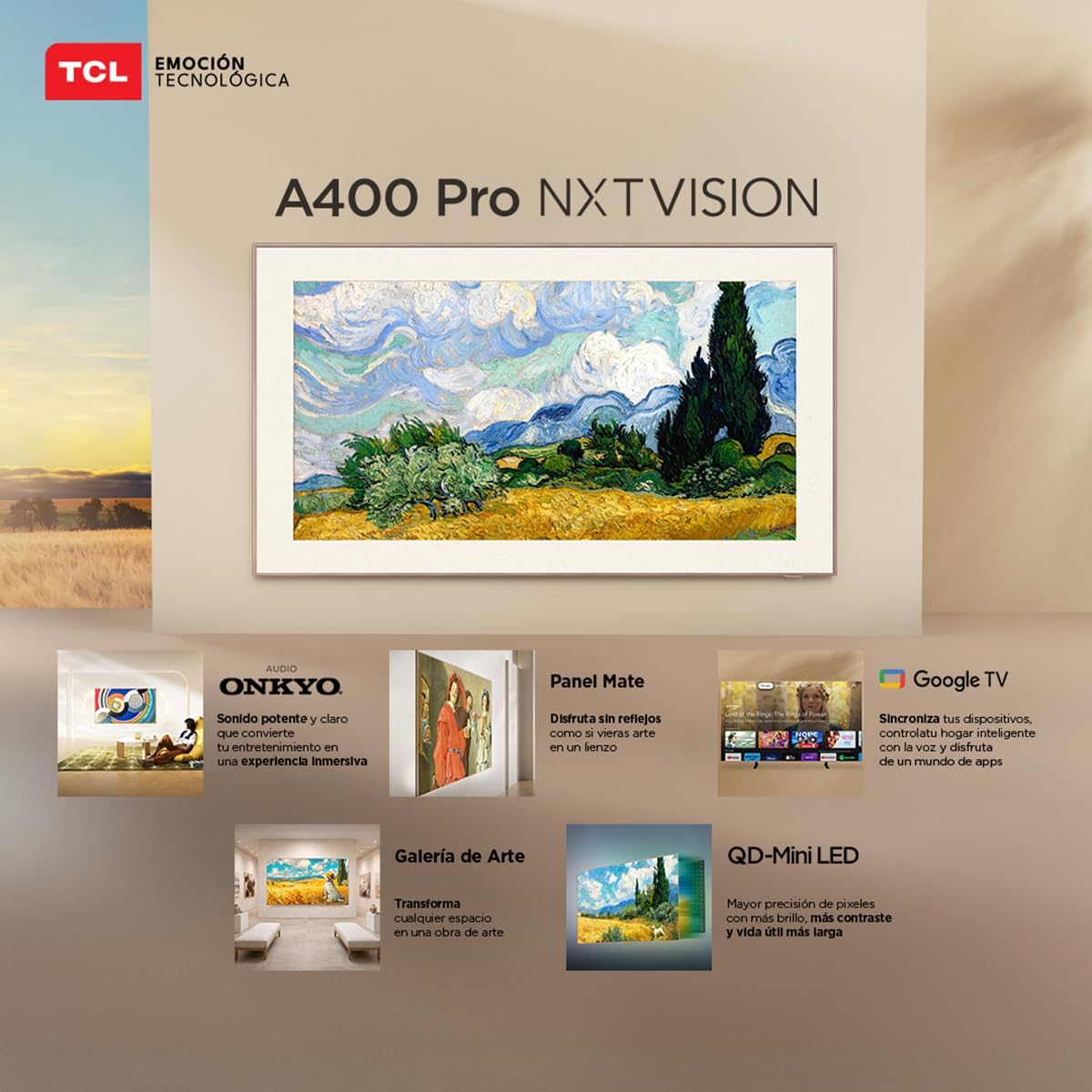
Image: A person enjoying immersive audio from the TV, highlighting the Onkyo sound system.
4.5 Connettività
La TV supporta diverse opzioni di connettività:
- Wifi: Collegati alla tua rete domestica per accedere a Internet e per lo streaming.
- Bluetooth 5.4: Pair wireless headphones, soundbars, or other Bluetooth-enabled devices.
- Chromecast: Built-in Chromecast allows you to cast content from your mobile devices to the TV.
- Compatibilità con Alexa: Control your TV using voice commands through compatible Alexa devices.
5. Manutenzione
Per garantire la longevità e le prestazioni ottimali del tuo televisore TCL, segui queste linee guida per la manutenzione:
- Pulizia dello schermo: Pulire delicatamente lo schermo con un panno morbido, asciutto e privo di lanugine. Per macchie ostinate, strofinare leggermenteampPulisci il panno con acqua o con un detergente specifico per schermi. Evita prodotti chimici aggressivi o materiali abrasivi.
- Pulizia del telaio: Per pulire la cornice del televisore, utilizzare un panno morbido e asciutto.
- Ventilazione: Assicurarsi che le aperture di ventilazione sul retro del televisore non siano ostruite per evitare il surriscaldamento.
- Cavo di alimentazione: Controllare regolarmente il cavo di alimentazione per verificare la presenza di eventuali danni. In caso di danni, contattare l'assistenza clienti per la sostituzione.
6. Risoluzione Dei Problemi
Se riscontri problemi con il tuo televisore, fai riferimento ai seguenti problemi comuni e alle relative soluzioni:
| Problema | Possibile soluzione |
|---|---|
| Nessun potere | Ensure the power cable is securely connected to both the TV and a working power outlet. Check if the power outlet is functional. |
| Nessuna immagine, ma l'audio è presente | Check the input source. Ensure the connected device is powered on and its video output is correctly configured. Try a different HDMI cable. |
| Nessun suono, ma l'immagine è presente | Check the TV's volume and mute settings. Ensure external audio devices (soundbar, receiver) are properly connected and powered on. Check audio output settings on the TV. |
| Il telecomando non funziona | Sostituisci le batterie del telecomando. Assicurati che non ci siano ostacoli tra il telecomando e il sensore IR del televisore. Riassocia il telecomando se è un telecomando Bluetooth. |
| Problemi di connessione Wi-Fi | Restart your router and modem. Go to the TV's network settings and try reconnecting to your Wi-Fi network. Ensure the Wi-Fi password is correct. |
Se il problema persiste dopo aver provato queste soluzioni, contattare l'assistenza clienti TCL.
7. Specifiche
Key technical specifications for the TCL 65A400 Pro 65-inch Smart TV:
| Caratteristica | Dettaglio |
|---|---|
| Dimensioni dello schermo | 65 pollici |
| Tecnologia di visualizzazione | 4K, Mini LED |
| Risoluzione | Risoluzione 4K Ultra HD |
| Frequenza di aggiornamento | 144 Hz (VRR) |
| Supporto formato HDR | Dolby Vision, HDR10+ |
| Sistema operativo | TV di Google |
| Modalità di uscita audio | Circondare |
| Integrated Surround Sound Format | Dolby Atmos |
| Porte HDMI | 4 |
| Porte USB | 2 |
| Versione Bluetooth | 5.4 |
| Tecnologia di connettività | Bluetooth, HDMI, USB, Wi-Fi |
| Caratteristiche speciali | Chromecast, Art Mode |
| Dimensioni del prodotto (PxLxA) | Dimensioni: 4 x 145.2 x 83.3 cm |
| Peso (senza supporto) | 17.6 chilogrammi |
| Colore | Nero |
| Screen Finish | Opaco |
| Anno del modello | 2026 |
| Codice UPC | 840464047636 |
8. Informazioni sulla garanzia
Your TCL 65A400 Pro Smart TV comes with a Garanzia limitata di 2 anno from the date of purchase. This warranty covers manufacturing defects under normal use. Please retain your proof of purchase for warranty claims. For full terms and conditions, refer to the warranty card included with your product or visit the official TCL websito.
9. Assistenza clienti
For technical assistance, troubleshooting, or warranty inquiries, please contact TCL customer support:
- Telefono: 800 112 4656
- WhatsApp: 55 7005 5159
- E-mail: servicio.mx@tcl.com
- Orari di apertura: Monday to Saturday, 8:00 a.m. to 8:00 p.m. (local time)

Image: TCL Technical Support contact details including phone, WhatsApp, and email.