
1. Introduzione
Welcome to the OPPO K14 5G Smartphone user manual. This guide provides comprehensive instructions to help you set up, operate, and maintain your new device. Please read this manual thoroughly to ensure optimal performance and longevity of your smartphone.
2. Prodotto finitoview
The OPPO K14 5G is a high-performance smartphone designed for daily use, gaming, and content creation. It features a durable design, a powerful 7000 mAh battery, 6GB RAM, 128GB internal storage, and a SuperCool VC System for efficient thermal management.
2.1 Componenti del dispositivo
- Display: Large, vibrant screen for immersive viewing.
- Telecamere posteriori: Dual AI camera system for high-quality photography.
- Fotocamera frontale: Per selfie e videochiamate.
- Pulsante di accensione: Located on the side, used for power on/off and screen lock.
- Pulsanti del volume: Located on the side, used to adjust audio levels.
- Porta USB-C: Per la ricarica e il trasferimento dei dati.
- Slot per scheda SIM/SD: Per l'inserimento di schede SIM e memoria espandibile.
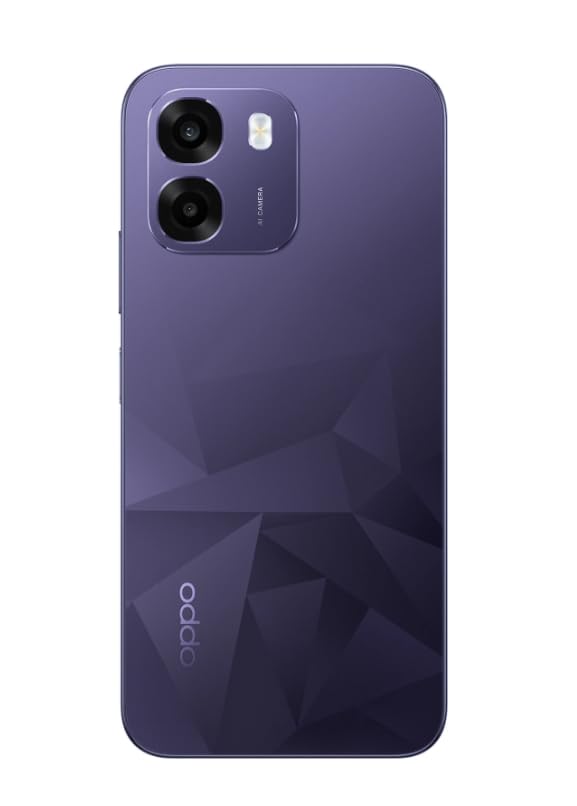
Immagine: Posteriore view of the OPPO K14 5G Smartphone, showcasing the dual camera setup and geometric pattern in Prism Violet.
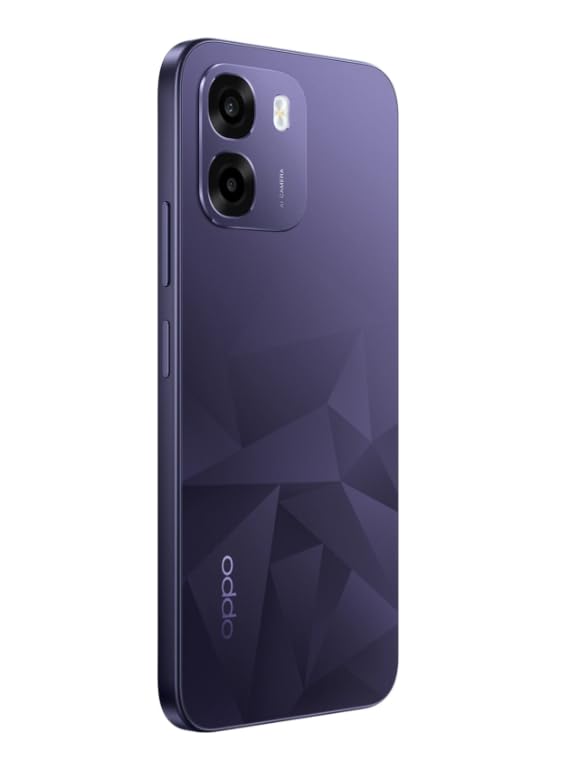
Immagine: Lato view of the OPPO K14 5G Smartphone, highlighting the slim profile e posizionamento dei pulsanti.
3. Impostazione
3.1 Inserimento della scheda SIM/SD
- Individua il vassoio della scheda SIM/SD sul lato del dispositivo.
- Inserire lo strumento di espulsione della SIM nel piccolo foro accanto al vassoio e spingere delicatamente finché il vassoio non fuoriesce.
- Inserisci la/le scheda/e Nano-SIM e/o la scheda microSD nel vassoio con i contatti dorati rivolti verso il basso. Assicurati che siano posizionati correttamente.
- Reinserire con cautela il vassoio nel telefono.
3.2 Accensione iniziale e configurazione
- Tenere premuto il pulsante di accensione finché non viene visualizzato il logo OPPO.
- Segui le istruzioni sullo schermo per selezionare la lingua, la regione, connetterti al Wi-Fi e configurare il tuo account Google.
- You can transfer data from an old device during this process or skip it for later.
3.3 Ricarica del dispositivo
Before first use, it is recommended to fully charge your OPPO K14 5G. Connect the USB-C cable to the phone's charging port and the other end to a compatible power adapter. The device supports 45W fast charging.
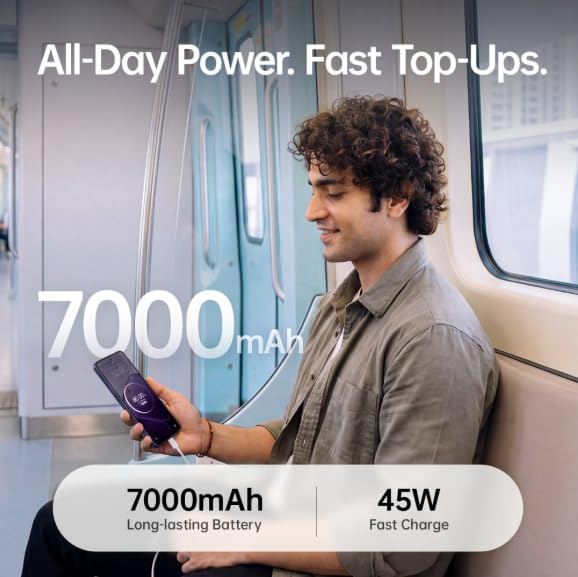
Image: The OPPO K14 5G highlighting its 7000mAh long-lasting battery and 45W fast charge capability.
4. Istruzioni per l'uso
4.1 Navigazione di base
- Tocco: Tocca per selezionare elementi, aprire app o confermare azioni.
- Scorri: Move your finger across the screen to scroll, switch between home screens, or navigate within apps.
- Pizzico: Utilizzare due dita per ingrandire o ridurre le foto e web pagine.
- Gesti: Customize navigation gestures in Settings for a fluid experience. The 120Hz display ensures smooth motion.
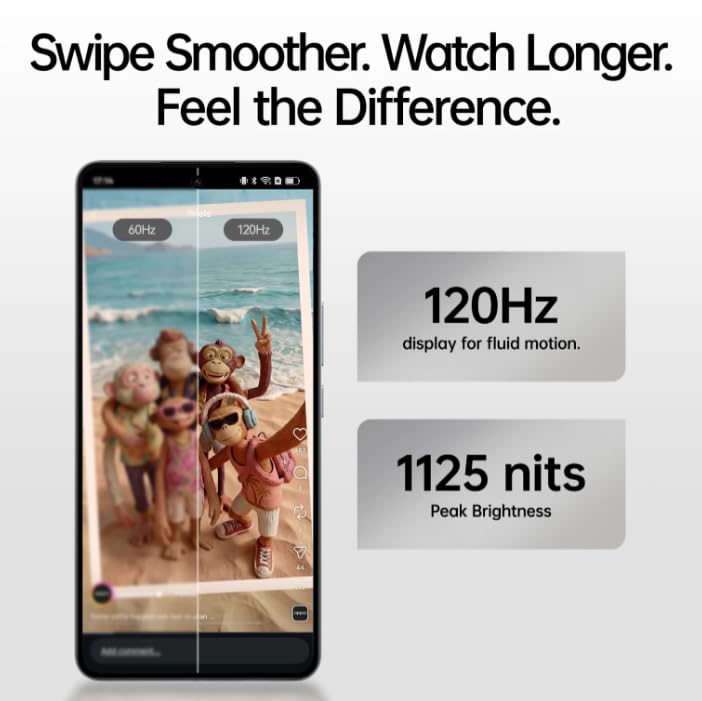
Image: The OPPO K14 5G display showcasing 120Hz for fluid motion and 1125 nits peak brightness.
4.2 Chiamate e messaggi
- Effettuare le chiamate: Apri l'app Telefono, inserisci il numero e tocca l'icona della chiamata.
- Invio di messaggi: Open the Messages app, tap to start a new conversation, enter the recipient and your message.
4.3 Connettività di rete
The OPPO K14 5G supports 5G connectivity for fast internet speeds. Ensure your SIM card supports 5G and that you are in a 5G coverage area. You can manage Wi-Fi and mobile data settings in the Settings app.
5. Utilizzo della fotocamera
Your OPPO K14 5G is equipped with a dual AI camera system designed to capture sharp and detailed photos in various conditions. The main camera is 50MP.
5.1 Scattare foto e video
- Apri l'app Fotocamera.
- Seleziona la modalità desiderata (Foto, Video, Ritratto, Notte, ecc.).
- Tocca il pulsante di scatto per scattare una foto o avviare/interrompere la registrazione video.
- Use the zoom controls or switch between lenses as needed.
6. Gestione della batteria
The OPPO K14 5G features a large 7000 mAh battery, providing extended usage time. To maximize battery life:
- Regola la luminosità dello schermo.
- Chiudi le app inutilizzate in esecuzione in background.
- Attiva le modalità di risparmio energetico quando la batteria è scarica.
- Evitare temperature estreme.
7. Prestazioni e raffreddamento
The device is engineered for smooth performance with 6GB RAM and is equipped with a SuperCool VC System. This system includes a 3900 mm² vapour chamber cooling area, which effectively dissipates heat during intensive tasks like gaming, ensuring sustained performance without overheating.
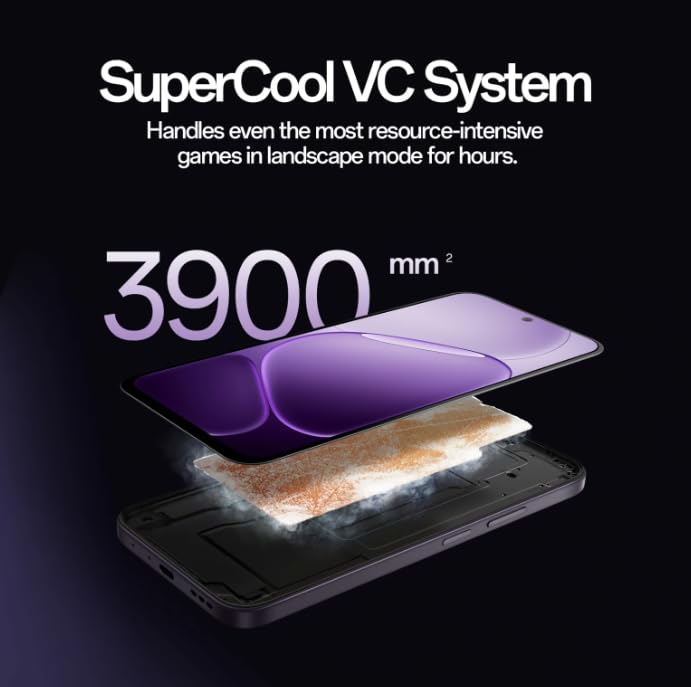
Image: Diagram illustrating the SuperCool VC System with its 3900 mm² vapour chamber, designed to prevent overheating during extended use.
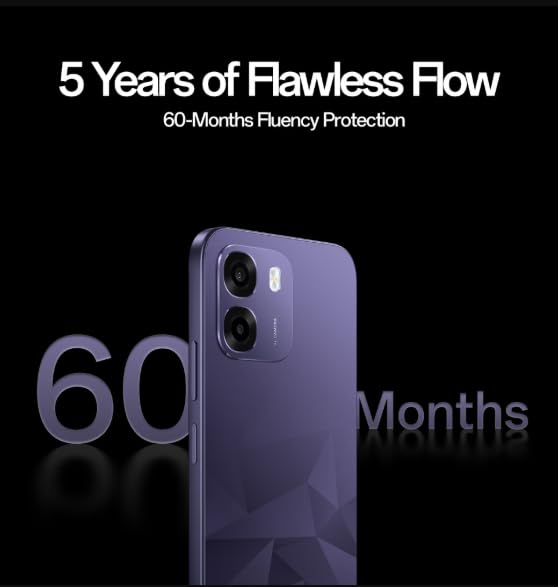
Image: The OPPO K14 5G promoting 60-Months Fluency Protection for long-term smooth performance.
8. Manutenzione
8.1 Pulizia del dispositivo
Use a soft, lint-free cloth to clean the screen and body of your phone. Avoid using harsh chemicals or abrasive materials. The device offers IP69 all-weather protection.
8.2 Aggiornamenti software
Regularly check for and install software updates to ensure your device has the latest features, security patches, and performance improvements. Go to Settings > About device > Software update.
8.3 Backup dei dati
Esegui periodicamente il backup dei dati importanti (foto, contatti, documenti) su un servizio cloud o su un computer per evitare la perdita di dati.
9. Risoluzione Dei Problemi
If you encounter issues with your OPPO K14 5G, try the following steps:
- Dispositivo non si accende: Assicurarsi che la batteria sia carica. Collegare il dispositivo a un caricabatterie per almeno 15 minuti prima di provare ad accenderlo.
- App che si bloccano/si bloccano: Chiudi l'app e riaprila. Se il problema persiste, cancella la cache dell'app (Impostazioni > App > [Nome app] > Archiviazione > Cancella cache).
- Network Issues (5G/Wi-Fi): Check if Airplane Mode is off. Restart your phone. For Wi-Fi, try forgetting the network and reconnecting. For 5G, ensure you have coverage and your SIM is active.
- Prestazioni lente: Chiudere le app in background, svuotare la cache o riavviare il dispositivo.
- Ripristino di fabbrica: As a last resort, if problems persist, you can perform a factory reset (Settings > System settings > Back up and reset > Reset phone). Attenzione: questa operazione cancellerà tutti i dati presenti sul telefono. Esegui il backup dei dati prima di procedere.
10. Specifiche
| Caratteristica | Specificazione |
|---|---|
| Marca | OPPO |
| Modello | K14 5G |
| Dimensione della memoria RAM installata | 6 GB |
| Capacità di archiviazione della memoria | 128 GB |
| Tecnologia cellulare | 5G |
| Tecnologia di connettività | 5G |
| Colore | Prism Violet |
| Number of Rear Facing Cameras | 2 |
| Capacità della batteria | 7000 milioneamp Ore |
| Usi specifici per il prodotto | Gaming, Content Creation |
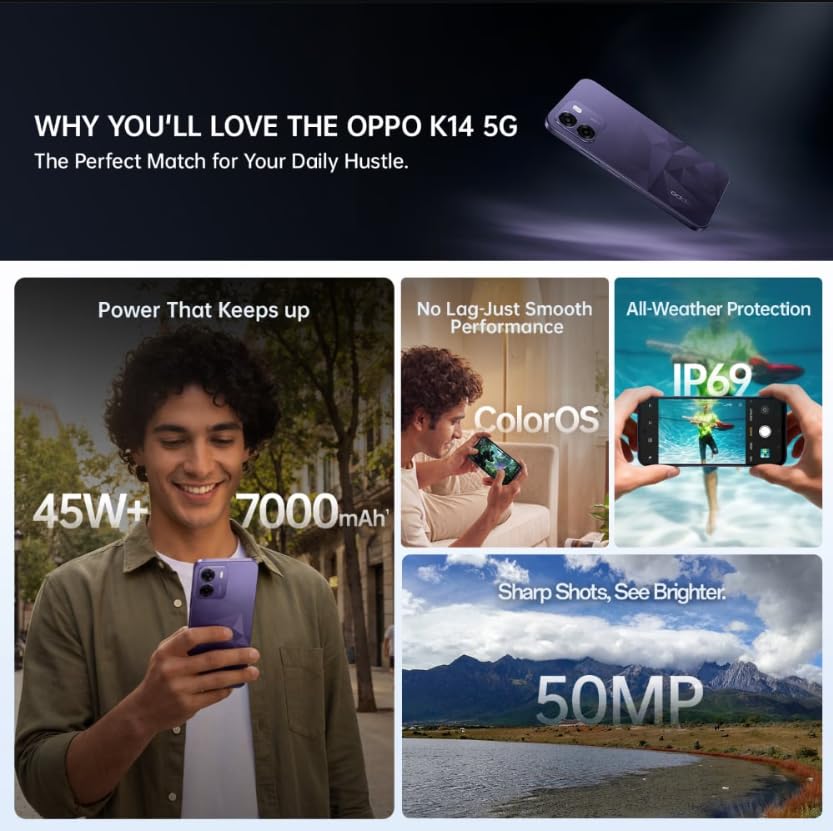
Image: A collage of key features for the OPPO K14 5G, including 7000mAh battery, smooth performance with ColorOS, IP69 all-weather protection, and a 50MP camera.
11. Garanzia e supporto
Your OPPO K14 5G Smartphone comes with a standard manufacturer's warranty. Please refer to the warranty card included in your product packaging for specific terms and conditions, including coverage duration and service procedures. For technical assistance, troubleshooting beyond this manual, or warranty claims, please contact OPPO customer support through their official websito o centri di assistenza designati.
Conservare la ricevuta d'acquisto e la confezione del prodotto per motivi di garanzia.


