
Introduzione
This manual provides essential information for the safe and efficient operation of your Metz 32MQH7000Z Smart Google QLED+ LED TV. Please read it thoroughly before using the television and retain it for future reference.
The Metz MQH7000 TV features Gen6 QLED+ technology, delivering excellent image quality and vibrant colors. The enhanced stability of QLED+ technology also extends the TV's lifespan, ensuring reliable use.
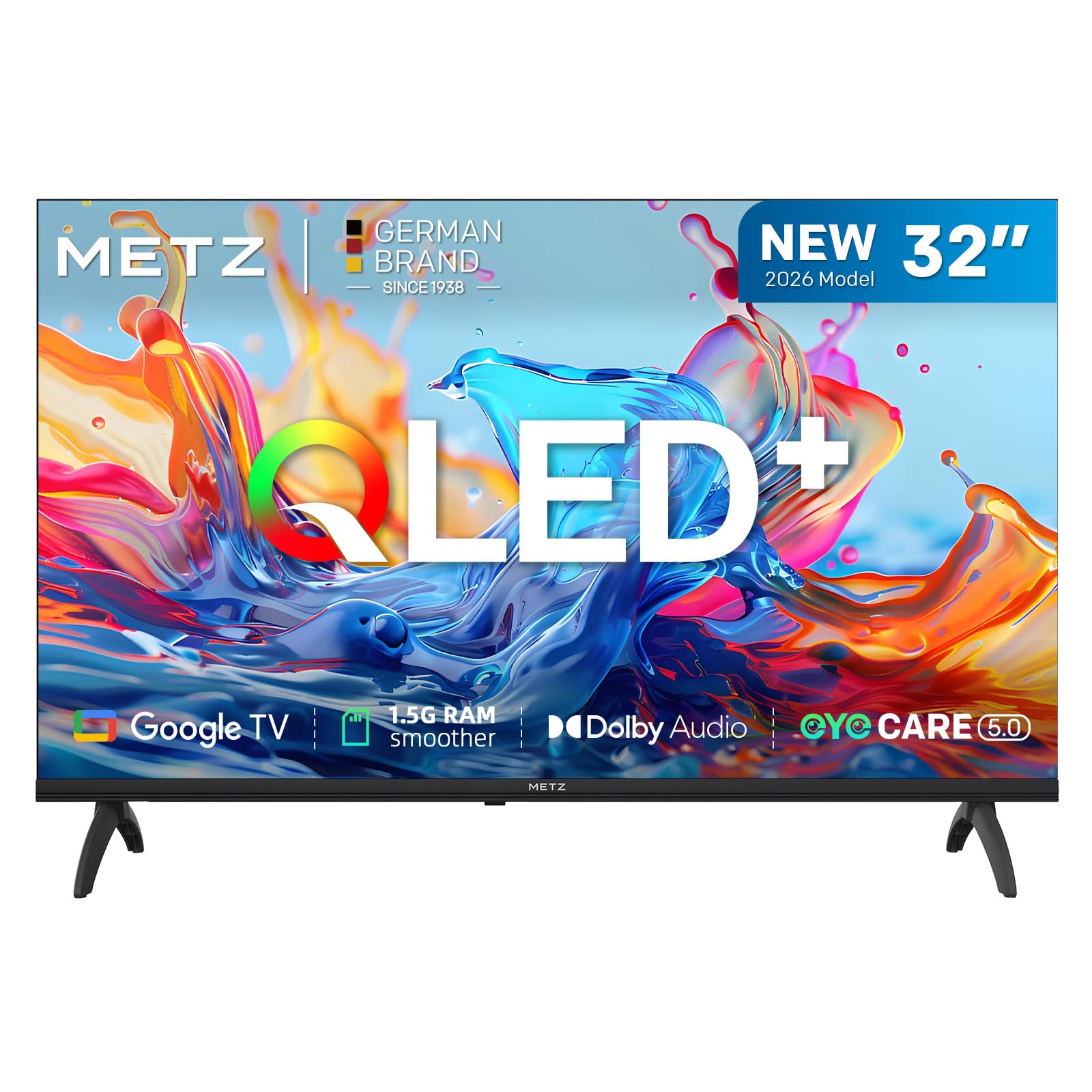
Immagine: Frontale view of the Metz 32MQH7000Z 32-inch Smart Google QLED+ LED TV.
Cosa c'è nella scatola
Verificare che tutti i componenti siano presenti nella confezione:
- Telecomando
- Cavo di alimentazione
- Manuale d'uso
- TV Bases (2)
- Screws for Bases
- Batterie AAA (2)

Image: Contents of the Metz 32MQH7000Z TV box, including remote control, power cable, user manual, TV bases, and screws. The image also displays the TV's dimensions and available input/output ports.
Impostare
1. Attaching the TV Bases
- Posizionare con cautela lo schermo del televisore su una superficie morbida e piana per evitare danni.
- Allineare ciascuna base con le fessure corrispondenti nella parte inferiore del televisore.
- Fissare le basi utilizzando le viti fornite. Assicurarsi che siano saldamente fissate.
2. Collegamento di dispositivi esterni
Refer to the diagrams below for port locations:
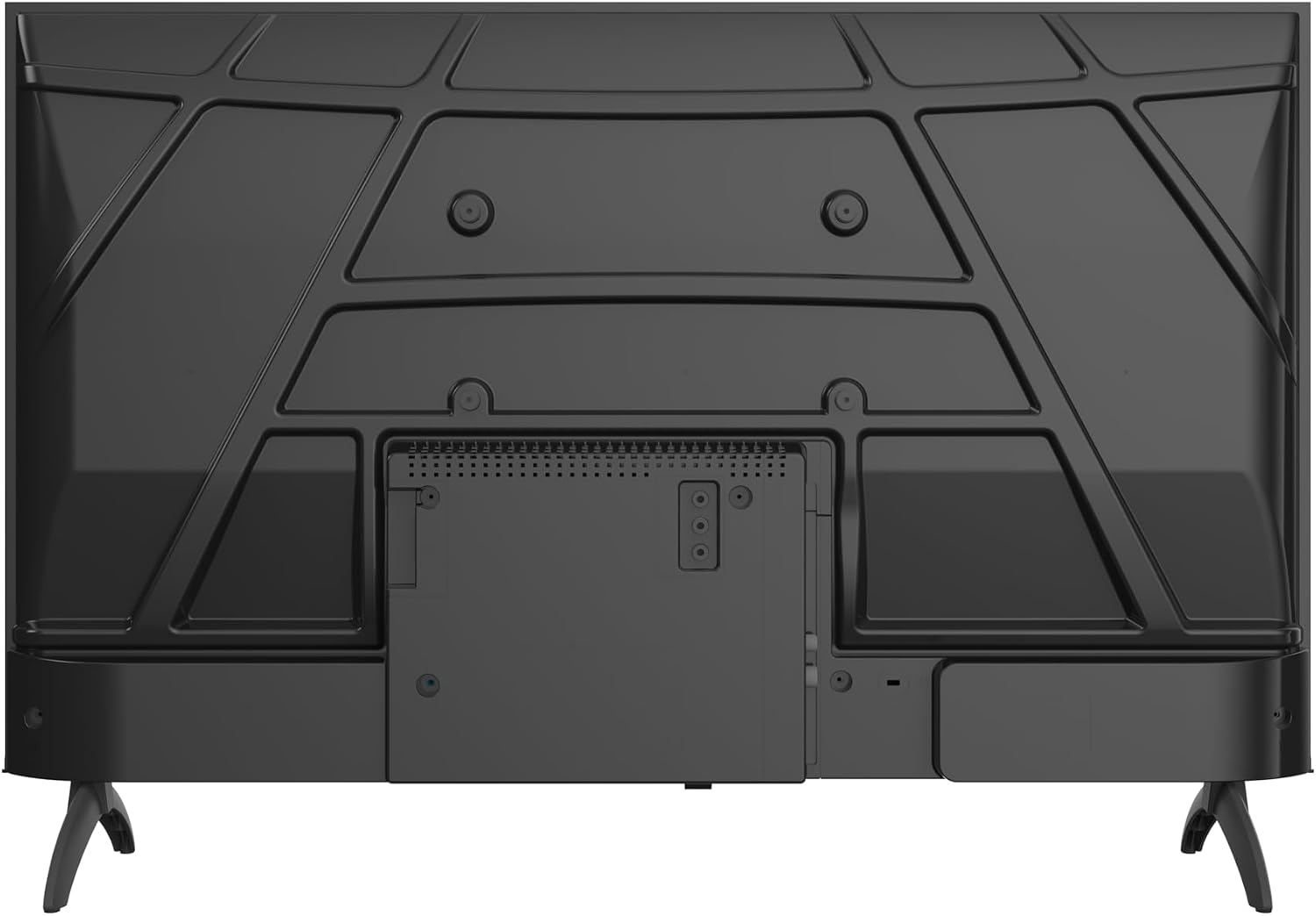
Immagine: Posteriore view of the Metz 32MQH7000Z TV, highlighting the VESA mounting points and the main connection panel.

Immagine: Lato view of the Metz 32MQH7000Z TV, illustrating the location of various input ports including HDMI and USB.
- Porte HDMI (x2): Collega lettori Blu-ray, console di gioco o altri dispositivi abilitati HDMI.
- Porte USB (x2): Collegare dispositivi di archiviazione USB per la riproduzione di contenuti multimediali o per gli aggiornamenti software.
- Antenna/Cable Input (DVB-T/T2/C/S/S2): Connect your antenna or cable for terrestrial, cable, or satellite broadcasts.
- Slot CI+: Inserire un modulo CI+ per i canali crittografati.
- Porta LAN: Collegare un cavo Ethernet per una connessione Internet cablata.
- Uscita cuffie: Collega le cuffie per l'ascolto privato.
- Uscita audio digitale: Collegati a un sistema audio esterno per un suono migliore.
3. Collegamento elettrico
- Collegare il cavo di alimentazione all'ingresso di alimentazione del televisore.
- Collegare l'altra estremità del cavo di alimentazione a una presa a muro.
Istruzioni per l'uso
1. Configurazione iniziale
Upon first power-on, the TV will guide you through the initial setup process, including language selection, network connection, and Google TV account login.
2. Interfaccia di Google TV
Your Metz TV features Google TV, providing a personalized experience with access to popular streaming apps and content recommendations.

Image: The Google TV interface, displaying a selection of streaming application icons and personalized content suggestions.
- Accesso alle app: Navigate through the home screen to find and launch applications like Netflix, YouTube, Prime Video, and Disney+.
- Controllo vocale: Use the remote control's microphone button to issue voice commands for searching content, controlling playback, and more.
3. Picture Settings (Gen 6 QLED+, HDR10 & HLG)
Your TV utilizes Gen 6 QLED+ technology for superior image quality. Adjust picture settings via the TV menu to optimize your viewesperienza di acquisizione.

Immagine: un primo piano view of the television screen, highlighting the vibrant and rich color reproduction achieved by QLED+ technology.
The TV supports HDR10 and HLG for enhanced contrast and color accuracy in compatible content. These technologies automatically adjust to provide deeper blacks and brighter highlights.

Image: A diagram illustrating the multi-layered Quantum Dot structure, designed to maintain color stability and vibrancy for over 10 years, comparing Metz QLED performance to conventional QLED over time.

Image: A side-by-side comparison demonstrating the visual improvement with HDR10 & HLG enabled, showing more vibrant colors and deeper contrast compared to a standard picture.
4. Sound Settings (Dolby Audio)
The integrated Dolby Audio system provides powerful and clear surround sound. Access the sound settings in the TV menu to customize audio profiles (e.g., Standard, Cinema, Music, Speech).

Image: An overhead perspective of a person seated on a sofa, watching the TV, with visual representations of Dolby Audio sound waves extending from the screen, indicating an immersive audio experience.
5. Connettività
- Bluetooth 5.1: Collega cuffie wireless, soundbar o altri dispositivi abilitati Bluetooth.

Image: A graphic illustrating Bluetooth 5.1 connectivity, featuring a sleek sports car to symbolize fast, intelligent, and reliable wireless connections.
- Wifi: Collegati alla rete wireless di casa per accedere a Internet e guardare contenuti in streaming.
- Multi-Screen Casting (Chromecast): Cast content from your smartphone, tablet, or computer directly to the TV screen using Chromecast built-in.

Image: A visual representation of multi-screen casting, demonstrating how content can be streamed from a smartphone or laptop to the television for an immersive viewesperienza di acquisizione.
6. Caratteristiche della cura degli occhi
The TV includes Eye Care features designed to reduce eye strain during prolonged viewing.
- Bassa luce blu: Riduce le emissioni nocive di luce blu.
- Senza sfarfallio: Riduce al minimo lo sfarfallio dello schermo per un utilizzo più confortevole viewesperienza di acquisizione.
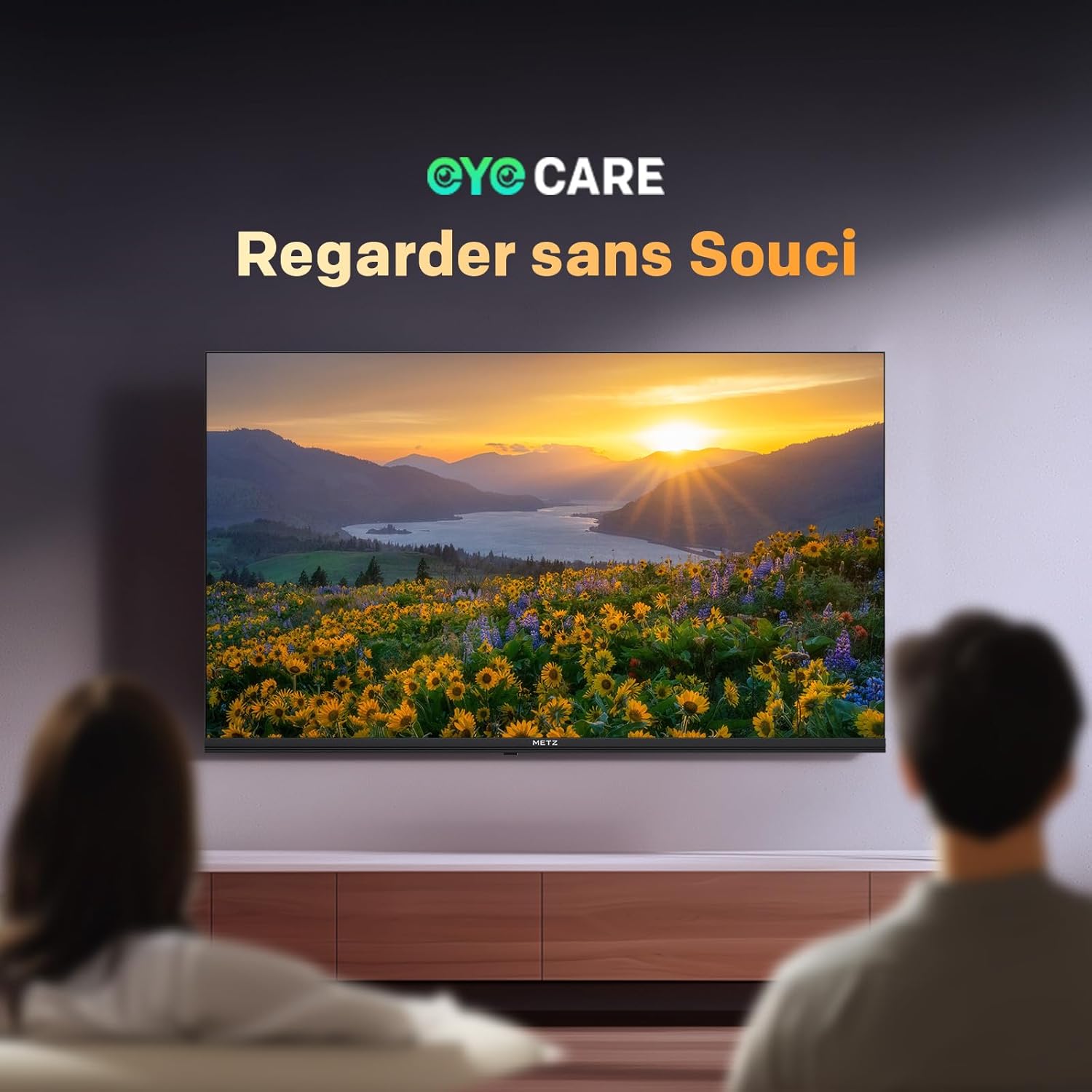
Image: A scene depicting individuals comfortably watching television, illustrating the benefits of the TV's Eye Care features for a relaxed viewesperienza di acquisizione.

Image: Two comparative images demonstrating the benefits of Low Blue Light and Flicker-Free technologies. The top image shows a scene with and without low blue light, while the bottom image illustrates the difference with and without flicker-free technology for reduced eye fatigue.
7. Enhanced Performance (1.5 GB RAM)
The TV is equipped with 1.5 GB of RAM, providing a 50% increase in memory compared to previous models. This enhancement ensures smoother operation, faster application loading, and improved multitasking capabilities, reducing lag and enhancing overall responsiveness.

Image: A graphic representation highlighting the upgrade to 1.5 GB RAM, indicating a 50% increase in memory for improved television performance and responsiveness.
Manutenzione
Pulizia dello schermo
Pulire delicatamente lo schermo con un panno morbido e privo di lanugine. Per i segni ostinati, strofinare leggermenteampPulisci il panno con acqua o con un detergente specifico per schermi. Evita di utilizzare prodotti chimici aggressivi o materiali abrasivi.
Cleaning the TV Casing
Utilizzare un panno morbido e asciutto per pulire la TV casing. Do not use liquid cleaners directly on the TV.
Assistenza generale
- Scollegare il televisore dalla presa di corrente prima di pulirlo o se non verrà utilizzato per un periodo prolungato.
- Tenere il televisore lontano dalla luce solare diretta, da fonti di calore e da polvere eccessiva.
- Garantire un'adeguata ventilazione attorno al televisore per evitare il surriscaldamento.
Risoluzione dei problemi
Se riscontri problemi con la tua TV, fai riferimento alle seguenti soluzioni comuni:
| Problema | Possibile soluzione |
|---|---|
| Nessun potere | Check if the power cable is securely plugged into both the TV and the wall outlet. Ensure the power outlet is functional. |
| Nessuna immagine, ma l'audio è presente | Verify the correct input source is selected. Check cable connections (HDMI, antenna). Try another HDMI port. |
| Nessun suono, ma l'immagine è presente | Check the volume level and mute status. Ensure external audio devices are correctly connected and powered on. Check audio output settings in the TV menu. |
| Il telecomando non funziona | Sostituisci le batterie del telecomando. Assicurati che non ci siano ostacoli tra il telecomando e il sensore IR del televisore. |
| Qualità dell'immagine scadente | Adjust picture settings (brightness, contrast, sharpness). Check antenna or cable connection for signal strength. For streaming, ensure a stable internet connection. |
| Impossibile connettersi al Wi-Fi | Assicurati che il router Wi-Fi sia acceso e nel raggio d'azione. Reinserisci la password Wi-Fi. Prova a riavviare sia la TV che il router. |
Specifiche
| Caratteristica | Dettaglio |
|---|---|
| Nome del modello | MQH7000 |
| Numero di modello | 32MQH7000Z |
| Dimensioni dello schermo | 32 Pouces (80 cm) |
| Tecnologia di visualizzazione | QLED (Gen 6 QLED+, Quantum Dot QLED) |
| Risoluzione | 768p (1366 x 768 pixel) |
| Frequenza di aggiornamento | Frequenza 60 Hz |
| Supporto HDR | HDR10, HLG |
| Sistema operativo | TV di Google |
| Memoria RAM | 1.5 GB |
| Tecnologia audio | Dolby Audio, Dolby Digital, Dolby Digital Plus |
| Connettività | Bluetooth 5.1, Wi-Fi, USB (x2), HDMI (x2), LAN |
| Sintonizzatore | DVB-T/T2/C/S/S2, CI+ |
| Caratteristiche speciali | Auto Volume Leveller, Bezel-Less Design, Chromecast, Eye Comfort Mode, Game Mode |
| Standard di montaggio VESA | 200 x 100 millimetri |
| Dimensioni del prodotto (con supporto) | 21.4P x 71.5l x 47.5H cm |
| Anno del modello | 2026 |
| Paese di origine | Polonia |

Image: The energy efficiency label for the Metz 32MQH7000Z TV, indicating an energy class of E and power consumption details. For more information, visit the official EU EPREL database: https://eprel.ec.europa.eu/qr/2590878
Garanzia e supporto
Your Metz 32MQH7000Z TV comes with a Garanzia di 2 anno dalla data di acquisto. Conservare la prova d'acquisto per eventuali reclami in garanzia.
For technical assistance, troubleshooting beyond this manual, or warranty service, please contact Metz customer support. Contact information can typically be found on the official Metz websito o nella documentazione inclusa nel prodotto.
For additional resources and product information, visit the official Metz brand store: Negozio del marchio Metz