
1. Finitaview
This manual provides essential information for setting up, operating, maintaining, and troubleshooting your INSIGNIA 85-inch Class QF Series QLED 4K UHD Smart Fire TV. This television offers a high-quality viewing experience with 4K UltraHD resolution, Quantum Dot Technology for enhanced color, and Direct LED Backlight for uniform brightness. It integrates the Fire TV Smart OS, providing access to various streaming services and features like the Voice Remote with Alexa. The design features a metal bezel-less display for a modern aesthetic.
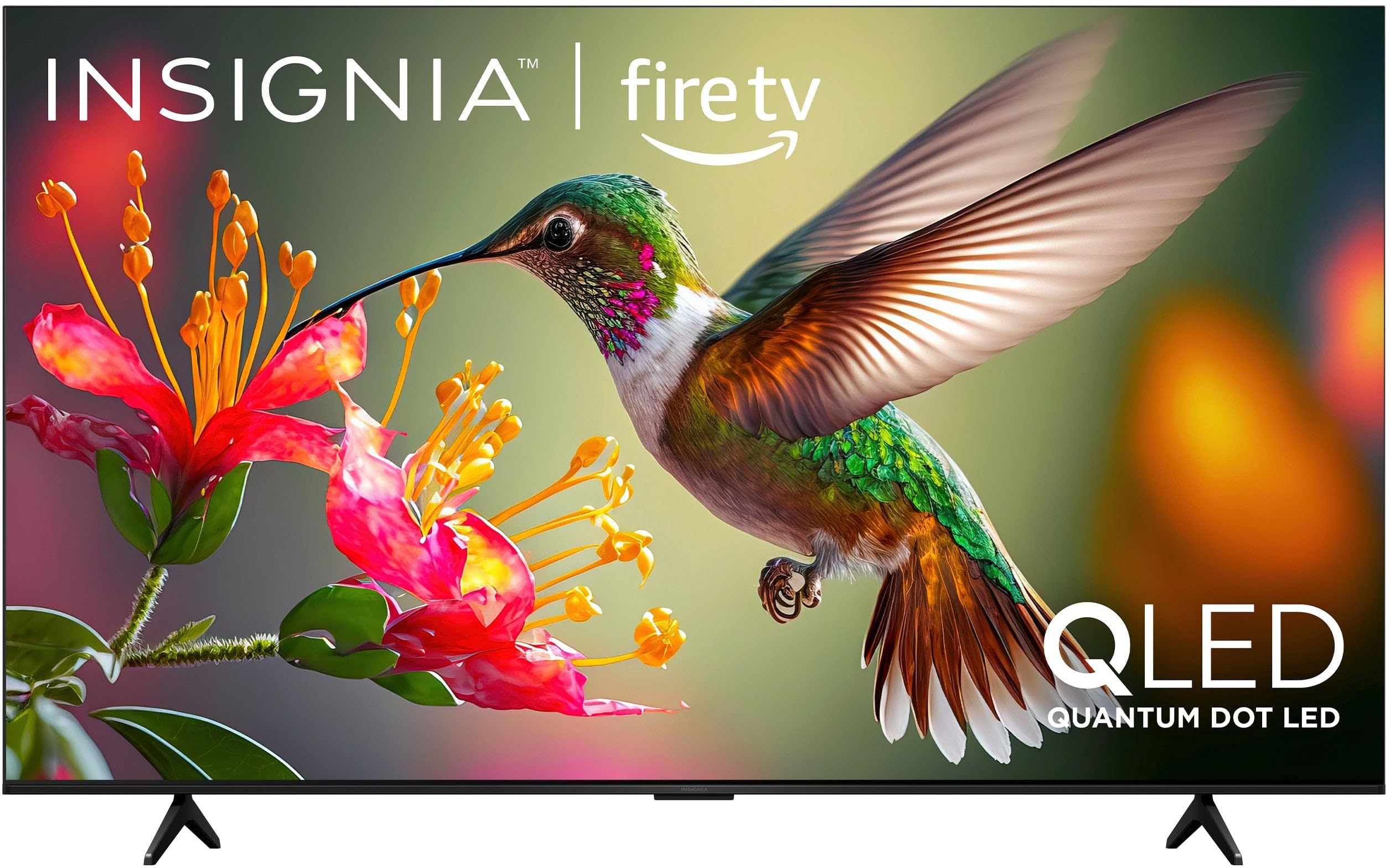
Immagine 1.1: anteriore view of the INSIGNIA 85-inch QF Series QLED 4K UHD Smart Fire TV.
2. Cosa c'è nella scatola
Verificare che tutti i componenti siano presenti prima di procedere con la configurazione:
- INSIGNIA 85-inch QF Series QLED 4K UHD Smart Fire TV
- Telecomando vocale con Alexa
- Batterie per telecomando (2 AAA)
- Supporto della televisione
- Viti per l'installazione del supporto
- Guida di installazione rapida (questo documento)
3. Impostazione
3.1. Installazione del supporto TV
If you are not wall-mounting your TV, attach the included stand:
- Posizionare con cautela il televisore a faccia in giù su una superficie morbida e pulita per evitare di danneggiare lo schermo.
- Allineare le gambe del supporto con i fori delle viti nella parte inferiore del televisore.
- Fissare le gambe del supporto utilizzando le viti in dotazione. Assicurarsi che siano ben serrate.
3.2. Accensione iniziale e connessione di rete
- Collegare il cavo di alimentazione al televisore e poi a una presa di corrente.
- Per accendere il televisore, premere il pulsante di accensione sul televisore o sul telecomando.
- Follow the on-screen instructions to select your language, connect to your Wi-Fi network, and sign in to your Amazon account.
3.3. Associazione remota
Your Voice Remote with Alexa should pair automatically. If it does not, press and hold the Casa button on the remote for 10 seconds until the LED indicator flashes blue, then release. The remote will attempt to pair.

Image 3.1: The Voice Remote with Alexa, used for controlling the TV and accessing smart features.
4. Istruzioni per l'uso
4.1. Fire TV Smart OS Navigation
The Fire TV Smart OS provides a centralized hub for all your entertainment. Use the navigation buttons on your remote to browse:
- Schermata iniziale: Access recommended content, recently used apps, and various streaming services.
- Applicazioni: Scarica e gestisci le tue applicazioni di streaming preferite.
- TV in diretta: Integrate live TV channels from supported services or an antenna.
- Impostazioni: Adjust picture, sound, network, and device preferences.

Image 4.1: The Fire TV interface displaying a selection of streaming services and content.
4.2. Voice Remote with Alexa
Utilize the built-in Alexa voice assistant for hands-free control:
- Premere e tenere premuto il tasto pulsante del microfono sul tuo telecomando.
- Speak commands such as "Find action movies," "Launch Netflix," "Switch to HDMI 2," or "Show me the weather."
- Alexa can also control compatible smart home devices.
4.3. Collegamento di dispositivi esterni
Your TV is equipped with four HDMI inputs for connecting external devices:
- Connect gaming consoles, Blu-ray players, soundbars, or cable/satellite boxes to the HDMI ports.
- One HDMI port supports eARC for enhanced audio return channel functionality with compatible sound systems.
- Per cambiare input, premere il tasto Ingresso button on your remote and select the desired source.

Image 4.2: Illustration of the TV's connectivity options, including HDMI ports.
4.4. Miglioramenti di immagini e suoni
This TV features advanced technologies for an immersive experience:
- QLED (LED a punti quantici): Delivers vibrant, lifelike colors and improved brightness.
- Risoluzione 4K UltraHD: Provides four times the detail of Full HD TVs.
- Dolby Vision e Dolby Atmos: Supports advanced HDR for enhanced contrast and accurate colors, along with immersive spatial audio.

Image 4.3: Visual representation of Dolby Vision and Dolby Atmos features, highlighting cinematic picture and immersive sound.
5. Manutenzione
5.1. Pulizia della TV
Per mantenere l'aspetto e le prestazioni del televisore:
- Scollegare sempre la TV prima di pulirla.
- Utilizzare un panno morbido, asciutto e privo di lanugine per pulire delicatamente lo schermo e il telaio.
- Per i segni ostinati sullo schermo, strofinare leggermenteampImmergere il panno in acqua o in un detergente specifico per schermi. Non spruzzare mai liquidi direttamente sullo schermo.
- Evitare l'uso di detergenti abrasivi, cere o solventi.
5.2. Aggiornamenti software
Your Fire TV automatically receives software updates to improve performance and add new features. Ensure your TV is connected to the internet to receive these updates. You can manually check for updates in the Settings menu.
6. Risoluzione Dei Problemi
Se riscontri problemi con la tua TV, fai riferimento alle seguenti soluzioni comuni:
| Problema | Soluzione |
|---|---|
| Nessun potere | Assicurati che il cavo di alimentazione sia collegato saldamente sia al televisore che a una presa elettrica funzionante. Prova una presa diversa. |
| Nessuna immagine, ma l'audio è presente | Controllare la sorgente di ingresso. Premere il tasto Ingresso button on the remote to cycle through inputs. Verify external devices are powered on and connected correctly. |
| Il telecomando non risponde | Replace the AAA batteries in the remote. If the issue persists, re-pair the remote by holding the Casa pulsante per 10 secondi. |
| Impossibile connettersi al Wi-Fi | Ensure your Wi-Fi router is on and within range. Restart your router and TV. Check Wi-Fi settings in the TV's menu to ensure the correct network and password are entered. |
| Qualità dell'immagine scadente | Adjust picture settings (brightness, contrast, color) in the TV's menu. Ensure the content source is high-quality (e.g., 4K content for 4K resolution). |
| Nessun suono | Check the volume level and ensure the TV is not muted. Verify external audio devices (soundbar, receiver) are connected and configured correctly. |
7. Specifiche
| Caratteristica | Dettaglio |
|---|---|
| Nome del modello | NS85-UQFL27 |
| Dimensioni dello schermo | 84.6 pollici (classe 85 pollici) |
| Tecnologia di visualizzazione | QLED (LED a punti quantici) |
| Risoluzione | Risoluzione 4K Ultra HD (3840 x 2160) |
| Frequenza di aggiornamento | Frequenza 60 Hz |
| Sistema operativo | FireOS |
| Supporto HDR | Visione Dolby |
| Tecnologia audio | Dolby Atmos |
| Connettività | Wifi |
| Ingressi HDMI | 4 (incluso 1 eARC) |
| Caratteristiche speciali | Voice Remote with Alexa, Apple Airplay |
| Dimensioni del prodotto (P x L x A) | 2.5"P x 74.4"L x 42.8"A |
| Item Weight Without Stand | 64.6 libbre |
| Componenti inclusi | Remote Control, Remote Control Battery, Screws, Stand |
| Codice UPC | 600603325472 |
8. Garanzia e supporto
8.1. Informazioni sulla garanzia
This INSIGNIA TV comes with a Garanzia di 1 anno. For specific terms and conditions, please refer to the warranty card included with your product or visit the official INSIGNIA support websito.
8.2. Assistenza clienti
If you require further assistance or encounter issues not covered in this manual, please contact INSIGNIA customer support. Contact information can typically be found on the manufacturer's websito o nella confezione del prodotto.