1. Prodotto finitoview
The Sitecom WLA-5100 N600 Wi-Fi Dual Band USB Adapter provides wireless connectivity for your computer. It supports Wi-Fi 4 (802.11n) standards and operates on dual bands (2.4 GHz and 5 GHz) for optimal performance. This adapter connects via a USB interface, offering a convenient solution for adding or upgrading Wi-Fi capabilities to desktop or laptop computers.

Image 1: The Sitecom WLA-5100 N600 Wi-Fi Dual Band USB Adapter. This image shows the compact black USB adapter with the Sitecom logo, featuring a removable cap for the USB connector.
2. Contenuto della confezione
- 1 x Sitecom WLA-5100 N600 Wi-Fi Dual Band USB Adapter
- 1 x Quick Installation Guide (may vary by region)
- 1 x Driver CD (drivers may also be available for download online)
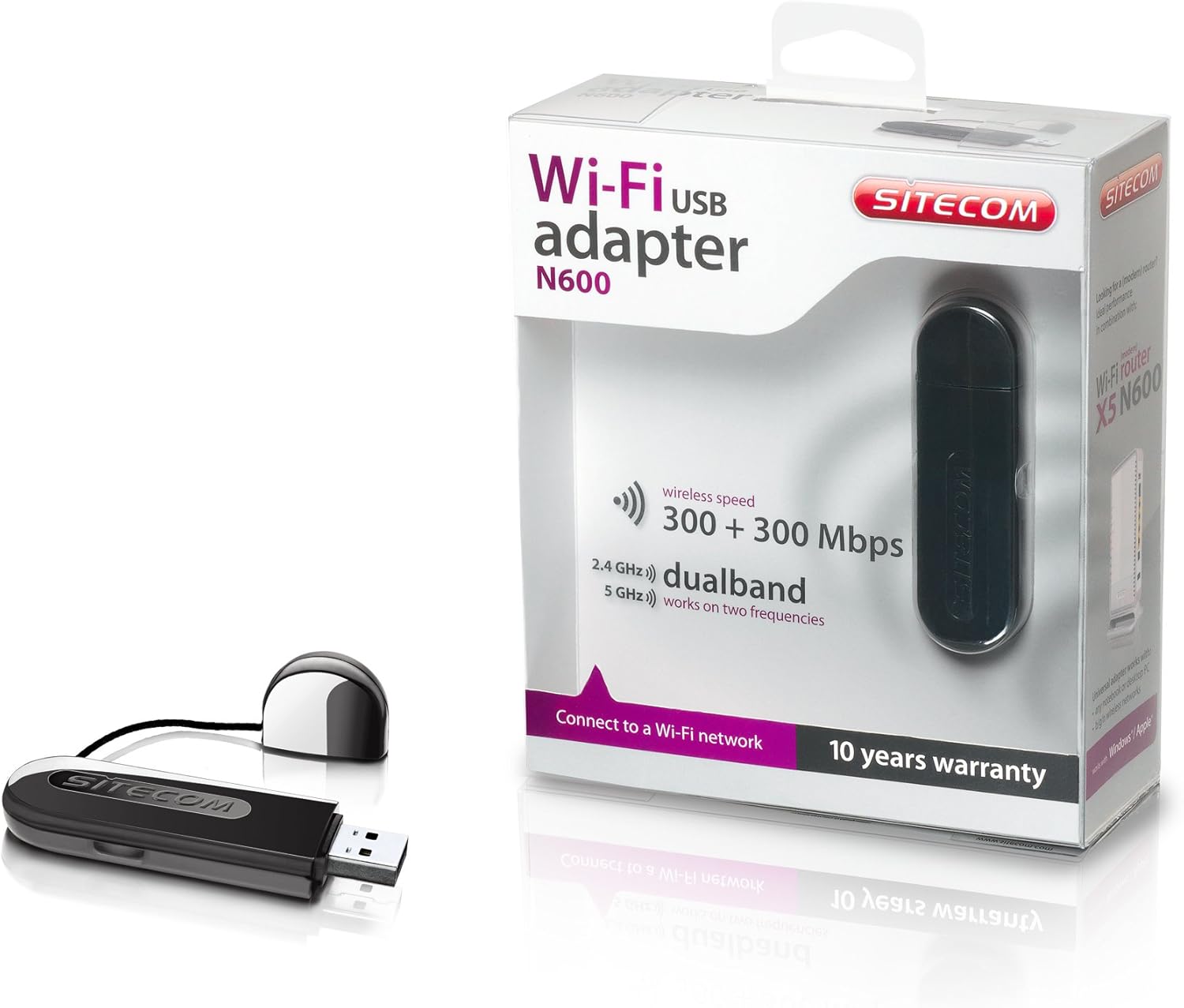
Image 2: The Sitecom WLA-5100 N600 Wi-Fi Dual Band USB Adapter shown alongside its retail packaging. The packaging highlights features such as wireless speed (300 + 300 Mbps) and dual-band functionality (2.4 GHz and 5 GHz).
3. Requisiti di sistema
- Available USB port (USB 2.0 or higher recommended)
- Operating System: Compatible with Windows and Mac OS X (e.g., Mac OS X 10.8 Mountain Lion and later versions).
- Internet connection for driver download (if not using the included CD).
4. Impostazione
4.1 Installazione del driver
- Before inserting the adapter, it is recommended to install the necessary drivers.
- Insert the included Driver CD into your computer's optical drive, or download the latest drivers from the official Sitecom support websito.
- Seguire le istruzioni visualizzate sullo schermo per completare il processo di installazione del driver.
4.2 Installazione hardware
- Carefully insert the Sitecom WLA-5100 USB adapter into an available USB port on your desktop or laptop computer.
- Ensure the adapter is fully seated in the USB port. The operating system should detect the new hardware.
4.3 Connessione a una rete Wi-Fi
- Once the drivers are installed and the adapter is connected, your computer should detect available wireless networks.
- Access your operating system's network settings (e.g., Wi-Fi icon in the system tray for Windows, Wi-Fi menu bar item for macOS).
- Select your desired Wi-Fi network (SSID) from the list of available networks.
- Se richiesto, immettere la chiave di sicurezza di rete (password), quindi fare clic su "Connetti".
- Ora il computer dovrebbe essere connesso alla rete Wi-Fi.
5. Operativo
The WLA-5100 adapter supports dual-band operation, allowing connection to both 2.4 GHz and 5 GHz Wi-Fi networks. The 2.4 GHz band offers wider coverage and better penetration through obstacles, while the 5 GHz band provides faster speeds and less interference, making it ideal for activities like online gaming and high-definition video streaming.
Your computer's operating system will automatically detect and display available networks on both bands. You can choose which band to connect to based on your proximity to the router and your performance needs. For optimal performance, connect to a 5 GHz network if available and you are in close range to your router.
6. Manutenzione
- Mantenere l'adattatore pulito e privo di polvere. Utilizzare un panno morbido e asciutto per la pulizia.
- Evitare di esporre l'adattatore a temperature estreme, alla luce solare diretta o all'umidità.
- Non tentare di smontare o modificare il dispositivo, poiché ciò invaliderebbe la garanzia e potrebbe causare danni.
- When not in use, store the adapter in a safe place to prevent physical damage.
7. Risoluzione Dei Problemi
7.1 Nessuna connessione Wi-Fi
- Controllare la connessione dell'adattatore: Ensure the adapter is securely plugged into a functional USB port. Try a different USB port.
- Verifica l'installazione del driver: Confirm that the drivers are correctly installed. Check your computer's Device Manager (Windows) or System Information (macOS) to see if the adapter is listed without errors. Reinstall drivers if necessary.
- Stato del router: Assicurati che il router Wi-Fi sia acceso e che trasmetta un segnale.
- Portata di rete: Make sure your computer is within range of your Wi-Fi network.
- Riavvia il computer: A volte un semplice riavvio può risolvere i problemi di connettività.
7.2 Velocità di connessione lenta
- Selezione della banda: If available, connect to the 5 GHz network for faster speeds, especially if you are close to the router.
- Interferenza: Move the adapter or computer away from potential sources of interference (e.g., microwaves, cordless phones, Bluetooth devices).
- Aggiornamento driver: Assicurarsi di aver installato i driver più recenti per l'adattatore.
- Prestazioni del router: Check your router's settings and ensure it is operating optimally.
7.3 Adattatore non riconosciuto
- Porta USB: Prova a collegare l'adattatore a una porta USB diversa del computer.
- Reinstallare i driver: Uninstall existing drivers and perform a clean reinstallation.
- Aggiornamenti del sistema operativo: Assicurati che il tuo sistema operativo sia aggiornato.
8. Specifiche
| Caratteristica | Dettaglio |
|---|---|
| Marca | Sito web |
| Modello | WLA-5100 |
| Tecnologia di connettività | Senza fili |
| Interfaccia host | USB |
| standard wireless | IEEE 802.11a, 802.11b, 802.11g, 802.11n (Wi-Fi 4) |
| Velocità wireless | Fino a 300 Mbps (2.4 GHz) + 300 Mbps (5 GHz) |
| Banda di frequenza | Doppia banda (2.4 GHz e 5 GHz) |
| Colore | Nero |
| Dimensioni (L x P x A) | 7.5 x 2.5 x 1 cm (circa) |
| Peso | 10 grammi |
| Fonte di alimentazione | USB alimentato |
| Dispositivi compatibili | Desktop computer, Laptop computer |
| Numero articolo commerciale globale (GTIN) | 08716502026821 |
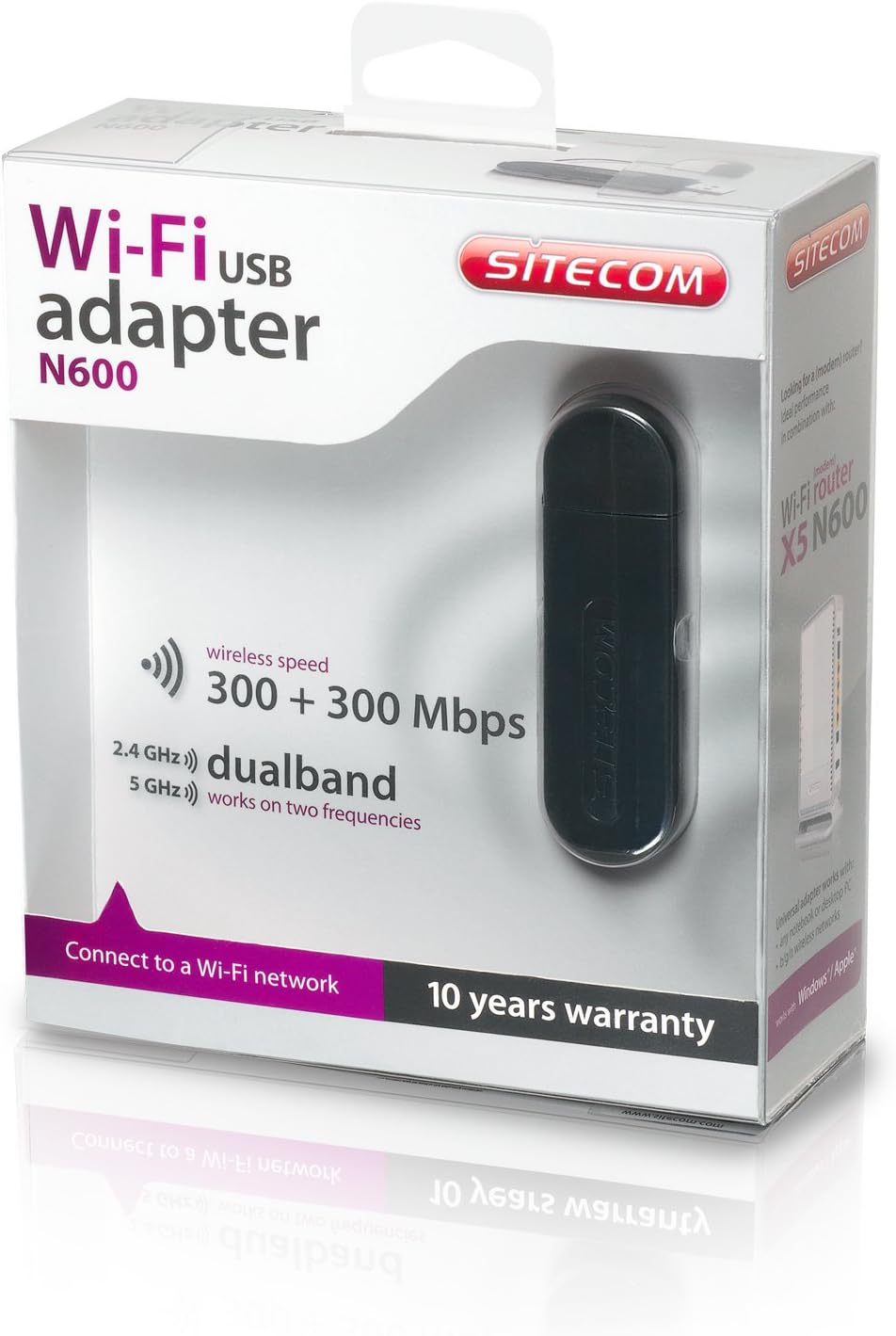
Image 3: The retail packaging for the Sitecom WLA-5100 N600 Wi-Fi Dual Band USB Adapter. The box prominently displays the product name, N600 rating, wireless speed, and dual-band capabilities.
9. Garanzia e supporto
The Sitecom WLA-5100 N600 Wi-Fi Dual Band USB Adapter typically comes with a Garanzia di 10 anno, come indicato sulla confezione del prodotto. Conservare la prova d'acquisto per eventuali reclami in garanzia.
For technical support, driver downloads, frequently asked questions, or further assistance, please visit the official Sitecom website or contact their customer support. Refer to the packaging or the Sitecom websito per le informazioni di contatto dell'assistenza più aggiornate.


