1. Introduzione
Thank you for choosing the PureMate 5-in-1 Multi-Technology Air Purifier PM 510. This advanced air purification system is designed to significantly improve the air quality in your home or office by effectively removing airborne pollutants, allergens, and odors. Featuring a comprehensive 5-stage filtration process, including True HEPA, Activated Carbon, UV-C light, TiO2, and a Negative Ion Generator, the PM 510 provides a cleaner, healthier environment for you and your family.
Please read this manual thoroughly before operating the appliance and keep it for future reference. Proper use and maintenance will ensure optimal performance and longevity of your air purifier.
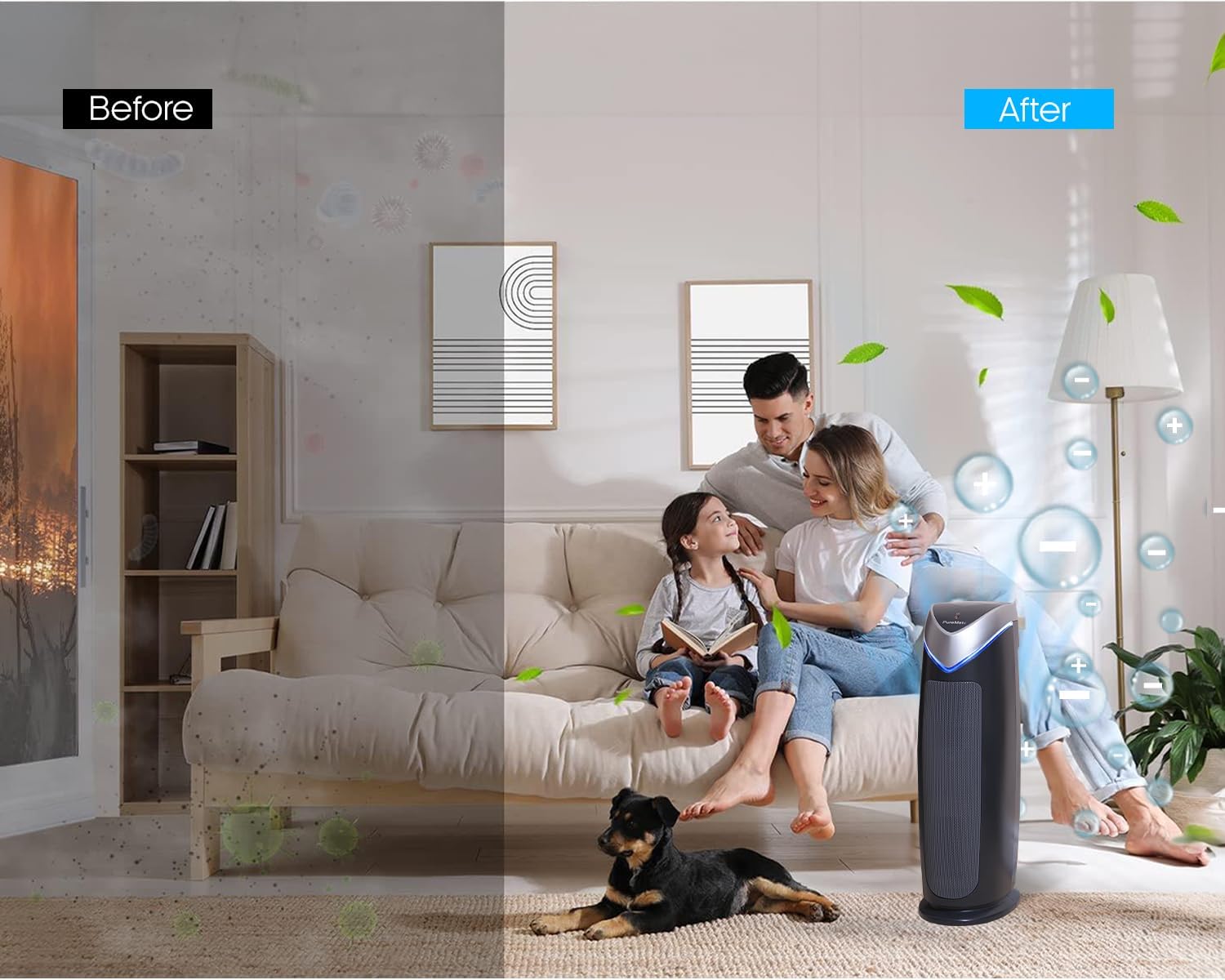
Figure 1.1: Visual representation of air quality improvement with the PureMate Air Purifier.
2. Informazioni sulla sicurezza
To reduce the risk of electric shock, fire, and injury, please read all instructions carefully before operating the appliance.
- Posizionare sempre il purificatore d'aria su una superficie stabile e piana.
- Do not operate the appliance with a damaged cord or plug. If the cord or plug is damaged, it must be replaced by the manufacturer, its service agent, or similarly qualified persons to avoid a hazard.
- Non utilizzare il purificatore d'aria in ambienti umidi o umidiamp ambienti, come bagni o lavanderie.
- Tenere l'apparecchio lontano da fonti di calore, dalla luce solare diretta e da materiali infiammabili.
- Non inserire oggetti nelle prese d'aria o nelle aperture.
- Unplug the air purifier from the power outlet before cleaning, performing any maintenance, or when not in use.
- Questo apparecchio non è destinato all'uso da parte di persone (bambini compresi) con ridotte capacità fisiche, sensoriali o mentali, o prive di esperienza e conoscenza, a meno che non siano supervisionate o abbiano ricevuto istruzioni riguardanti l'uso dell'apparecchio da una persona responsabile della loro sicurezza.
- I bambini devono essere sorvegliati per assicurarsi che non giochino con l'apparecchio.
- La lampada UV-Camp contiene mercurio. Se lamp breaks, handle with care and dispose of according to local regulations. Do not look directly at the UV-C light when it is on, as it can cause eye damage.
3. Prodotto finitoview
3.1 Componenti
The PureMate PM 510 Air Purifier consists of several key components working together to provide comprehensive air purification:
- Unità principale: Houses the fan, control panel, and filtration system.
- Pre filtro: Cattura le particelle più grandi come polvere, lanugine e peli di animali domestici.
- Vero filtro HEPA: Traps 99.97% of airborne particles as small as 0.3 microns, including pollen, dust mites, and mold spores.
- Filtro a carbone attivo: Absorbs odors from cooking, pets, smoke, and harmful gases.
- UV-C Lamp: Kills airborne bacteria, viruses, and mold spores.
- Filtro TiO2: Works with the UV-C lamp to decompose odor molecules.
- Generatore di ioni negativi: Releases negative ions to help airborne particles settle, making them easier to filter.
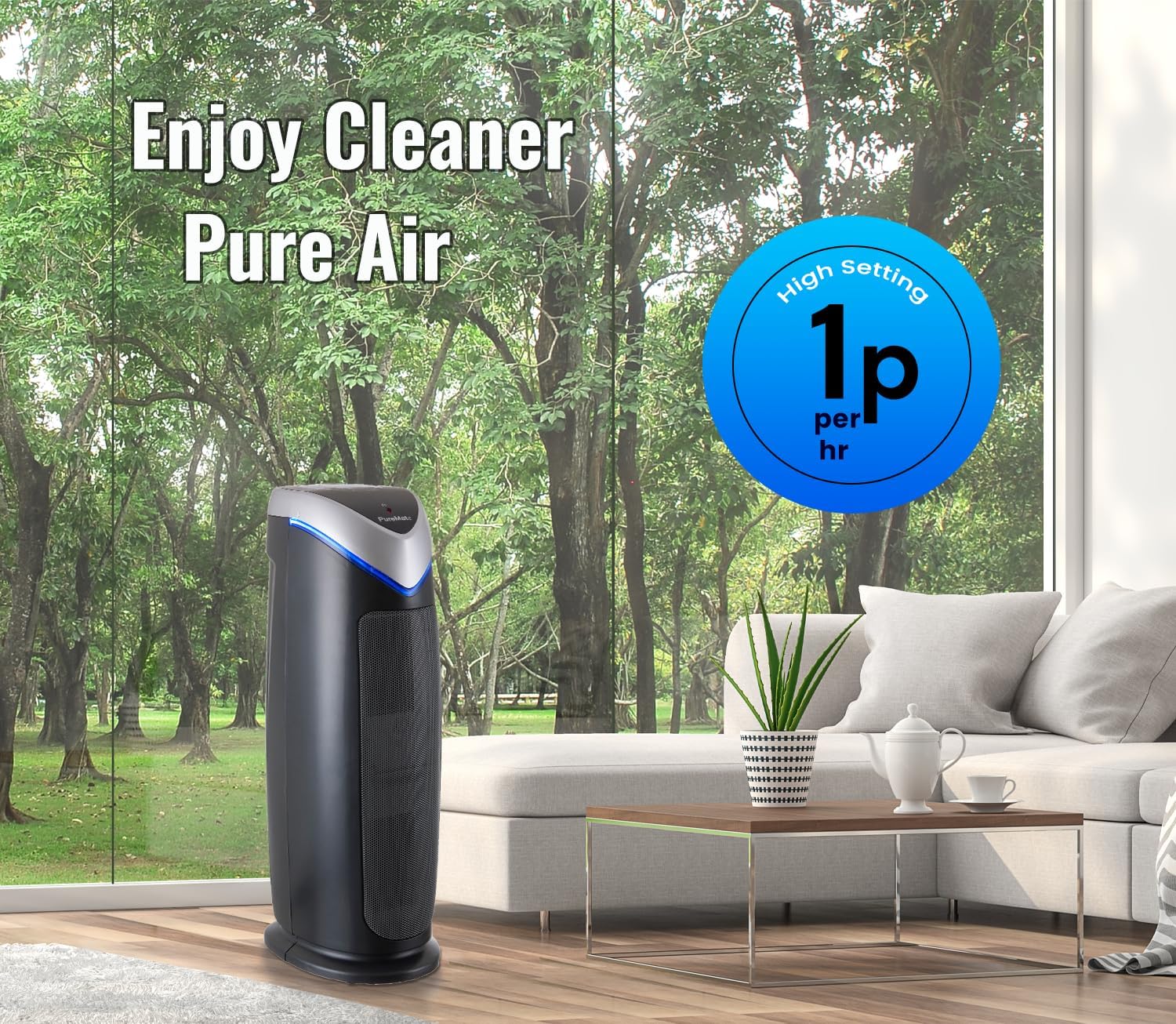
Figure 3.1: Internal components and filtration stages of the PureMate Air Purifier.
3.2 Caratteristiche
The PM 510 is equipped with features designed for effective and convenient air purification:
- 5-Stage Purificazione dell'aria: Combines multiple technologies for comprehensive air cleaning.
- High CADR Rating: CADR (Clean Air Delivery Rate) values of SMOK: 110, POLLEN: 120, DUST: 126 ensure rapid air purification.
- 5 velocità della ventola: Adjustable fan speeds from ultra-quiet to powerful for various needs.
- Display digitale: Clear LCD screen shows activated modes and settings.
- Funzione timer: Set operation time from 1 to 8 hours.
- Optional Ionizer and UV Light: Independent control for customized purification.
- Indicatore di sostituzione del filtro: Alerts you when it's time to change the filter and UV lamp.
- Suitable for Medium to Large Rooms: Effective for areas up to 400 sq ft (38 m²).

Figure 3.2: Key features and dimensions of the PureMate Air Purifier.
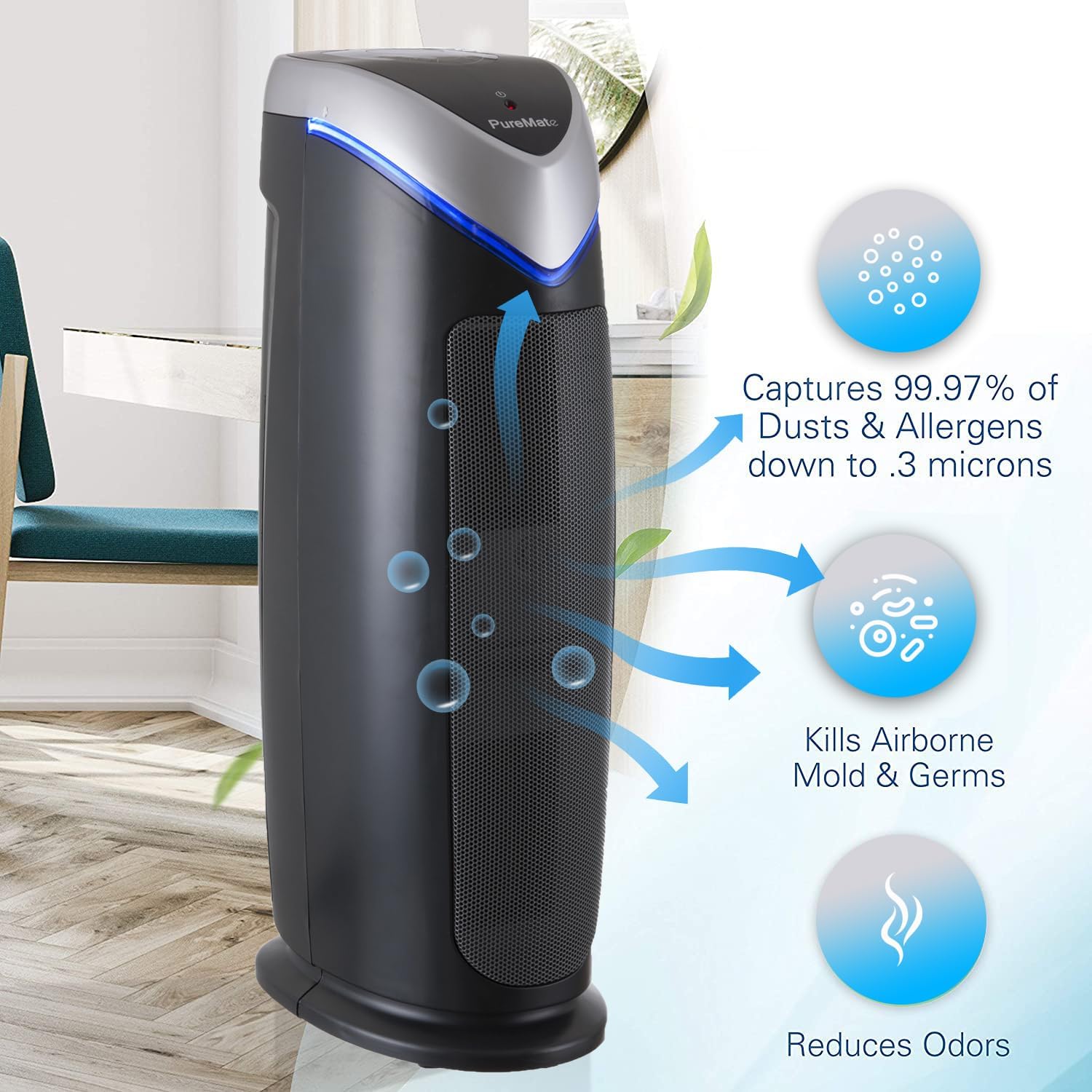
Figure 3.3: Types of pollutants captured by the 2-in-1 True HEPA and Activated Carbon Filter.
4. Impostazione
4.1 Disimballaggio
- Estrarre con cautela il purificatore d'aria dalla confezione.
- Remove all packaging materials, including any protective plastic films or wraps.
- Check the appliance for any signs of damage. If damaged, do not operate and contact customer support.
4.2 Installazione del filtro
The filters are typically pre-installed but may be wrapped in plastic for shipping. Ensure all plastic packaging is removed from the filters before first use.
- Locate the filter compartment cover (usually on the back or side of the unit).
- Open the cover and carefully remove the filter assembly.
- Remove any plastic bags from the True HEPA and Activated Carbon filters.
- Reinserire i filtri nell'unità, assicurandosi che siano orientati correttamente.
- Chiudere bene il coperchio del vano filtro.
4.3 Posizionamento
For optimal performance, place the air purifier in a location that allows for unrestricted airflow.
- Posizionare l'unità su una superficie solida e piana.
- Ensure there is at least 15-30 cm (6-12 inches) of space around all sides of the unit for proper air circulation.
- Avoid placing the unit directly against walls or furniture that might block air intake or output.
- The PM 510 is effective for rooms up to 38 m² (400 sq ft). Position it in the area where air purification is most needed.

Figure 4.1: Recommended placement of the PureMate Air Purifier in a room.
5. Istruzioni per l'uso
The control panel on top of the unit allows you to manage all functions of your air purifier.

Figura 5.1: Pannello di controllo sopraview
5.1 Accensione/spegnimento
- Collegare il cavo di alimentazione a una presa elettrica standard.
- Premere il tasto ACCESO/SPENTO button to turn the unit on or off. The unit will start at the lowest fan speed.
5.2 Regolazione della velocità della ventola
- Premere il tasto MODALITÀ button repeatedly to cycle through the 5 fan speed settings (1 to 5).
- Speed 1 is the quietest, suitable for overnight use. Speed 5 provides maximum air purification.
5.3 Funzione timer
- Premere il tasto TIMER button to set the operating time.
- Each press will cycle through 1, 2, 4, and 8 hours. The unit will automatically turn off after the selected time.
5.4 Ionizer and UV-C Lamp Controllare
- Premere il tasto Optional Ionizer & UV-C button to activate or deactivate the ionizer and UV-C lamp.
- You can choose to have both on, only the ionizer, or only the UV-C lamp, or both off.
5.5 HEPA Reset Button
- After replacing the HEPA filter, press and hold the HEPA Reset button for 3-5 seconds until the indicator light turns off. This resets the filter life monitor.
6. Manutenzione
Regular maintenance ensures your PureMate Air Purifier operates efficiently and extends its lifespan.
6.1 Sostituzione del filtro
The filter replacement indicator light will illuminate when it's time to replace the filter. Filter life varies depending on air quality and usage, but typically lasts 6-8 months.
- Scollegare il purificatore d'aria dalla presa di corrente.
- Aprire il coperchio del vano filtro.
- Rimuovere il vecchio gruppo filtro.
- Smaltire il vecchio filtro in modo responsabile.
- Unpack the new filter and insert it into the unit, ensuring correct orientation.
- Chiudere bene il coperchio del vano filtro.
- Collegare l'unità e tenere premuto il tasto HEPA Reset button for 3-5 seconds to reset the filter indicator.
6.2 Pulizia del filtro
While the HEPA and Activated Carbon filters are not washable, the pre-filter component can be gently vacuumed to remove larger dust particles between replacements. Do not wash the HEPA or Activated Carbon filters with water.
6.3 UV-C Lamp Sostituzione
La lampada UV-Camp also has a lifespan and an indicator light will signal when replacement is needed. Refer to the specific instructions provided with replacement lamps for safe handling and installation.
6.4 Pulizia esterna
- Scollegare sempre l'unità prima di pulirla.
- Pulire le superfici esterne con un panno morbido, damp stoffa.
- Non utilizzare detergenti abrasivi o solventi.
- Assicurarsi che non penetri acqua all'interno dell'unità.
7. Risoluzione Dei Problemi
If you experience issues with your air purifier, please consult the following table before contacting customer support.
| Problema | Possibile causa | Soluzione |
|---|---|---|
| L'unità non si accende | Nessuna alimentazione Cavo di alimentazione non collegato saldamente | Controllare se l'unità è collegata a una presa funzionante Ensure the power cord is firmly connected |
| Il flusso d'aria è debole o rumoroso | I filtri sono intasati Presa/uscita dell'aria bloccata | Replace filters if indicator is on, or vacuum pre-filter Ensure unit is not obstructed by walls or furniture |
| La qualità dell'aria non migliora | I filtri devono essere sostituiti Dimensioni dell'unità non adatte alla stanza UV-C lamp non funziona | Sostituisci i filtri Ensure room size is within specified limits (38 m² / 400 sq ft) Check if UV-C lamp is on; replace if indicator is on |
| Odore insolito dall'unità | Filtro a carbone attivo saturo Odore di nuova unità | Replace Activated Carbon filter Run unit on high for a few hours in a well-ventilated area to dissipate new unit smell |
8. Specifiche
| Specificazione | Dettaglio |
|---|---|
| Numero di modello | PM510 |
| Marca | PureMate |
| Dimensioni (A x L x P) | 55 cm x 17 cm x 25.5 cm (circa 21.65 x 6.7 x 10 pollici) |
| Peso | 4.4 kg (circa 9.7 libbre) |
| Colore | Nero |
| Fonte di alimentazione | Cavo elettrico |
| Tipo di controllo | Controllo dei pulsanti |
| Area di copertura | Fino a 38 m² (400 piedi quadrati) |
| CADR (fumo) | 110 |
| CADR (polline) | 120 |
| CADR (Polvere) | 126 |
| Filtrazione Stages | 5 (Pre-filter, True HEPA, Activated Carbon, UV-C, TiO2, Ionizer) |
| Certificazioni | Certificato CE, RoHS |
| Codice UPC | 700587027659 |
9. Garanzia e supporto
For information regarding warranty coverage and terms, please refer to the warranty card included with your purchase or contact the retailer where you purchased the PureMate Air Purifier. Keep your proof of purchase for warranty claims.
If you require technical assistance or have questions not covered in this manual, please contact PureMate customer support through their official websito o le informazioni di contatto fornite dal tuo rivenditore.
Please have your model number (PM510) and purchase date ready when contacting support.


