Prodotto finitoview
The Rii K12+ Mini Wireless Keyboard with Touchpad Mouse is an ultra-slim, portable input device designed for convenience and versatility. Featuring a durable stainless steel back cover and 2.4 GHz wireless technology, it provides a seamless experience for controlling various devices.
Caratteristiche principali:
- Ultra-slim design with stainless steel construction.
- Portable and elegant form factor.
- Batteria agli ioni di litio ricaricabile integrata.
- Integrated touchpad with multi-finger functions: single-finger click for left mouse function, two-finger click for right mouse function.
- Automatic sleep mode for enhanced battery life.
- Conveniently stored USB receiver in the keyboard's back cover.
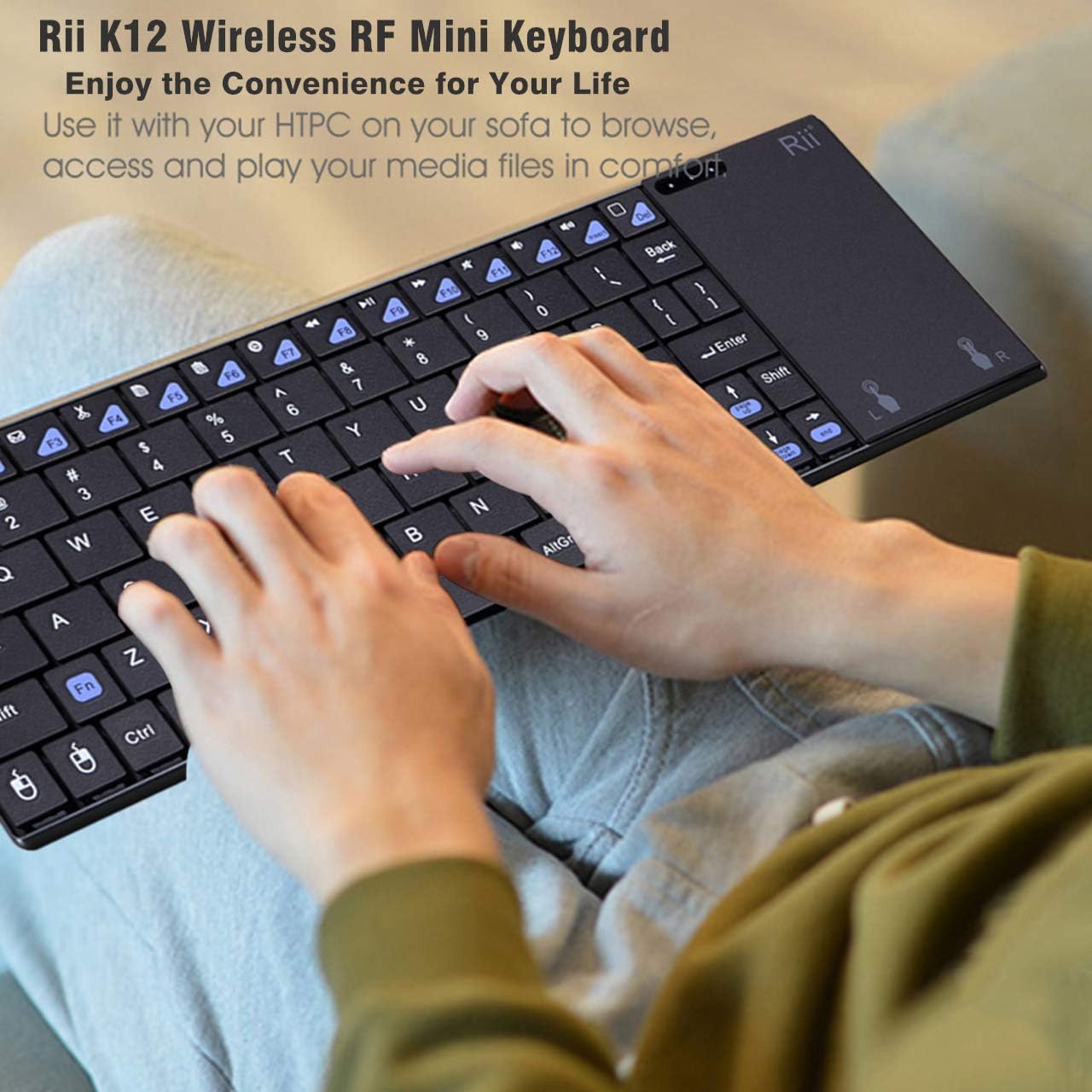
Image: The Rii K12+ Mini Wireless Keyboard being used, demonstrating its compact and portable nature.
Istruzioni di installazione
Follow these steps to set up your Rii K12+ Mini Wireless Keyboard:
- Contenuto della confezione: Ensure you have the mini wireless keyboard, 2.4G receiver adapter, charging data cable, and user manual.
- Carica la tastiera: Connect the provided USB charging cable to the keyboard and a power source (e.g., computer USB port, USB wall adapter). The red indicator light will illuminate during charging and turn off when fully charged. A full charge typically takes about 3 hours.
- Individuare il ricevitore USB: The wireless USB receiver is stored in a compartment on the back of the keyboard for safekeeping. Gently slide open the compartment to retrieve it.
- Collegare il ricevitore USB: Insert the 2.4G USB receiver adapter into an available USB 2.0 port or above on your device (PC, laptop, Smart TV, etc.).
- Accensione: Locate the power switch on the keyboard (usually on the top or side) and slide it to the 'ON' position. The keyboard will automatically connect to the receiver.

Immagine: dettagliata view of the keyboard's side and back, indicating the USB charging port, power switch, and the storage location for the USB receiver.
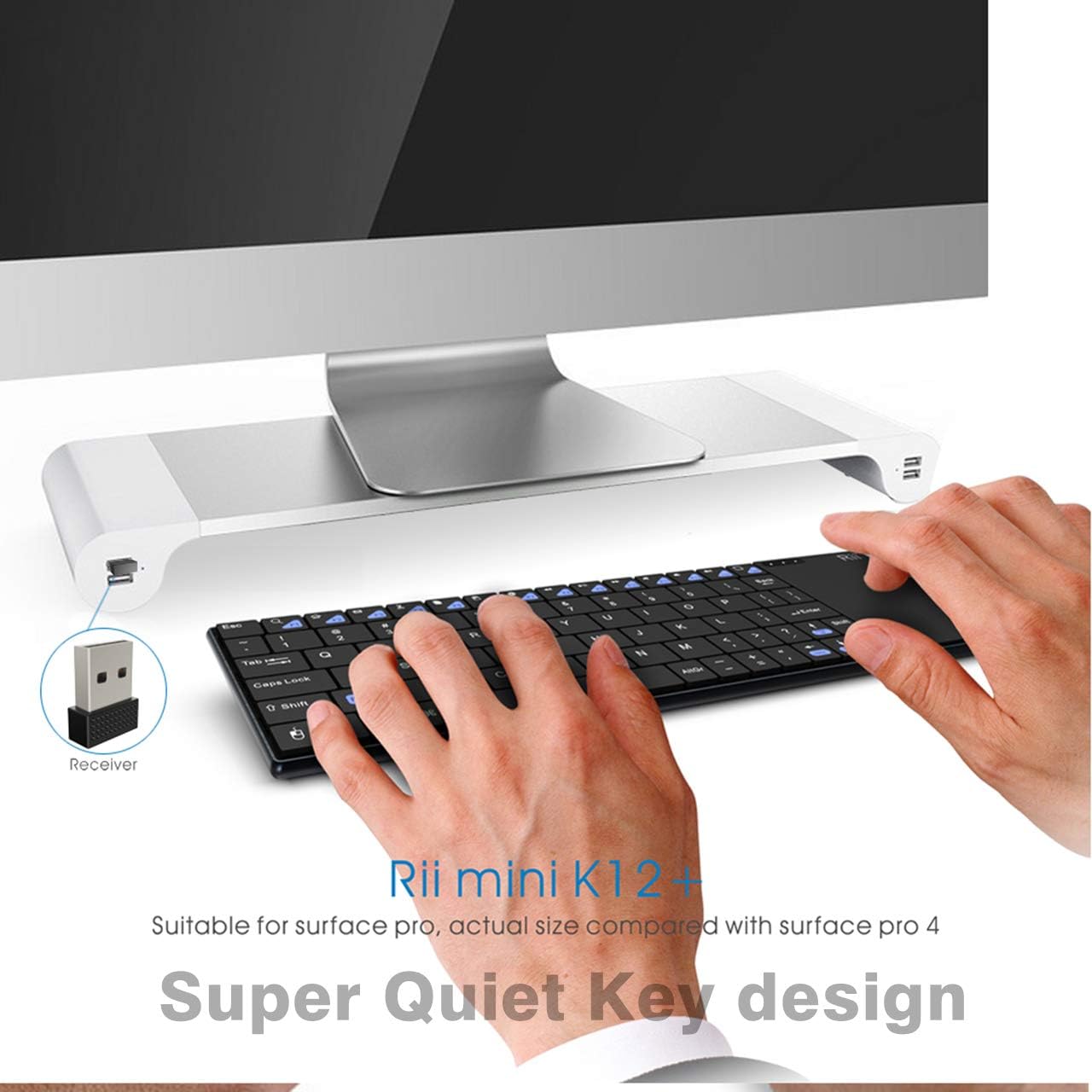
Image: The keyboard in use with a desktop computer, showing the USB receiver plugged into a port.
Istruzioni per l'uso
Your Rii K12+ keyboard is ready for use after successful setup. Here's how to operate its key features:
Funzioni della tastiera
- Digitando: Per l'immissione di testo standard, utilizzare il layout QWERTY.
- Tasti funzione (Fn): Press the 'Fn' key in combination with other keys (e.g., F1-F12, multimedia keys) to access secondary functions.
- Retroilluminazione: The keyboard features a backlight for improved visibility in low-light conditions. Refer to the specific key combinations in your quick guide for backlight control (e.g., changing colors or turning on/off).
Funzioni del touchpad
The integrated touchpad supports multi-finger gestures:
- Clic sinistro: Single-finger tap on the touchpad or press the dedicated left mouse button.
- Clic destro: Two-finger tap on the touchpad or press the dedicated right mouse button.
- Scorrimento: Slide one finger along the right edge of the touchpad to scroll vertically.

Immagine: Un dettaglio view of the keyboard's layout, including LED indicators for charging, Caps Lock, and RF signal, along with visual guides for touchpad gestures.
Manutenzione
To ensure the longevity and optimal performance of your Rii K12+ Mini Wireless Keyboard, follow these maintenance guidelines:
- Ricarica: Charge the keyboard for approximately 3 hours to achieve a full battery. Avoid overcharging for extended periods.
- Conservazione della batteria: The keyboard features an auto-sleep function to conserve battery power. To reactivate, simply click any key.
- Pulizia: Utilizzare un panno morbido e asciutto per pulire la superficie della tastiera. Evitare l'uso di prodotti chimici aggressivi o materiali abrasivi.
- Magazzinaggio: When not in use, store the USB receiver in its designated compartment on the back of the keyboard to prevent loss. Store the keyboard in a cool, dry place.
Risoluzione dei problemi
If you encounter issues with your Rii K12+ Mini Wireless Keyboard, refer to the following common problems and solutions:
- Q1: Keyboard and touchpad do not respond, and indicators are not illuminated.
A: Check whether the switch is in the 'ON' position. If it is in the 'ON' position, please charge the battery with the USB charging cable located in the bottom. - Q2: How long is required to charge the battery?
A: The red indicator will be lighted during charging and off when it is fully charged. It requires about 3 hours to charge the battery fully. - Q3: The USB cable in the bottom can be used for data transmission?
A: No. It is only used to charge the battery. - Q4: The keyboard works but the touchpad does not respond.
A: Premere F5. - Q5: The blue indicator (the fourth one) keeps blinking.
A: It is to indicate that the battery power is low. You need to charge the battery.
Specifiche
| Marca | RII |
| Serie | K12+ |
| Numero di modello | K12 |
| Piattaforma hardware | PC |
| Compatibilità del sistema operativo | Android, Linux, Mac OS, Vista, Windows 2000, Windows XP, Windows CE, Windows 7, Windows 8, Windows 10 |
| Peso dell'articolo | 10.5 once |
| Dimensioni del prodotto (LxWxH) | 9 x 3 x 0.8 pollici |
| Fonte di alimentazione | Alimentato a batteria (1 batteria ai polimeri di litio inclusa) |
| Tecnologia di connettività | RF (2.4 GHz GFSK) |
| Distanza di trasmissione | Fino a 10 metri |
| Descrizione della tastiera | Tastiera QWERTY |
| Caratteristica speciale | Ricaricabile |
| Materiale | Alluminio, acciaio inossidabile |

Image: Visual representation of the Rii K12+ keyboard's broad compatibility with different devices and operating systems.
Garanzia e supporto
Rii provides a Garanzia di riparazione di 12 mesi for this product, ensuring quality and reliability. For any inquiries, technical assistance, or warranty claims, please contact customer support:
E-mail: service_support@riitek.com
Conservare la prova d'acquisto per la convalida della garanzia.


