1. Introduzione e oltreview
The Soundcore Flare is a portable wireless speaker designed to deliver immersive audio with a unique ambient lighting experience. This manual provides essential information for setup, operation, maintenance, and troubleshooting to ensure optimal performance of your device.
Caratteristiche principali:
- Suono a 360°: Dual drivers and passive bass radiators provide all-around sound.
- Tecnologia BassUp: Enhances bass frequencies for deeper beats.
- Spettacolo di luci a ritmo di musica: Customizable LED halo reacts to music.
- Accoppiamento stereo wireless: Connect two Flare speakers for stereo sound or increased volume.
- IP67 impermeabile e antipolvere: Offers protection against water submersion and dust.
- Durata della batteria di 12 ore: Riproduzione prolungata con una singola carica.

Figure 1: Soundcore Flare Wireless Speaker.
2. Impostazione
2.1 Ricarica dell'altoparlante
Before first use, fully charge the speaker. Connect the provided USB cable to the charging port on the speaker and a compatible USB power adapter (not included). The charging indicator light will show charging status. A full charge takes approximately 3 hours.
2.2 Accensione/Spegnimento
Press and hold the power button located on the top of the speaker for 2 seconds to power on or off. The LED light ring will illuminate upon power-on.
2.3 Associazione Bluetooth
- Power on the Soundcore Flare speaker. The Bluetooth indicator light will flash blue, indicating it is in pairing mode.
- Sul tuo dispositivo mobile, attiva il Bluetooth e cerca i dispositivi disponibili.
- Select "Soundcore Flare" from the list of devices. Once connected, the Bluetooth indicator will turn solid blue.
For optimal performance, ensure your device is within 49.2 feet (15 meters) of the speaker.
3. Istruzioni per l'uso
3.1 Riproduzione audio
- Controllo del volume: Per regolare il volume, utilizzare i pulsanti '+' e '-' sull'altoparlante o sul dispositivo collegato.
- Riproduci/Pausa: Premere il pulsante di riproduzione/pausa per controllare la riproduzione della musica.
- Salta tracce: Double-press the play/pause button for next track, triple-press for previous track.
3.2 360° Sound and BassUp Technology
The Soundcore Flare is engineered with dual drivers and passive bass radiators to deliver immersive 360° sound. Activate BassUp Technology by pressing the dedicated button on the speaker or through the Soundcore app for enhanced low-end frequencies.

Figure 2: 360° Sound distribution.
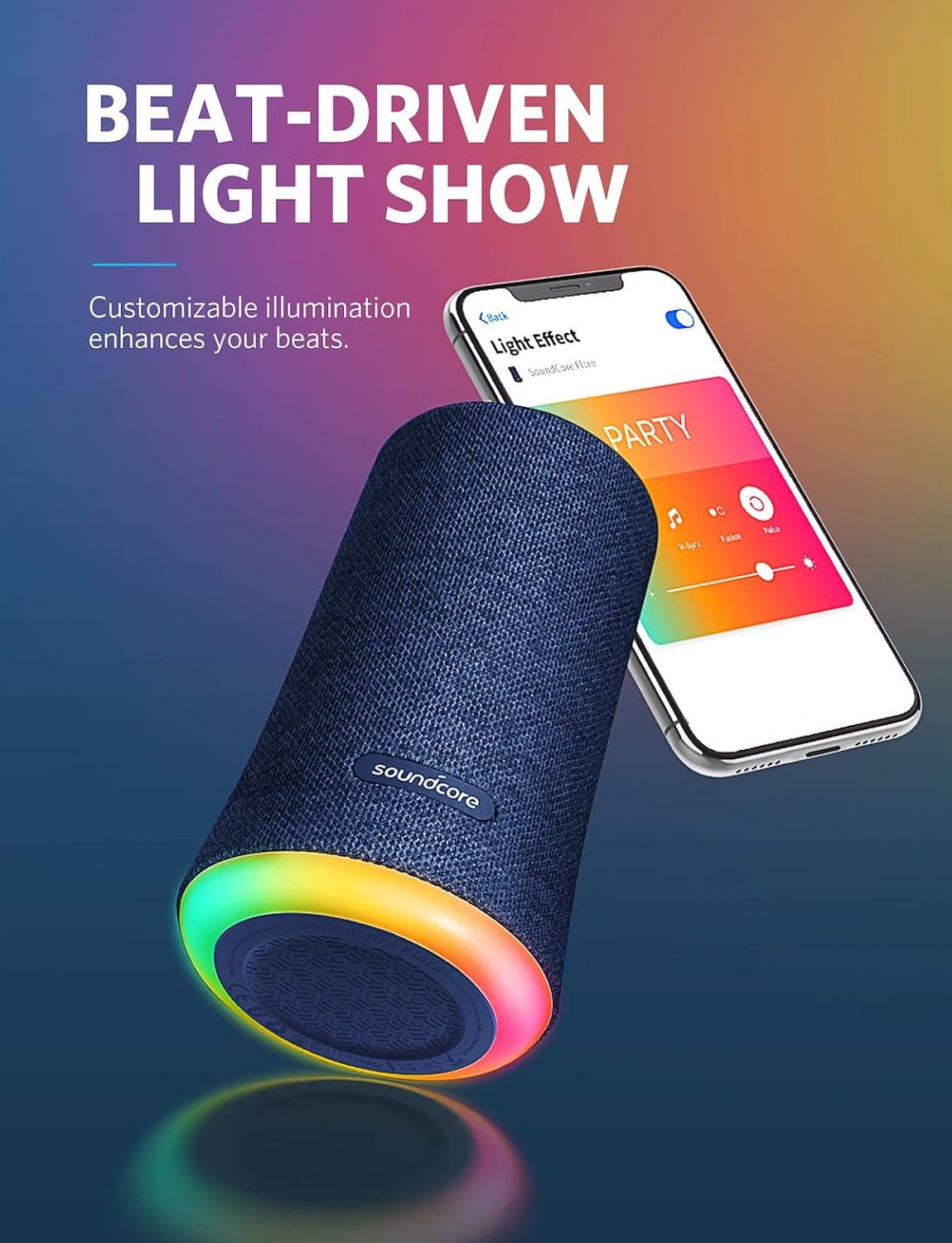
Figure 3: BassUp Technology in action.
3.3 Ambient LED Light Show
The speaker features a customizable LED light ring that phases, pulses, and shines with the rhythm of your music. You can select from multiple themes and illumination patterns using the Soundcore app.

Figure 4: Beat-Driven Light Show customization via app.
3.4 Wireless Stereo Pairing
To connect two Soundcore Flare speakers for a stereo experience or to double the volume:
- Ensure both Soundcore Flare speakers are powered on and not connected to any other Bluetooth device.
- On one speaker (this will be the primary speaker), press and hold the Bluetooth button for 2 seconds until the light flashes blue.
- Sul secondo speaker, premi una volta il pulsante Bluetooth. Il dispositivo cercherà automaticamente l'altoparlante principale e si collegherà ad esso.
- Once connected, both speakers will play audio in sync. For optimal performance, position speakers within 16 ft (5 m) of each other indoors, or 48 ft (15 m) in open spaces.

Figure 5: Wireless Stereo Pairing.
3.5 Applicazione Soundcore
Download the Soundcore app from your device's app store for full customization of sound profiles and light modes. The app allows for fine-tuning of audio settings and personalized light effects.
4. Manutenzione
4.1 Pulizia
Pulisci l'altoparlante con un morbido, damp panno. Non utilizzare detergenti abrasivi o solventi. Assicurarsi che il coperchio della porta di ricarica sia ben chiuso prima di pulirlo o esporlo all'acqua.
4.2 Impermeabilità (classificazione IP67)
The Soundcore Flare is IP67 rated, meaning it is protected against dust ingress and can withstand immersion in water up to 1 meter for 30 minutes. Always ensure the charging port cover is firmly sealed when near water or in dusty environments to maintain its waterproof integrity.

Figure 6: IP67 Waterproof protection.
4.3 Cura della batteria
To prolong battery life, avoid fully discharging the speaker frequently. Charge the speaker regularly, even if not in use, to maintain battery health. Store in a cool, dry place when not in use for extended periods.
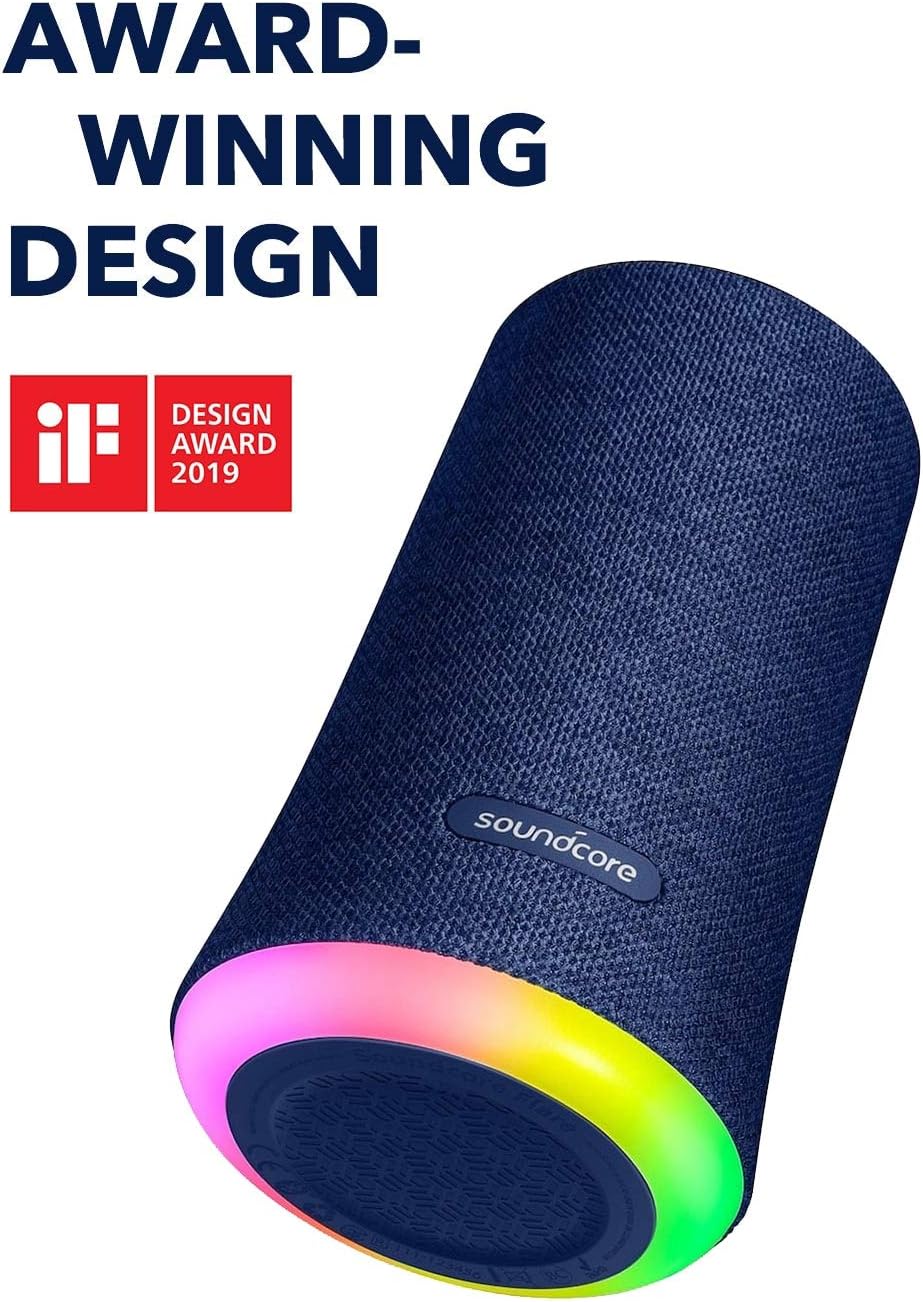
Figure 7: 12-Hour Playtime.
5. Risoluzione Dei Problemi
- L'altoparlante non si accende: Assicurarsi che la batteria sia carica. Collegare a una fonte di alimentazione e riprovare.
- Impossibile associare il dispositivo Bluetooth: Make sure the speaker is in pairing mode (flashing blue light). Turn off Bluetooth on other devices that may be connected to the speaker. Try restarting both the speaker and your device.
- Nessun suono: Controlla i livelli del volume sia sull'altoparlante che sul dispositivo connesso. Assicurati che l'altoparlante sia associato correttamente.
- Scarsa qualità del suono: Move the speaker closer to your Bluetooth device. Ensure there are no obstructions between the speaker and the device.
- Lights not working as expected: Use the Soundcore app to customize or reset light modes.
- Wireless Stereo Pairing issues: Ensure both speakers are Soundcore Flare models and are not connected to any other Bluetooth devices before initiating pairing.
6. Specifiche
| Caratteristica | Specificazione |
|---|---|
| Nome del modello | A3161 |
| Tipo di altoparlante | Senza fili |
| Tecnologia di connettività | Bluetooth |
| Portata Bluetooth | 49.2 piedi (15 metri) |
| Livello di resistenza all'acqua | IP67 (impermeabile) |
| Fonte di alimentazione | Alimentato a batteria |
| Durata della batteria | 12 ore (circa) |
| Tempo di ricarica | 3 ore |
| Potenza massima in uscita dell'altoparlante | 20 Watt |
| Modalità di uscita audio | Stereo |
| Peso dell'articolo | 1.58 libbre (0.72 chilogrammi) |
| Dimensioni del prodotto | 89 x 89 x 151 inches (Note: This dimension seems incorrect, typically in mm or cm for small electronics) |
| Componenti inclusi | Altoparlante portatile |
7. Garanzia e supporto
The Soundcore Flare Wireless Speaker comes with a Limited Warranty. For detailed warranty information, product registration, and technical support, please visit the official Soundcore website or contact Soundcore customer service.


