1. Introduzione
Thank you for choosing the Rocketfish RF-HTS4418 12-Outlet Power Center. This device is designed to protect your valuable electronics from power surges and spikes while providing ample power outlets and USB charging ports. Please read this manual thoroughly before using the product to ensure safe and optimal performance.
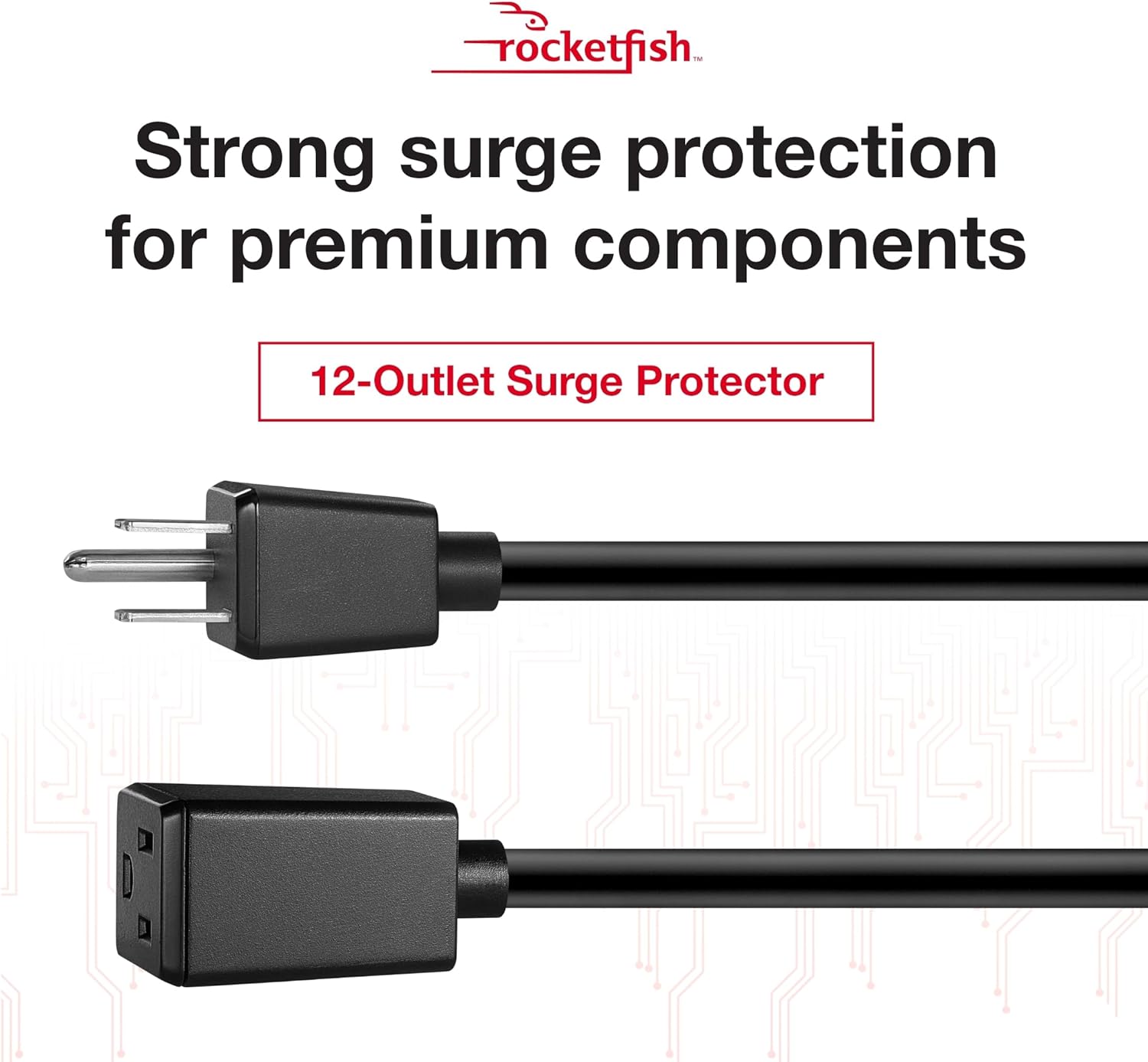
Immagine 1.1: anteriore view of the Rocketfish 12-Outlet Power Center.
2. Informazioni sulla sicurezza
Per ridurre il rischio di scosse elettriche, incendi o lesioni, seguire sempre queste precauzioni di sicurezza di base:
- Do not use this product near water or in excessively humid environments.
- Do not open the housing. There are no user-serviceable parts inside.
- Ensure the power center is plugged into a properly grounded outlet.
- Do not exceed the electrical ratings of the power center.
- Keep children away from the power center.
- Avoid running power cords under carpets or rugs.
3. Contenuto della confezione
Verifica che i seguenti elementi siano inclusi nel tuo pacchetto:
- Rocketfish RF-HTS4418 12-Outlet Power Center
- Manuale dell'utente (questo documento)
4. Caratteristiche del prodotto
The Rocketfish RF-HTS4418 Power Center offers advanced features for comprehensive protection and convenience:
- 12 prese CA: Fornisce ampconnessioni di alimentazione per più dispositivi.
- Porte di ricarica USB: Conveniently charge mobile devices.
- Protezione contro le sovratensioni: Protects connected equipment from power surges and spikes with a 5280-joule rating.
- EMI/RFI Noise Filter: Reduces electromagnetic and radio frequency interference for cleaner power delivery.
- Basso Profile Progetto: Allows for placement in limited spaces.
- Compatibilità universale: Suitable for computers, TVs, and various household appliances.

Image 4.1: The power center features a 5280-joule rating for robust surge protection.

Image 4.2: Detail of the 12 AC outlets and multiple USB ports.

Image 4.3: Features such as the 47dB EMI/RFI Noise Filter and low profile progetto.

Image 4.4: Universal compatibility for various electronic devices.
5. Impostazione
- Posizionamento: Position the power center in a dry, indoor location, away from heat sources and direct sunlight. Its low-profile design allows for flexible placement.
- Collegare alla presa a muro: Plug the power center's main power cord into a standard, grounded 240V AC wall outlet.
- Connetti dispositivi: Plug your electronic devices into the available AC outlets. For charging mobile devices, use the USB ports.
- Coaxial/Phone Line Protection (if applicable): If your model includes coaxial or phone line protection, connect your incoming line to the 'IN' port and your device to the 'OUT' port.

Image 5.1: The power center's main plug for connection to a wall outlet.
6. Istruzioni per l'uso
Once connected, the Rocketfish Power Center operates automatically to protect your devices.
- Indicatore di alimentazione: A light on the power center indicates that it is receiving power and the surge protection is active.
- Protezione da sovraccarico: In case of an overload, the circuit breaker may trip. If this happens, unplug some devices, then press the reset button (if available) to restore power.
- Ricarica USB: Simply connect your USB-powered devices to the USB ports for charging. The power center will automatically detect and deliver the appropriate charging current.
Video 6.1: Oltreview of the Rocketfish Power Center's features and functionality.
Video 6.2: Demonstration of connecting devices to the power center.
7. Manutenzione
The Rocketfish Power Center requires minimal maintenance:
- Pulizia: Unplug the power center from the wall outlet before cleaning. Use a soft, dry cloth to wipe the exterior. Do not use liquid cleaners or aerosols.
- Ispezione: Periodically inspect the power cord and the unit for any signs of damage. If damage is present, discontinue use and contact support.
8. Risoluzione Dei Problemi
| Problema | Possibile causa | Soluzione |
|---|---|---|
| Nessuna alimentazione ai dispositivi collegati. | Power center not plugged in, wall outlet not working, circuit breaker tripped. | Ensure power center is securely plugged in. Test wall outlet with another device. Reset the power center's circuit breaker if tripped. |
| Le porte USB non si caricano. | Device not compatible, cable faulty, power center not receiving power. | Check device compatibility. Try a different USB cable. Ensure the power center is powered on. |
| La spia di alimentazione è spenta. | No power to the unit, surge protection compromised. | Check wall outlet. If the indicator remains off after confirming power, the surge protection may have been sacrificed to protect your devices. The unit may still function as a power strip, but surge protection is no longer active. Replace the unit for continued surge protection. |
9. Specifiche
- Modello: RF-HTS4418
- Totale prese di corrente: 12
- Voltage: 240 Volt
- Protezione contro le sovratensioni: 5280 Joule
- Caratteristiche speciali: Surge Protection, USB Slots, EMI/RFI Noise Filter
- Dimensioni del prodotto: 17.33 x 10.56 x 3.85 pollici (44.02 x 26.82 x 9.78 cm)
- Peso dell'articolo: 6.25 libbre (2.83 kg)
- Utilizzi consigliati: Apartment, Home Theater, Office
- Primo disponibile: 13 giugno 2018
10. Garanzia e supporto
Rocketfish products are designed for reliability and performance. This product includes a lifetime equipment guarantee, protecting your connected devices up to $1,000,000 against surge damage when properly connected.
For technical support, warranty claims, or further assistance, please visit the official Rocketfish website or contact their customer service. Keep your purchase receipt for warranty purposes.
Supporto online: www.rocketfishproducts.com/support (Exampil collegamento, fare riferimento alla documentazione del prodotto effettivo per la corretta URL)


