Introduzione
This manual provides essential information for the safe and efficient operation of your Skyworth 49 M20 Full HD LED Smart TV. Please read it thoroughly before using the product and retain it for future reference.
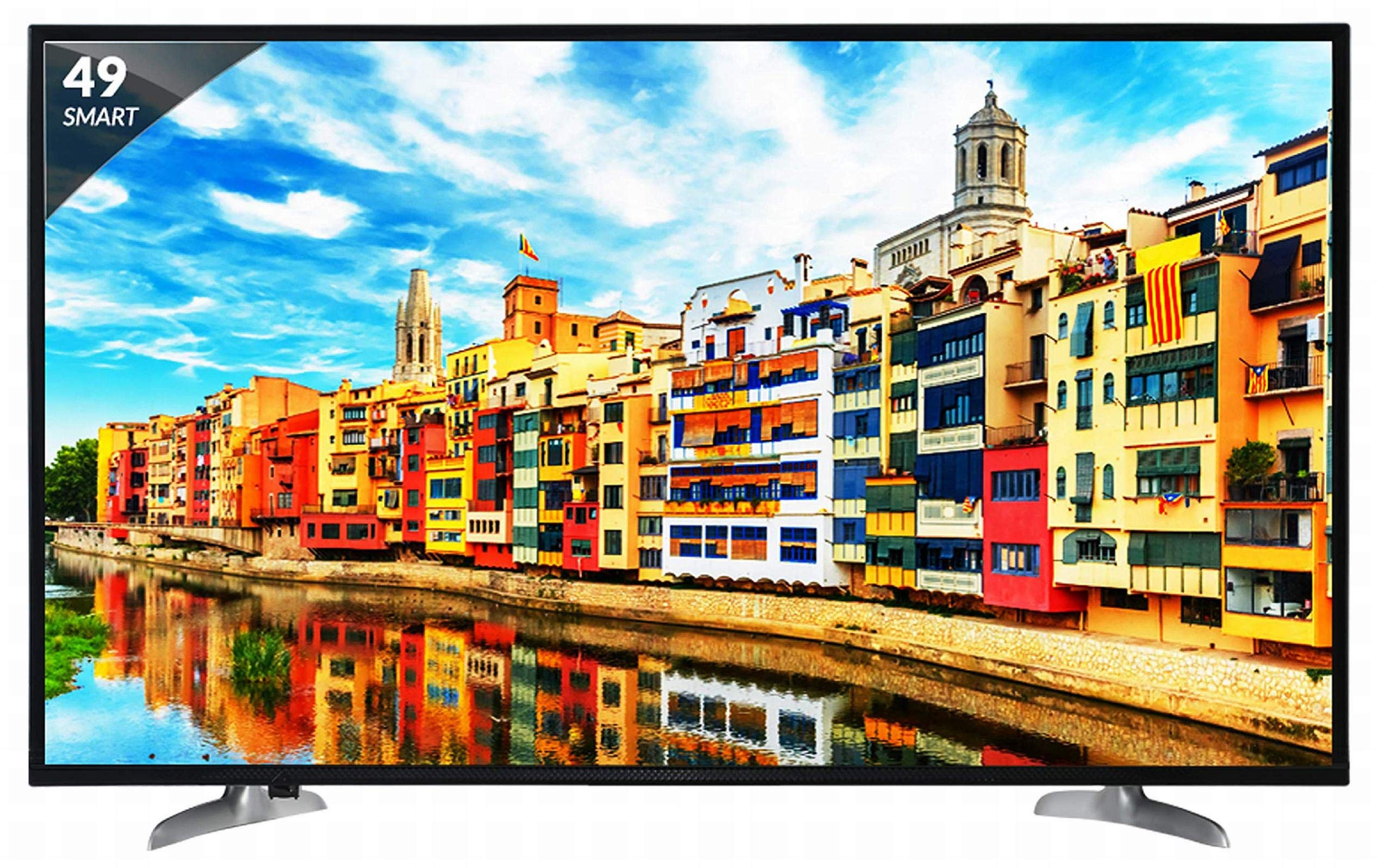
Figura 1: Fronte view of the Skyworth 49 M20 Full HD LED Smart TV.
Configurazione e installazione
Unpacking the TV
Rimuovere con attenzione tutti i componenti dall'imballaggio. Assicurarsi che siano presenti tutti gli articoli elencati di seguito.
Cosa c'è nella scatola:
- Televisore LED da 1 pollici
- 1 supporto da tavolo
- 1 Staffa per montaggio a parete
- 1 Manuale d'uso
- 1 Scheda di garanzia
- 1 telecomando
- 2 batterie AAA
- 1 cavo di alimentazione / adattatore di alimentazione
Video 1: Unboxing e inizialiview of the Skyworth 49 M20 Smart TV.
Installazione del supporto
If using the table-top stand, attach it securely to the base of the TV using the provided screws. Refer to the diagram for correct orientation.
Montaggio a parete
For wall mounting, use the included wall mount bracket. It is recommended to seek professional assistance for wall mounting to ensure safety and proper installation. Contact Skyworth at 18001210108 for installation services.

Figura 2: lato view of the TV, illustrating the slim design and stand attachment points.
Connettività
Your Skyworth 49 M20 TV offers various ports for connecting external devices.
Porte disponibili:
- 3 porte HDMI: Per collegare decoder, lettori Blu-Ray, console di gioco e altri dispositivi abilitati HDMI.
- 2 porte USB: For connecting hard drives, USB flash drives, and other USB devices to play media files.
- 1 porta VGA: For connecting laptops or desktop computers.

Figure 3: Rear panel of the TV, highlighting the various input and output ports.

Figura 4: dettagliata view of the connectivity ports including HDMI, USB, and VGA.
Utilizzo della Smart TV
Accensione/spegnimento
Connect the power cable to the TV and a power outlet. Press the power button on the remote control or on the TV to turn it on or off.
Procedura guidata di configurazione iniziale
Upon first power-on, the TV will guide you through an initial setup process, including language selection, network connection, and channel scanning.
Caratteristiche della Smart TV
The Skyworth 49 M20 is an Android-based Smart TV with built-in Wi-Fi, offering access to a variety of applications and online content.
- Wi-Fi incorporato: Collegati alla tua rete domestica per accedere a Internet.
- Netrange App Store: Download and install applications for movies, music, games, and more.
- Installa APK: Allows installation of additional applications via APK files.
- Sky Share: Condividi i media files (videos, pictures) from your mobile phone to the TV.
- Rete domestica: Access media content from other devices on your home network.
- Servizi Internet supportati: Includes Twitter and YouTube.

Figure 5: The Smart TV home screen interface, showing various app icons.

Figure 6: The Netrange App Store interface, displaying available applications.
Video 2: Oltreview of the Skyworth Full HD IPS Smart LED TV features, including display, smart functions, and connectivity.
Schermo e audio
Tecnologia di visualizzazione
The TV features a 49-inch Full HD (1920x1080p) IPS LED panel with a 60 Hz refresh rate. The IPS technology provides a wide 178-degree viewing angle, ensuring consistent picture quality from various positions.
Sistema audio
Equipped with 20 Watts output and down-firing speakers, the TV delivers clear audio. DTS Sound technology enhances the audio experience.
Specifiche tecniche
| Caratteristica | Dettaglio |
|---|---|
| Modello | 49 M20 |
| Dimensioni dello schermo | 49 pollici (124.5 cm) |
| Tecnologia di visualizzazione | Pannello LED IPS |
| Risoluzione | FullHD (1920x1080p) |
| Frequenza di aggiornamento | 60 Hertz |
| Viewangolo di ing | 178 gradi |
| Sistema operativo | Android |
| Processore | ARM Quad Core Processor |
| Scheda grafica | Dual Core 3D GPU |
| Memoria RAM | 512 MB |
| ROM | 4 GB |
| Connettività | 3 HDMI, 2 USB, 1 VGA, Built-in Wi-Fi |
| Uscita audio | 20 Watt |
| Tecnologia del suono | DTS Sound, Down Firing Speakers |
| Dimensioni del prodotto (LxWxH) | Dimensioni: 111.1 x 27.1 x 68.9 cm |
| Peso dell'articolo | 16 kg |
| Batterie | 2 batterie AAA (incluse per il telecomando) |

Figure 7: Summary of key TV features including screen size, connectivity, display, sound, and smart TV capabilities.
Risoluzione dei problemi
This section addresses common issues you might encounter with your TV. For more complex problems, please contact customer support.
Nessun potere
- Assicurarsi che il cavo di alimentazione sia collegato saldamente sia al televisore sia a una presa di corrente funzionante.
- Verificare che la presa di corrente funzioni collegandovi un altro dispositivo.
- Verify that the power indicator light on the TV is on.
Nessuna immagine/suono
- Verificare che sia selezionata la sorgente di input corretta (ad esempio, HDMI 1, AV).
- Check all cable connections (HDMI, AV, etc.) between the TV and external devices.
- Assicurarsi che il volume non sia disattivato o impostato su un livello troppo basso.
Problemi di connessione Wi-Fi
- Riavvia il router Wi-Fi e la TV.
- Assicurati che la TV si trovi nel raggio di azione del router Wi-Fi.
- Verificare che la password Wi-Fi inserita sia corretta.
Il telecomando non funziona
- Sostituire le batterie AAA nel telecomando.
- Assicurarsi che non vi siano ostacoli tra il telecomando e il sensore IR del televisore.
Cura e manutenzione
Pulizia dello schermo
Pulire delicatamente lo schermo con un panno morbido e privo di lanugine. Per macchie ostinate, strofinare leggermenteampPulisci il panno con acqua o con un detergente specifico per schermi. Evita di utilizzare prodotti chimici aggressivi o materiali abrasivi.
Pulizia generale
Wipe the TV's frame and stand with a soft, dry cloth. Do not spray cleaning liquids directly onto the TV.
Ventilazione
Assicurare un'adeguata ventilazione attorno al televisore per evitare il surriscaldamento. Non ostruire le aperture di ventilazione sul retro del televisore.
Garanzia e supporto
Informazioni sulla garanzia
Your Skyworth 49 M20 TV comes with a Garanzia standard del produttore di 2 anni from Skyworth. Please retain your purchase invoice for warranty claims.
Assistenza clienti
For installation, wall mounting, product demonstration, or any service-related queries, please contact Skyworth directly at 18001210108. Provide the product's model name (49 M20) and seller's details from your invoice.
Questo prodotto può essere sostituito/rimborsato entro 10 giorni dalla consegna in caso di difetti, danni o caratteristiche non corrispondenti alla descrizione fornita.


