Introduzione
Grazie per l'acquistoasing the BESTISAN 120W 2.1 Channel Sound Bar System. This manual provides essential information for setting up, operating, and maintaining your new sound system. Please read this manual thoroughly before use to ensure proper operation and to maximize your listening experience.
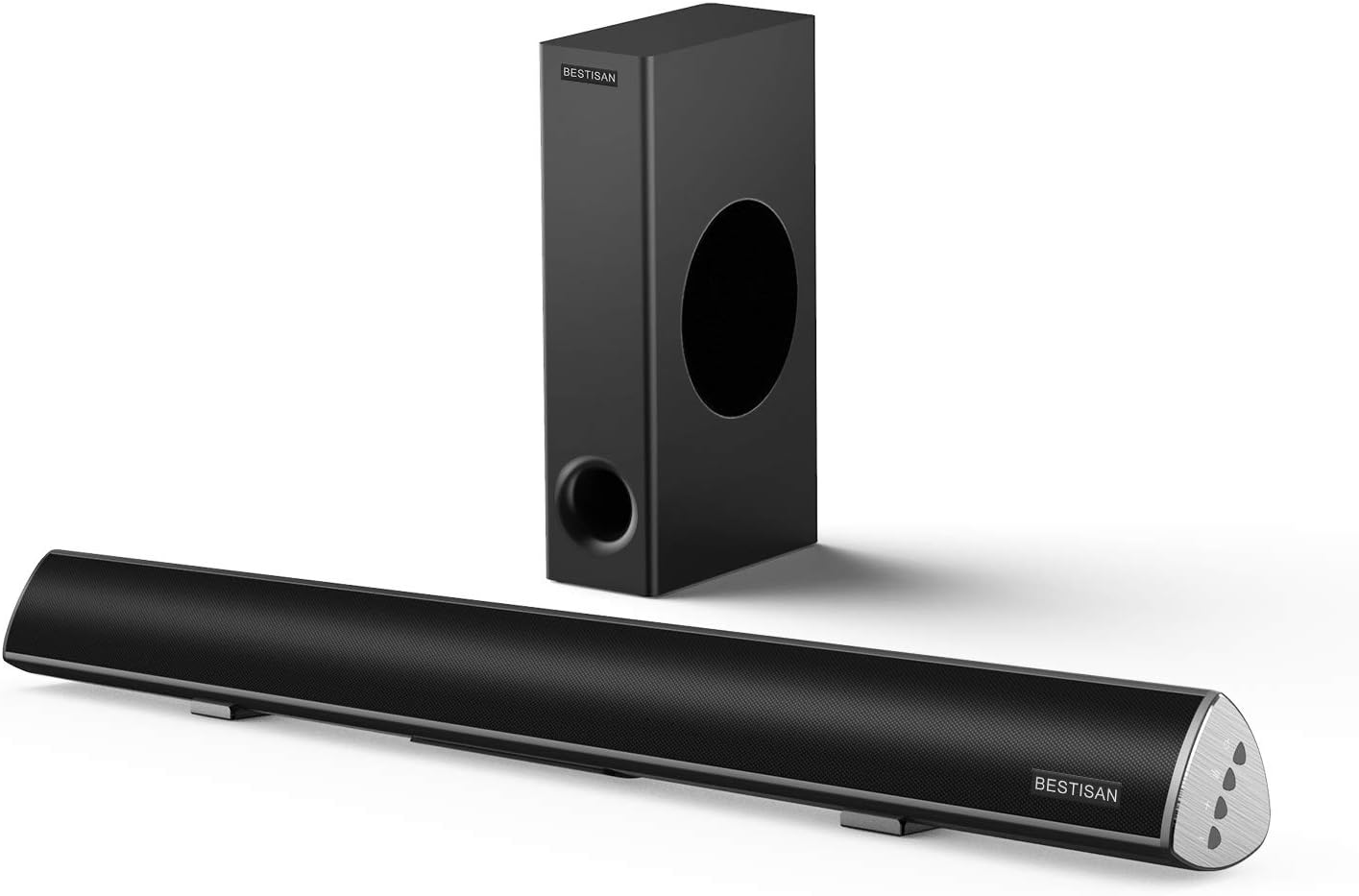
Image: The BESTISAN 120W 2.1 Channel Sound Bar and its wired subwoofer.
Informazioni sulla sicurezza
- Non esporre l'unità a pioggia, umidità o temperature estreme.
- Assicurare una ventilazione adeguata attorno alla soundbar e al subwoofer.
- Non ostruire le aperture di ventilazione.
- Utilizzare solo gli accessori specificati dal produttore.
- Scollegare l'apparecchio durante i temporali o quando non viene utilizzato per lunghi periodi.
- Affidare tutti gli interventi di assistenza a personale qualificato.
Contenuto della confezione
Si prega di verificare che tutti gli articoli siano presenti nel pacco:
- Sound Bar
- Subwoofer cablato
- Telecomando
- Adattatore di alimentazione
- Guida per l'utente
- Cavo ottico digitale
- Cavo audio da RCA stereo a 3.5 mm
- SUB OUT Cable (for subwoofer connection)

Immagine: rappresentazione visiva di tutti gli articoli inclusi nella confezione del prodotto.
Prodotto finitoview
Sound Bar Controls and Remote
The sound bar features integrated controls on its side panel for basic functions, and a comprehensive remote control for full functionality.

Immagine: dettagliata view of the sound bar's side panel controls and the included remote control.
Porte di connettività
The sound bar offers multiple connectivity options to integrate with various devices.
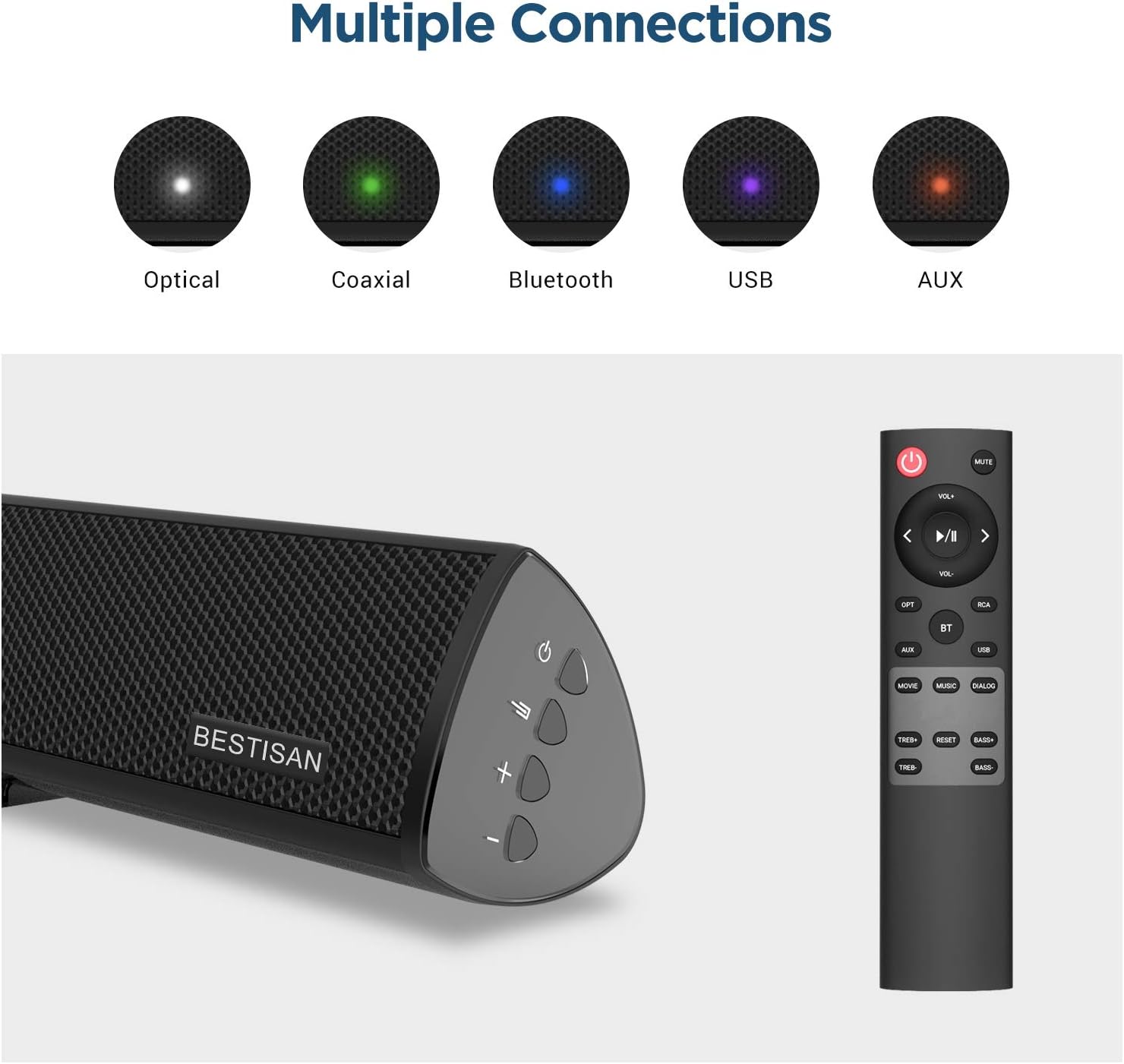
Image: Visual representation of the various input options available on the sound bar, including Optical, Coaxial, Bluetooth, USB, and AUX.
Impostare
Posizionamento
For optimal audio performance, place the sound bar centrally below your television. The subwoofer can be placed on the floor near the sound bar, ensuring it has adequate space for sound dispersion.

Image: The sound bar positioned directly below a television, demonstrating typical placement.
Collegamento del subwoofer
Connect the wired subwoofer to the sound bar using the provided SUB OUT cable. Ensure the connection is secure.
Connecting to Your TV or Audio Source
Scegli uno dei seguenti metodi di connessione:
- Connessione ottica: Use the supplied optical cable to connect the sound bar's OPTICAL IN port to your TV's Optical Out port. This is recommended for high-quality digital audio.
- Collegamento coassiale: Use a coaxial cable (not supplied) to connect the sound bar's COAXIAL IN port to your TV's Coaxial Out port.
- Connessione AUX: Use the supplied Stereo RCA to 3.5mm audio cable to connect the sound bar's AUX IN port to your TV's 3.5mm audio output or RCA audio outputs.
- Connessione USB: Inserire un'unità USB nella porta USB per riprodurre l'audio fileÈ direttamente dall'unità.
Collegamento di potenza
Connect the power adapter to the DC IN port on the sound bar, then plug the adapter into a wall outlet.
Istruzioni per l'uso
Accensione/spegnimento
Premere il tasto Energia button on the remote control or the sound bar to turn the unit on or off.
Selezione dell'input
Premere il tasto Ingresso button (OPT, COAX, AUX, USB, BT) on the remote control to switch between different audio sources.
Controllo del volume
Utilizzare il Volume+ E vol- buttons on the remote or sound bar to adjust the volume level.
Sound Modes (DSP Technology)
The sound bar features Digital Signal Processing (DSP) technology with optimized sound modes for various content types. Press the corresponding button on the remote to select:
- Modalità film: Enhances cinematic sound, providing crisp and clear audio for films.
- Modalità Musica: Optimizes audio for music playback, delivering rich and dynamic sound.
- Modalità dialogo: Improves vocal clarity, making speech in TV shows and news broadcasts more audible.

Image: A visual representation of the DSP Audio Modes (Movie, Music, Dialog) and their effects on sound.

Image: An illustration highlighting the internal speaker configuration for champion stereo sound.
Accoppiamento Bluetooth
Per connettere il tuo dispositivo mobile tramite Bluetooth:
- Premere il tasto BT button on the remote control to switch to Bluetooth mode. The indicator light on the sound bar will flash.
- Enable Bluetooth on your mobile device and search for "SQ03" or "BESTISAN".
- Select the sound bar from the list of available devices to pair. Once connected, the indicator light will turn solid.
- You can now play audio from your device through the sound bar. The effective range for Bluetooth connection is up to 33 feet (10 meters).

Image: A user's hand holding a smartphone, illustrating the process of connecting to the sound bar via Bluetooth.
Manutenzione
Per garantire la longevità e le prestazioni ottimali del tuo sistema soundbar:
- Pulizia: Use a soft, dry cloth to clean the surfaces of the sound bar and subwoofer. Do not use liquid cleaners or aerosol sprays.
- Ventilazione: Mantenere le aperture di ventilazione libere da polvere e detriti.
- Magazzinaggio: Se si conserva l'unità per un periodo prolungato, scollegarla dalla presa di corrente e conservarla in un luogo fresco e asciutto.
Risoluzione dei problemi
| Problema | Possibile causa | Soluzione |
|---|---|---|
| Nessun potere | Cavo di alimentazione non collegato; presa di corrente non attiva. | Ensure the power cord is securely connected. Try a different power outlet. |
| Nessun suono | Ingresso selezionato non corretto; Volume troppo basso; Cavi non collegati correttamente. | Select the correct input source. Increase the volume. Check all audio cable connections. Ensure TV audio output is set correctly. |
| La connessione Bluetooth non riesce | Soundbar non in modalità di associazione; Dispositivo troppo lontano; Interferenza. | Ensure the sound bar is in Bluetooth pairing mode. Move your device closer to the sound bar. Avoid placing the sound bar near other wireless devices. |
| Il telecomando non funziona | Batteries are dead or inserted incorrectly; Obstruction between remote and sound bar. | Replace batteries. Ensure line of sight between remote and sound bar. |
Specifiche
| Caratteristica | Dettaglio |
|---|---|
| Nome del modello | SQ03 |
| Tipo di altoparlante | Subwoofer (2.1 Channel System) |
| Potenza massima in uscita dell'altoparlante | 120 Watt |
| Tecnologia di connettività | Bluetooth 5.0, Optical, Coaxial, USB, AUX |
| Tecnologia di comunicazione wireless | Bluetooth |
| Tecnologia di connettività del subwoofer | Cablato |
| Usi consigliati | Musica, Home Theatre, Film |
| Dispositivi compatibili | Computer portatile, televisione, tablet, smartphone |
| Metodo di controllo | Telecomando |
| Peso dell'articolo | 8.82 libbre |
| Dimensioni (confezione) | 30.5 x 13 x 9 pollici |
| Codice UPC | 680613284600 |
Garanzia e supporto
BYL provides comprehensive customer support for your product.
- Garanzia: This product comes with a Limited Warranty, typically up to 12 months. Please refer to your purchase documentation for specific warranty terms.
- Politica di ritorno: A 30-day free return policy is generally available.
- Assistenza clienti: For any questions, technical support, or warranty claims, please contact BYL customer service. 24/7 E-mail assistance is available.

Image: The BYL Model SQ03 sound bar and subwoofer, designed to deliver enhanced audio.


