1. Introduzione
The ZENS Qi Certified Wireless Power Bank (Model ZEPB03B/00) is a portable charging solution designed for convenience and mobility. Featuring a 4500 mAh battery capacity and 5W wireless output, it allows you to charge your Qi-compatible devices wirelessly. An integrated USB-A port provides an additional charging option for other devices. Its unique adhesive surface helps secure your device during wireless charging, making it ideal for travel and on-the-go use.
2. Contenuto della confezione
Si prega di controllare la confezione per verificare la presenza dei seguenti elementi:
- ZENS Qi Certified Wireless Power Bank
- Cavo di ricarica da USB-A a USB-C
- Manuale dell'utente (questo documento)
3. Caratteristiche del prodotto
- Ricarica wireless: Provides 5W wireless power output for Qi-compatible smartphones.
- Alta capacità: 4500 mAh battery capacity, capable of charging most smartphones up to two times wirelessly.
- Porta USB-A integrata: Allows charging of an additional device via a wired connection.
- Adhesive Surface: A special self-adhesive surface designed to hold your device securely in place during wireless charging.
- Portabilità: Compact design suitable for travel and daily commutes.
- Certificato Qi: Ensures compatibility and safety with Qi wireless charging standards.
- Caso amichevole: Works with most protective phone cases.
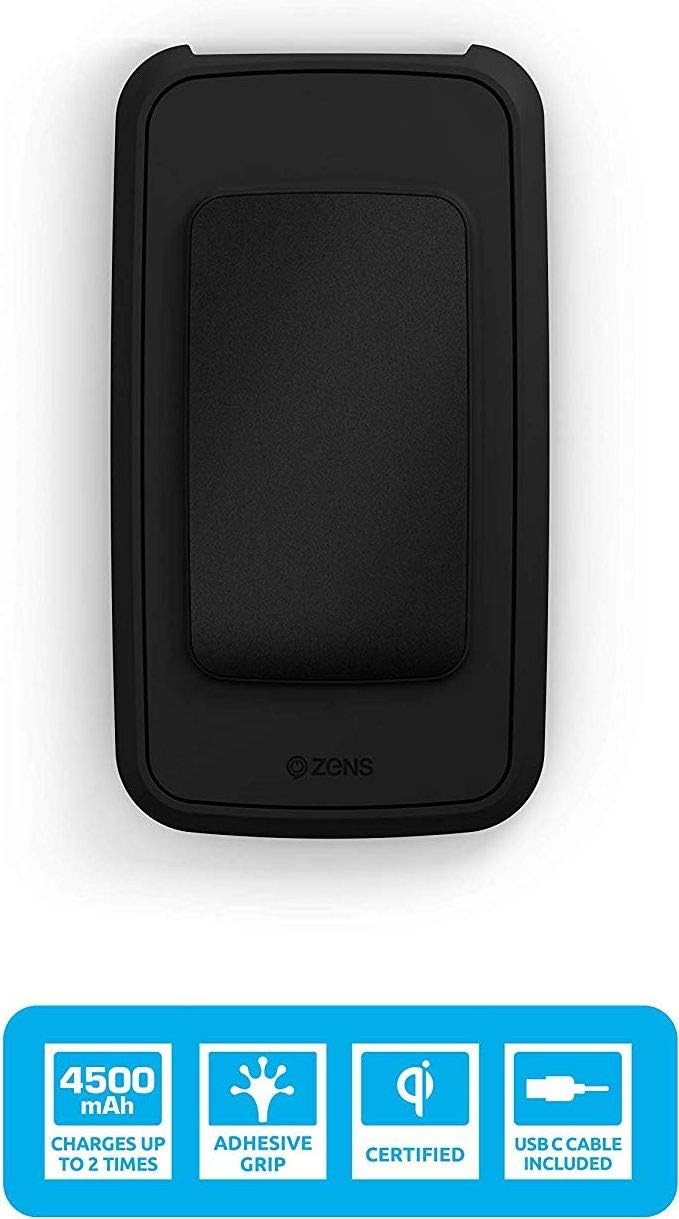
Immagine: in alto view of the ZENS Wireless Power Bank highlighting its 4500 mAh capacity, adhesive grip, Qi certification, and USB-C cable inclusion.
4. Impostazione
4.1 Ricarica iniziale del Power Bank
- Connect the provided USB-A to USB-C charging cable to the USB-C input port on the power bank.
- Connect the USB-A end of the cable to a compatible USB wall adapter (not included) or a computer's USB port.
- Gli indicatori LED sul power bank si illumineranno per mostrare lo stato di carica. Lasciare che il power bank sia completamente carico prima del primo utilizzo.
4.2 Preparing for Wireless Charging
Ensure your device is Qi-compatible. For optimal performance, remove any metallic objects or excessively thick cases from your device that might interfere with wireless charging.
5. Istruzioni per l'uso
5.1 Ricarica wireless del dispositivo
- Press the power button on the ZENS Power Bank to activate wireless charging.
- Place your Qi-compatible smartphone directly onto the adhesive surface of the power bank. Ensure the device is centered on the wireless charging coil for efficient charging.
- The adhesive surface will help keep your phone in place.
- Your device should indicate that it is charging. The power bank's LED indicators may also change to show active wireless charging.
- Charging will automatically stop when your device is fully charged or removed from the power bank.

Image: The ZENS Wireless Power Bank demonstrating its wireless charging capability with energy waves emanating from the device.

Image: A smartphone securely attached to the ZENS Wireless Power Bank using its adhesive grip feature, ensuring stability during charging.
5.2 Wired Charging Your Device
- Connect your device's charging cable (not included) to the USB-A output port on the power bank.
- Collega l'altra estremità del cavo al tuo dispositivo.
- Il power bank inizierà a caricare il tuo dispositivo.
5.3 Ricarica del Power Bank
When the power bank's battery is low, recharge it using the method described in Section 4.1. The power bank can also be recharged wirelessly by placing it on any Qi-certified wireless charger.

Immagine: Un'immagine chiara dall'alto verso il basso view of the ZENS Wireless Power Bank, showcasing its compact design and the central adhesive charging pad.
6. Manutenzione
- Pulizia: Use a soft, dry cloth to clean the power bank. Do not use harsh chemicals or abrasive materials. For the adhesive surface, gently wipe with a damp cloth and allow to air dry to restore stickiness.
- Magazzinaggio: Conservare il power bank in un luogo fresco e asciutto, lontano dalla luce solare diretta e da temperature estreme.
- Cura della batteria: Per prolungare la durata della batteria, evitare di scaricare completamente il power bank frequentemente. Ricaricarlo regolarmente, anche se non lo si utilizza per lunghi periodi.
7. Risoluzione Dei Problemi
- Issue: Device is not charging wirelessly.
- Assicurarsi che il power bank sia acceso (premere il pulsante di accensione).
- Verifica che il tuo dispositivo sia compatibile con Qi.
- Reposition your device on the charging surface to ensure proper alignment with the charging coil.
- Remove any thick cases or metallic objects from your device that might obstruct charging.
- Controllare che il power bank stesso abbia una carica sufficiente.
- Problema: ricarica lenta.
- Ensure proper alignment of your device on the wireless charging pad.
- Check the quality of the USB cable and wall adapter used to recharge the power bank.
- La ricarica wireless è generalmente più lenta della ricarica cablata.
- Issue: Adhesive surface is not sticking.
- The adhesive surface may accumulate dust or debris over time. Gently wipe it with a damp, lint-free cloth and allow it to air dry completely. This should restore its stickiness.
8. Specifiche
| Nome del modello | Power Bank mit Qi kabellosem Laden 4.500 mAh (ZEPB03B/00) |
| Marca | ZENS |
| Capacità della batteria | 4500 mAh (Milliampprima di un'ora) |
| Composizione della batteria | Agli ioni di litio |
| Uscita senza fili | 5W |
| Tipo di connettore di ingresso | USB-C (for recharging power bank) |
| Tipo di connettore di uscita | USB-A (for wired charging) |
| Voltage | 5 Volt |
| Colore | Nero |
| Caratteristica speciale | Wireless Charging, Adhesive Surface |
| Usi consigliati | iPhone, Smartphone |
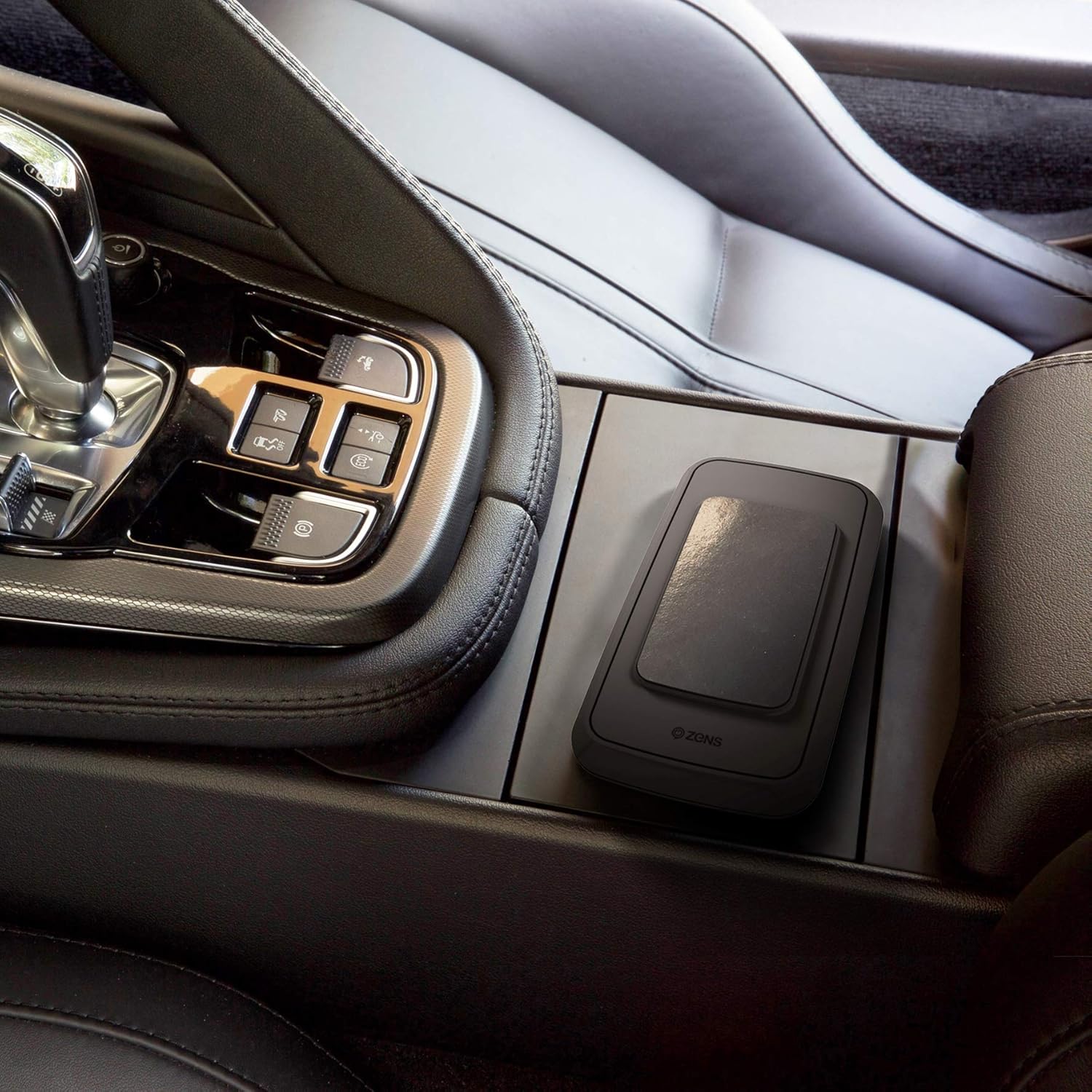
Image: The ZENS Wireless Power Bank placed in a car's center console, demonstrating its portability and suitability for on-the-go use.
9. Garanzia e supporto
The ZENS Qi Certified Wireless Power Bank comes with an extended Garanzia di 3 anno. For warranty claims, technical support, or further assistance, please contact ZENS customer service through their official website or the retailer from whom the product was purchased. Please retain your proof of purchase for warranty purposes.
Websito: www.makezens.com


