EUG Native 1080P Full HD Projector User Manual
Modello: SP-05
1. Introduzione
This manual provides comprehensive instructions for the setup, operation, and maintenance of your EUG Native 1080P Full HD Projector (Model SP-05). This projector is designed to deliver a high-quality visual experience with its true native 1920x1080 resolution, 7500 lumens brightness, and 7500:1 dynamic contrast ratio. It features integrated Android OS, WiFi, and Bluetooth connectivity, making it suitable for various entertainment and presentation needs. Please read this manual thoroughly before using the projector to ensure proper functionality and longevity.

Figure 1: EUG Native 1080P Full HD Projector (Model SP-05)
The image displays the EUG Native 1080P Full HD Projector, a white rectangular device with a prominent lens on the front. Icons above it indicate Bluetooth, 200" Display, WiFi, and Android OS capabilities. Various streaming service logos (Netflix, Disney+, Apple TV+, YouTube) are shown projected, along with a smartphone mirroring its screen to the projector.
2. Guida all'installazione
2.1 Disimballaggio e posizionamento
Carefully remove the projector and all accessories from the packaging. Place the projector on a stable, flat surface. Ensure adequate ventilation around the unit to prevent overheating. For optimal projection, position the projector directly in front of the screen or wall.
2.2 Collegamento di alimentazione
Connect the power cable to the projector's power input port and then plug it into a standard electrical outlet. Press the power button on the projector or remote control to turn on the device.
2.3 Correzione della messa a fuoco e della distorsione trapezoidale
Adjust the focus ring located around the lens until the projected image is clear and sharp. If the image appears trapezoidal (wider at the top or bottom), use the 4D/4P keystone correction feature to adjust the image shape. This can be done via the projector's menu settings, allowing independent adjustment of each corner or vertical/horizontal correction.
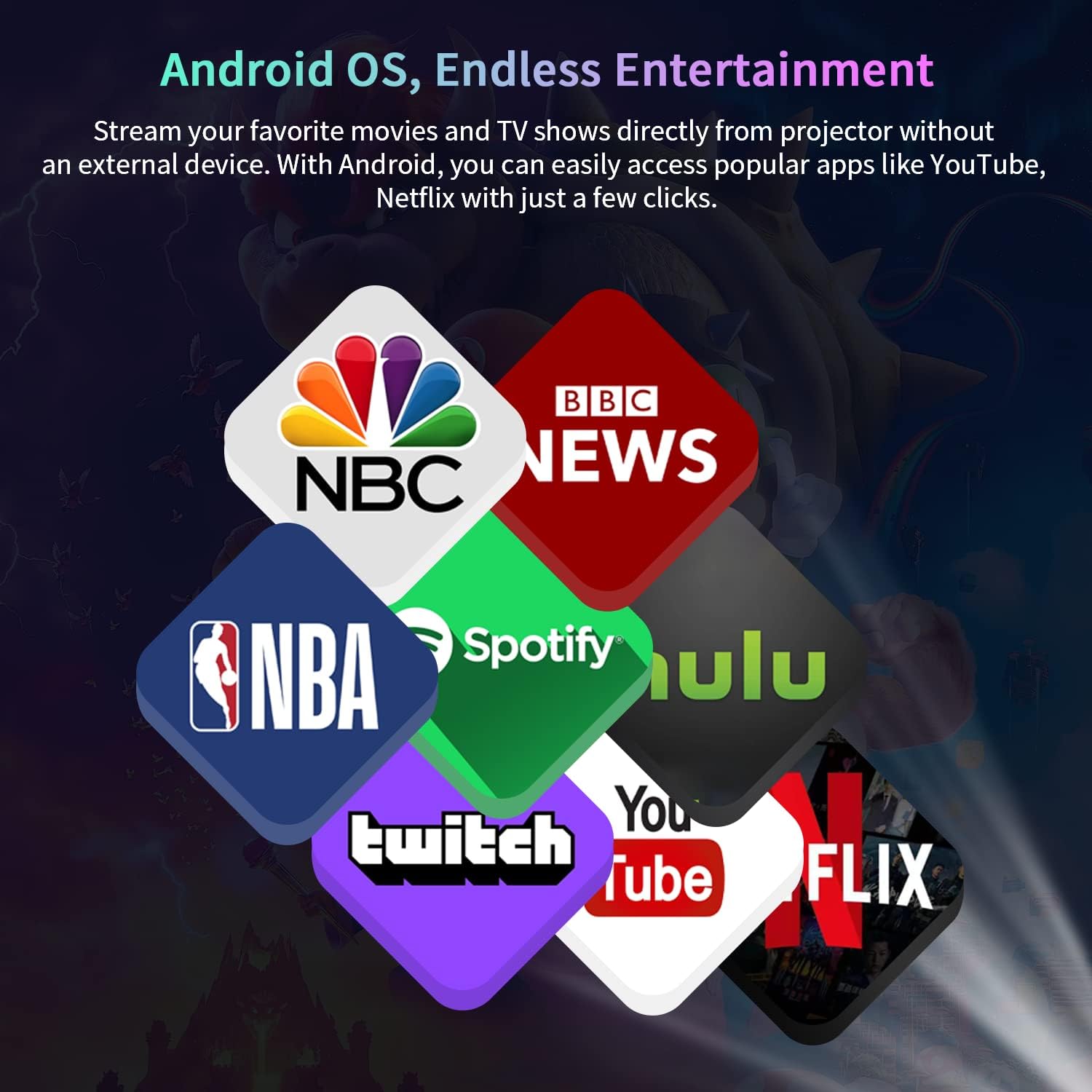
Figure 2: Flexible Image Adjustment with 4-Point Keystone Correction
This image illustrates the projector's keystone correction capabilities, showing how a distorted image can be corrected horizontally and vertically by up to ±50 degrees. It also highlights the 4-Point trapezoidal correction feature, allowing for precise adjustments from various angles.
2.4 Connessione di rete (WiFi)
To access online content and smart features, connect the projector to your wireless network:
- Accedere al menu "Impostazioni" nell'interfaccia del proiettore.
- Select "Network Settings" or "WiFi Settings."
- Scegli la rete WiFi desiderata dall'elenco.
- Enter the network password using the on-screen keyboard and confirm.
Video 1: Smart Home Theatre Projector with WiFi Bluetooth
This video demonstrates the setup process for the EUG projector, including connecting to a WiFi network and showcasing its various features like Android OS, Bluetooth, 1080P resolution, HDMI-in, USB, and wireless casting. It also shows the projector's lens and connectivity ports.
2.5 Connessione Bluetooth
The projector supports Bluetooth for connecting external audio devices such as speakers or headphones:
- Assicurati che il tuo dispositivo audio Bluetooth sia in modalità di associazione.
- On the projector, go to "Settings" and select "Bluetooth Settings."
- Cerca i dispositivi disponibili e seleziona il tuo dispositivo audio dall'elenco.
- Confermare l'associazione.
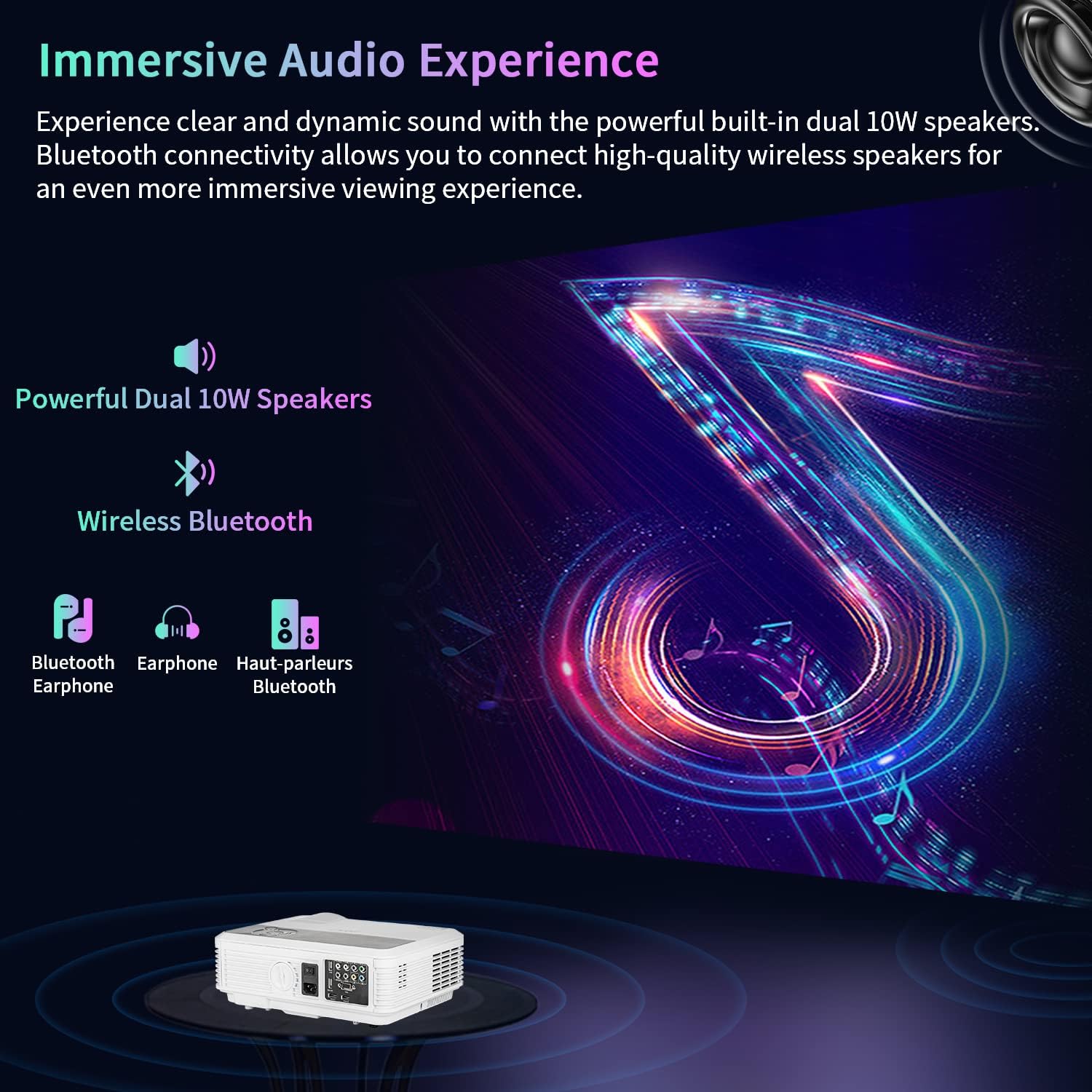
Figure 3: Immersive Audio Experience with Bluetooth Connectivity
This image highlights the projector's dual 10W built-in speakers and its wireless Bluetooth connectivity, allowing users to connect external Bluetooth speakers or headphones for an enhanced audio experience. The visual depicts sound waves emanating from the projector and connecting to external audio devices.
2.6 Collegamento di dispositivi esterni
The projector offers multiple input ports for various devices:
- HDMI: Connect laptops, gaming consoles (PS5, XBOX), TV sticks (Fire Stick), or Blu-ray players.
- USB: Play media directly from USB drives or connect USB peripherals like keyboards and mice.
- VGA: Collegare computer o laptop più vecchi.
- Uscita audio: Collegare altoparlanti cablati esterni o sistemi audio.
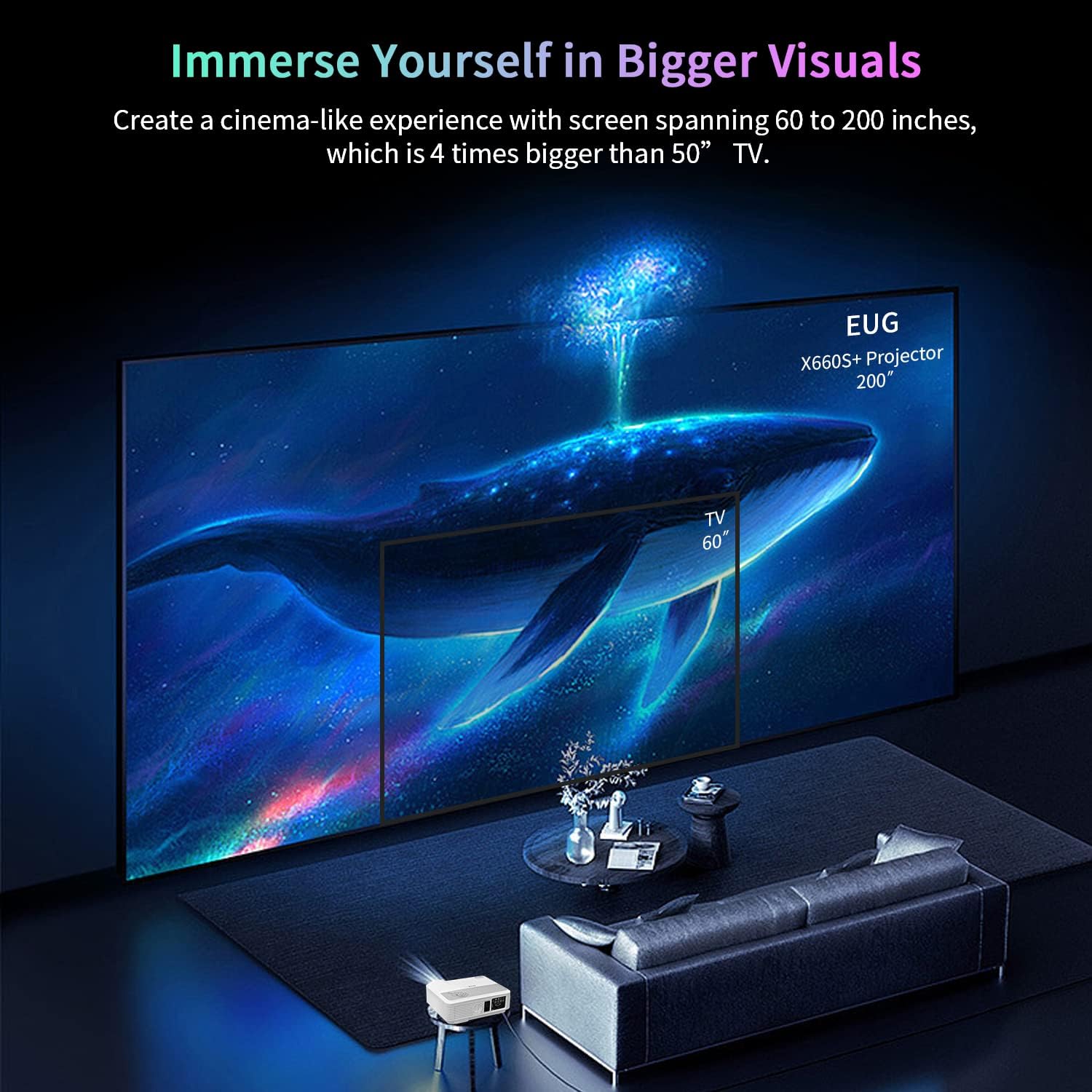
Figure 4: Upgraded Rich Device Connections
This image displays the rear panel of the projector, showcasing its various input and output ports including HDMI, USB, VGA, and Audio. It also illustrates common devices that can be connected, such as PCs, laptops, USB drives, speakers, TV sticks, gaming consoles (PS5, XBOX), DVD players, smartphones, tablets, and cameras.
3. Istruzioni per l'uso
3.1 Android OS and Streaming
The integrated Android OS allows direct access to various applications. Once connected to WiFi, you can download and use streaming apps like YouTube, Netflix, Hulu, and more directly on the projector without needing an external device.
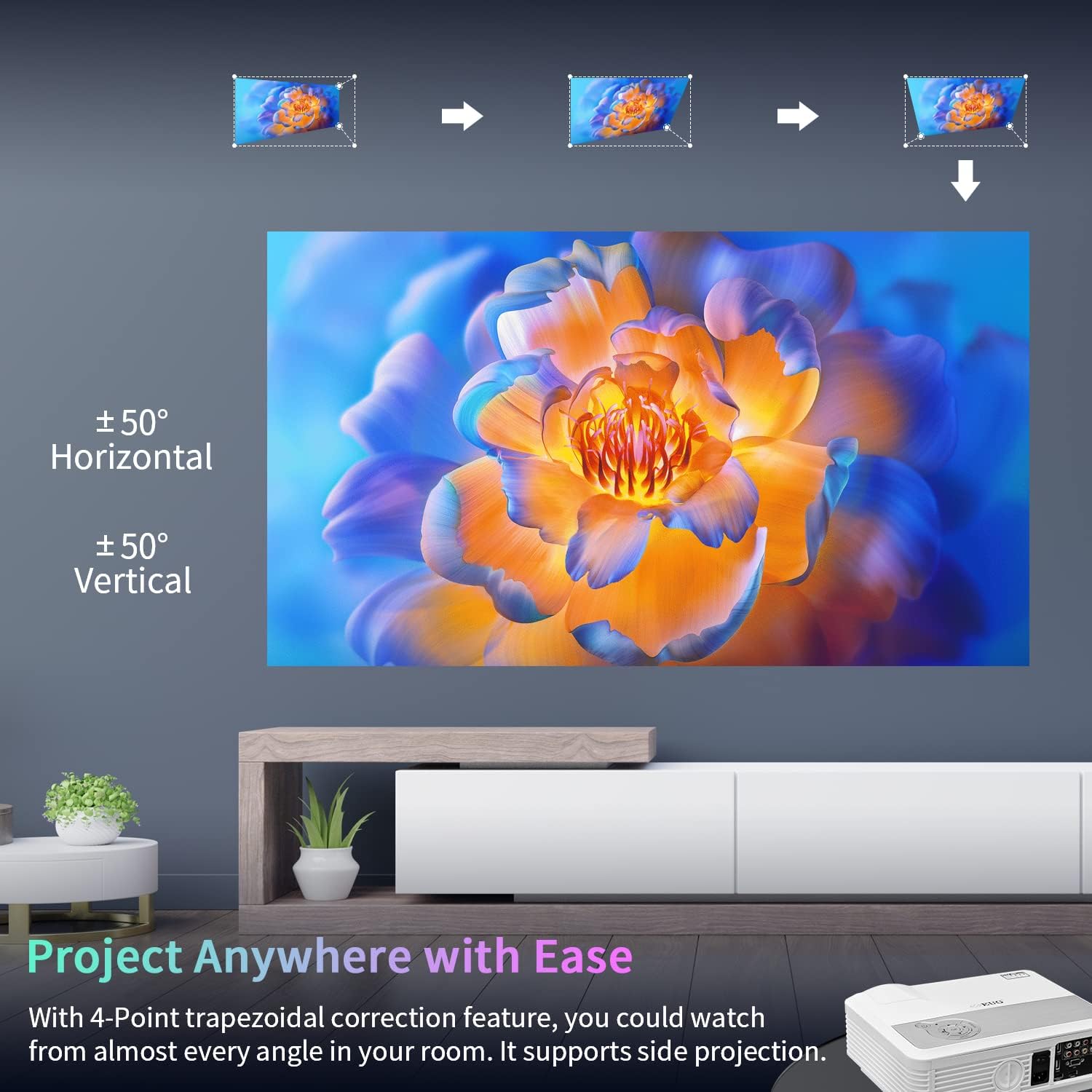
Figure 5: Android OS, Endless Entertainment
This image shows a collage of popular app logos (NBC, NBA, Spotify, Hulu, Twitch, YouTube, Netflix), indicating the variety of streaming and entertainment applications accessible directly through the projector's built-in Android operating system.
3.2 Screen Mirroring (Wireless Cast)
Effortlessly share content from your iOS or Android phone/tablet to the projector via WiFi mirroring (Miracast, AirPlay, DLNA). This feature allows you to display your device's screen on the large projection without cables.
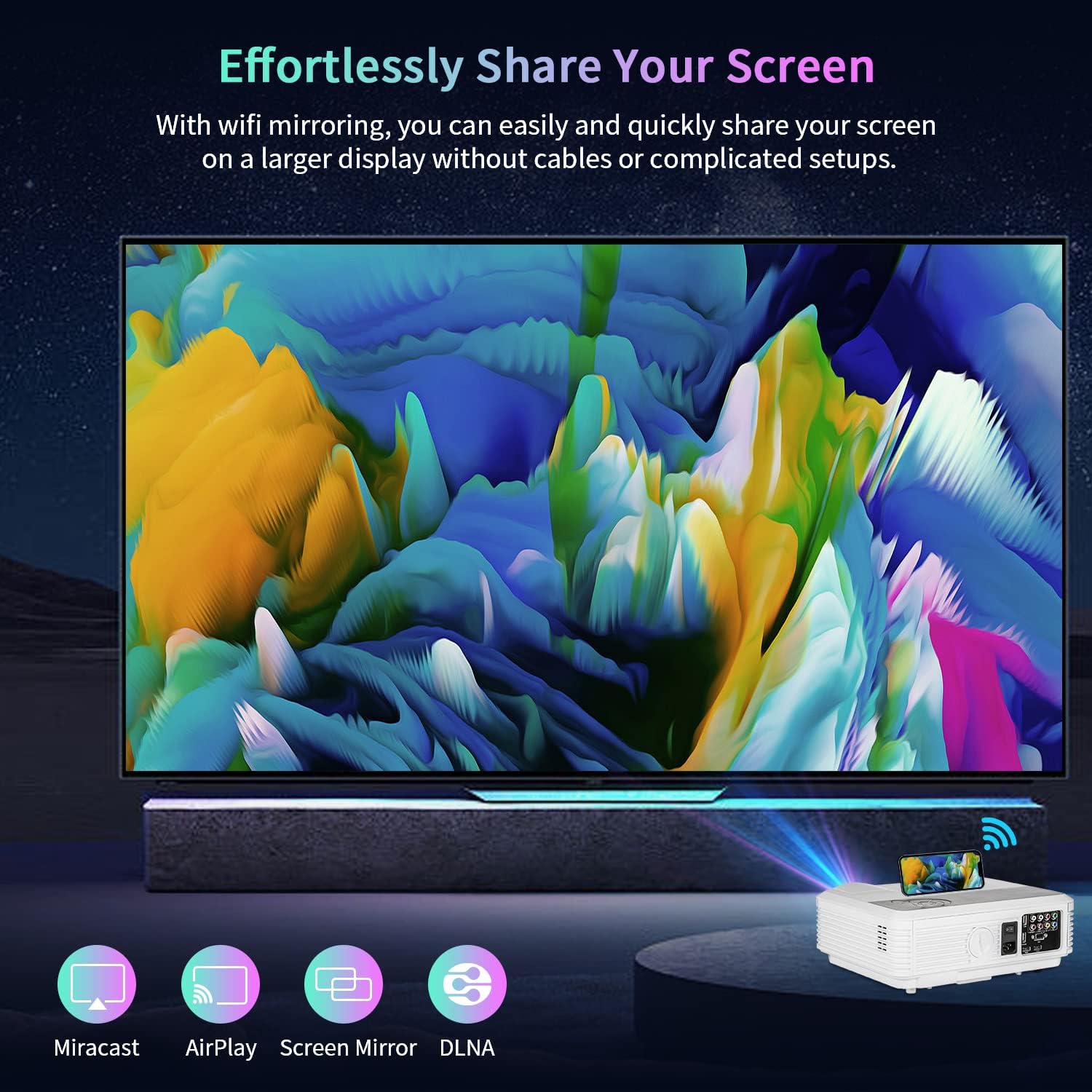
Figure 6: Effortlessly Share Your Screen
The image illustrates the screen mirroring capability of the projector, showing a smartphone wirelessly casting its display to a large projected screen. Icons for Miracast, AirPlay, Screen Mirror, and DLNA are present, indicating compatibility with various wireless casting protocols.
3.3 Regolazione delle dimensioni dello schermo
The projector supports a display size ranging from 50 inches to a maximum of 200 inches. Adjust the distance between the projector and the screen to achieve your desired screen size. The optimal viewing experience is achieved within this range.
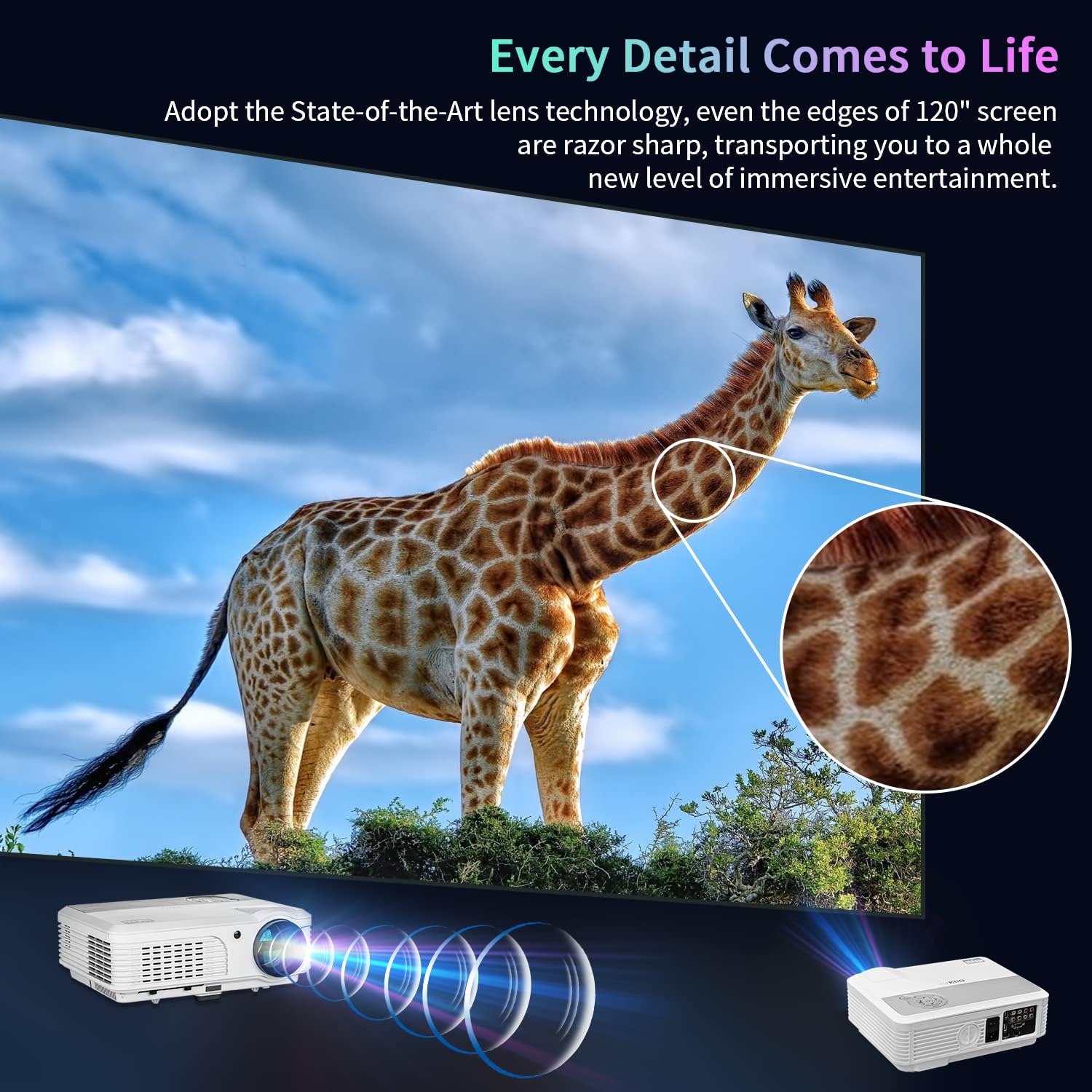
Figure 7: Every Detail Comes to Life
This image emphasizes the clarity and detail of the projected image, showcasing a giraffe on a large screen. It highlights the state-of-the-art lens technology that ensures razor-sharp edges even on a 120" screen, providing an immersive entertainment experience.
4. Manutenzione
Per garantire la longevità e le prestazioni ottimali del proiettore, seguire queste linee guida per la manutenzione:
- Pulizia: Regularly clean the lens with a soft, lint-free cloth specifically designed for optical surfaces. Do not use abrasive cleaners. Keep the projector's vents clear of dust and debris to maintain proper airflow.
- Lamp Vita: Il proiettore lamp has an extended lifespan of up to 50,000 hours. This significantly reduces the need for frequent lamp sostituzioni.
- Magazzinaggio: Quando non viene utilizzato per lunghi periodi, conservare il proiettore in un luogo fresco e asciutto, lontano dalla luce solare diretta e da temperature estreme.
5. Risoluzione Dei Problemi
If you encounter issues with your EUG projector, please refer to the following common troubleshooting steps:
| Problema | Possibile causa | Soluzione |
|---|---|---|
| Nessuna immagine proiettata | Alimentazione non collegata, sorgente di ingresso errata, copriobiettivo inserito. | Check power connection, select correct input source (HDMI, USB), remove lens cap. |
| Immagine sfocata o sfocata | Sfocato, correzione trapezoidale errata. | Adjust focus ring, use keystone correction in settings. |
| Nessun suono | Volume too low, external audio device not connected/paired, audio settings incorrect. | Increase volume, check Bluetooth connection or audio cable, verify audio output settings. |
| Impossibile connettersi al WiFi | Password errata, fuori portata, problema di rete. | Re-enter password, move projector closer to router, restart router. |
| Il telecomando non funziona | Batterie scariche, segnale ostruito. | Sostituire le batterie, assicurarsi che non vi siano ostacoli tra il telecomando e il proiettore. |
Se il problema persiste dopo aver provato questi passaggi, contatta l'assistenza clienti per ulteriore assistenza.
6. Specifiche
| Caratteristica | Dettaglio |
|---|---|
| Marca | UEG |
| Numero di modello | SP-05 |
| Risoluzione dello schermo | 1920 x 1080 (1080P nativo) |
| Luminosità | 7500 lumen |
| Rapporto di contrasto | 7500:1 |
| Lamp Vita | 50,000 ore |
| Tecnologia di connettività | VGA, Bluetooth, USB, HDMI |
| Sistema operativo | Sistema operativo Android |
| Caratteristiche speciali | Built-In Speaker, WiFi, Bluetooth, 4D/4P Keystone Correction, 200" Max Display |
| Tipo di altoparlante | Stereo, Built-In (Dual 10W) |
| Peso dell'articolo | 9.98 libbre |
| Dimensioni del prodotto | 13.38 x 10.43 x 4.92 pollici |
| Colore | Bianco |
| Usi consigliati | Home Theater, Video Games, Parties, Presentations |
7. Garanzia e supporto
For warranty information and technical support, please refer to the contact details provided with your product packaging or visit the official EUG websito. Conservare la ricevuta d'acquisto come prova d'acquisto per eventuali reclami in garanzia.


