Introduzione
Grazie per l'acquistoasing the Singingwood SBX030BT CD Player Boombox. This device offers a versatile audio experience with its CD player, AM/FM radio, Bluetooth connectivity, USB playback, and auxiliary input. This manual provides detailed instructions for setup, operation, and maintenance to ensure optimal performance and longevity of your boombox.
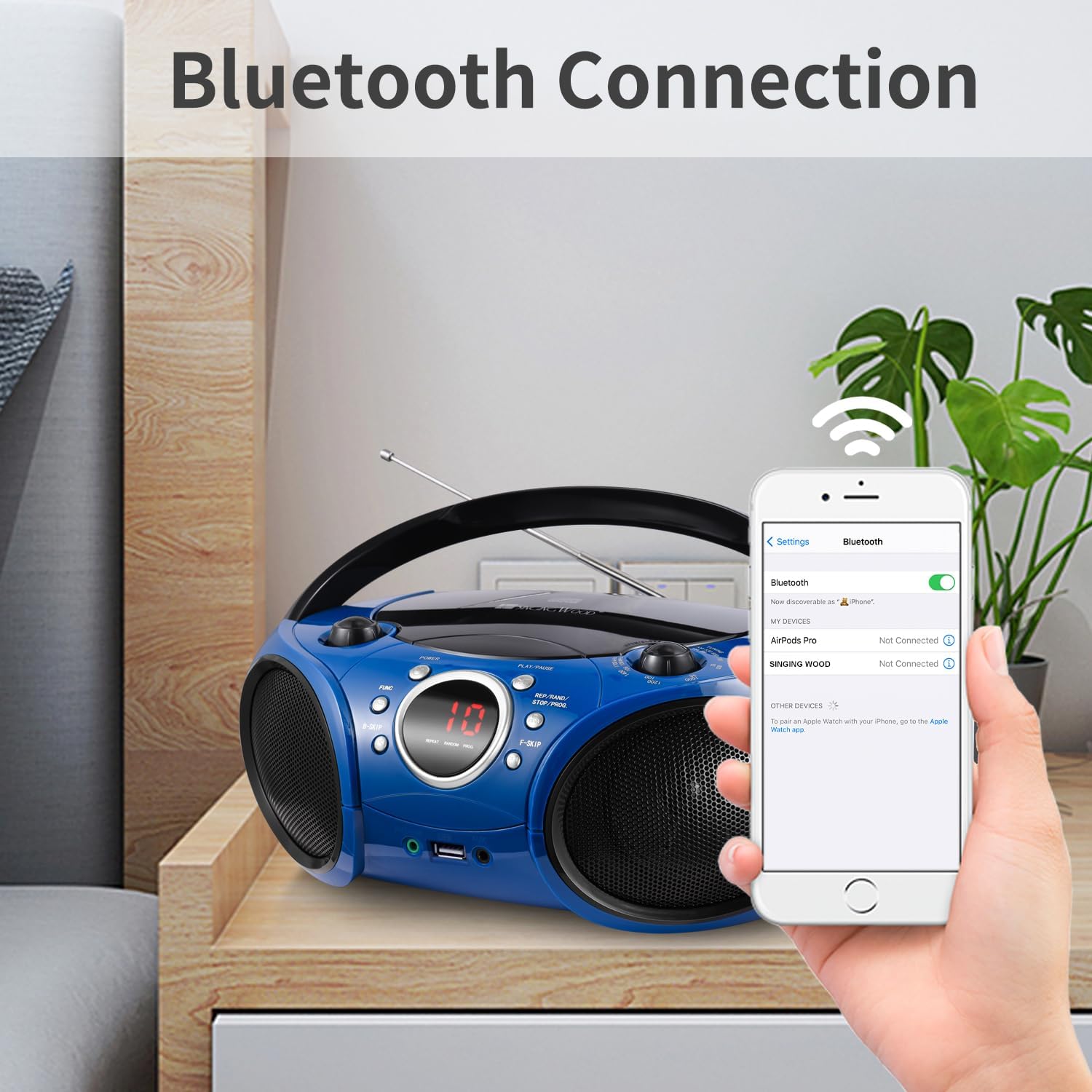
Image: The Singingwood SBX030BT CD Player Boombox in Starlight Blue, showcasing il suo design compatto.
Caratteristiche principali
- Design elegante e intuitivo: Features easy-to-use buttons and an LED display for effortless operation. Its compact and modern design is suitable for various environments.
- Suono stereo nitido: Equipped with dual premium 3-inch front-firing speakers, delivering crisp, well-balanced stereo sound (2W x 2 RMS).
- Versatile CD Player: The top-loading CD player supports CD, CD-R/RW, MP3 CDs, and audiobook CDs, with shuffle (RAND) and repeat (REP) functions.
- Radio AM e FM: Built-in AM and FM tuner with a classic manual tuning knob for enjoying radio stations.
- Streaming Bluetooth: Easily pair with Bluetooth-enabled devices for wireless music and podcast streaming with a stable connection.
- Riproduzione USB: Supports MP3 or WMA files from USB flash drives up to 128 GB (FAT32 format only; exFAT/NTFS not supported).
- Caratteristiche utili: Includes a 3.5mm auxiliary (AUX) input for wired connections and a headphone jack for private listening. The Function (FUNC) button allows easy switching between CD, USB, AUX, FM, AM, and Bluetooth modes.
Controlli e connessioni
Familiarize yourself with the boombox's controls and connection ports for proper operation.

Immagine: Frontale view of the boombox with labels for FM Antenna, Volume Control Knob, LED Screen, Power ON/OFF, Play/Pause, Function, B-Skip, REP/RAND/STOP/PROG, F-Skip, Headphone Jack, USB Port, and AUX In Jack.
- Accensione/spegnimento: Accende o spegne l'unità.
- Manopola di controllo del volume: Regola il livello di uscita audio.
- Schermo a LED: Displays current mode, track number, or radio frequency.
- Riproduci/Pausa: Starts or pauses playback in CD, USB, or Bluetooth modes.
- Pulsante funzione (FUNC): Cycles through available modes: CD, USB, AUX, FM, AM, Bluetooth.
- B-Skip / F-Skip: Skips backward or forward through tracks on CD/USB, or tunes radio frequencies.
- REP/RAND/STOP/PROG: Controls repeat, random playback, stops playback, or programs CD/USB tracks.
- Antenna FM: Estendi per una ricezione radio FM ottimale.
- Jack per cuffie (3.5 mm): Per l'ascolto privato con le cuffie.
- Porta USB: Connect a USB flash drive for MP3/WMA playback.
- AUX In Jack (3.5mm): Connect external audio devices using an auxiliary cable.
Impostare
Alimentare il Boombox
Il boombox può essere alimentato tramite corrente alternata o batterie.
Funzionamento con alimentazione CA:
- Assicurarsi che lo stereo portatile sia spento.
- Collegare il cavo di alimentazione CA in dotazione alla presa AC IN sul retro dell'unità.
- Collegare l'altra estremità del cavo di alimentazione CA a una presa a muro standard (CA 120 V ~ 60 Hz).

Image: The boombox connected to a wall outlet via its AC power cord, illustrating AC power operation.
Funzionamento a batteria:
- Ensure the boombox is switched off and disconnected from AC power.
- Aprire il coperchio del vano batterie nella parte inferiore dell'unità.
- Inserire 6 batterie di tipo 'C' (non incluse), assicurandosi della corretta polarità (+/-).
- Chiudere saldamente il coperchio del vano batterie.
Istruzioni per l'uso
Funzionamento del lettore CD
- Premere il tasto Energia button to turn on the boombox.
- Premere il tasto FUNC ripetutamente il pulsante fino a selezionare la modalità 'CD'.
- Aprire il coperchio del vano CD sollevandolo delicatamente.
- Place a CD (CD, CD-R/RW, MP3 CD, or audiobook CD) onto the center spindle with the label side facing up.
- Close the CD compartment cover. The boombox will read the disc, and the track number will appear on the LED display.
- Premere il tasto Riproduci/Pausa pulsante per avviare la riproduzione.
- Utilizzare il B-Skip E F-Skip pulsanti per navigare tra le tracce.
- Premere il tasto REP/RAND/STOP/PROG button to cycle through repeat modes (repeat one, repeat all) or random playback. Press and hold to stop playback.
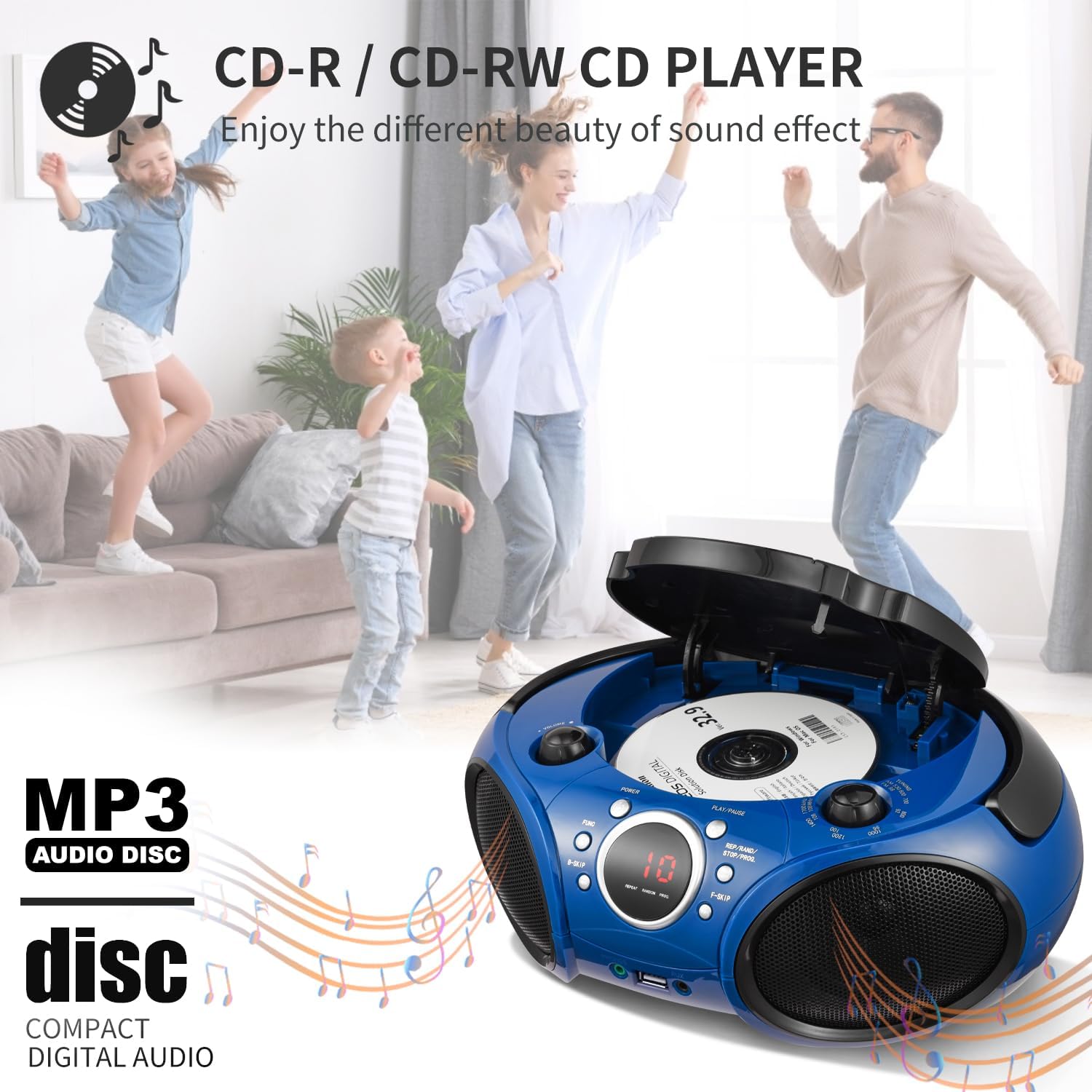
Image: A hand placing a CD into the top-loading CD player of the boombox, illustrating the CD loading process.
Funzionamento della radio AM/FM
- Premere il tasto Energia button to turn on the boombox.
- Premere il tasto FUNC button repeatedly until 'FM' or 'AM' mode is selected.
- For FM reception, extend the FM antenna for best signal. For AM reception, rotate the unit for best signal.
- Utilizzare il Manopola di sintonia to manually tune to your desired radio station.
Streaming tramite Bluetooth
- Premere il tasto Energia button to turn on the boombox.
- Premere il tasto FUNC button repeatedly until 'BT' (Bluetooth) mode is selected. The LED display will show 'BT' and flash, indicating it's in pairing mode.
- Sul tuo dispositivo abilitato Bluetooth (smartphone, tablet, ecc.), attiva il Bluetooth e cerca i dispositivi disponibili.
- Select 'SINGING WOOD' from the list of devices. Once paired, the 'BT' indicator on the boombox will stop flashing and remain solid.
- You can now stream audio from your device to the boombox. Use your device's controls for track navigation and volume, or the boombox's volume knob.
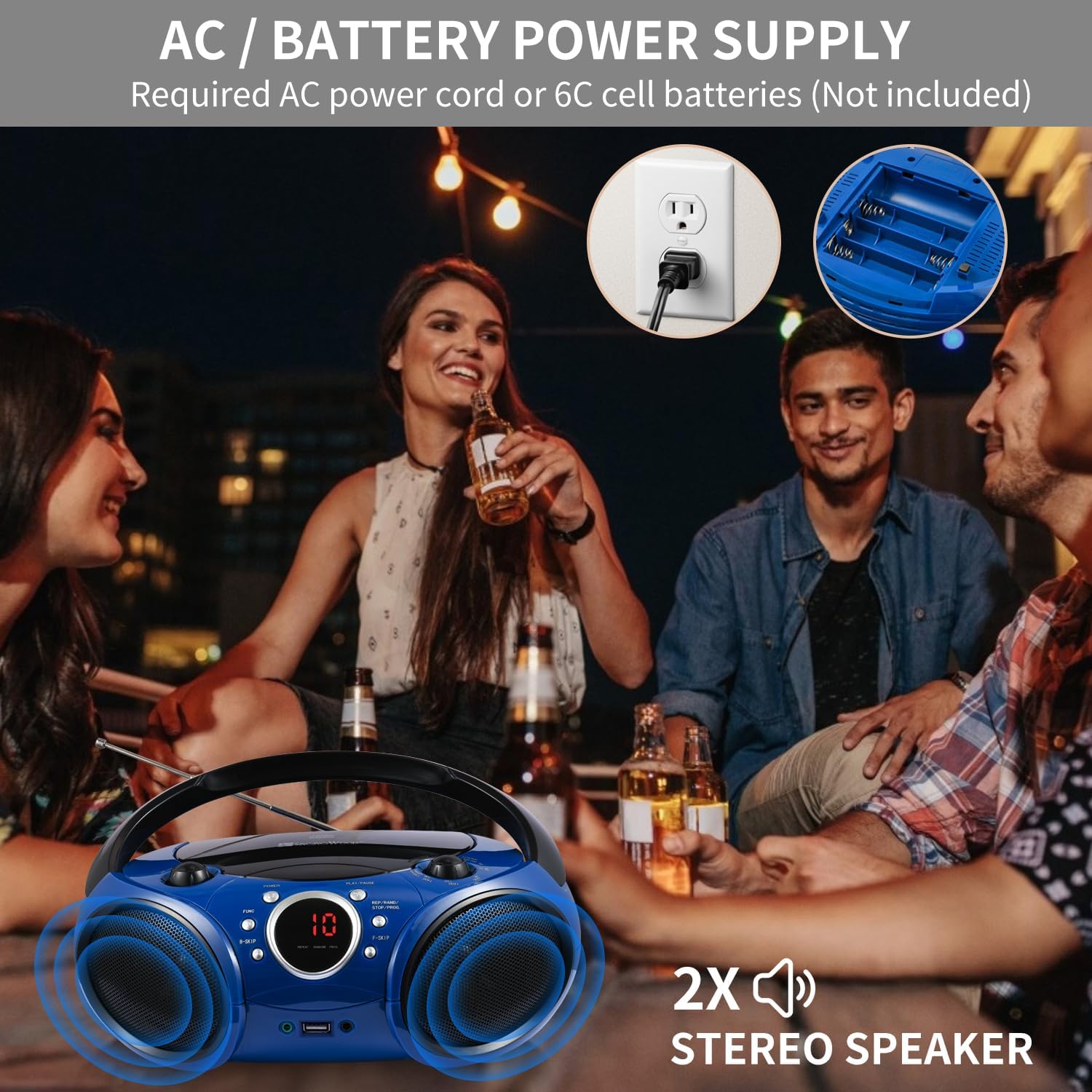
Image: A smartphone showing its Bluetooth settings, with 'SINGING WOOD' visible for pairing, next to the boombox.
Riproduzione USB
- Premere il tasto Energia button to turn on the boombox.
- Insert a USB flash drive (FAT32 format, up to 128 GB) into the USB port.
- Premere il tasto FUNC button repeatedly until 'USB' mode is selected. The boombox will automatically detect and begin playing MP3/WMA files dall'unità USB.
- Utilizzare il Riproduci/Pausa, B-Skip, F-Skip, E REP/RAND/STOP/PROG pulsanti per controllare la riproduzione.

Image: A USB flash drive being inserted into the USB port of the boombox, demonstrating USB playback setup.
Ingresso ausiliario (AUX)
- Premere il tasto Energia button to turn on the boombox.
- Connect one end of a 3.5mm audio cable (not included) to the AUX In jack on the boombox.
- Collegare l'altra estremità del cavo audio alla presa delle cuffie o all'uscita audio del dispositivo esterno (ad esempio, lettore MP3, smartphone).
- Premere il tasto FUNC ripetutamente il pulsante fino a selezionare la modalità 'AUX'.
- Start playback on your external device. Adjust volume using both the external device and the boombox's volume knob.

Image: An audio cable being plugged into the AUX In jack of the boombox, showing how to connect an external device.
Presa per cuffie
- Plug your 3.5mm headphones into the Headphone Jack on the front of the boombox.
- Audio will automatically switch from the speakers to your headphones.
- Adjust the volume using the boombox's volume knob.

Image: A headphone jack being inserted into the boombox, indicating private listening functionality.
Manutenzione
- Pulizia: Utilizzare un panno morbido e asciutto per pulire l'esterno del boombox. Non utilizzare detergenti abrasivi o solventi.
- Cura delle lenti CD: Se il lettore CD presenta errori di lettura, utilizzare un detergente per lenti CD disponibile in commercio per pulire la lente.
- Magazzinaggio: Quando non si utilizza l'unità per lunghi periodi, rimuovere le batterie e conservarla in un luogo fresco e asciutto, lontano dalla luce solare diretta e da temperature estreme.
- Antenna: Handle the FM antenna carefully to avoid damage. Retract it when not in use.
Risoluzione dei problemi
| Problema | Possibile causa | Soluzione |
|---|---|---|
| Nessun potere | Cavo CA non collegato; batterie scariche o inserite in modo errato. | Assicurarsi che il cavo CA sia collegato saldamente; sostituire le batterie o controllare la polarità. |
| Il CD non viene riprodotto/salta | Il CD è sporco, graffiato o inserito in modo errato; la lente del CD è sporca. | Clean or replace CD; Insert CD with label side up; Use a CD lens cleaner. |
| Scarsa ricezione radio | FM antenna not extended; Unit position for AM. | Extend FM antenna fully; Rotate the unit for better AM signal. |
| Bluetooth non associato | Boombox non in modalità BT; Bluetooth del dispositivo disattivato; Dispositivo troppo lontano. | Select BT mode; Enable Bluetooth on your device; Move device closer to boombox. |
| USB non in riproduzione | USB not inserted correctly; Unsupported file format; USB drive not FAT32. | Reinserire l'unità USB; assicurarsi files are MP3/WMA; Format USB drive to FAT32. |
Specifiche
- Numero modello: SBX030BTB
- Dimensioni del prodotto: 11.8 x 9 x 4.8 pollici
- Peso dell'articolo: 3.83 libbre
- Tecnologia di connettività: Bluetooth, Ausiliario, USB
- Tipo di altoparlante: Stereo (2W x 2 RMS)
- Compatibilità CD: CD, CD-R/RW, MP3 CDs, Audiobook CDs
- Compatibilità USB: Formato MP3/WMA files, up to 128 GB (FAT32 format)
- Fonte di energia: AC 120V ~ 60Hz or 6 x 'C' size batteries (not included)
Video ufficiali dei prodotti
Singingwood SBX030 Series Boombox/CD Player Overview
Video: Un funzionario sopraview of the Singingwood SBX030 series boombox, highlighting its various features and design aspects.
SBX030BT CD Player Boombox Features
Video: A detailed look at the features of the SBX030BT CD Player Boombox, including its connectivity options and ease of use.
Garanzia e supporto
For warranty information and customer support, please refer to the documentation included with your purchase or visit the official Singingwood websito. Conservare la prova d'acquisto per eventuali reclami in garanzia.


