1. Introduzione
The Modecom Oberon Pro Midi Tower is a computer case designed for users seeking a functional and spacious interior with a modern aesthetic. This manual provides essential information for the proper installation, operation, and maintenance of your computer case, ensuring optimal performance and longevity of your components.
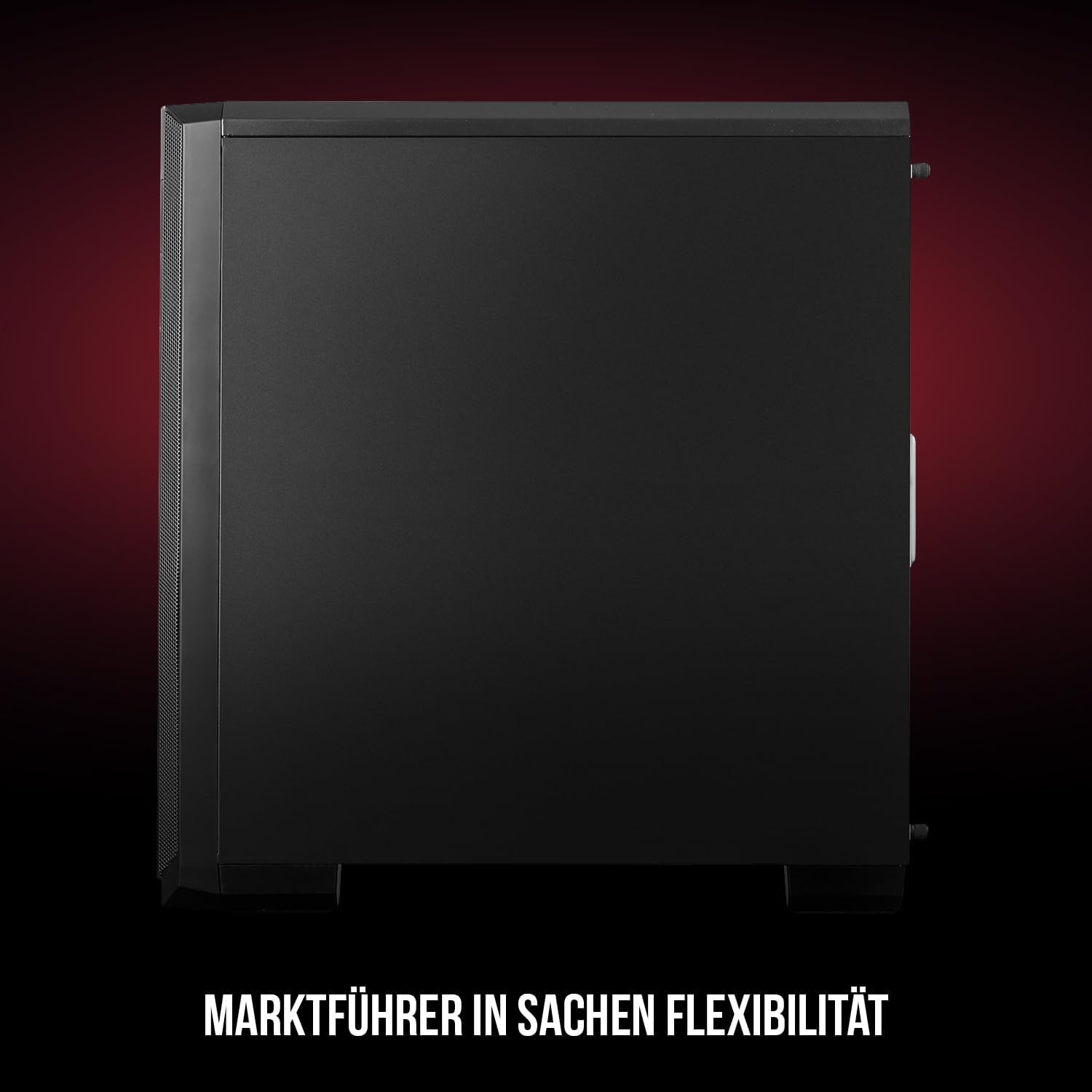
Figura 1: Frontale e laterale view of the Modecom Oberon Pro Midi Tower computer case.
2. Informazioni sulla sicurezza
- Scollegare sempre l'alimentatore dalla presa a muro prima di installare o rimuovere qualsiasi componente.
- Handle components with care to avoid electrostatic discharge. Consider using an anti-static wrist strap.
- Tenere le parti piccole e gli strumenti lontano dalla portata dei bambini.
- Assicurare una corretta ventilazione attorno al case per evitare il surriscaldamento.
- Non tentare di modificare la struttura della custodia, poiché ciò potrebbe invalidare la garanzia e comportare rischi per la sicurezza.
3. Contenuto della confezione
Verify that all the following items are present in your package:
- Modecom Oberon Pro Midi Tower Computer Case
- Scatola degli accessori (viti, distanziatori, fascette)
- Manuale dell'utente (questo documento)
4. Caratteristiche principali
- Interni spaziosi: Designed to accommodate high-end components and facilitate good airflow.
- Raffreddamento efficiente: Includes two pre-mounted 120mm fans (front and rear) to prevent component overheating.
- Installazione senza attrezzi: Supports tool-free mounting for SSD/HDD drives and expansion cards.
- Filtrazione della polvere: Features easily dismountable magnetic filters on the top, front, and bottom (under the power supply unit) to keep the interior clean.
- Gestione ottimizzata dei cavi: Provides a system for convenient wiring organization.
- Long PSU Tunnel: Offers a 240mm space for power supplies, simplifying installation and cable arrangement.
5. Configurazione e installazione
5.1. Preparazione del caso
Before installation, remove the side panels of the case. The Oberon Pro features sound-dampening mats on the side panels to reduce noise.

Figura 2: Interno view showing sound-dampening mats on the side panel.
5.2. Installazione della scheda madre
Install the necessary standoffs for your motherboard form factor (ATX, Micro ATX, ITX). Carefully place your motherboard into the case, aligning it with the standoffs, and secure it with screws.

Figure 3: Interior layout with pre-installed rear fan and motherboard tray.
5.3. Drive Installation (SSD/HDD)
The Oberon Pro supports tool-free installation for three 2.5" SSDs and two 3.5" HDDs. The 3.5" HDD bays are located in the power supply tunnel at the bottom of the case. 2.5" SSDs can be mounted on both sides of the motherboard tray.

Figure 4: Dedicated bays for HDD and SSD storage devices.
5.4. Installazione dell'alimentatore
The case features a long PSU tunnel (240mm) at the bottom. Install your power supply unit into this tunnel and secure it. This design aids in cable management and airflow.
5.5. Expansion Card Installation (PCI/PCIe)
Install your graphics card or other expansion cards into the PCI/PCIe slots. The case supports tool-free mounting for these cards, allowing for easy installation and removal.
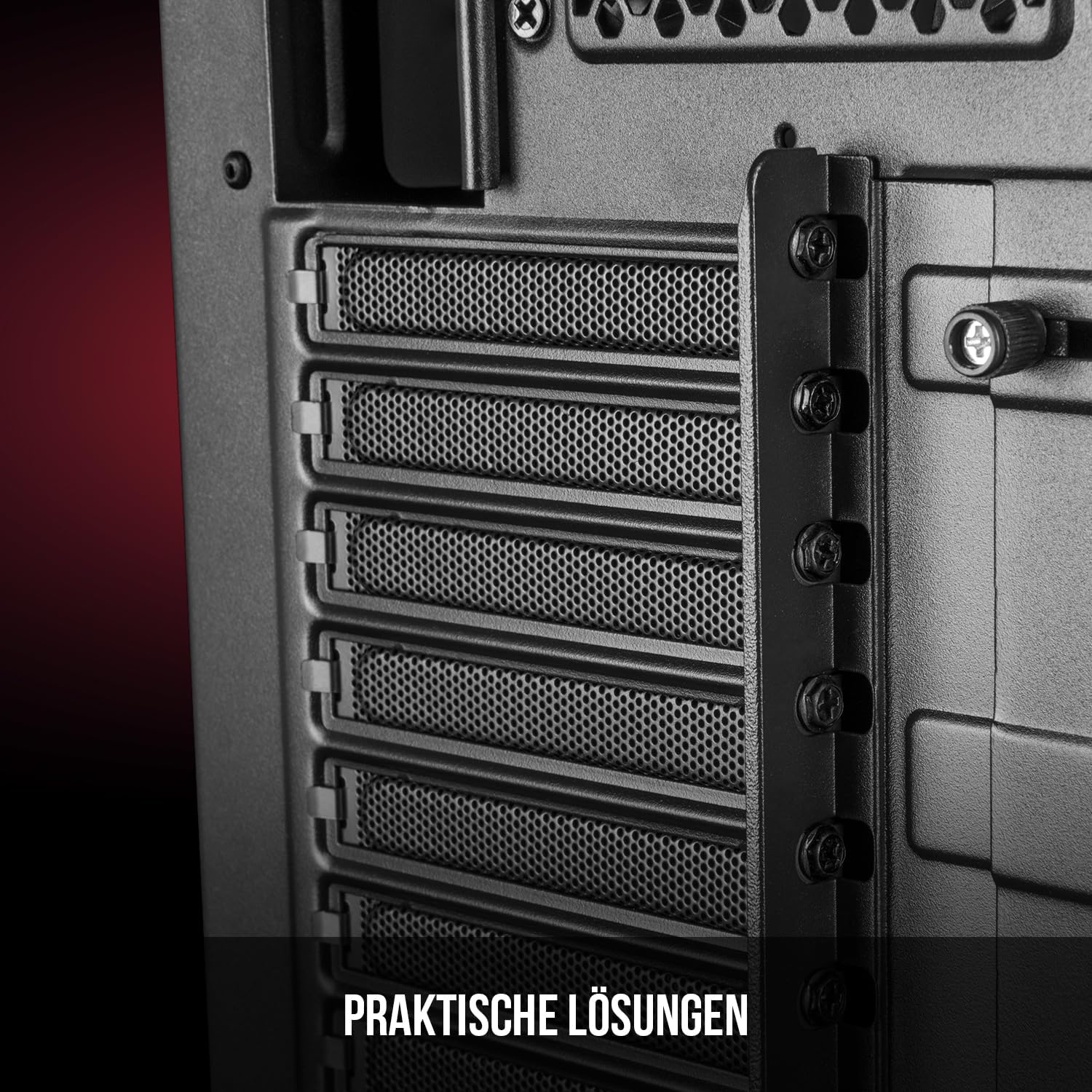
Figura 5: Interno posteriore view highlighting the expansion card slots.
5.6. Gestione dei cavi
Utilize the provided cable routing options and tie-down points behind the motherboard tray to organize cables. This improves airflow and maintains a tidy interior.
6. Sistema di raffreddamento
The Oberon Pro comes with two pre-installed 120mm fans, one at the front and one at the rear, to ensure adequate airflow. The maximum height for a CPU cooler is 163mm, and the maximum length for a video card is 395mm, allowing for compatibility with a wide range of components.
7. Manutenzione
To maintain optimal performance and prevent dust buildup, regularly clean the dust filters. The magnetic filters on the top, front, and bottom of the case are easily dismountable for cleaning. Use compressed air or a soft brush to remove accumulated dust.
8. Risoluzione Dei Problemi
- Nessun potere: Ensure all power cables are securely connected to the motherboard, power supply, and wall outlet. Check the power button connection to the motherboard.
- Surriscaldamento: Verify that all fans are spinning correctly and that dust filters are clean. Ensure proper cable management to avoid obstructing airflow.
- Porte del pannello frontale non funzionanti: Check that the front panel connectors (USB, audio) are correctly plugged into the motherboard headers.
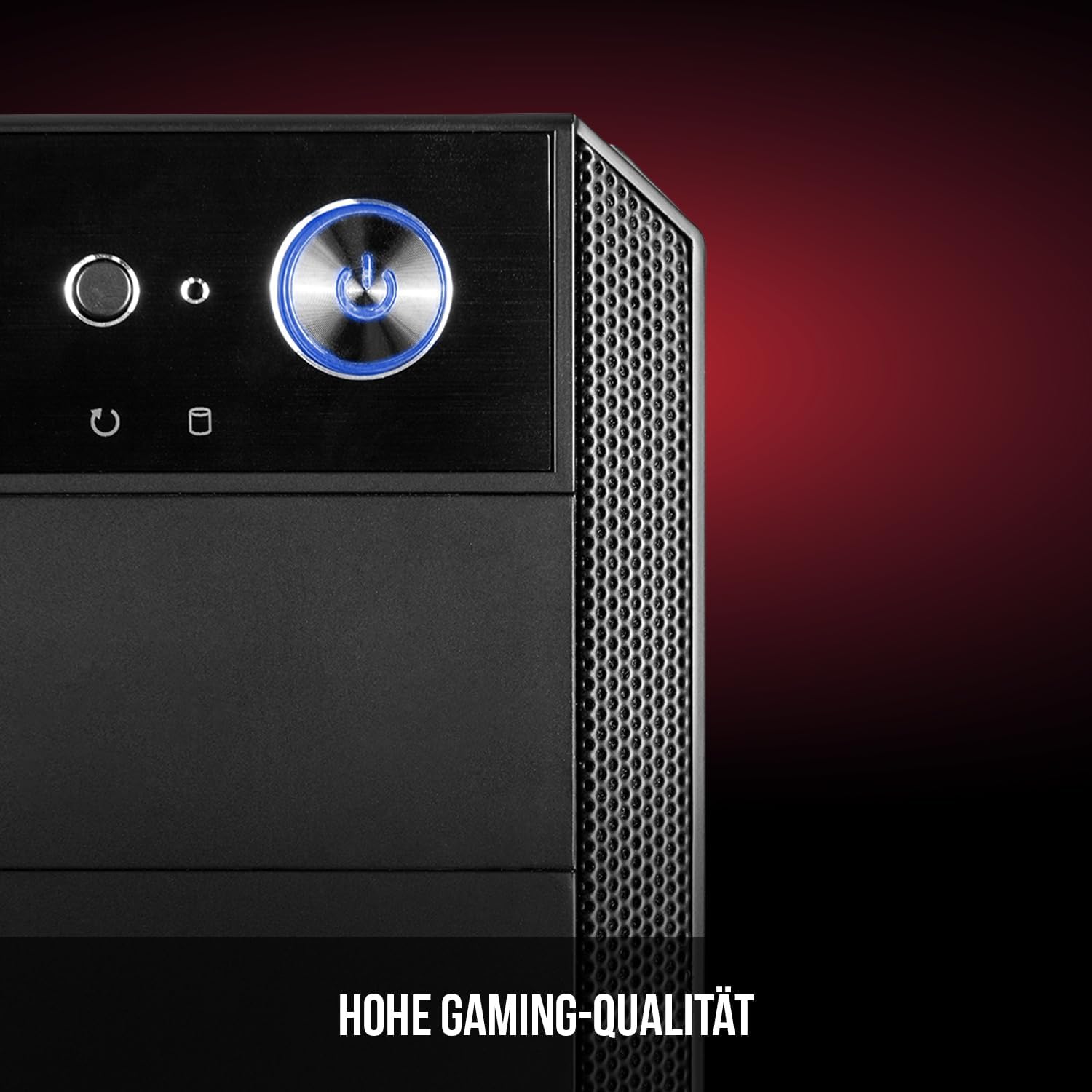
Figure 6: Front panel I/O ports for connectivity.
9. Specifiche
| Caratteristica | Specificazione |
|---|---|
| Marca | Modecom |
| Nome del modello | Oberon Pro |
| Numero di modello | AT-OBERON-PS-10-000000-0002 |
| Colore | Nero |
| Tipo di caso | Torre Midi |
| Compatibilità della scheda madre | ATX, Micro ATX, ITX |
| Materiale | Acciaio legato |
| Metodo di raffreddamento | Aria |
| Ventole preinstallate | 2 x 120mm (Front, Rear) |
| Altezza massima del dissipatore della CPU | 163 millimetri |
| Lunghezza massima della GPU | 395 millimetri |
| Alloggiamenti unità | 3 SSD da 2.5", 2 HDD da 3.5" |
| Porte USB totali | 4 |
| Caratteristiche speciali | Reset Button, Dust Filter, LED Indicators, Side Window |
| Peso dell'articolo | 5270 grammi |

Figure 7: Rear exterior view of the computer case.
10. Garanzia e supporto
For warranty information and technical support, please refer to the official Modecom websito o contattare il rivenditore. Conservare la prova d'acquisto per eventuali reclami in garanzia.