Introduzione
Thank you for choosing SIMOLIO JH-711 Wireless Kids Headphones. These headphones are designed with children's safety and comfort in mind, featuring 3-level volume limiting for hearing protection, Bluetooth connectivity, and a durable, foldable design. This manual will guide you through the setup, operation, and maintenance of your new headphones.
Caratteristiche del prodotto
- 3-Level Volume Limiting: Protects children's hearing with selectable limits of 75dB (toddlers), 85dB (kids), and 94dB (adults).
- Modalità wireless e cablata: Connect via Bluetooth for wireless freedom or use the included 3.5mm audio cable when the battery is low or with non-Bluetooth devices.
- Microfono incorporato: Enables hands-free calling for convenience.
- Audio Sharing Port: Allows another headphone to connect and share audio from the same device.
- Durable & Flexible Design: Constructed with memory stainless steel strips in the headband to withstand bending and twisting.
- Pieghevole e compatto: Easy to fold and store in the included EVA hard carrying case, perfect for travel and school.
- Batteria a lunga durata: Offre fino a 15 ore di riproduzione con una singola carica.

Image: Diagram illustrating the 3-level volume limiting feature (75dB, 85dB, 94dB) for different age groups.

Image: Hands bending the headphone headband, showcasing its flexible and durable construction.

Image: The headphones folded compactly, ready to be stored in their EVA hard carrying case.
Cosa c'è nella scatola
- SIMOLIO JH-711 Wireless Kids Headphones (2 Count)
- Cavo di ricarica USB
- Cavo audio AUX da 3.5 mm
- Manuale dell'utente (questo documento)
- EVA Hard Carrying Case
Impostare
1. Carica delle cuffie
- Locate the Micro USB charging port on the headphone earcup.
- Connect the provided USB charging cable to the headphone's charging port.
- Collegare l'altra estremità del cavo USB a una fonte di alimentazione USB compatibile (ad esempio, computer, adattatore da parete USB).
- L'indicatore LED si illuminerà durante la ricarica e si spegnerà a carica completa. Una ricarica completa richiede circa 3 ore.

Image: The SIMOLIO JH-711 headphones with the charging cable inserted into the Micro USB port.
2. Accoppiamento Bluetooth
- Assicurarsi che le cuffie siano completamente cariche.
- Press and hold the Power button (MFB) on the headphone earcup until the LED indicator flashes blue and red, indicating pairing mode.
- Sul tuo dispositivo (smartphone, tablet, ecc.), attiva il Bluetooth e cerca i dispositivi disponibili.
- Select "SIMOLIO JH-711" from the list of devices.
- Una volta connesso, l'indicatore LED lampeggerà lentamente in blu.
3. Connessione cablata (modalità AUX)
- Locate the 3.5mm AUX port on the headphone earcup.
- Connect one end of the provided 3.5mm AUX audio cable to the headphone's AUX port.
- Connect the other end of the AUX cable to the 3.5mm audio jack of your device.
- The headphones will automatically switch to wired mode. This mode works even if the headphone battery is depleted.
4. Adjusting Volume Limiter
The headphones feature a 3-level volume limiter switch (75dB, 85dB, 94dB) located on the earcup. Slide the switch to select the desired maximum volume level appropriate for the user's age and environment.

Image: Detail of the headphone earcup highlighting the 3-level volume limiter switch.
5. Regolazione dell'archetto
The headband is adjustable to fit various head sizes. Gently slide the earcups up or down along the headband to achieve a comfortable and secure fit. The flexible design allows for minor reshaping.

Image: A person demonstrating how to adjust the headband for a proper fit.
Istruzioni per l'uso
1. Accensione/spegnimento
- Accensione: Press and hold the Multi-Function Button (MFB) for approximately 3 seconds until the LED indicator lights up.
- Spegni: Tenere premuto il tasto MFB per circa 3 secondi finché l'indicatore LED non si spegne.
2. Riproduzione di musica
- Riproduci/Pausa: Premere brevemente l'MFB.
- Traccia successiva: Premere a lungo il pulsante "Volume su".
- Traccia precedente: Premere a lungo il pulsante "Volume giù".
- Aumenta volume: Premere brevemente il pulsante "Volume su".
- Volume basso: Premere brevemente il pulsante "Volume giù".
3. Gestione delle chiamate
- Rispondi/Termina chiamata: Premere brevemente l'MFB.
- Rifiuta chiamata: Premere a lungo il tasto MFB.
4. Condivisione audio
To share audio with another pair of headphones, connect a 3.5mm audio cable from the sharing jack on the right earcup of the SIMOLIO headphones to the audio input of another headphone. This allows two users to listen to the same audio source simultaneously.
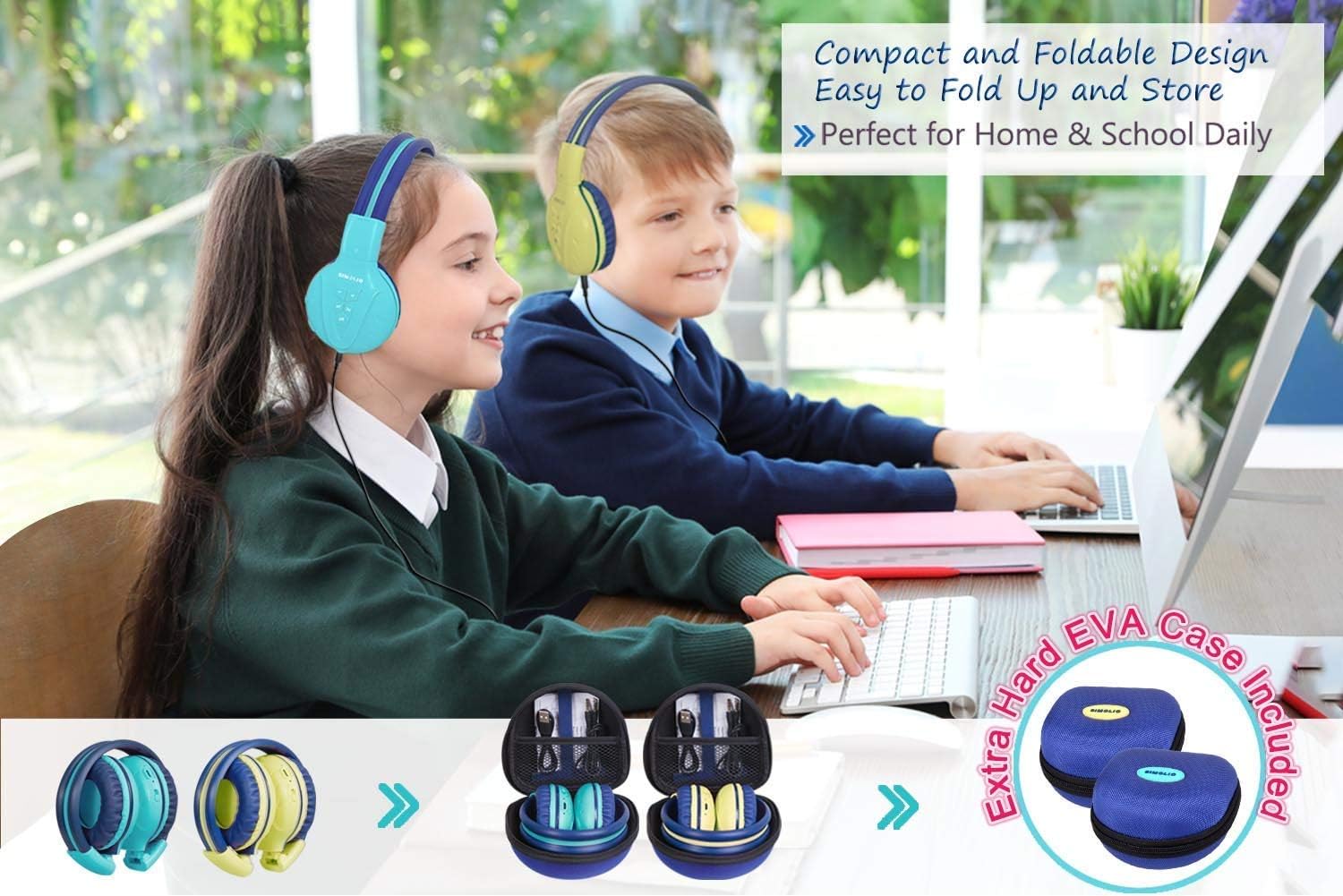
Image: Two pairs of headphones connected using the audio sharing feature, allowing simultaneous listening.
Manutenzione
- Pulizia: Per pulire le cuffie, utilizzare un panno morbido e asciutto. Non utilizzare detergenti liquidi o spray.
- Magazzinaggio: When not in use, fold the headphones and store them in the provided EVA hard carrying case to protect them from dust and damage.
- Cura della batteria: Per prolungare la durata della batteria, evitare di scaricare completamente le cuffie frequentemente. Caricarle regolarmente, anche se non vengono utilizzate costantemente.
Risoluzione dei problemi
| Problema | Soluzione |
|---|---|
| Le cuffie non si accendono. | Assicurati che le cuffie siano cariche. Collegale a una fonte di alimentazione tramite il cavo USB. |
| Impossibile effettuare l'associazione tramite Bluetooth. | Make sure the headphones are in pairing mode (flashing blue/red LED). Ensure your device's Bluetooth is on and within range. Forget previous pairings on your device and try again. |
| Nessun suono in modalità cablata. | Check that the 3.5mm AUX cable is securely connected to both the headphones and the audio source. Ensure the audio source's volume is not muted or too low. |
| Il suono è troppo basso/alto. | Adjust the volume using the +/- buttons on the headphones and on your connected device. Check the 3-level volume limiter switch setting. |
Specifiche
- Nome modello: Kids Bluetooth Headphones JH-711MY
- Tecnologia di connettività: Wireless (Bluetooth), cablato (3.5 mm AUX)
- Tecnologia di comunicazione wireless: Bluetooth 4.0
- Gamma Bluetooth: 30 piedi
- Durata della batteria: Fino a 15 ore
- Tempo di ricarica: Circa 3 ore
- Tipo di driver audio: Driver dinamico
- Posizionamento dell'orecchio: Sopra l'orecchio
- Controllo del rumore: Isolamento acustico
- Caratteristiche speciali: 3 Adjustable Volume Limited, Built-in Microphone, Durable and Flexible, Foldable, Audio Share Port, EVA Case
- Dimensioni del prodotto: 5.51 x 3.15 x 5.31 pollici
- Peso dell'articolo: 1.8 libbre (0.82 chilogrammi)
- Materiale: Nylon, Stainless Steel (headband), EVA (carrying case)
Video ufficiale del prodotto
Video: An official product video from Simolio Direct showcasing the features and usage of the SIMOLIO Bluetooth Headphones for Kids with Case JH-711.
Garanzia e supporto
For warranty information or technical support, please refer to the contact details provided on the product packaging or visit the official SIMOLIO websito.