Introduzione
The Oculus Quest is an all-in-one virtual reality gaming system designed for immersive experiences without the need for a PC or external sensors. This manual provides essential information for setting up, operating, maintaining, and troubleshooting your Oculus Quest headset and controllers.
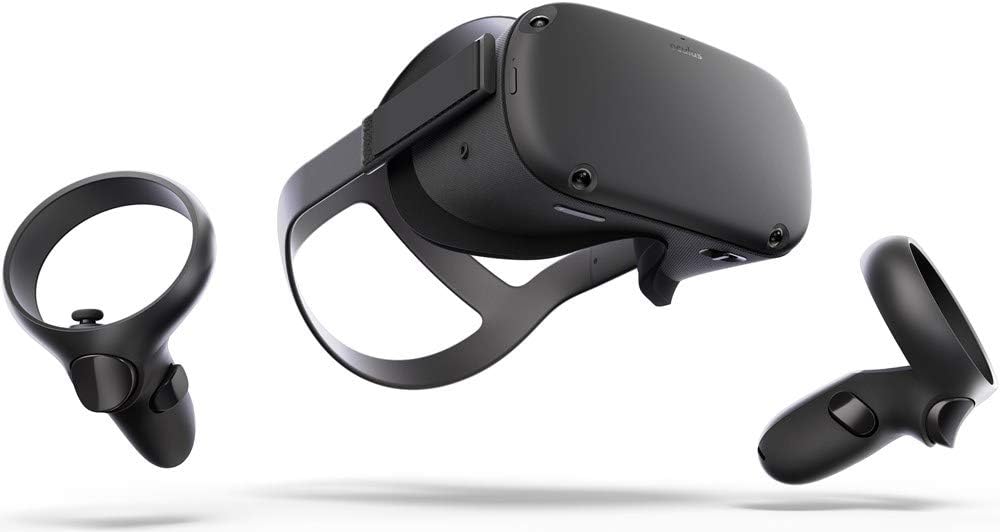
Image: The Oculus Quest headset and its two accompanying Touch controllers, showcasinil loro design elegante.
Cosa c'è nella scatola
Your Oculus Quest package includes the following components:
- Oculus Quest Headset (128GB)
- Oculus Touch Controllers (2)
- Cavo di ricarica USB-C
- Adattatore di alimentazione
- AA Batteries (2, for controllers)
- Distanziatore per occhiali
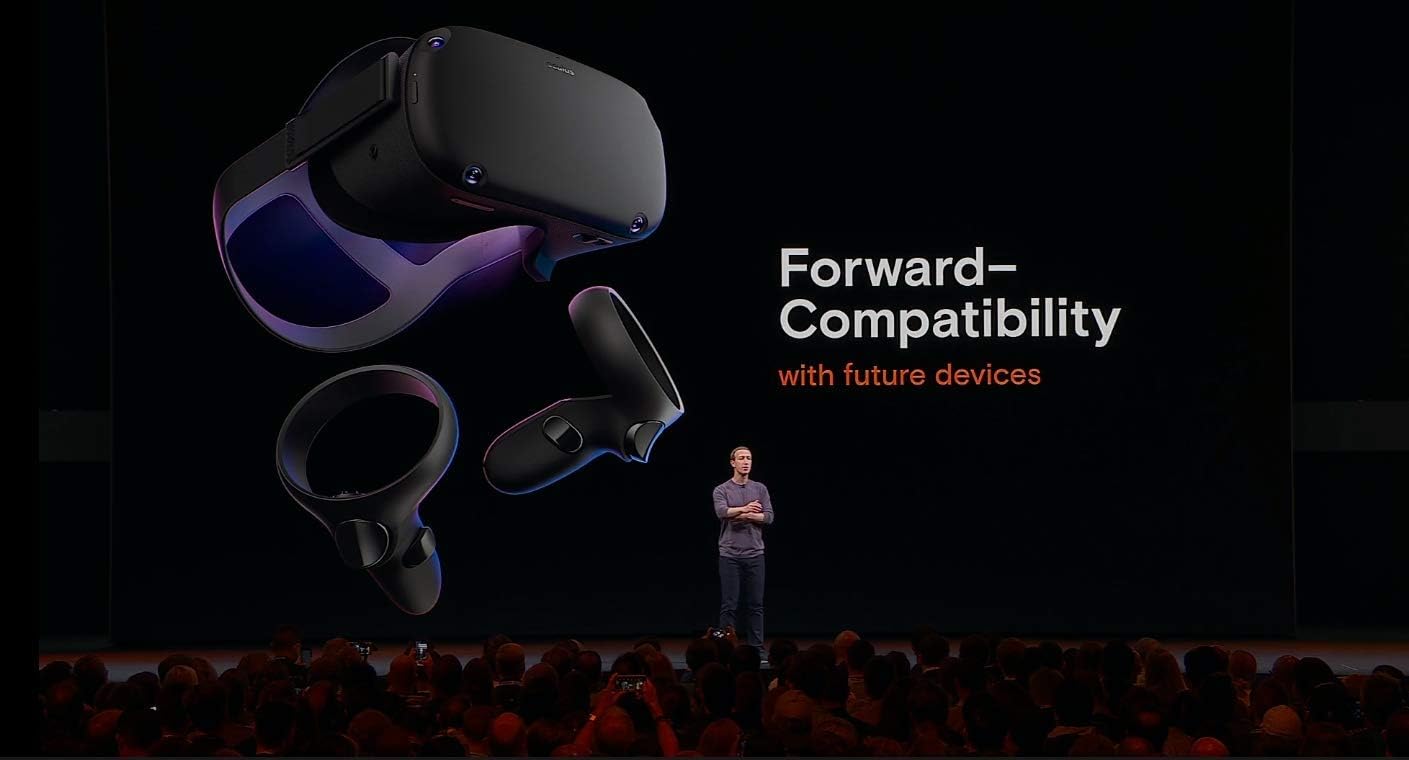
Image: All included components of the Oculus Quest system, neatly arranged for inspection.
Impostare
- Caricare l'auricolare: Connect the USB-C charging cable to the headset and the power adapter, then plug it into a wall outlet. The LED indicator on the headset will show charging status.
- Inserire le batterie nei controller: Open the battery compartment on each Oculus Touch controller and insert the provided AA batteries, ensuring correct polarity.
- Configurazione iniziale tramite app mobile: Download the Oculus mobile app on your smartphone. Follow the on-screen instructions to pair your headset, connect to Wi-Fi, and create or log in with your Facebook account.
- Regola la vestibilità dell'auricolare: Place the headset on your head. Adjust the top strap and side straps for a snug yet comfortable fit. Ensure the display is clear and centered. If you wear glasses, insert the included glasses spacer before wearing the headset.
- Set Up Guardian System: The Guardian system helps you define your play space and avoid obstacles. Follow the prompts in VR to draw your boundary. You can choose between Stationary (sitting/standing in one spot) or Roomscale (moving around a larger area).
Istruzioni per l'uso
Utilizzo dell'auricolare
- Accensione/spegnimento: Press and hold the power button on the side of the headset for a few seconds to turn it on or off.
- Navigating the Home Environment: Once powered on, you will enter the Oculus Home environment. Use your Touch controllers to interact with menus, launch applications, and browse content.
- Adjusting IPD: The Interpupillary Distance (IPD) slider at the bottom of the headset allows you to adjust the lens spacing to match your eye distance for optimal clarity.
Using the Touch Controllers
The Oculus Touch controllers provide intuitive interaction within VR. Each controller features:
- Stick analogico: Per il movimento e la navigazione.
- Face Buttons (A/B/X/Y): Per le azioni di gioco e le selezioni del menu.
- Pulsante di attivazione: Typically used for grabbing or firing.
- Pulsante di presa: For gripping objects.
- Pulsante Oculus: Press to open the universal menu or recenter your view.
- Pulsante Menu: Used for in-app menus.
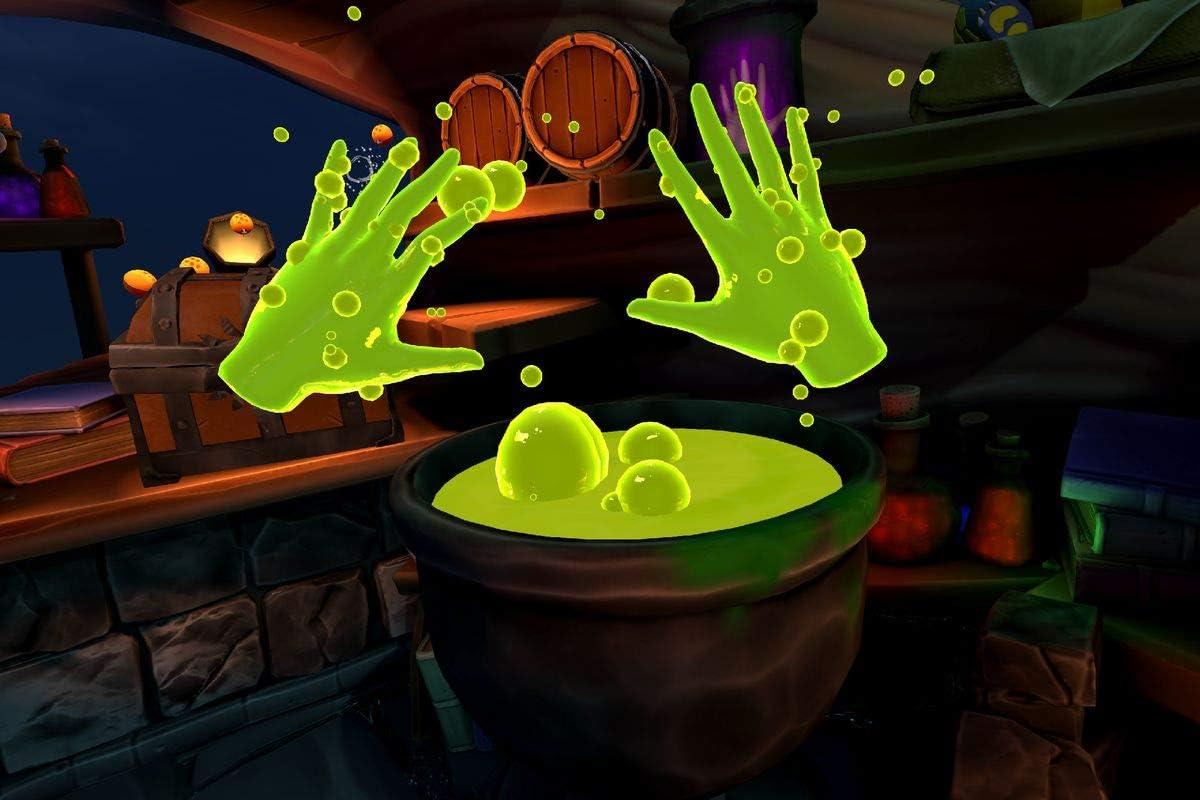
Image: A user demonstrating the proper way to wear the Oculus Quest headset and hold the Touch controllers during gameplay.
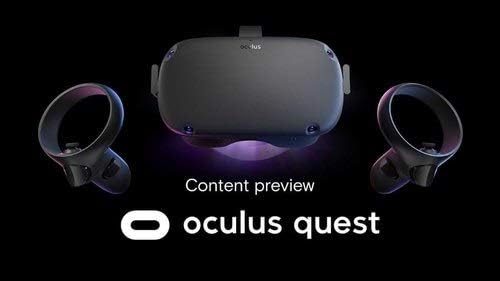
Immagine: Un example of in-game interaction, showing virtual hands with glowing effects above a cauldron, demonstrating the immersive experience.
Manutenzione
- Pulizia delle lenti: Use a dry microfiber cloth specifically designed for lenses. Wipe gently from the center outwards in a circular motion. Do not use liquid cleaners, alcohol, or abrasive cloths.
- Cleaning the Headset and Controllers: Utilizzare un panno asciutto o leggermente damp non-abrasive cloth. Avoid getting moisture into any openings.
- Magazzinaggio: Store your Oculus Quest in a cool, dry place away from direct sunlight. Prolonged exposure to sunlight can damage the lenses and display.
- Cura della batteria: Per una durata ottimale della batteria, evitare di scaricare completamente l'auricolare frequentemente. Caricarlo regolarmente.
Risoluzione dei problemi
| Problema | Possibile soluzione |
|---|---|
| L'auricolare non si accende | Ensure the headset is fully charged. Press and hold the power button for at least 10 seconds for a hard reset. |
| Controllers not pairing/tracking | Check controller batteries. Re-pair controllers via the Oculus mobile app. Ensure your play space has adequate lighting. |
| Blurry vision/display | Adjust the headset's fit and IPD slider. Clean the lenses with a microfiber cloth. |
| Guardian system issues | Redraw your Guardian boundary. Ensure your play space is well-lit and free of reflective surfaces. |
| Problemi audio | Check volume settings in VR. Ensure headphones (if used) are properly connected. |
Specifiche
- Nome modello: Numero di telefono: 301-00171-01
- Magazzinaggio: 128 GB
- Dimensioni: 14.7 x 9.1 x 5 pollici
- Peso dell'articolo: 1.1 libbre
- Connettività: Wifi bluetooth
- Sistema operativo: Basato su Android
- Componenti inclusi: Headset, 2 Touch Controllers, USB-C Cable, Power Adapter, 2 AA Batteries, Glasses Spacer
- Produttore: Oculus (Brand: Meta)
- Primo disponibile: 10 gennaio 2019
Garanzia e supporto
For detailed warranty information and customer support, please refer to the official Meta (Oculus) webo contattare direttamente il servizio clienti. Conservare la prova d'acquisto per eventuali reclami in garanzia.
Online resources and FAQs are available to assist with common queries and advanced usage tips.


