1. Introduzione
Thank you for choosing the SIMOLIO JH-712 Kids Bluetooth Headphones. These headphones are designed with children's safety and comfort in mind, featuring a 3-level volume limiter to protect sensitive ears. They offer both wireless Bluetooth connectivity and a wired option, along with a built-in microphone for calls and a share port for shared listening. The foldable design and durable construction make them ideal for various activities, including school, travel, and everyday use.
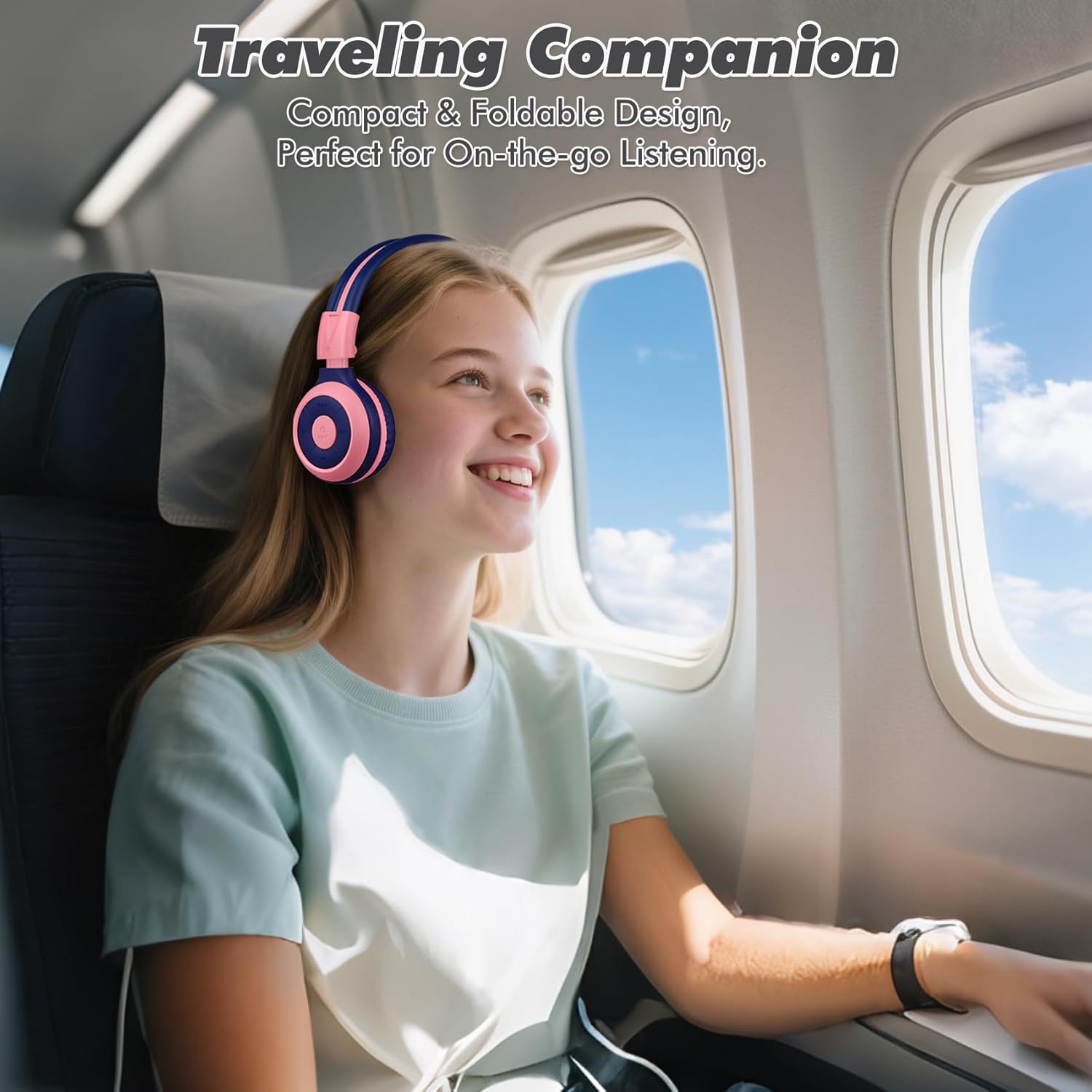
Image: The SIMOLIO JH-712 headphones are a perfect travel companion due to their compact and foldable design.
2. Cosa c'è nella scatola
Si prega di controllare il contenuto della confezione per assicurarsi che siano presenti tutti gli articoli:
- SIMOLIO JH-712 Kids Bluetooth Headphones
- Custodia da trasporto in EVA
- Cavo di ricarica USB
- Cavo audio da 3.5 mm
- Manuale dell'utente (questo documento)
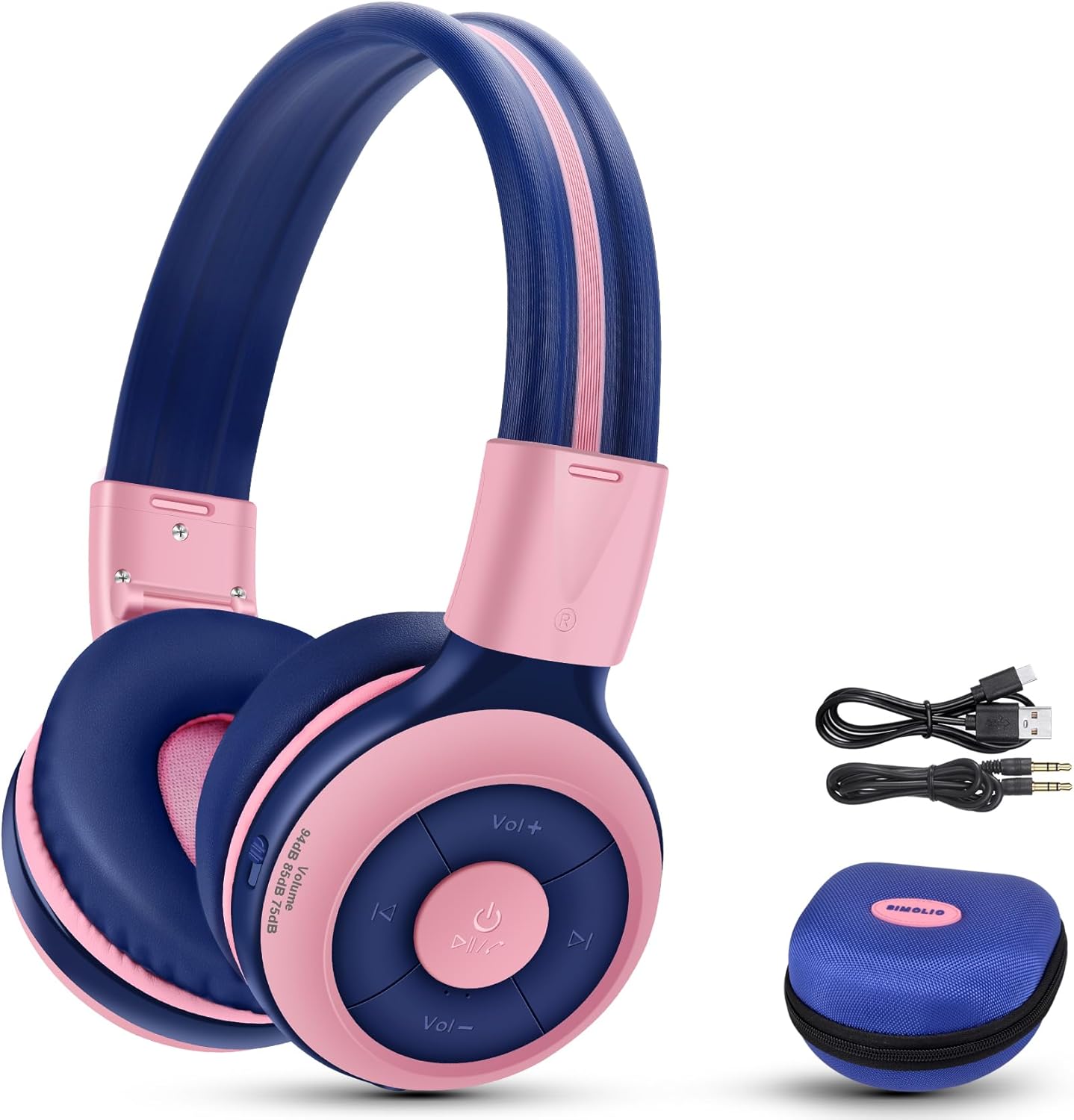
Image: Contents of the SIMOLIO JH-712 headphone package, including the headphones, cables, and EVA case.
3. Prodotto finitoview
The SIMOLIO JH-712 headphones feature a robust and comfortable design. Key components include:
- Fascia regolabile: Made with memory stainless steel strips for durability and flexibility, allowing for a custom fit.
- Cuscinetti auricolari morbidi: Over-ear design with memory foam earmuffs provides comfort and helps isolate external noise.
- Pulsanti di controllo: Situati sul padiglione auricolare, servono per accendere, controllare il volume, riprodurre e gestire le chiamate.
- Microfono incorporato: For hands-free calling and online learning.
- Porta audio da 3.5 mm: Per connessione cablata.
- Porta di ricarica: Per ricaricare la batteria interna.
- Share Port: Allows another headphone to daisy-chain for shared audio.
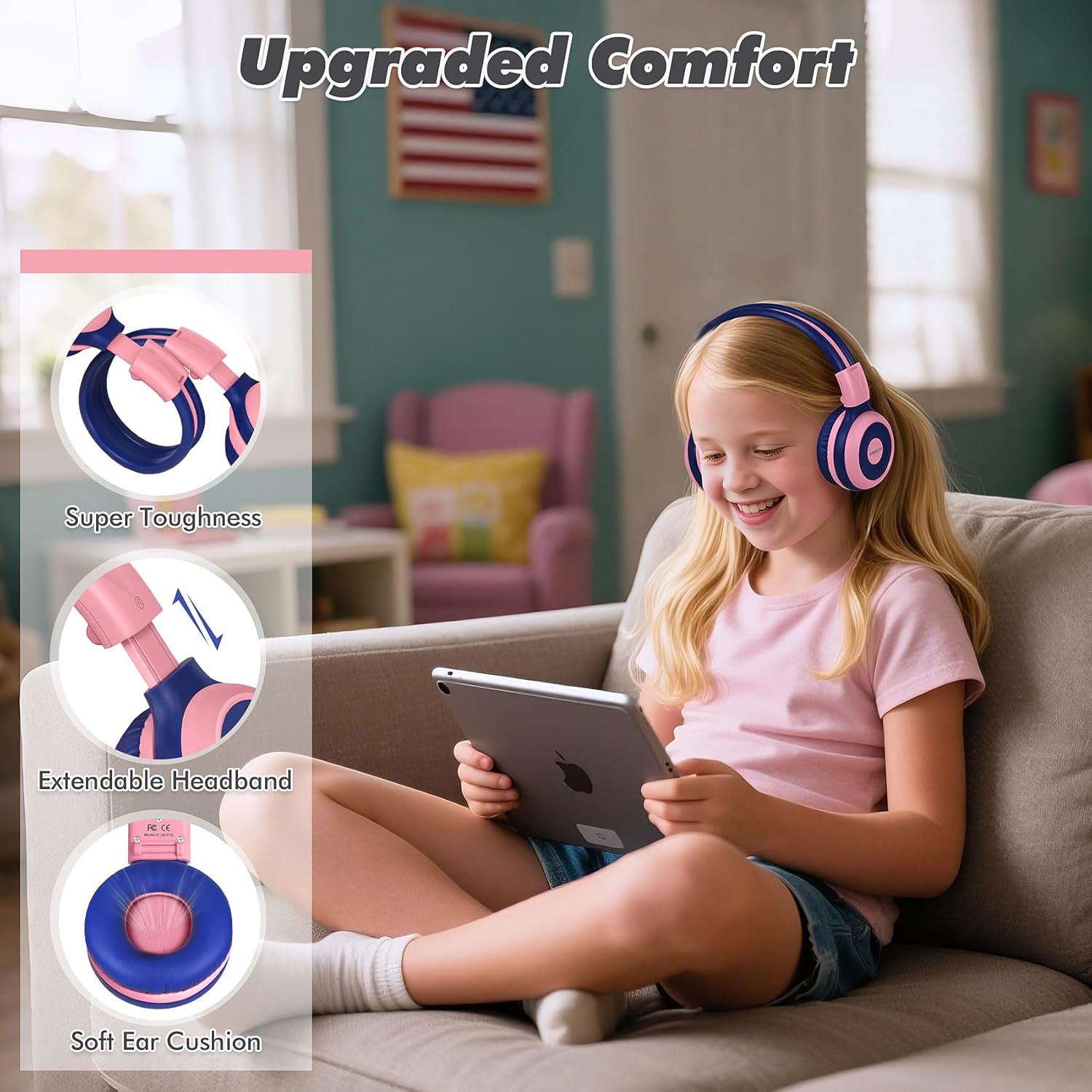
Image: Features highlighting the upgraded comfort, including super toughness, extendable headband, and soft ear cushions.

Image: Ergonomic design details showing soft earcups, adjustable and sturdy headband, and foldable functionality.
4. Impostazione
4.1 Ricarica delle cuffie
Prima del primo utilizzo, caricare completamente le cuffie. Una ricarica completa richiede circa 3 ore.
- Collegare il cavo di ricarica USB alla porta di ricarica delle cuffie.
- Collegare l'altra estremità del cavo USB a una fonte di alimentazione USB compatibile (ad esempio, una porta USB del computer, un adattatore da parete).
- L'indicatore LED mostrerà lo stato di carica (per i dettagli, fare riferimento alla sezione relativa all'indicatore LED nel manuale completo).
- Una volta caricata completamente, scollegare il cavo di ricarica.
4.2 Associazione Bluetooth
To connect your headphones wirelessly via Bluetooth:
- Assicurati che le cuffie siano spente.
- Tenere premuto il pulsante di accensione finché l'indicatore LED non lampeggia in blu e rosso, indicando la modalità di associazione.
- Sul tuo dispositivo (smartphone, tablet, computer), attiva il Bluetooth e cerca i dispositivi disponibili.
- Select "SIMOLIO JH-712" from the list of devices.
- Una volta connesso, l'indicatore LED in genere emetterà una luce blu fissa o lampeggerà lentamente.
4.3 Modalità cablata
You can use the headphones in wired mode when the battery is low or with devices that do not support Bluetooth.
- Collegare un'estremità del cavo audio da 3.5 mm alla porta audio delle cuffie.
- Collegare l'altra estremità al jack audio da 3.5 mm del dispositivo.
- Le cuffie passeranno automaticamente alla modalità cablata.
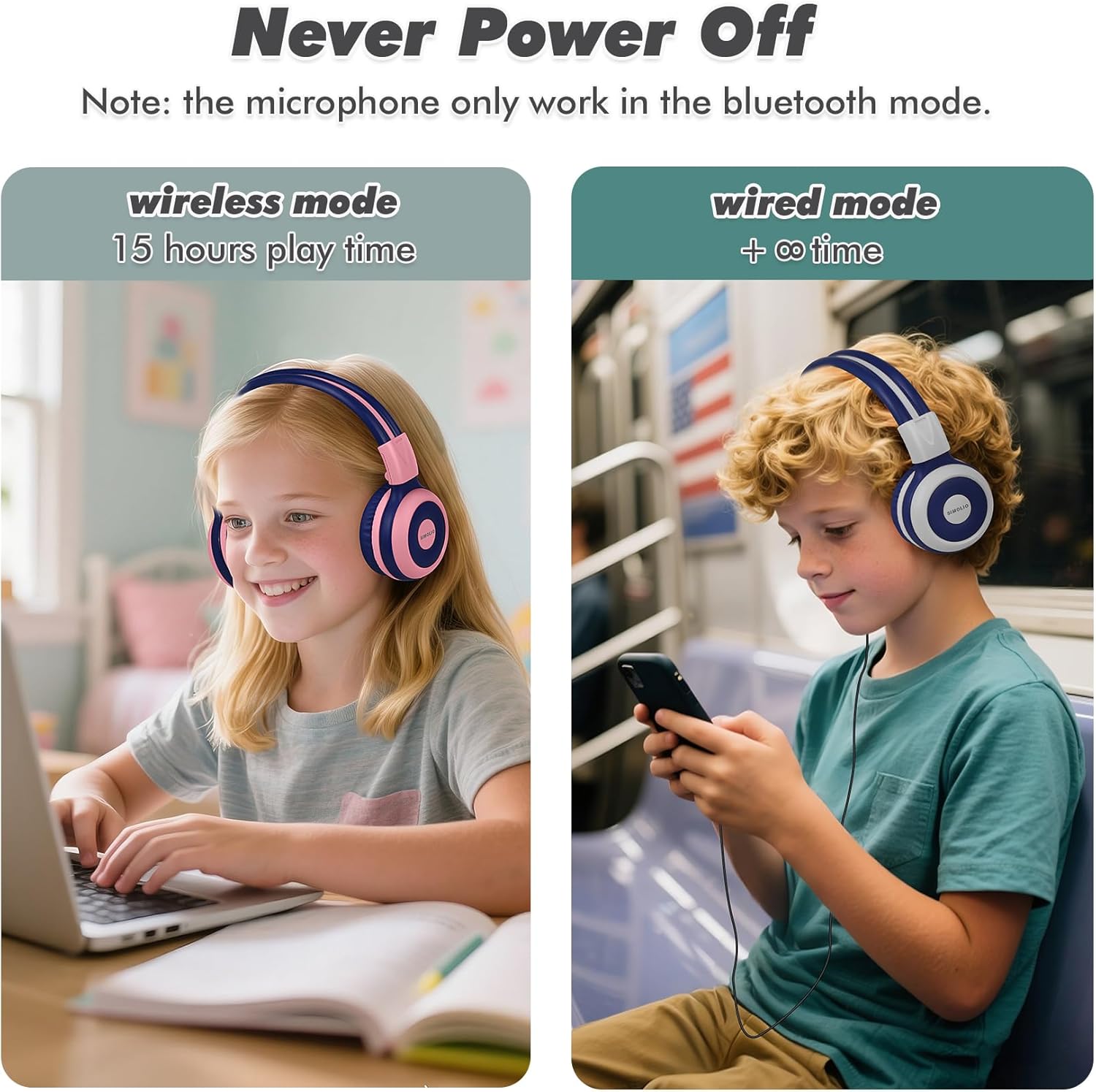
Image: Illustration of wireless mode with 15 hours play time and wired mode for continuous use.
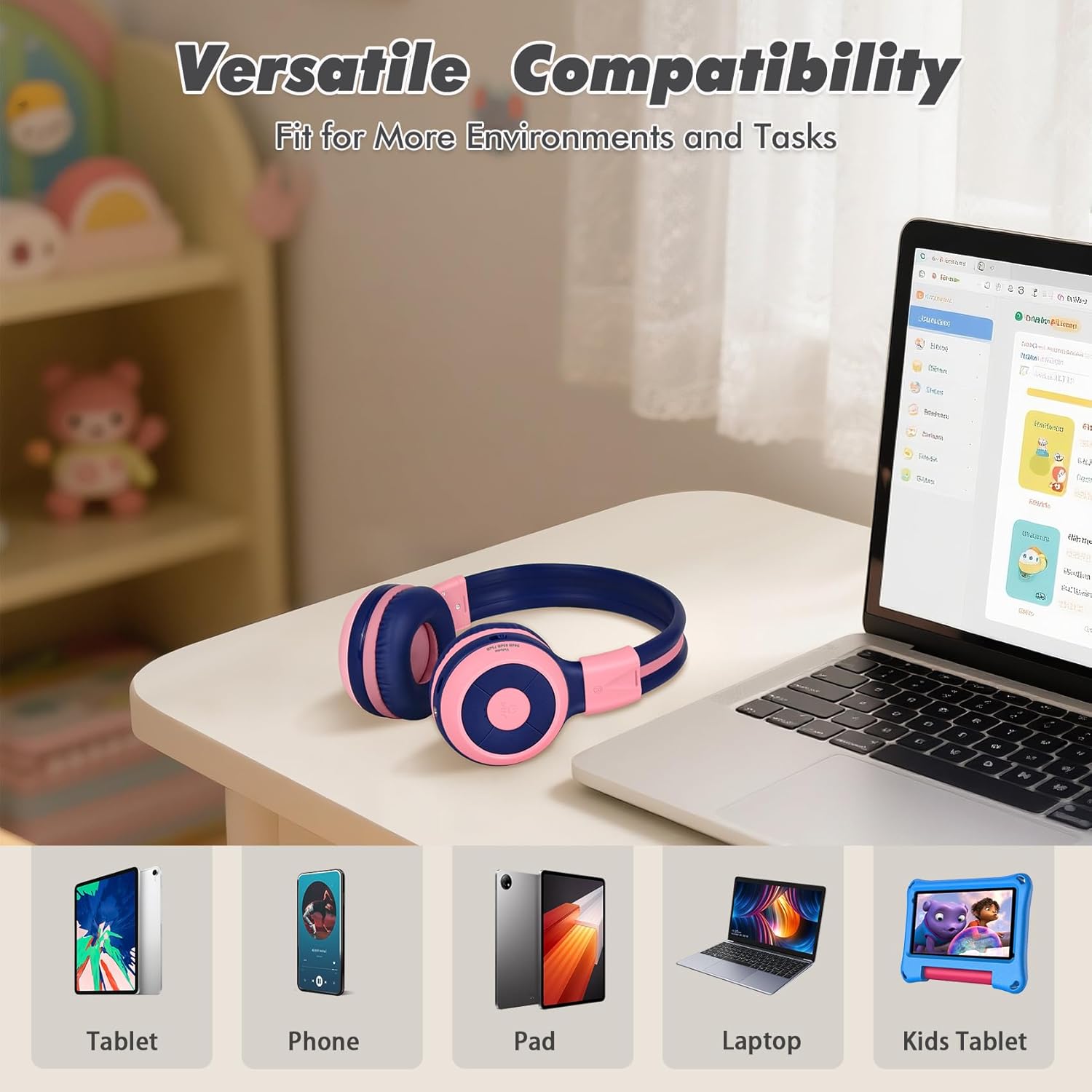
Image: Versatile compatibility with various devices including tablets, phones, iPads, laptops, and kids' tablets.
5. Istruzioni per l'uso
5.1 Accensione/spegnimento
- Accensione: Tenere premuto il pulsante di accensione per circa 3 secondi finché l'indicatore LED non si accende.
- Spegni: Tenere premuto il pulsante di accensione per circa 3 secondi finché l'indicatore LED non si spegne.
5.2 Volume Control and Limiter
The headphones feature a unique 3-level volume limiter to protect hearing:
- 75dB (Toddler Mode): For very young children.
- 85dB (Study Mode): Suitable for general listening and study.
- 94dB (Travel Mode): For noisier environments, providing a slightly higher but still safe volume.
Use the dedicated switch on the earcup to select the desired volume limit. Adjust the listening volume using the Vol+ and Vol- buttons.
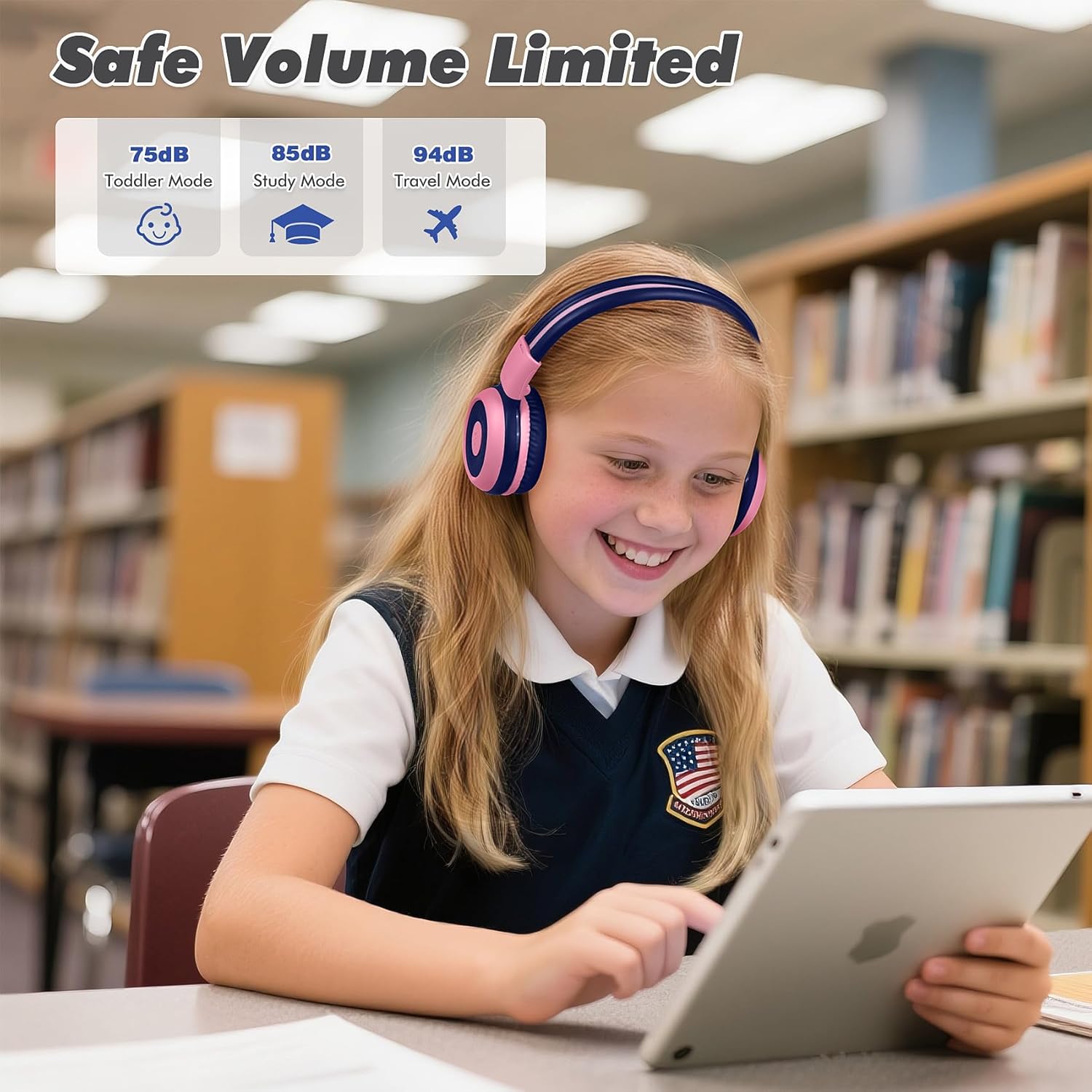
Image: Safe Volume Limited feature with three distinct modes for different age groups and environments.

Immagine: dettagliata view of the 3-level volume limiter switch for kids' hearing protection.
5.3 Riproduzione di musica
- Riproduci/Pausa: Premi una volta il pulsante Riproduci/Pausa.
- Traccia successiva: Premere una volta il pulsante Traccia successiva.
- Traccia precedente: Premere una volta il pulsante Traccia precedente.
5.4 Gestione delle chiamate
Il microfono integrato consente di effettuare chiamate in vivavoce quando si è connessi tramite Bluetooth.
- Rispondi/Termina chiamata: Premi una volta il pulsante Riproduci/Pausa.
- Rifiuta chiamata: Tenere premuto il pulsante Play/Pausa per circa 2 secondi.

Image: Crystal-clear calls and online learning anytime with the built-in HD microphone.
5.5 Share Port Function
The unique share port allows two headphones to listen to the same audio source simultaneously.
- Connect the first headphone wirelessly to your device.
- Connect one end of the 3.5mm audio cable to the share port of the first headphone.
- Connect the other end of the 3.5mm audio cable to the audio input of a second headphone.
- Entrambe le cuffie riceveranno ora l'audio dalla stessa sorgente.

Image: Double the fun with one device and two listeners using the unique sharing port.
6. Manutenzione
Una cura adeguata prolungherà la durata delle tue cuffie.
- Pulizia: Per pulire le cuffie, utilizzare un panno morbido e asciutto. Non utilizzare detergenti liquidi o spray.
- Magazzinaggio: When not in use, store the headphones in the provided EVA carrying case to protect them from dust and damage. The foldable design makes storage compact.
- Evitare condizioni estreme: Non esporre le cuffie a temperature estreme, umidità o luce solare diretta.
- Resistenza all'acqua: Queste cuffie non sono resistenti all'acqua. Evitare il contatto con i liquidi.

Image: Folding the headphones and storing them in the hard EVA case for space-saving and easy carrying.
7. Risoluzione Dei Problemi
If you encounter issues with your SIMOLIO JH-712 headphones, please refer to the following common solutions:
| Problema | Possibile soluzione |
|---|---|
| Le cuffie non si accendono | Assicurati che le cuffie siano completamente cariche. Collegale a una fonte di alimentazione e riprova. |
| Impossibile effettuare l'associazione tramite Bluetooth | Make sure headphones are in pairing mode (flashing blue/red LED). Turn off and on your device's Bluetooth. Ensure headphones are not connected to another device. |
| Nessun suono in modalità wireless | Check if the headphones are successfully paired and connected. Adjust the volume on both the headphones and your device. Ensure the volume limiter switch is not set too low. |
| Nessun suono in modalità cablata | Ensure the 3.5mm audio cable is securely connected to both the headphones and your device. Test with a different audio cable if available. |
| Il microfono non funziona | The microphone only works in Bluetooth mode. Ensure headphones are connected via Bluetooth and selected as the input device on your system settings. |
| Il suono è troppo basso | Check the 3-level volume limiter switch on the headphones and adjust it to a higher setting (e.g., 85dB or 94dB). Increase volume on both the headphones and the connected device. |
8. Specifiche
Detailed technical specifications for the SIMOLIO JH-712 Kids Bluetooth Headphones:
- Nome modello: Kids Wireless Bluetooth Headphones JH-712P
- Tecnologia di connettività: Wireless (Bluetooth), cablato (jack da 3.5 mm)
- Versione Bluetooth: 5.0
- Gamma Bluetooth: 10 metri (33 piedi)
- Tipo di driver audio: Driver dinamico
- Dimensioni del driver audio: 40 millimetri
- Impedenza: 32 Ohm
- Controllo del rumore: Isolamento acustico
- Durata della batteria: Up to 15 Hours (wireless mode)
- Tempo di ricarica: Circa 3 ore
- Tipo di controllo: Controllo multimediale, pulsante
- Caratteristiche speciali: Adjustable Headband, Foldable, Built-in Microphone, Noise Isolation, 3-level Volume Limiter (75dB/85dB/94dB), Share Port
- Materiale: Stainless Steel (headband), Memory Foam (earmuffs), EVA (case)
- Peso dell'articolo: 9.2 once (260 grammi)
- Dimensioni del prodotto: 5.51 x 3.15 x 5.31 pollici
- Livello di resistenza all'acqua: Non resistente all'acqua
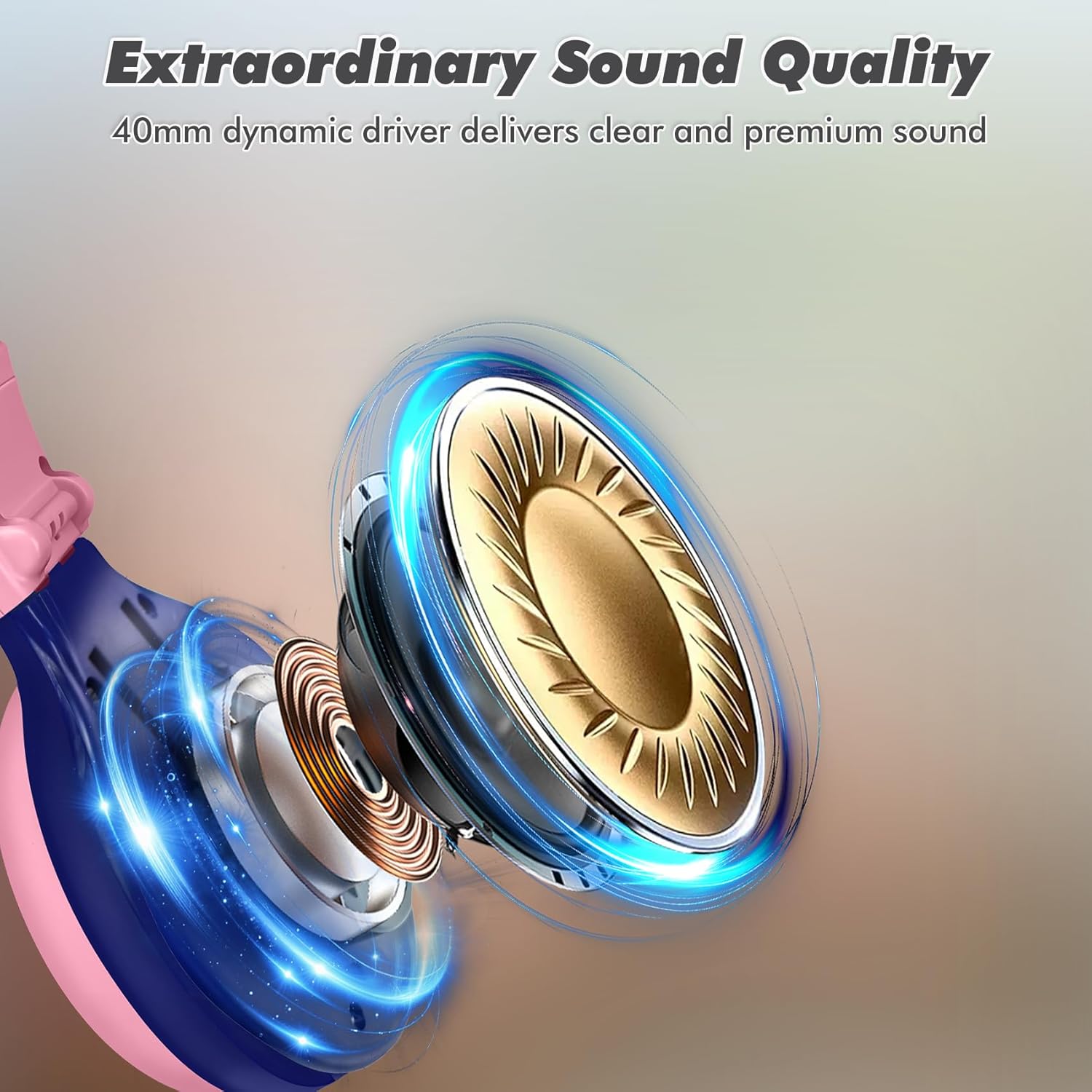
Image: Illustration of the 40mm dynamic driver, delivering clear and premium sound quality.
9. Garanzia e supporto
SIMOLIO provides a Garanzia senza problemi di 12 mesi for the JH-712 Kids Bluetooth Headphones.
If you have any questions, concerns, or require technical assistance, please contact SIMOLIO customer service. Contact information can typically be found on the official SIMOLIO websito o tramite la tua piattaforma di acquisto.
Per ulteriore supporto e informazioni sul prodotto, puoi visitare il sito SIMOLIO Store on Amazon.
10. Video del prodotto
Watch this official product video for a visual guide to the SIMOLIO Kids Bluetooth Headphones JH-712.
Video: SIMOLIO Kids Bluetooth Headphones with Mic JH-712. This video demonstrates the features and usage of the headphones.