Introduzione
The UGREEN DisplayPort to HDMI Cable (Model 15773) is designed to connect devices with a DisplayPort output to displays with an HDMI input. This active, uni-directional cable supports high-resolution video up to 4K@60Hz, High Dynamic Range (HDR), and multi-screen configurations, providing a stable and high-quality audio and video transmission experience.
Impostare
Follow these steps to connect your DisplayPort device to an HDMI display:
- Identificare le porte: Locate the DisplayPort output on your source device (e.g., computer, graphics card) and the HDMI input on your display (e.g., monitor, TV, projector).
- Collega DisplayPort: Insert the DisplayPort end of the UGREEN cable into the DisplayPort output of your source device.
- Collega HDMI: Insert the HDMI end of the UGREEN cable into the HDMI input of your display.
- Accensione: Ensure both your source device and display are powered on. The display should automatically detect the signal. If not, manually select the correct HDMI input on your display.
Video: This video demonstrates the correct connection procedure for the UGREEN DisplayPort to HDMI Cable, showing how to connect the DisplayPort end to a computer host and the HDMI end to a display.
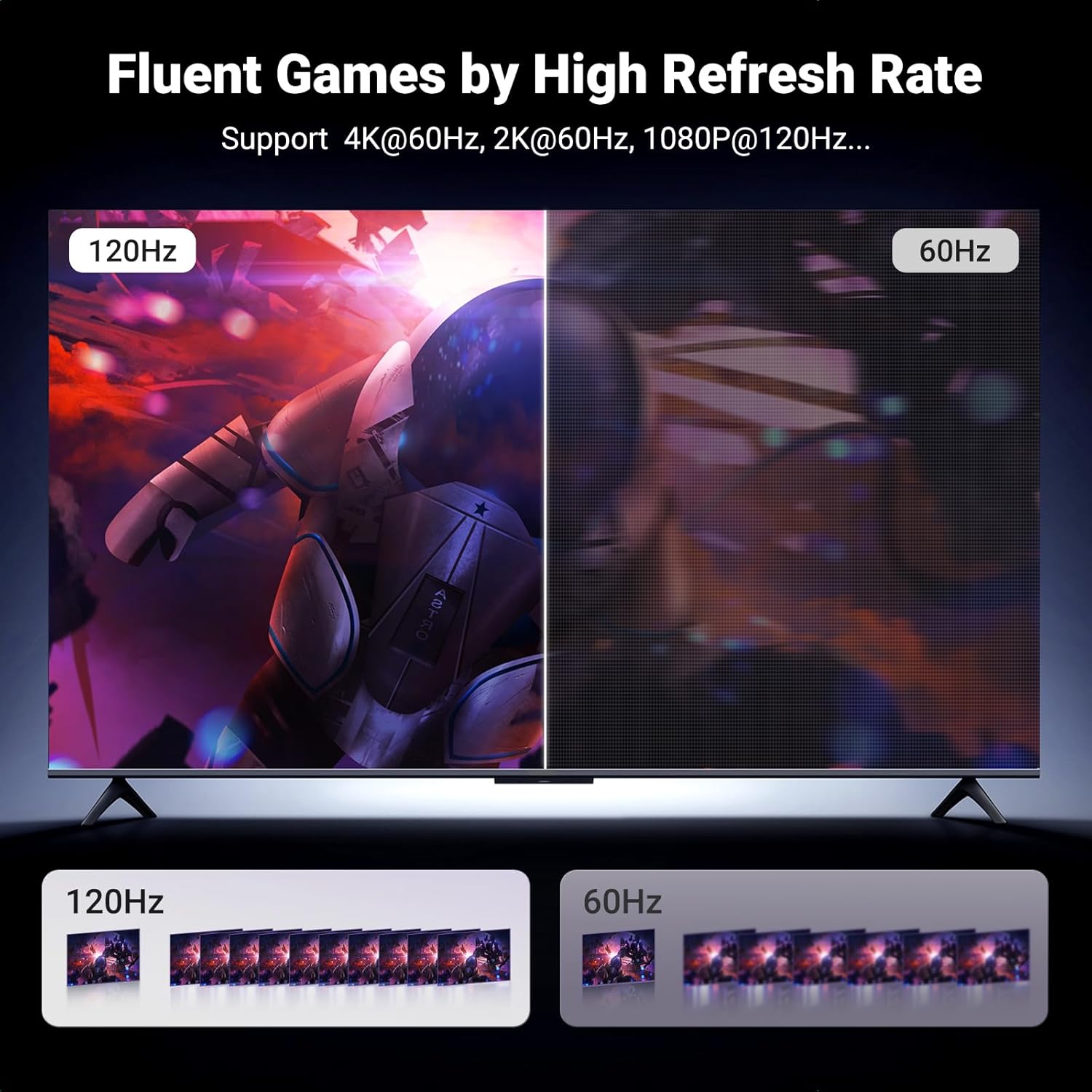
Immagine: This diagram illustrates the uni-directional nature of the cable, transmitting signals only from a DisplayPort source to an HDMI display.
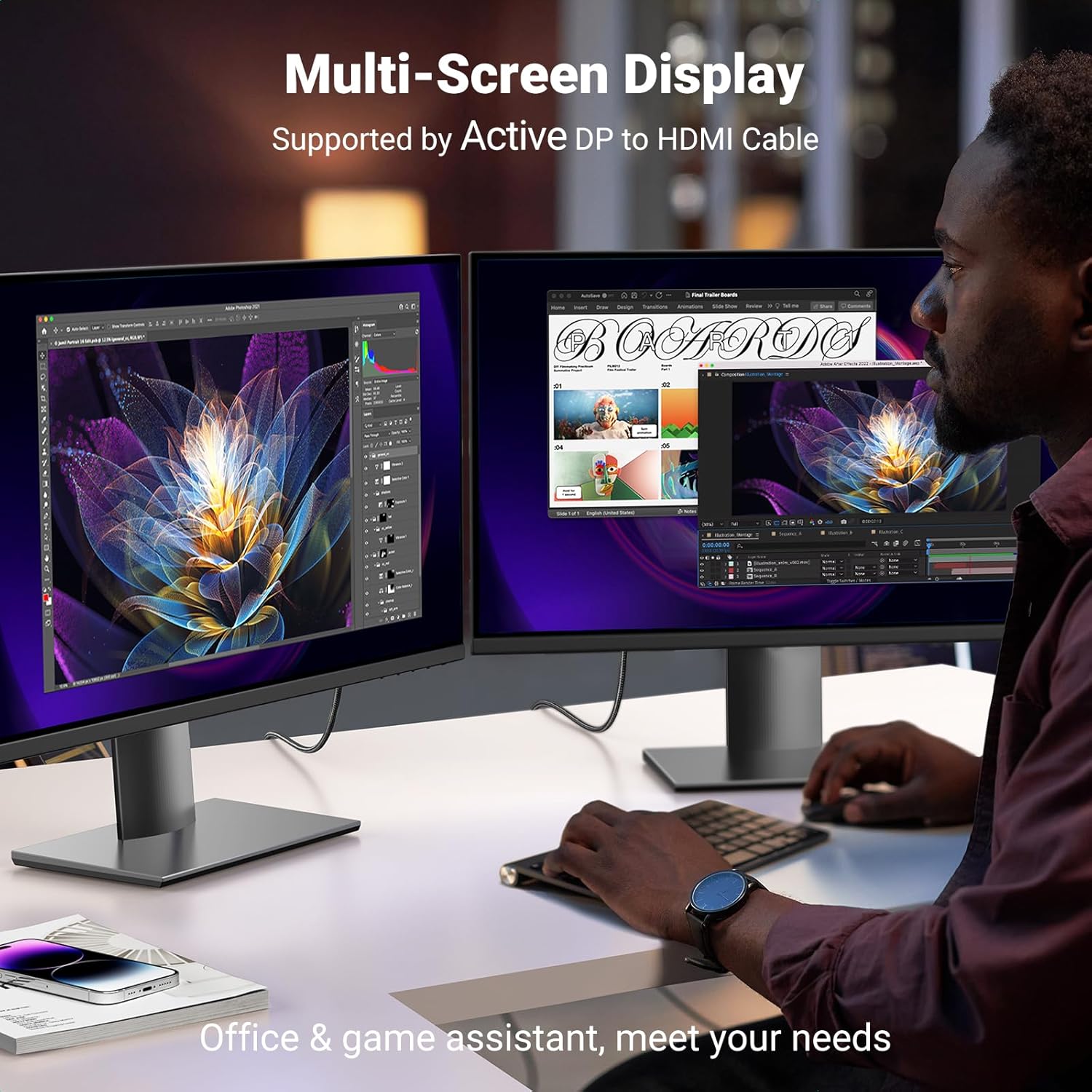
Immagine: This image highlights the wide compatibility of the cable, connecting DisplayPort sources like laptops, desktops, and graphics cards to HDMI displays such as monitors, HDTVs, and projectors.
Istruzioni per l'uso
The UGREEN DisplayPort to HDMI Cable supports various operating modes and resolutions:
- Alta risoluzione: Enjoy resolutions up to 4K@60Hz, with backward compatibility for 2K@60Hz and 1080P@120Hz. This provides a clear and detailed visual experience, including support for HDR for enhanced color and contrast.
- Multi-Screen Modes: The cable supports mirrored mode (displaying the same content on multiple screens), extended mode (extending your desktop across multiple screens), and Eyefinity Multiple Screen SLS mode for advanced multi-display setups.
- Trasmissione audio: The cable supports flawless audio pass-through for uncompressed digital 7.1, 5.1, or 2 channels, ensuring a complete multimedia experience.

Immagine: Un chiaro view of the UGREEN DisplayPort to HDMI Cable, showcasing its robust design and distinct DisplayPort and HDMI connectors.

Immagine: This image demonstrates a multi-screen display setup, illustrating how the UGREEN cable facilitates an extended desktop environment for increased productivity or immersive gaming.
Manutenzione
To ensure the longevity and optimal performance of your UGREEN DisplayPort to HDMI Cable, consider the following maintenance tips:
- Gestione corretta: Avoid sharp bends or excessive pulling on the cable, especially near the connectors. The braided nylon exterior provides durability, but extreme stress can still cause damage.
- Connettori puliti: Ispezionare periodicamente i connettori per verificare la presenza di polvere o detriti. Se necessario, utilizzare un panno morbido e asciutto o aria compressa per pulirli delicatamente.
- Magazzinaggio: When not in use, coil the cable loosely and secure it with the included Velcro tie. Store it in a cool, dry place away from direct sunlight and extreme temperatures.
- Evitare il contatto con liquidi: Keep the cable away from liquids to prevent damage to the internal components.

Immagine: This diagram details the internal construction of the UGREEN cable, highlighting features like the pure copper core, nickel-plated connectors, aluminum alloy shell, and braided wire for enhanced durability and signal integrity.
Risoluzione dei problemi
If you encounter issues with your UGREEN DisplayPort to HDMI Cable, consider the following:
- Nessun segnale/sfarfallio:
- Assicurarsi che entrambe le estremità del cavo siano collegate saldamente alle rispettive porte.
- Verificare che il display sia impostato sulla sorgente di ingresso HDMI corretta.
- Controlla le impostazioni dello schermo del tuo computer per assicurarti che siano selezionate la risoluzione e la frequenza di aggiornamento corrette.
- Riavviare il dispositivo sorgente e il display.
- Uni-Directional Operation: This cable transmits signals only from DisplayPort to HDMI. It is not reversible. Ensure your source device has a DisplayPort output and your display has an HDMI input.
- Limitazioni di compatibilità: Questo cavo è not compatible with HDMI source devices such as MacBook, PlayStation, Switch, and Xbox. It is designed for DisplayPort source devices like desktop towers (HP, Dell, Lenovo), graphics cards (AMD, NVIDIA), and laptops (HP ProBook EliteBook, Lenovo, ThinkPad).
- Problemi audio: If there is no audio, ensure your computer's sound output is set to the HDMI display.
Specifiche
| Caratteristica | Specificazione |
|---|---|
| Marca | Non verde |
| Numero di modello | 15773 |
| Tipo di connettore | DisplayPort a HDMI |
| Tipo di cavo | Cavo HDMI |
| Velocità di trasferimento dati | 18 Gigabit al secondo |
| Risoluzione massima | 4K@60Hz (backward compatible with 2K@60Hz, 1080P@120Hz) |
| Caratteristiche speciali | Digital Display, Data Transfer, High Speed, Aluminum Braided, HDR Support, Active Multi-Screen Expansion |
| Connector Gender | da maschio a maschio |
| Materiale esterno | Nylon |
| Peso dell'articolo | 0.07 chilogrammi (2.46 once) |
| Lunghezza del cavo | 3.3FT (1 meter) |
Garanzia e supporto
UGREEN products are manufactured to high-quality standards and undergo rigorous testing. For specific warranty information regarding your UGREEN DisplayPort to HDMI Cable (Model 15773), please refer to the packaging or the official UGREEN websito.
For technical support, product inquiries, or to explore other UGREEN products, please visit the official UGREEN store:


