Introduzione
This user manual provides detailed instructions for the installation, operation, and maintenance of your Byron DBY-22311 Portable Wireless Doorbell. This system offers a convenient and reliable solution for your home, featuring a portable chime unit and a wireless push button.
The portable chime unit allows for flexible placement within your home, garden, or garage, ensuring you never miss a visitor. The system operates wirelessly with a range of up to 150 meters in open areas.
Caratteristiche principali
- Connettività wireless: Provides a reliable wireless connection between the push button and the chime unit, offering flexible placement options.
- Pronto all'uso: The set includes a wall-mountable push button and a portable wireless chime, designed for immediate use upon setup.
- Impostazioni regolabili: Choose from 16 selectable melodies and 5 adjustable volume levels to customize your doorbell sound.
- Portata wireless estesa: Boasts an impressive wireless range of up to 150 meters (open field), ensuring you hear the chime from various locations.
- Resistente alle intemperie: The push button is constructed with an IP44 rating, making it suitable for outdoor use and resistant to various weather conditions.
Contenuto della confezione
Prima di procedere con l'installazione, assicurarsi che tutti gli elementi siano presenti:
- Byron DBY-22311 Portable Wireless Chime Unit
- Wireless Push Button (with 1 CR2 battery included)
- Double-sided Adhesive Tape for mounting
- Manuale d'uso
Note: 3 x AA batteries for the portable chime unit are not included and must be purchased separately.
Configurazione e installazione
1. Installazione della batteria
Per l'unità portatile Chime:
- Individuare il vano batterie sul retro dell'unità campanello.
- Aprire il coperchio del vano batterie.
- Inserire 3 batterie AA (non incluse), assicurandosi della corretta polarità (+/-).
- Chiudere saldamente il coperchio del vano batterie.
Per il pulsante wireless:
- The push button comes with a pre-installed CR2 battery.
- If replacement is needed, open the back cover of the push button.
- Replace the CR2 battery, observing polarity.
- Chiudere bene il coperchio.

Immagine: Posteriore view of the chime unit with its battery compartment open, alongside the push button showing its mounting points. This illustrates where batteries are inserted and how the units can be mounted.
2. Montaggio del pulsante
The push button can be mounted using the provided double-sided adhesive tape or screws (not included) for a more permanent fixture.
- Scegli una posizione adatta vicino all'ingresso, assicurandoti che sia facilmente accessibile ai visitatori.
- Pulire accuratamente la superficie di montaggio per garantire una buona adesione.
- Utilizzo del nastro adesivo: Peel off the protective backing from the double-sided adhesive tape and firmly press the push button onto the desired surface for at least 30 seconds.
- Utilizzo delle viti (facoltativo): If using screws, mark the drilling points through the holes on the back of the push button. Drill pilot holes, insert wall plugs if necessary, and secure the push button with screws.

Image: A person's hand pressing the wireless doorbell push button, which is mounted on a wall next to a door. This demonstrates the typical installation location and interaction with the push button.
3. Test iniziale
After installing batteries and mounting the push button, press the push button to confirm the chime unit rings. The units are pre-paired for convenience.
Istruzioni per l'uso
1. Melodie cangianti
Il campanello offre 16 melodie diverse. Per cambiare la melodia:
- Locate the melody selection button on the side of the portable chime unit.
- Premere ripetutamente questo pulsante per scorrere le melodie disponibili.
- Stop pressing when you hear your desired melody. The chime will remember your selection.

Immagine: un primo piano view of the side of the chime unit, highlighting the small button used for cycling through the 16 available melodies.
2. Regolazione del volume
The chime unit has 5 adjustable volume levels. To change the volume:
- Locate the volume control button, typically near the melody selection button or on the front/side of the chime unit.
- Press this button to cycle through the volume levels (from lowest to highest, then back to lowest).
- Seleziona il livello di volume più adatto al tuo ambiente.
3. Uso portatile
The portable chime unit can be carried with you throughout your home, garden, or garage, as long as it remains within the 150-meter wireless range of the push button.
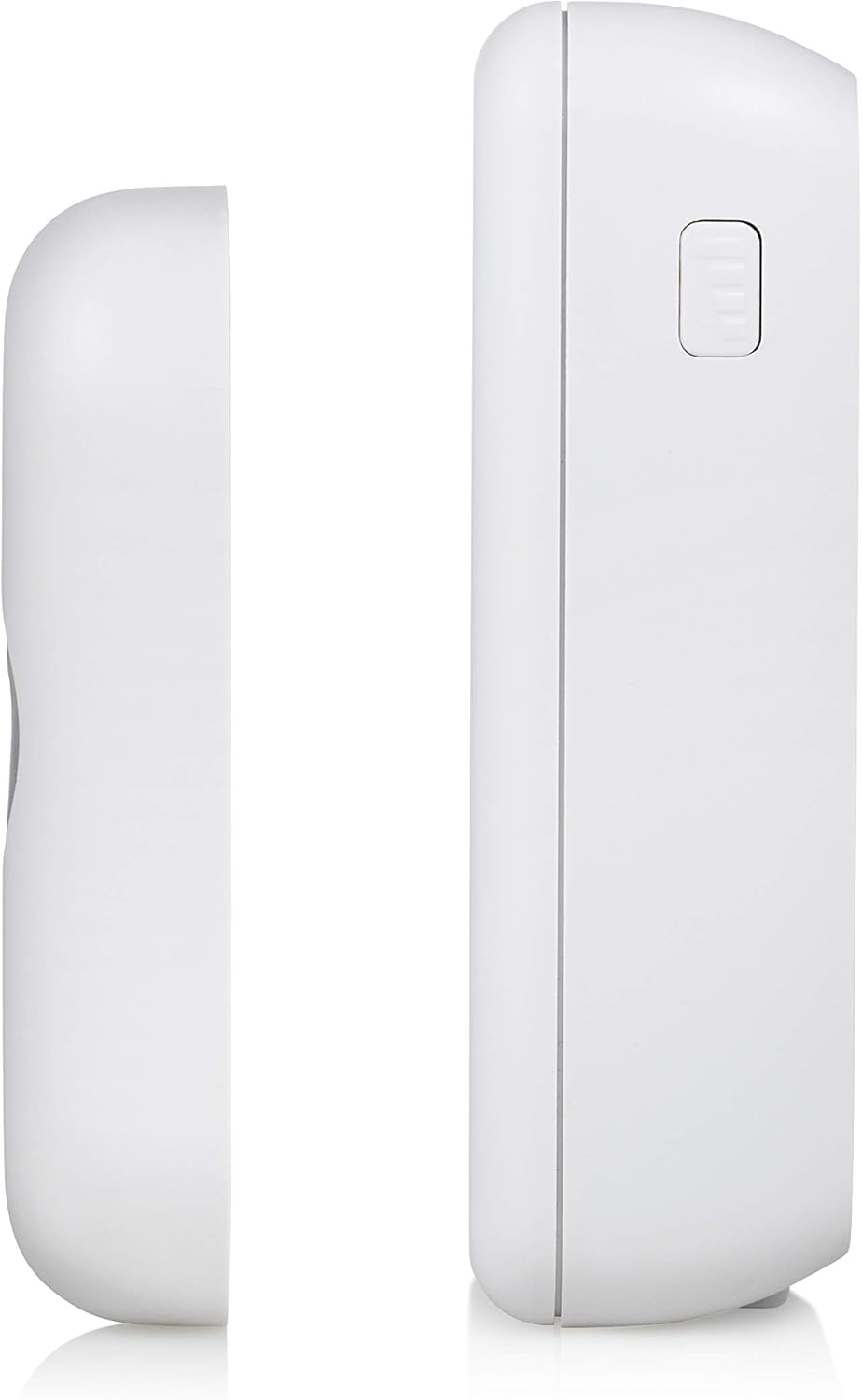
Image: A diagram illustrating the wireless connection and effective range of 150 meters between the doorbell push button and the portable chime unit, indicating the flexibility of placement.
Manutenzione
1. Sostituzione della batteria
- Unità di suoneria: When the chime sound becomes weak or stops, replace the 3 x AA batteries. Follow the steps in the "Battery Installation" section.
- Premi il bottone: If the push button indicator light does not illuminate or the chime does not ring when pressed, replace the CR2 battery. Follow the steps in the "Battery Installation" section.
- Smaltire sempre le batterie usate in modo responsabile, nel rispetto delle normative locali.
2. Pulizia
Clean the doorbell units with a soft, dry cloth. Do not use abrasive cleaners or solvents, as these may damage the surface.
3. Resistenza alle intemperie (IP44)
The push button is rated IP44, meaning it is protected against solid objects larger than 1mm and against splashing water from any direction. While weather-resistant, avoid submerging the unit in water or exposing it to extreme weather conditions for prolonged periods.
Risoluzione dei problemi
| Problema | Possibile causa | Soluzione |
|---|---|---|
| Chime does not ring when push button is pressed. |
|
|
| Portata wireless ridotta. |
|
|
| Il carillon suona a intermittenza. |
|
|
Specifiche
| Caratteristica | Dettaglio |
|---|---|
| Marca | Byron |
| Numero di modello | DBY-22311 |
| Product Dimensions (Chime) | Circa. 7 x 3 x 10.05 cm |
| Peso dell'articolo | 130 grammi |
| Power Source (Chime) | 3 batterie AA (non incluse) |
| Fonte di alimentazione (pulsante) | 1 batteria CR2 (inclusa) |
| Voltage | 4.5 Volt |
| wireless Range | Fino a 150 metri (campo aperto) |
| Melodie | 16 melodie selezionabili |
| Livelli di volume | 5 livelli regolabili |
| Weather Resistance (Push Button) | Grado di protezione IP44 |
| Materiale | Plastica |
| Colore | Bianco |
| Paese di origine | Cina |
Garanzia e supporto
For warranty information and technical support, please refer to the contact details provided on the product packaging or visit the official Byron websito. Conservare la prova d'acquisto per eventuali reclami in garanzia.
For further assistance, please contact Byron customer service.


