1. Introduzione
Grazie per l'acquistoasing the FEELWORLD F6 On-Camera Monitor. This manual provides detailed instructions for the proper use, setup, and maintenance of your monitor. Please read this manual thoroughly before operating the device to ensure optimal performance and to prevent damage.
The FEELWORLD F6 is a compact and lightweight 5.7-inch Full HD 1920x1080 IPS monitor designed for DSLR and mirrorless cameras. It features a 170° wide viewing angle, professional Rec.709 color calibration, and a range of advanced monitoring tools to assist in professional video production.
Informazioni sulla sicurezza
- Non esporre il monitor alla pioggia o all'umidità per evitare scosse elettriche o incendi.
- Evitare di posizionare il monitor alla luce diretta del sole o vicino a fonti di calore.
- Use only the specified power adapter or compatible batteries.
- Non smontare o modificare il monitor. Per qualsiasi intervento di assistenza, rivolgersi a personale qualificato.
- Tenere il monitor lontano da forti campi magnetici.
2. Contenuto della confezione
Si prega di verificare che tutti gli articoli siano presenti nel pacco:
- FEELWORLD F6 On-Camera Monitor
- Braccio inclinabile
- Cavo HDMI
- Parasole
- Manuale d'uso
3. Prodotto finitoview
The FEELWORLD F6 monitor is designed for ease of use and portability, featuring a slim profile e costruzione leggera.
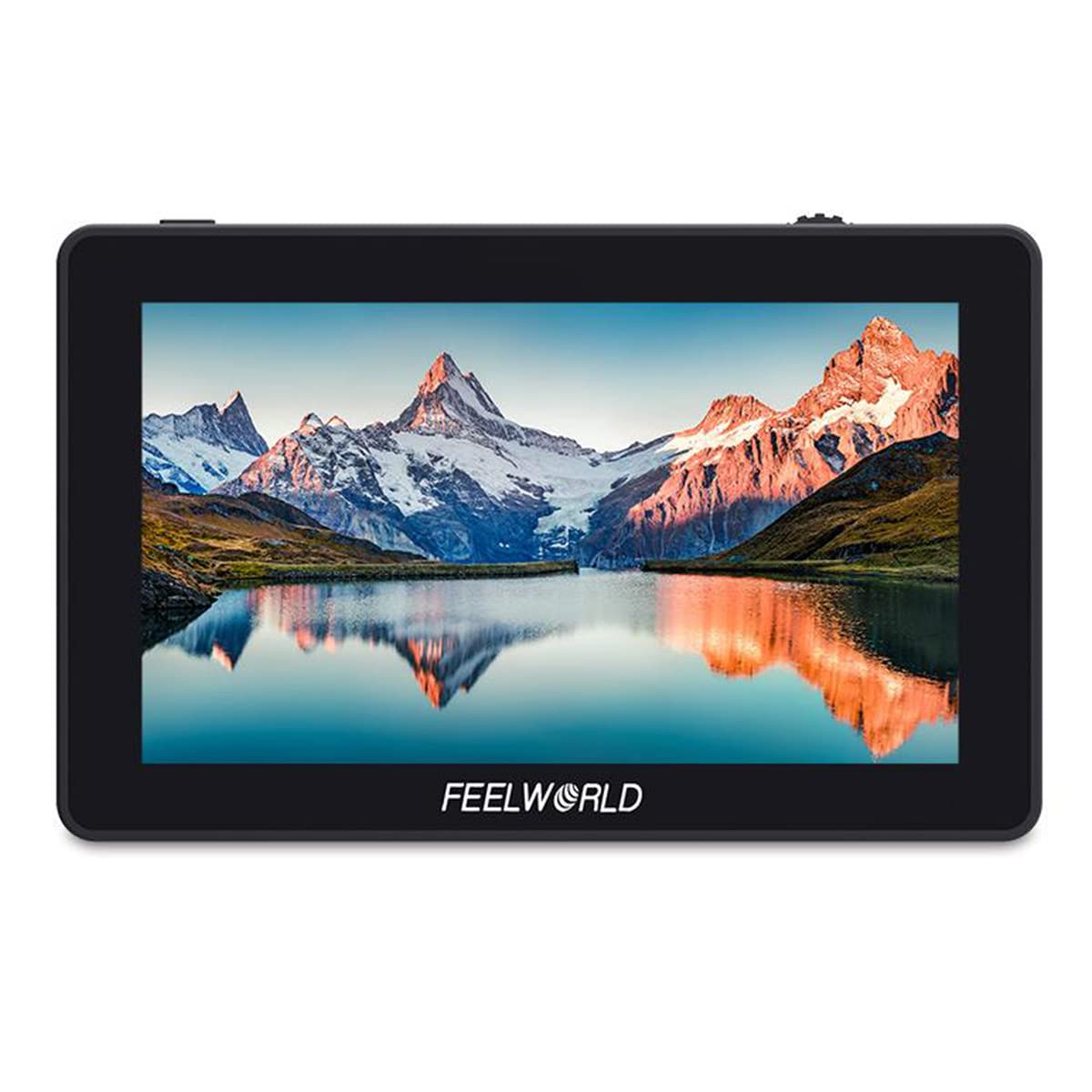
Figure 3.1: FEELWORLD F6 monitor mounted on a camera with a microphone.
Porte e pulsanti

Figura 3.2: lato view of the FEELWORLD F6 monitor illustrating its various input and output ports.
- INGRESSO CC 12V: Ingresso di alimentazione per il monitor.
- USCITA CC 8V: Power output to power compatible cameras or accessories.
- INGRESSO HDMI: HDMI input for video signal from your camera.
- AGGIORNAMENTO USB: Porta USB per gli aggiornamenti del firmware.
- 3.5mm Ear Phone Slot: Audio output for monitoring sound.
- Pulsanti funzione: Customizable buttons for quick access to monitor features.
- Pulsante Menu: Accesses the monitor's main menu.
- Rotella di scorrimento: Consente di navigare tra le opzioni del menu e di regolare le impostazioni.
4. Impostazione
4.1 Montaggio del monitor
The FEELWORLD F6 includes a tilt arm for flexible mounting options on your camera's hot shoe or cold shoe mount.

Figure 4.1: The monitor attached to a camera via the included tilt arm, allowing for angle adjustments.
- Attach the tilt arm to your camera's hot shoe or cold shoe mount.
- Securely fasten the tilt arm.
- Mount the FEELWORLD F6 monitor onto the tilt arm using the ¼-20 screw.
- Adjust the monitor to your desired viewing angle and tighten the tilt arm.
4.2 Alimentazione del monitor
The F6 monitor supports both DC power input and battery power.

Figura 4.2: Posteriore view of the monitor, highlighting the battery plate for compatible rechargeable batteries.
- Potenza CC: Connect a 7-24V DC power adapter to the 'DC IN 12V' port.
- Potenza della batteria: Attach a compatible NP-F series battery (e.g., NP-F970) to the battery plate on the back of the monitor.
4.3 Collegamento a una telecamera
Use an HDMI cable to connect your camera to the monitor.
- Ensure both the monitor and camera are powered off.
- Collegare un'estremità del cavo HDMI alla porta di uscita HDMI della fotocamera.
- Connect the other end of the HDMI cable to the 'HDMI IN' port on the FEELWORLD F6 monitor.
- Power on the monitor, then power on your camera. The video signal should appear on the monitor.
5. Istruzioni per l'uso
5.1 Funzionamento di base
- Accensione/spegnimento: Per accendere o spegnere il monitor, tenere premuto il pulsante di accensione (solitamente situato sul lato o sulla parte superiore) per alcuni secondi.
- Navigazione nel menu: Press the 'MENU' button to access the main menu. Use the scroll wheel to navigate through options and press the wheel to confirm selections.
- Pulsanti funzione: The F1/F2/F3 buttons are customizable. You can assign frequently used functions (e.g., Peaking, False Color) to these buttons via the menu.
5.2 Funzionalità di monitoraggio avanzate
The F6 monitor includes several professional tools to assist with exposure, focus, and framing:
- Filtro di picco: Highlights sharp edges in red, green, or blue to assist with focus.
- Istogramma: Displays the tonal distribution of the image, helping to prevent over or under-exposure.
- Falsi colori: Assigns specific color overlays to different exposure levels, making it easy to identify overexposed or underexposed areas.
- Esposizione (zebre): Displays zebra patterns over areas exceeding a set exposure threshold.
- Audio incorporato: Visualizes audio levels on the screen.
- Modalità anamorfica: De-comprime il cibo anamorficotage per proprio conto viewing.
- Nine Grids: Sovrappone una griglia 3x3 per facilitare la composizione.
- Ingrandire: Ingrandisce una parte dell'immagine per una messa a fuoco critica.
- Pixel-to-Pixel: Visualizza l'immagine alla sua risoluzione nativa senza ridimensionamento.
- Controlla campo: Displays only red, green, blue, or mono channels for color analysis.
- Capovolgimento immagine: Capovolge l'immagine orizzontalmente o verticalmente, utile per vari orientamenti di montaggio.
- Blocco immagine: Pauses the current frame on the screen.
5.3 Color Calibration (Rec.709 Standard)
The FEELWORLD F6 monitor is factory-calibrated to the professional Rec.709 HD color standard, ensuring accurate color reproduction.

Figure 5.1: Illustration of the Rec.709 color standard, indicating the monitor's professional color accuracy.

Figure 5.2: Visual comparison demonstrating the improved color accuracy after professional calibration.
This calibration ensures that the colors displayed on the monitor are consistent and true to the source, which is crucial for critical monitoring during production.
6. Manutenzione
6.1 Pulizia
- Per pulire la parte esterna del monitor, utilizzare un panno morbido e asciutto.
- Per lo schermo, utilizzare un panno in microfibra specificamente progettato per l'elettronica. Se necessario, dampen the cloth with a screen cleaning solution. Do not spray liquid directly onto the screen.
- Evitare l'uso di prodotti chimici aggressivi, solventi o detergenti abrasivi.
6.2 Conservazione
- Quando non in uso, conservare il monitor in un luogo fresco e asciutto, lontano dalla luce solare diretta e da temperature estreme.
- If storing for an extended period, remove any attached batteries.
- Use a protective case or pouch to prevent scratches and impacts.
7. Risoluzione Dei Problemi
| Problema | Possibile causa | Soluzione |
|---|---|---|
| Il monitor non si accende. | No power, low battery, or faulty power connection. | Check DC power connection or replace/recharge battery. Ensure power button is pressed correctly. |
| Nessun segnale video. | Incorrect HDMI connection, camera not outputting signal, or incorrect input selected. | Verify HDMI cable connection. Check camera's HDMI output settings. Ensure 'HDMI IN' is selected on the monitor. |
| L'immagine è distorta o tremolante. | Faulty HDMI cable, incompatible resolution, or interference. | Try a different HDMI cable. Adjust camera's output resolution. Move away from sources of electromagnetic interference. |
| Monitor gets hot during operation. | Funzionamento normale o scarsa ventilazione. | Some warmth is normal. Ensure adequate airflow around the monitor. If excessively hot, power off and allow to cool. |
Se il problema persiste dopo aver provato queste soluzioni, contattare l'assistenza clienti.
8. Specifiche
| Caratteristica | Specificazione |
|---|---|
| Modello | F6 |
| Dimensioni dello schermo | 5.7" IPS |
| Risoluzione | 1920 x 1080 pixel |
| Passo pixel | 0.0657 x 0.0219 millimetri |
| Proporzioni | 16:9 |
| Luminosità | 460 cd/m² |
| Rapporto di contrasto | 1400:1 |
| Retroilluminazione | GUIDATO |
| Viewangolo di ing | 85°/85° (L/R) 85°/85° (U/D) |
| Ingresso volumetage | 7 ~ 24 V CC |
| Consumo energetico | ≤ 8 W |
| Connettore di alimentazione | DC |
| Temperatura di esercizio | Temperatura di esercizio: -20 °C ~ 55 °C |
| Temperatura di conservazione | Temperatura di esercizio: -30 °C ~ 65 °C |
| Installazione | 3 x ¼-20 Thread points (top, bottom, right side) |
| Dimensioni | Dimensioni: 154 x 90 x 23 mm |
| Peso unitario | 200 grammi |
| HDMI Input/Output Support | 480i/576i/480p/576p, 1080i (60/59.94/50), 720p (60/59.94/50/30/29/25/24/23.98), 1080p (60/59.94/50/30/29.97/25/24/24sF/23.98/ 23.98sF), 4K UHD 3840 × 2160p (30/29.97/25/24/23.98 Hz), 4096 × 2160p (24 Hz) |
| Uscita audio | Jack per cuffie stereo da 3.5 mm |
| Numero di riferimento | 712350122799 |
| ASIN | B07ZR8SHZ8 |
9. Garanzia e supporto
9.1 Informazioni sulla garanzia
FEELWORLD products typically come with a limited warranty against defects in materials and workmanship. Please refer to the warranty card included with your product or visit the official FEELWORLD websito per i termini e le condizioni di garanzia specifici applicabili alla tua regione.
9.2 Assistenza clienti
For technical assistance, troubleshooting, or service inquiries, please contact FEELWORLD customer support. You can usually find contact information, including email and phone numbers, on the official FEELWORLD webposto (www.feelworld.cn) o tramite il distributore locale.
When contacting support, please have your product model (F6) and purchase information ready.


